Recipe Cost Calculator — control food costs with precision
Calculate food costs and per-portion pricing instantly with the Recipe Cost Calculator. Fine-tune profit margins and stay on top of ingredient expenses.
Example starting point only. Verify every connection and any sending, booking, inventory, approval, or handoff action before deployment.
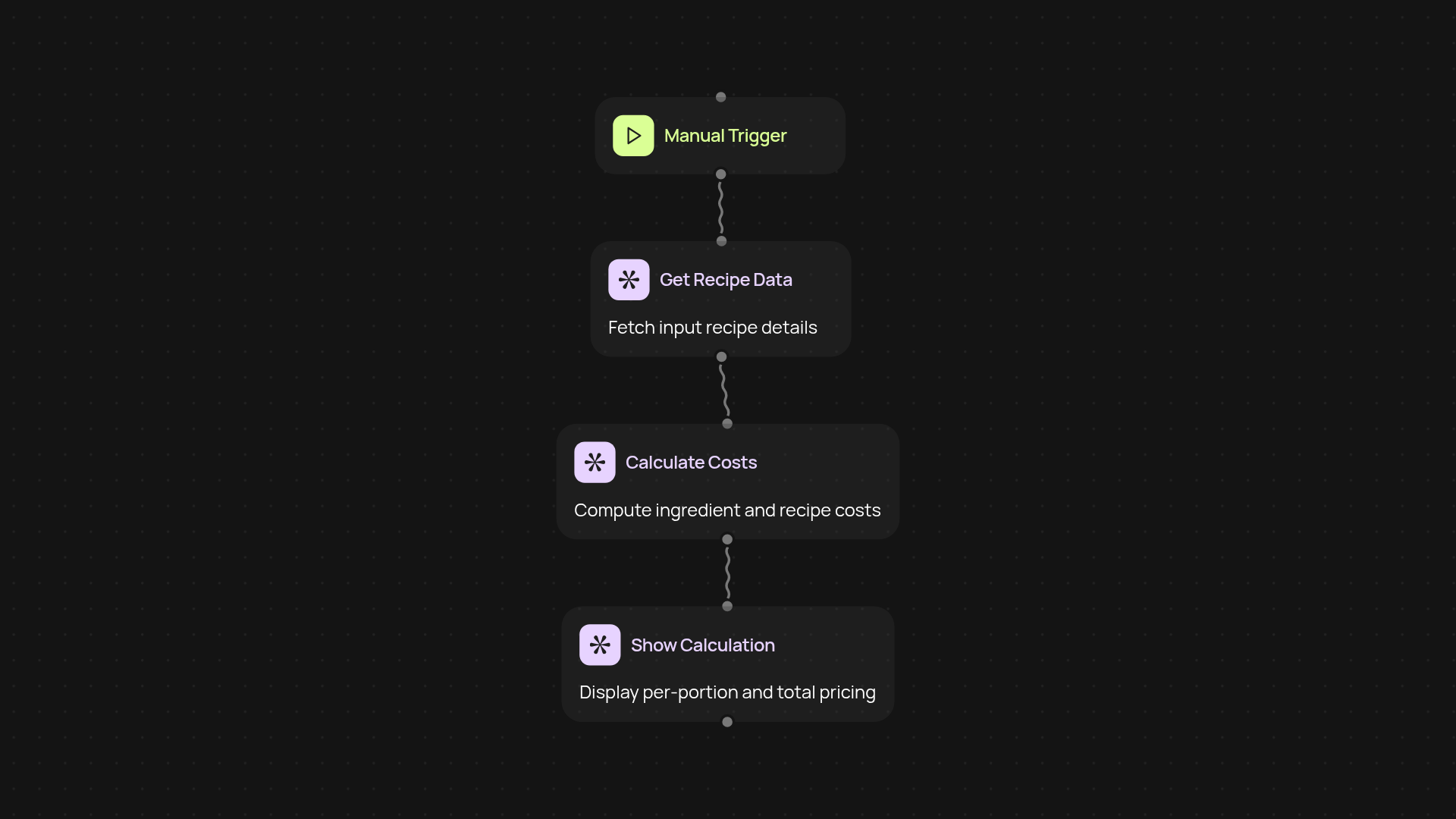
What does the recipe cost calculator do from start to finish?
The recipe cost calculator takes your list of ingredients, quantities, and current costs, then instantly works out the total recipe price and cost per portion — without any manual math or guesswork. You enter your ingredients, and within a few seconds, you have an accurate breakdown of total cost, individual ingredient costs, and suggested portion pricing. Whether you're planning for a restaurant, café, or catering menu, you'll see precise costs every time you update a recipe.
How can I track ingredient price changes automatically?
You get up-to-date ingredient pricing in the background. By updating your ingredient list, the calculator factors in the latest pricing—alerting you to changes that may impact your margins. No more re-checking supplier prices by hand. This means food cost control happens automatically, ensuring your menu prices always match reality.
Why is consistent portion pricing important for my business?
Consistent portion pricing means you always know the exact cost per serving. The calculator divides total recipe cost by your chosen number of portions, so you can adjust menu prices and set profits with confidence. This enables you to spot underpriced dishes and protect your bottom line.
What do you need to get started with the recipe cost calculator?
All you need is a recipe with listed ingredients, quantities, and latest ingredient costs. Set the desired number of servings. After that, the calculator does all the work — delivering clear cost reports every time you update a recipe. No advanced setup or special skills required.
Get started today
Your first workflow is free to build.
Describe what you need. Cody handles the build, the connections, and the deployment.