Bank Statement Extractor — skip data entry on transactions
Extract transaction data from bank statements in minutes. No more manual entry or mistakes. Import structured data instantly with AI vision.
Example starting point only. Verify every connection and any sending, booking, inventory, approval, or handoff action before deployment.
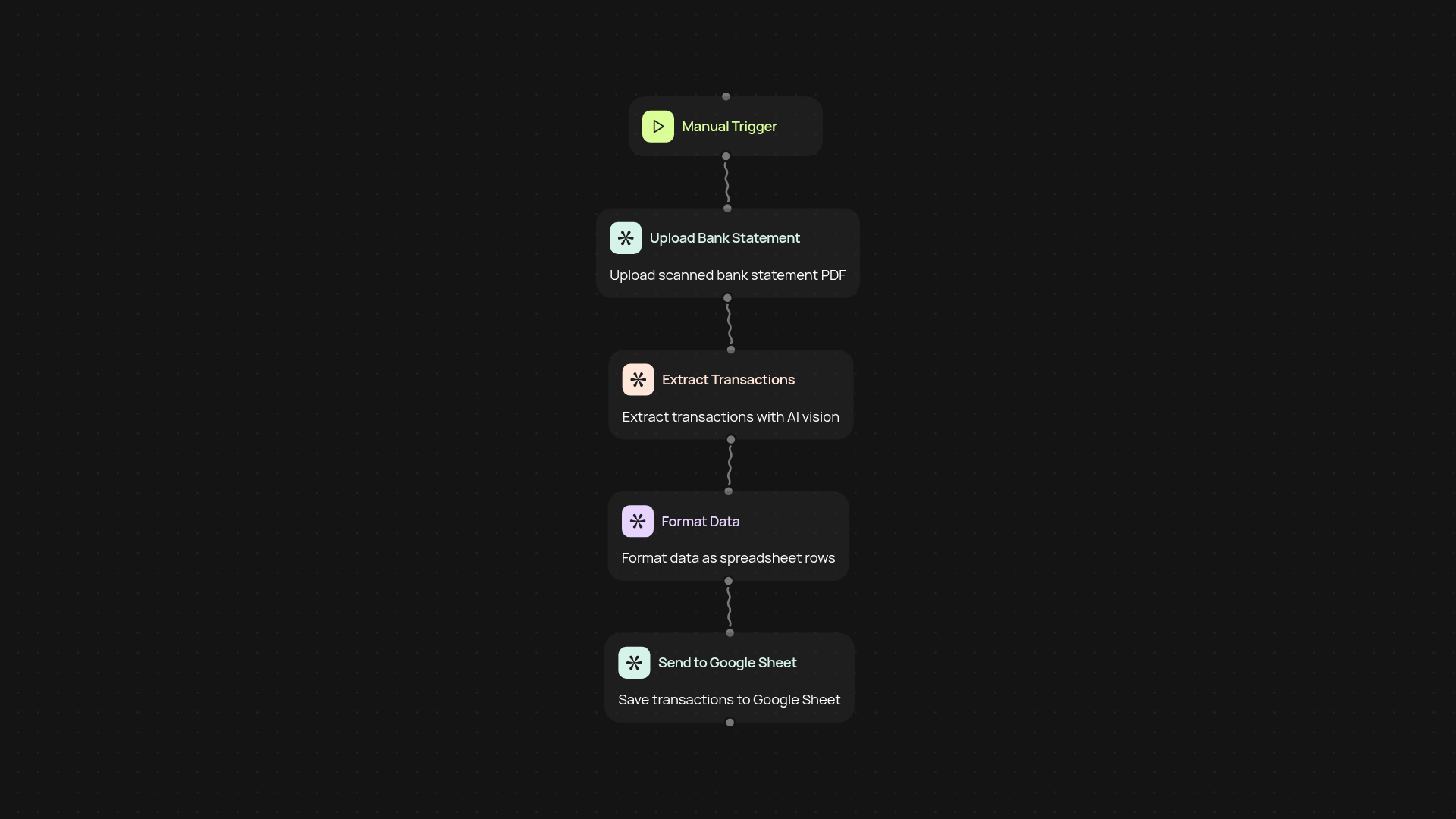
How does the bank statement extractor work for you?
In just a couple of clicks, the bank statement extractor pulls transaction details from any digital statement and transforms them into organized, easy-to-use data. Forget manual keying or hunting through endless PDFs — now you can have every transaction at your fingertips, ready for your next report or reconciliation.
Can I trust the accuracy of extracted transactions?
Yes, your data is parsed using OpenAI’s vision model, ensuring high recognition rates even with tricky layouts. Each entry is captured instantly, so you get structured, reliable results — no more copying and pasting between apps or spreadsheets.
How fast will my bank transactions be ready?
You’ll receive your extracted transactions in minutes. Upload your statement, let the extractor run in the background, and download your organized data when it’s ready. You avoid delays and errors from manual data entry every time.
What do I need to get started?
Just your bank statement in PDF or image form — no setup required. Upload your file, review the parsed results, and export them where you need them. You don’t need any coding experience to get full value from the extractor.
Get started today
Your first agent is free to build.
Describe what you need. Cody handles the build, the connections, and the deployment.