Budget Optimizer — save money with personalized budgets
Automatically analyze your spending and receive actionable budget advice using the 50/30/20 rule. from its configured trigger budgeting in minutes.
Example starting point only. Verify every connection and any sending, booking, inventory, approval, or handoff action before deployment.
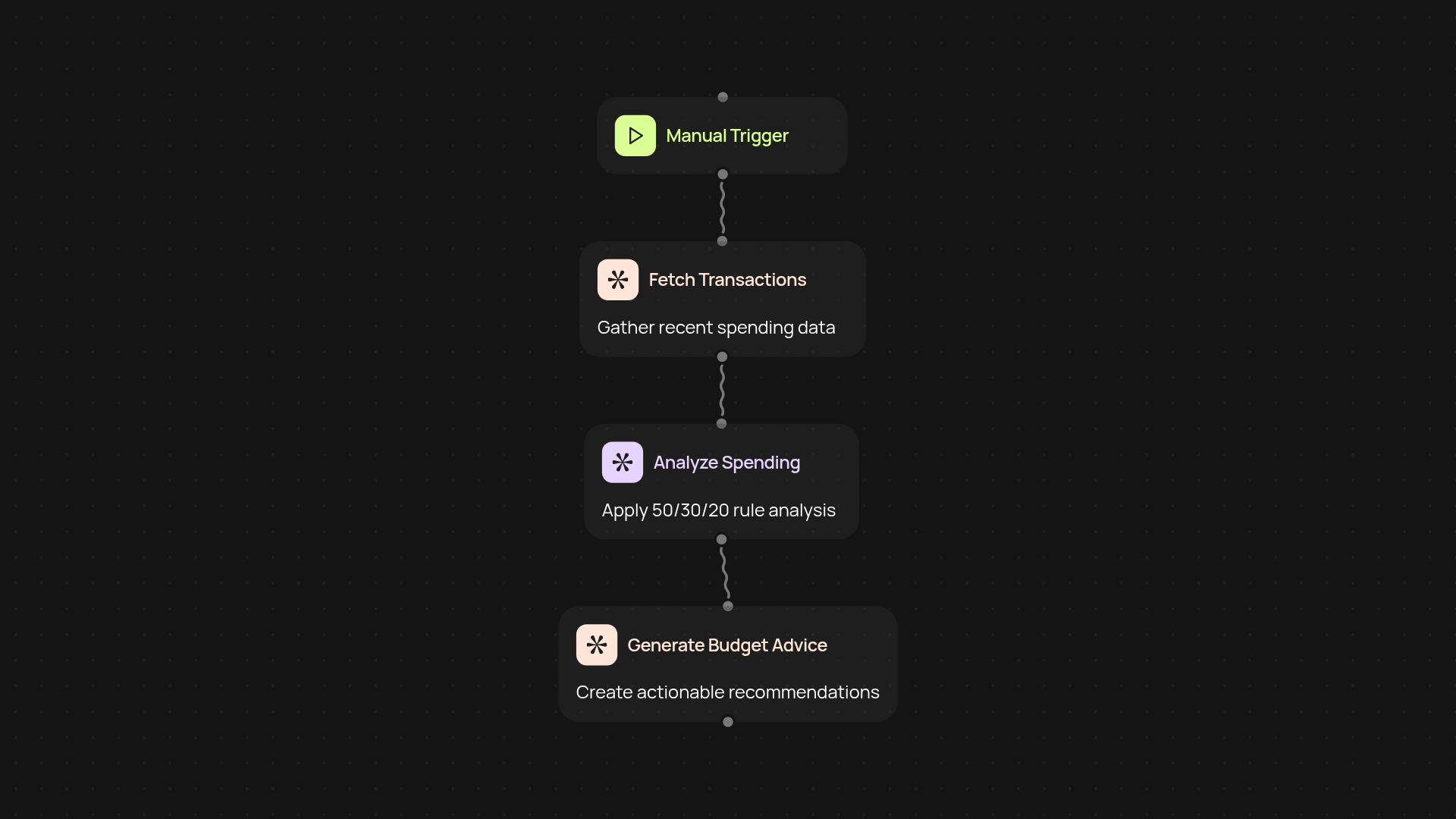
What does the budget optimizer automate for you?
The Budget Optimizer reviews your spending, analyzes patterns, and delivers tailored recommendations that follow the 50/30/20 budget guideline. Instead of categorizing transactions on your own, you get at-a-glance advice on where to cut back and how to prioritize savings, needs, and wants. This means you spend less time worrying about your money and more time enjoying it.
How are personalized budgets generated in minutes?
The process starts with your transaction data—then, CodeWords reviews your spending line by line. The tool automatically sorts your expenses into three key buckets: needs, wants, and savings. You instantly see how your current habits align with the 50/30/20 rule. You receive clear, actionable tips to help you redirect spending and set healthier money goals without manual calculations.
How can you use the optimizer to improve your finances?
Receive your budget breakdown and actionable changes straight to your email or dashboard. Make confident choices knowing your spending is organized, your priorities are clear, and your savings targets are realistic. Use these recommendations as a roadmap—no spreadsheets or guesswork required.
How do you get started with the budget optimizer?
Getting started is simple: just connect your transaction list. No technical know-how is needed, and setup only takes a few clicks. Let CodeWords handle the tedious work in the background and start making smarter financial decisions with from its configured trigger budgeting.
Get started today
Your first agent is free to build.
Describe what you need. Cody handles the build, the connections, and the deployment.