Country compliance checker — automate Excel compliance checks
Check country FATF/EU list status in Excel reports from its configured trigger. Instantly flag compliance risks and track updates without manual work.
Example starting point only. Verify every connection and any sending, booking, inventory, approval, or handoff action before deployment.
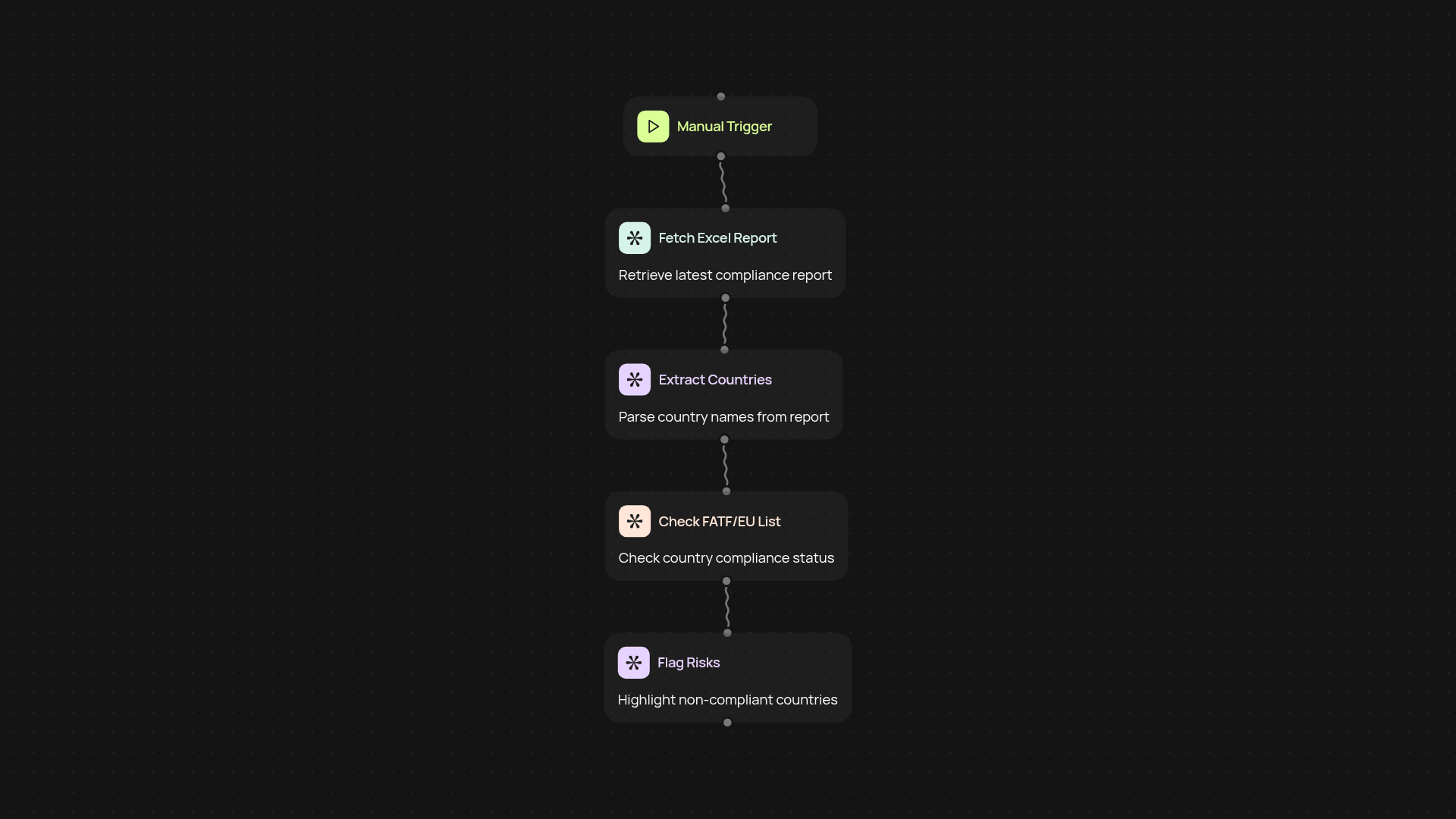
What does the country compliance checker automate for you?
The country compliance checker scans your Excel reports for country references and cross-checks them against the latest FATF blacklists, grey lists, and the EU non-cooperative jurisdictions list. Flags appear next to high-risk countries—giving you peace of mind that your reports are always up to date, after setup and review.
How are compliance risks identified and flagged?
You get quick answers. This automation pulls the latest lists and reviews every country entry in your report. If there’s a listed jurisdiction, it’s instantly tagged for compliance follow-up. That means no more missing updates or putting clients at risk due to out-of-date information.
Can it handle report updates as lists change?
Yes—as soon as blacklists or country data change, your next scan will reflect it. This keeps your records aligned with the official lists and helps you maintain compliance standards easily. No need to manually check lists or worry about missing changes.
How do you get started with the country compliance checker?
All you need is your Excel report file and access to CodeWords. Just upload the file, select the compliance lists you want to check, and run the automation. You can set it on a schedule or trigger it manually—saving you hours each week and making compliance checks hassle-free.
Get started today
Your first agent is free to build.
Describe what you need. Cody handles the build, the connections, and the deployment.