February 18, 2026
February 18, 2026

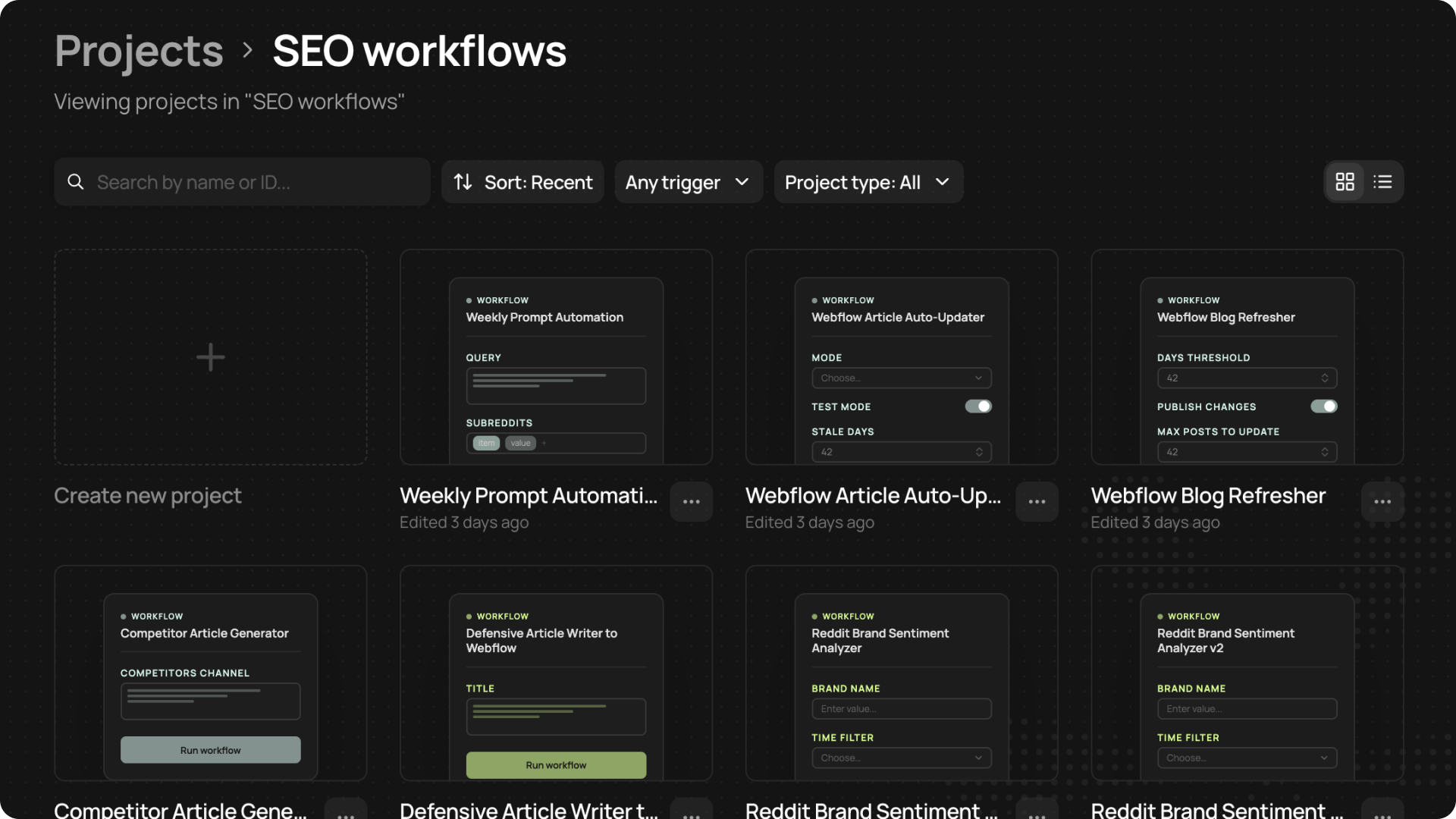
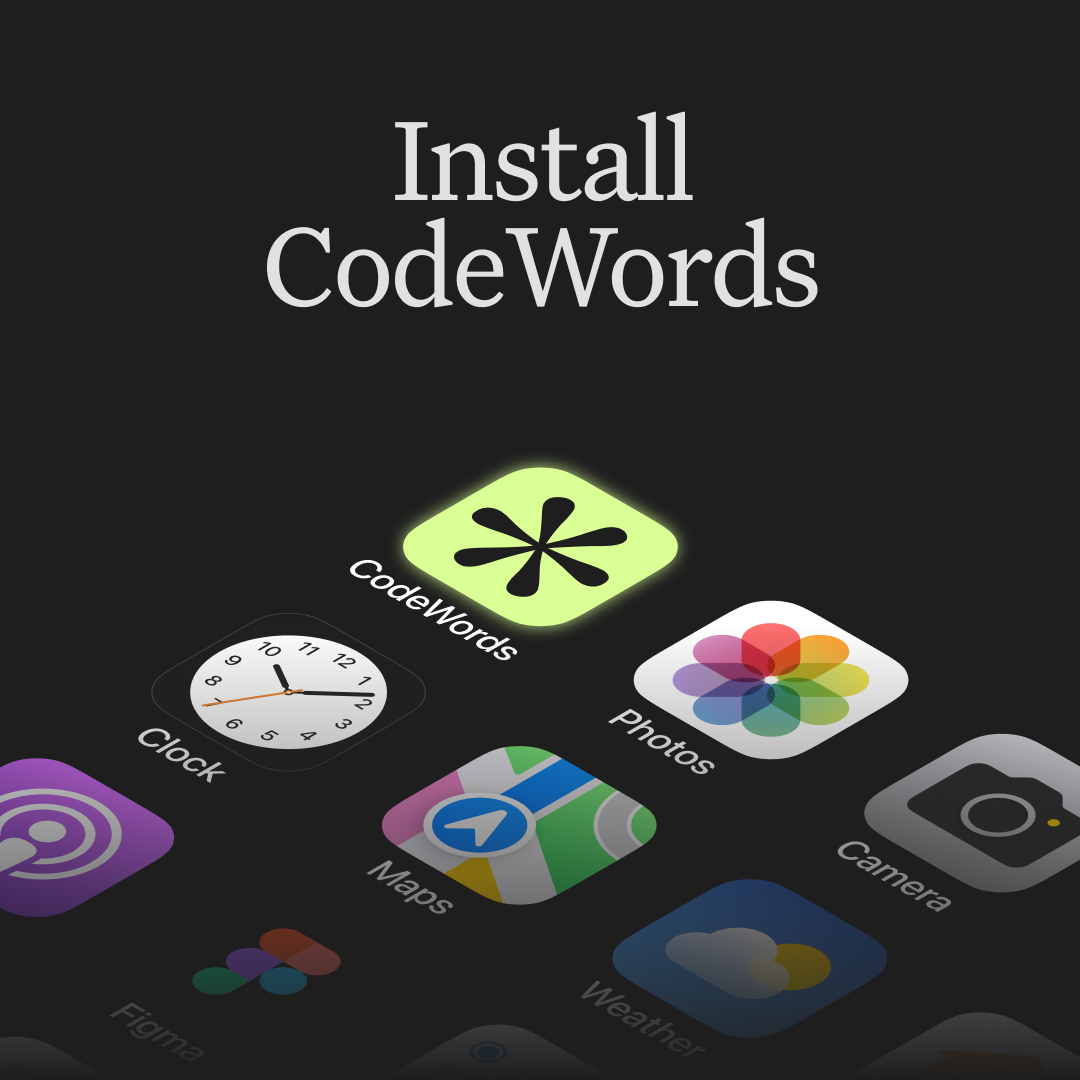
Install CodeWords

CodeWords is now available on your home screen and from your dock.

Get instant access to everything you're building, without switching tabs.

Install it here → https://docs.codewords.ai/resources/install-codewords

February 9, 2026
February 9, 2026

Changelog (February 9, 2026)

  • Easily find what you’re after with our refreshed template category tags and improved template search.
  • Behind-the-scenes, bug reports now get assigned and fixed faster.
  • We’ve improved the Triggers page loading time so it stays reactive regardless of how many triggers you’re setting up.
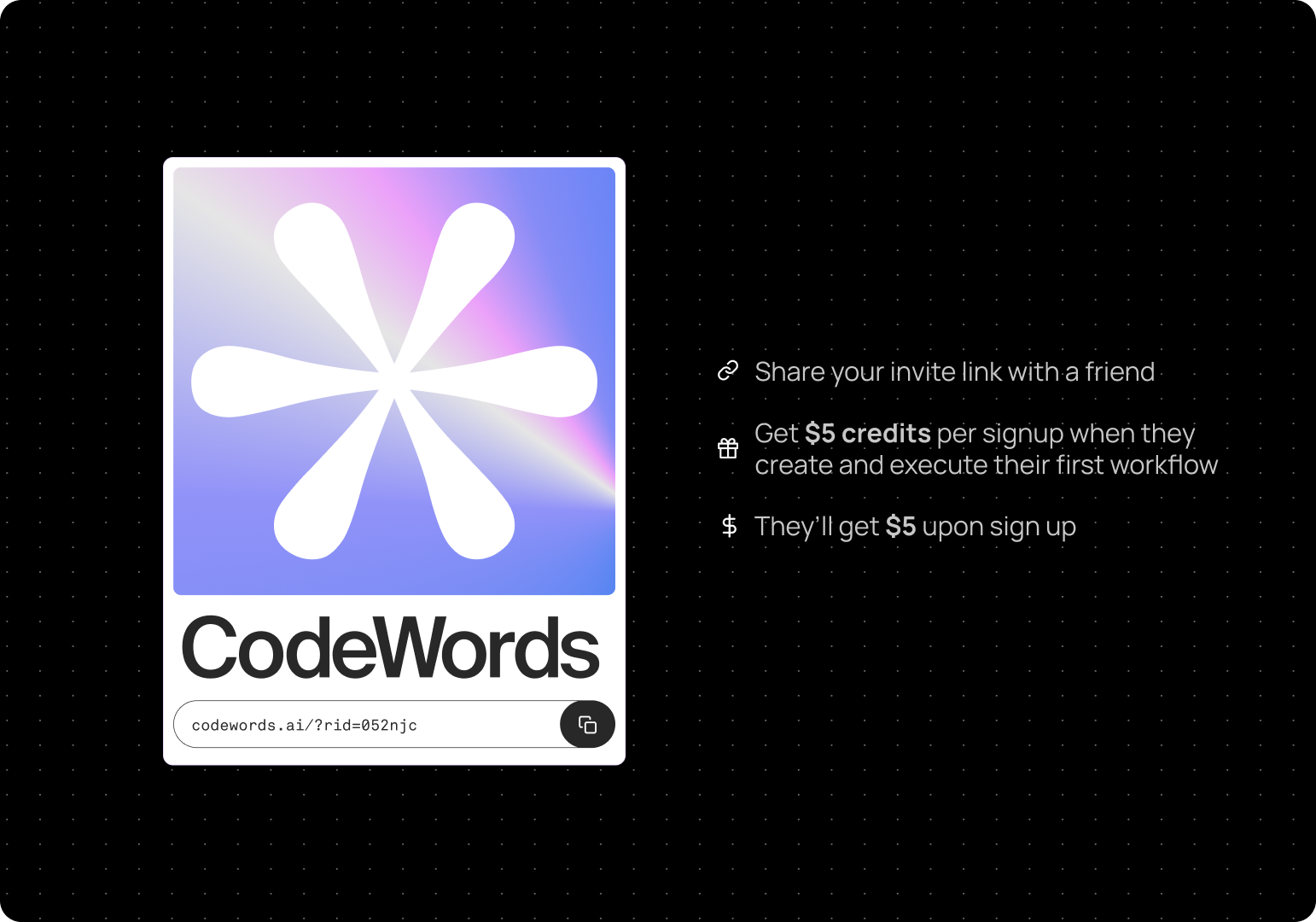
  • We made some fixes to Referral Program links so they’ll always send recipients to the correct domains.
  • Claude Opus 4.6 is now available in all your chats with Cody.
February 9, 2026
February 9, 2026

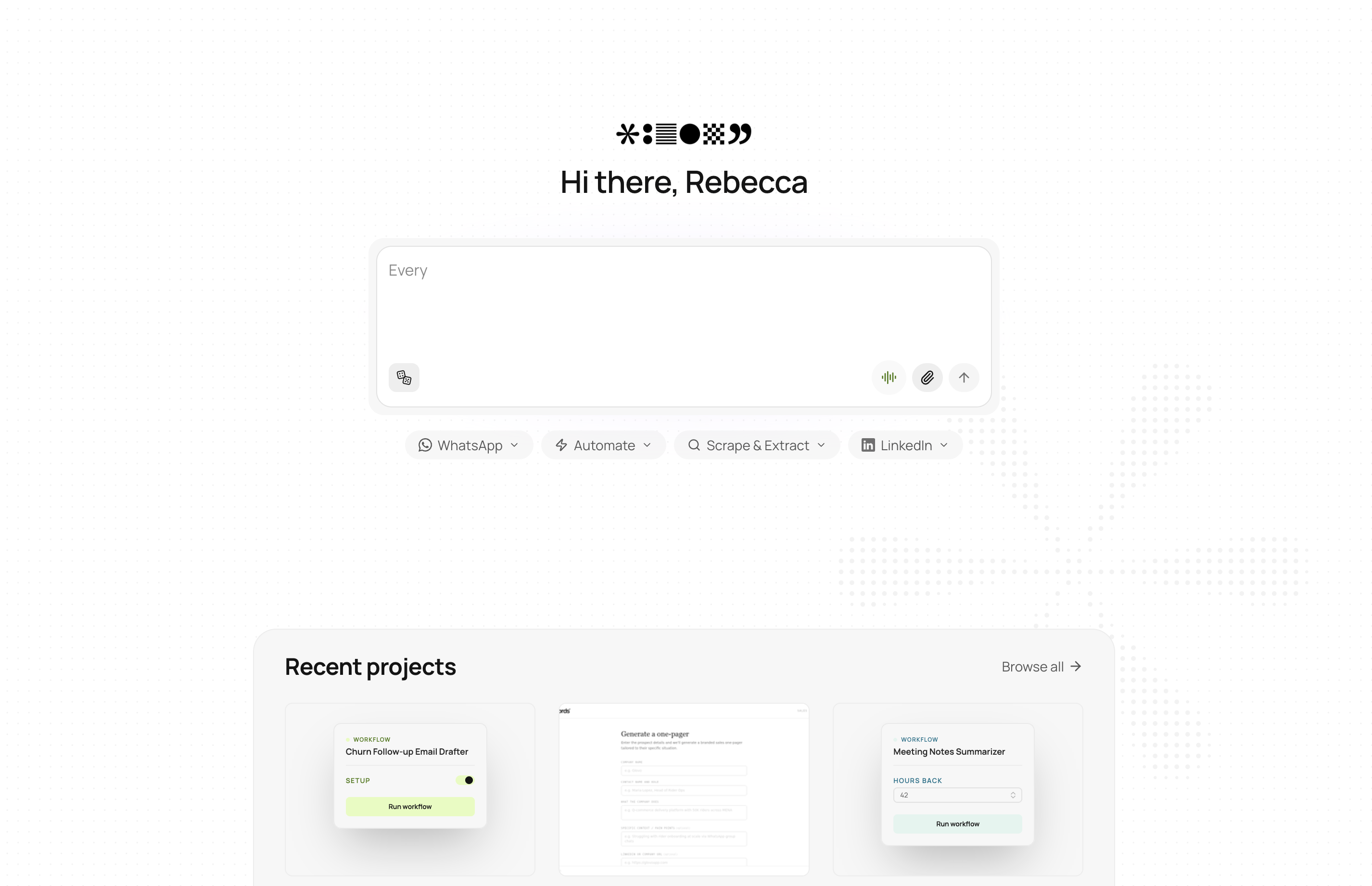
New design details

We’ve been busy adding some quality of life updates and product details to make every feature feel thoughtful.

What’s new:

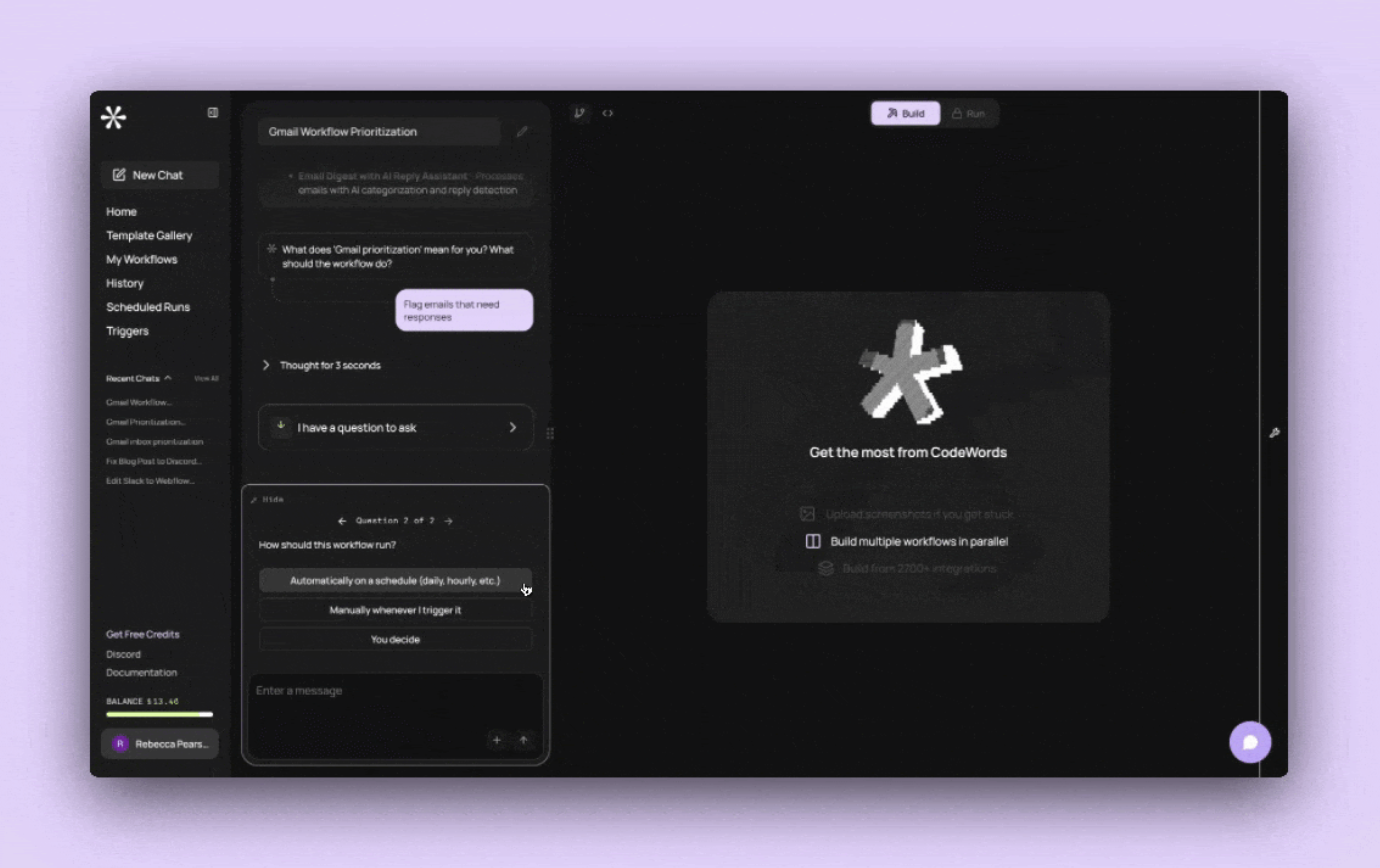
  • Feature pop-ups: Every time a new update is added to the product, you'll find all the details in our pop-up when you login.
  • New sidebar: We’ve given the sidebar some love and tidied its appearance to make way for new CodeWords features coming soon.
  • Language refresh: Cody’s language is now more conversational as it builds.
  • Timestamps: Now added to each chat message.
February 9, 2026
February 9, 2026

More credits with subscriptions

Subscribe once, get bonus credits every month — completely on us.

What you get:

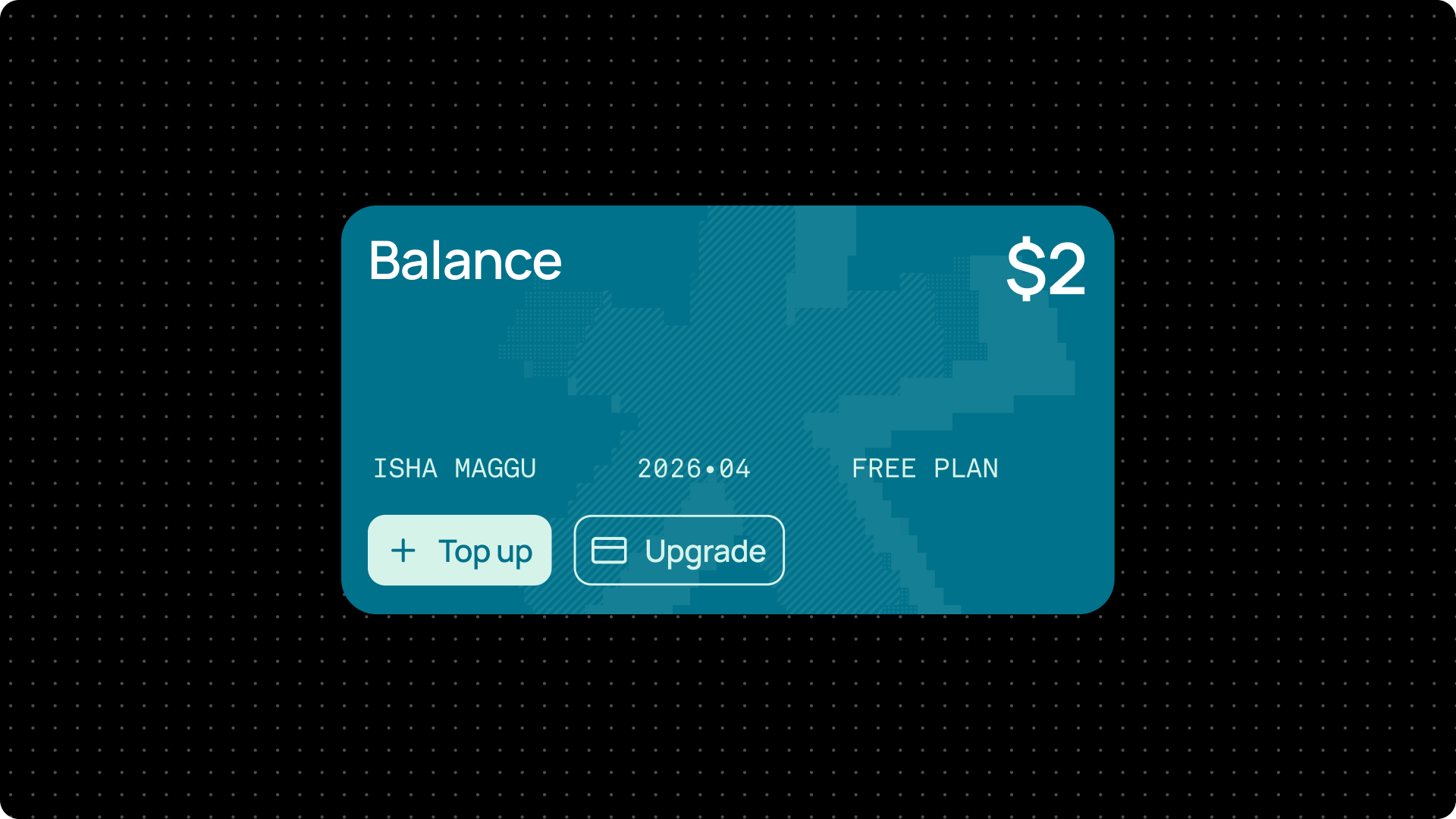
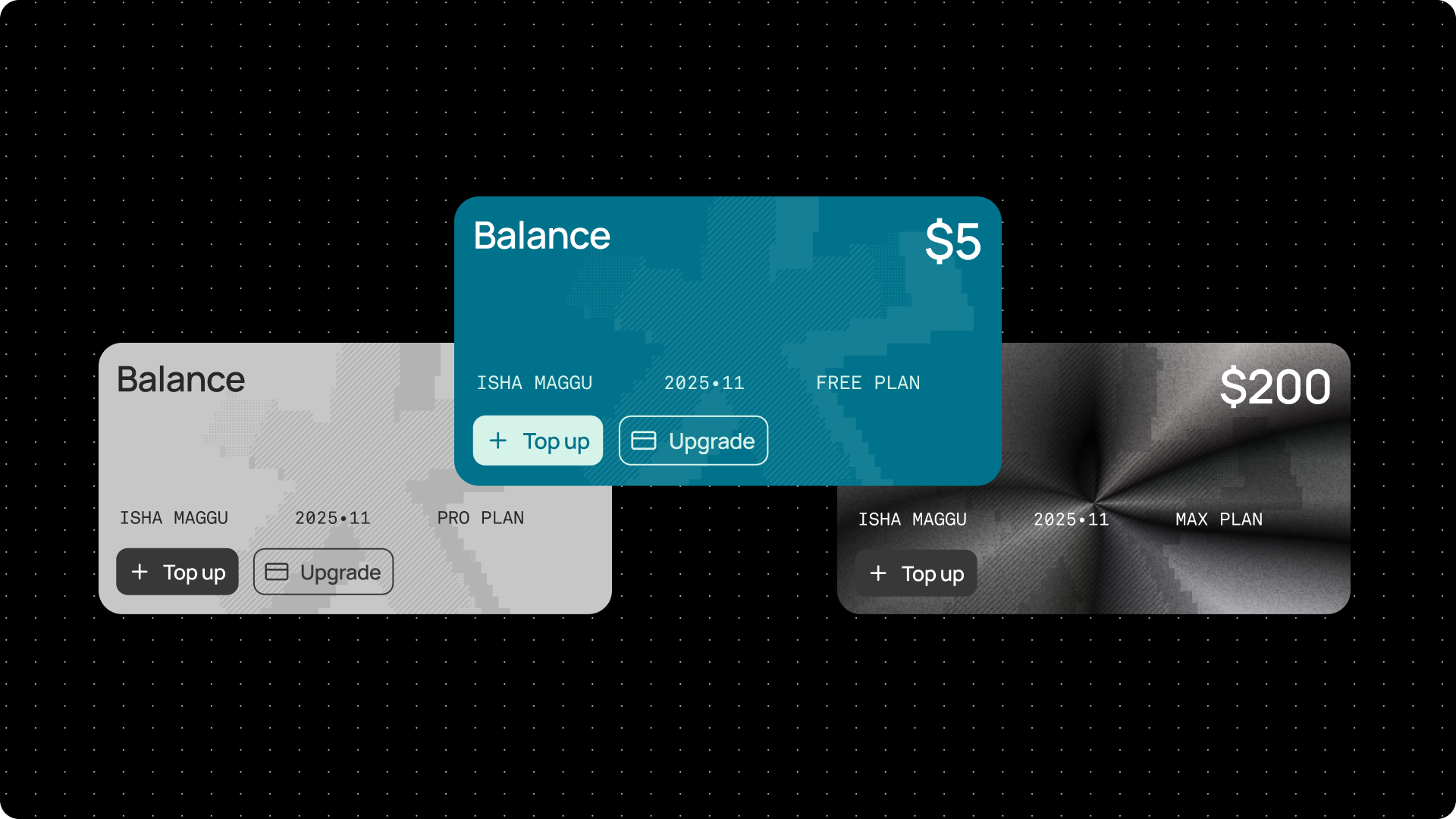
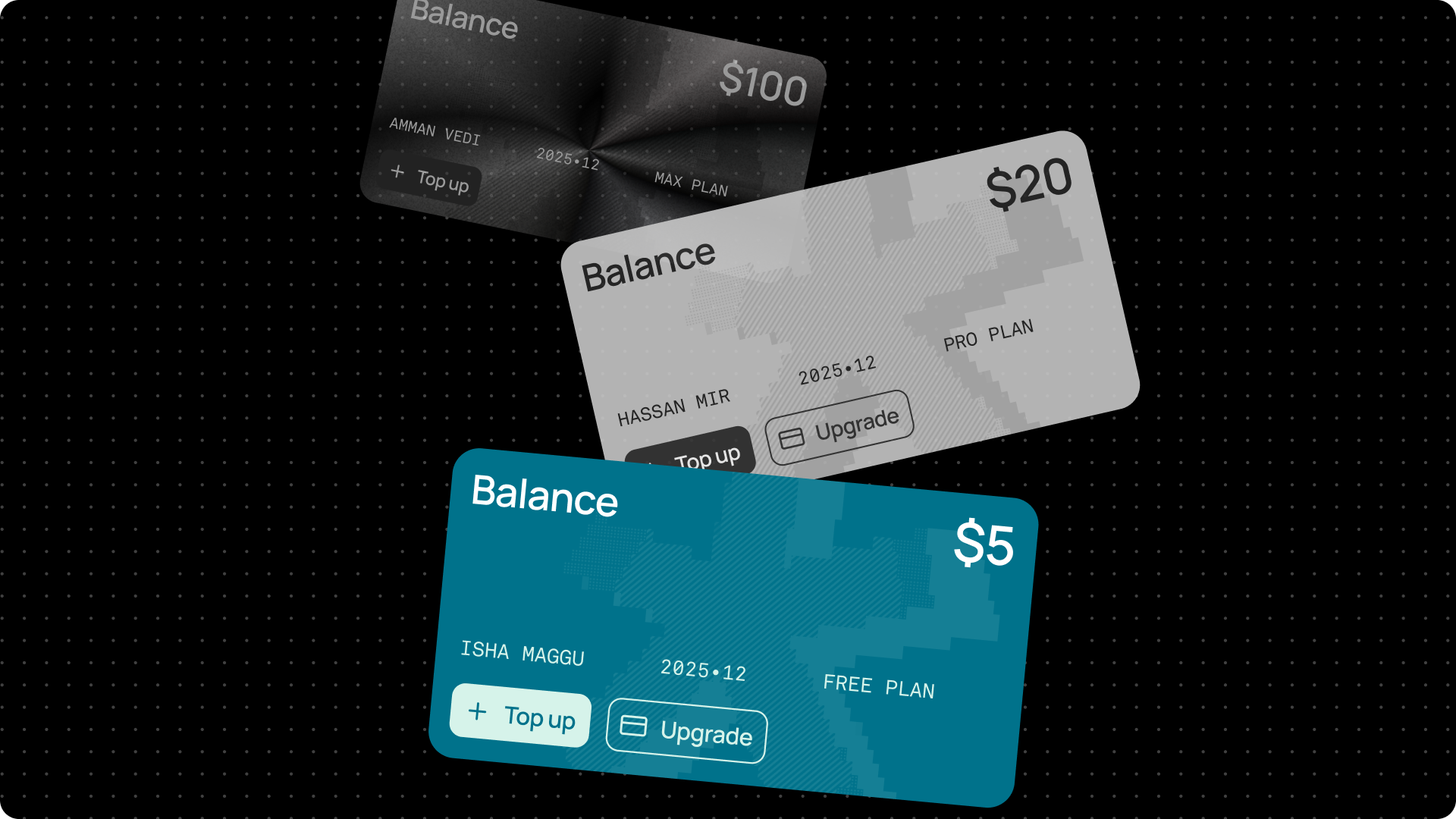
  • Subscribe to our Pro plan ($20/month) for $30 worth of credits each month, and 50% more credits every time you top up.
  • Subscribe to our Max plan ($100/month) for $200 worth of credits each month, and 100% more credits every time you top up.

Visit the Wallet page to subscribe.

February 3, 2026
February 3, 2026

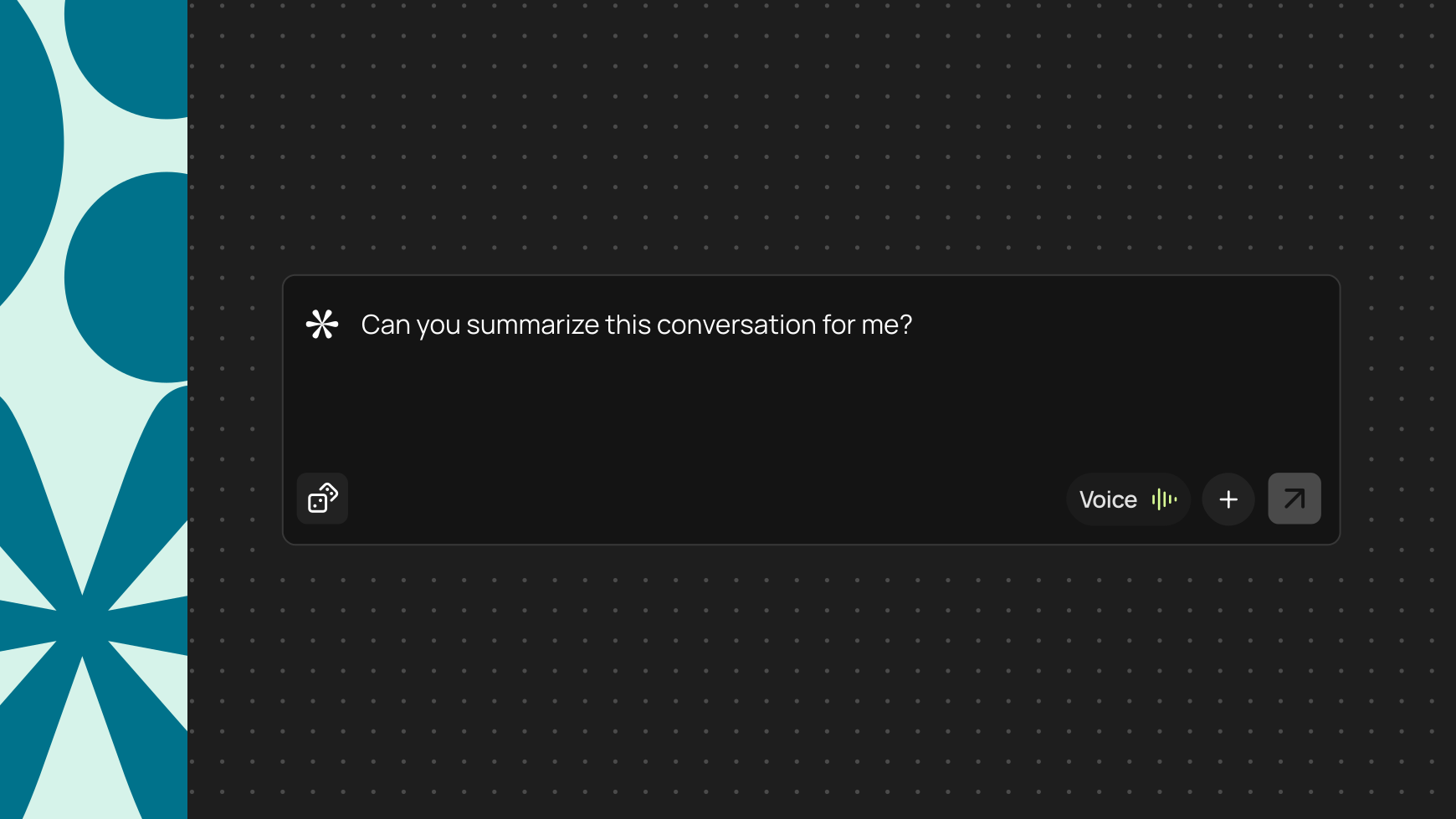
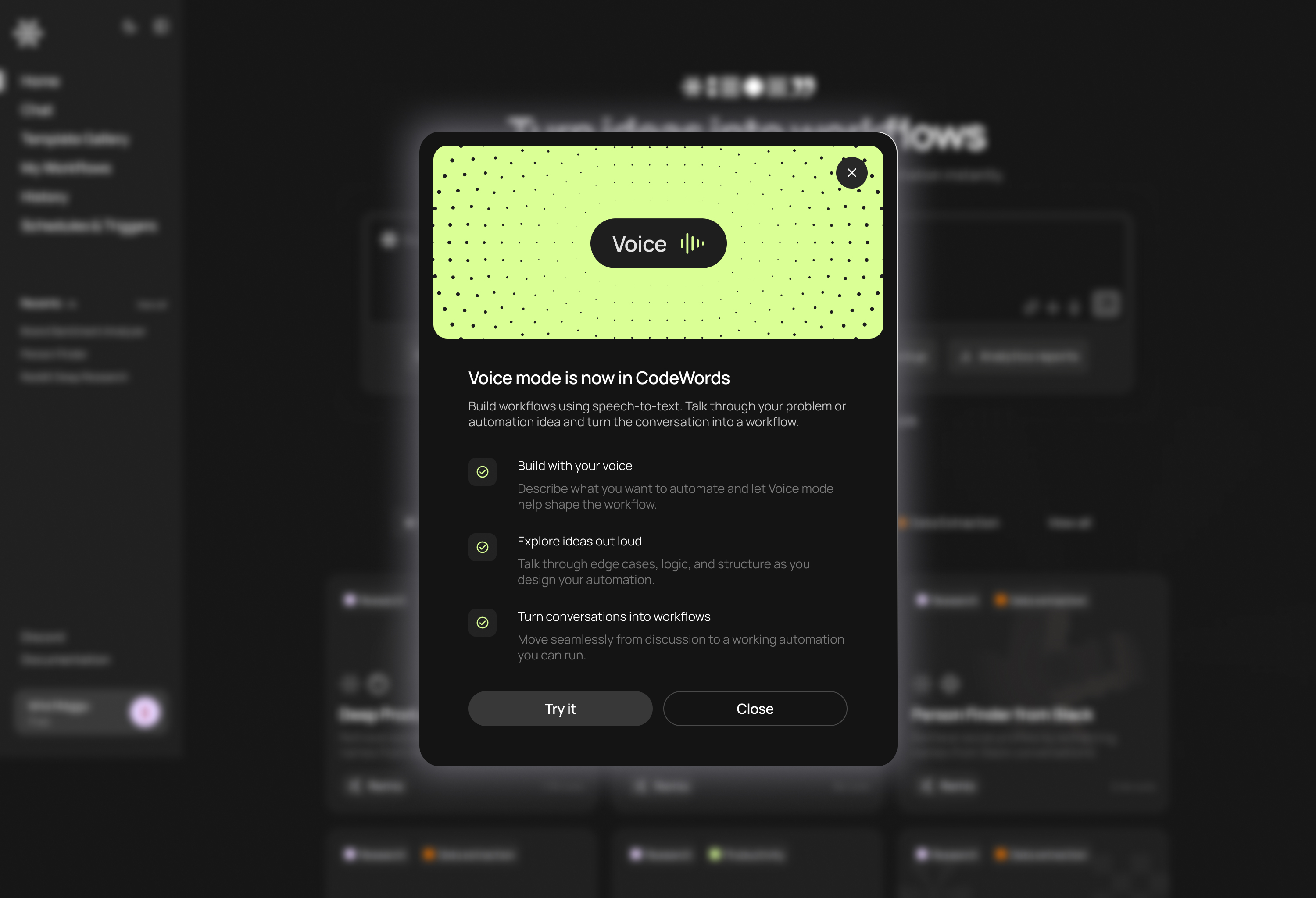
Introducing voice mode

The latest way to build.

  • Build using your voice: Describe what you want to automate and let Voice mode help shape the workflow.
  • Explore ideas out loud: Talk through edge cases, logic, and structure as you design your automation.
  • Turn conversations into workflows: Turn vague ideas into working automations.
January 14, 2026
January 14, 2026

A cleaner, more focused workspace

Work your way. Open the sidebar when you need it or go chat-only — adapt your workspace to how you want to build.

What’s new:

  • Chat-only view: Close the graph and focus entirely on your conversation with Cody. Use ⌘+B to toggle instantly.
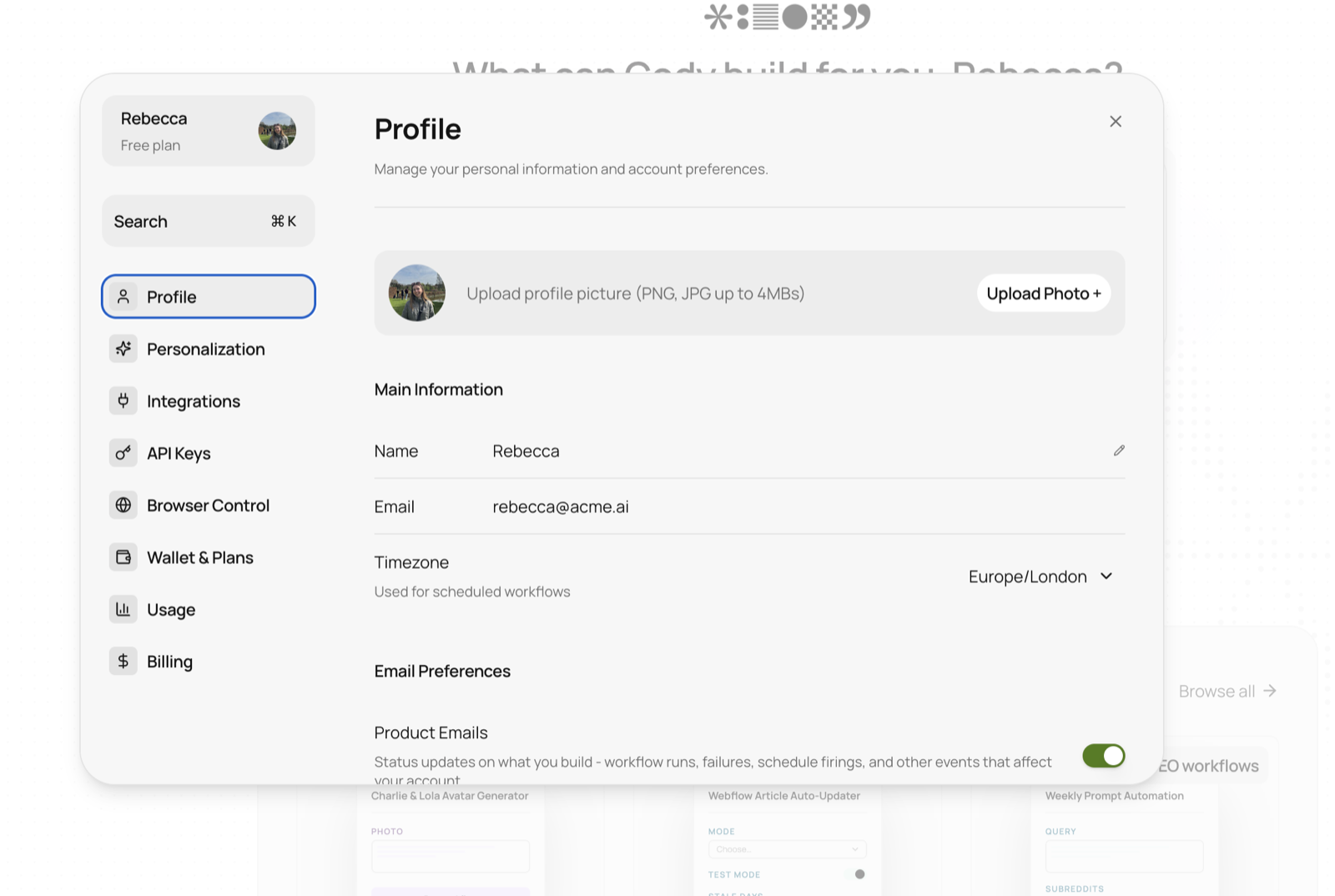
  • Collapsed sidebar: Access your account menu only when you need it — click your name to expand.
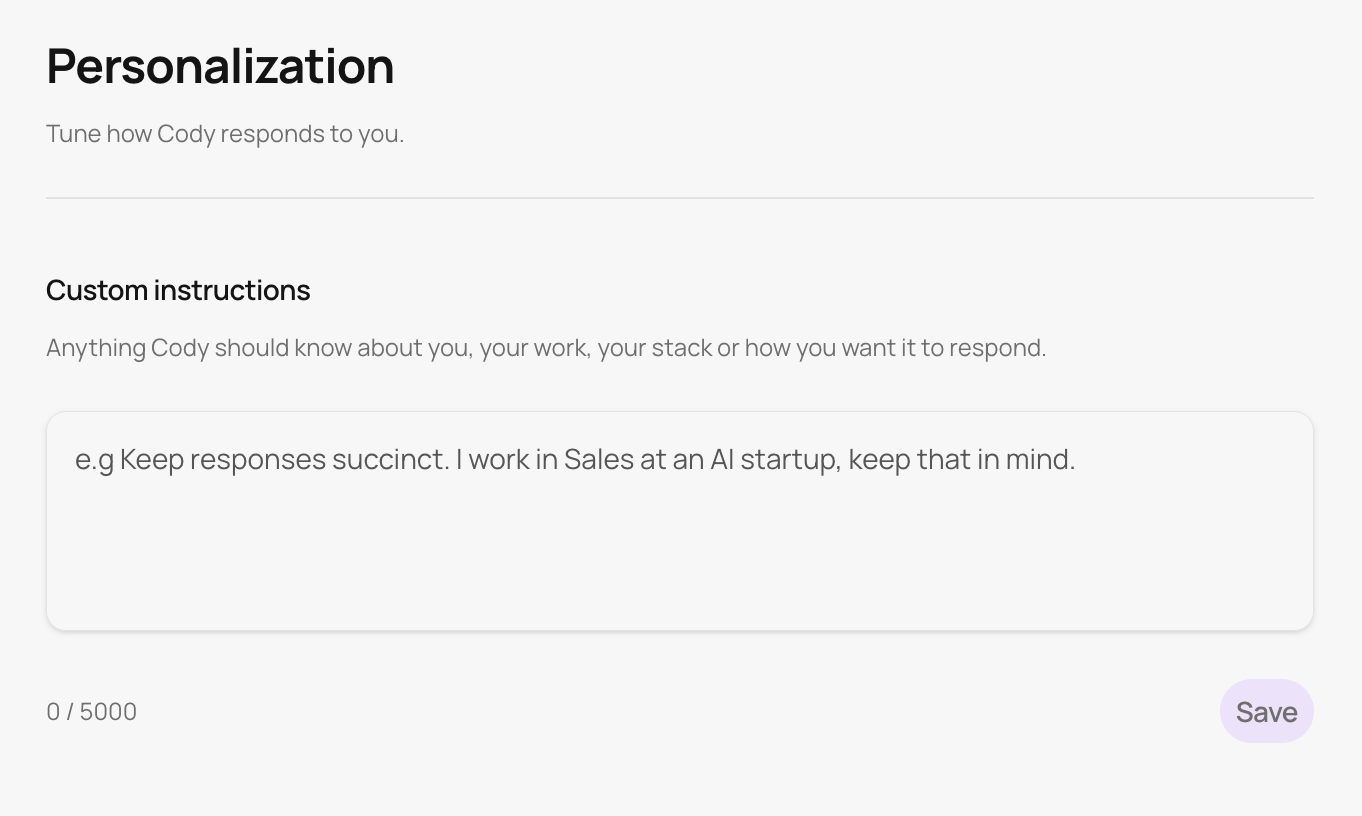
  • Smarter Cody: Get more succinct, personalized responses that help you move faster.

January 14, 2026
January 14, 2026

Keep scaling with subscriptions

Subscriptions are here. Get easy access to increased limits, priority support, and everything you need to build faster and smarter.

We’ve added:

  • Free, Pro, and Max plans.
  • New payment methods, including PayPal.
  • Clearer reactivation and subscription plan messaging.

Visit the Wallet page to see how subscriptions work.

January 14, 2026
January 14, 2026

The latest Templates just dropped

The latest batch of automations just landed in the Template Gallery, giving you more instant starting points across common use cases.

Our favorites:

Head to the Template Gallery to see all the latest pre-built automations.

January 14, 2026
January 14, 2026

Changelog (January 14, 2026)

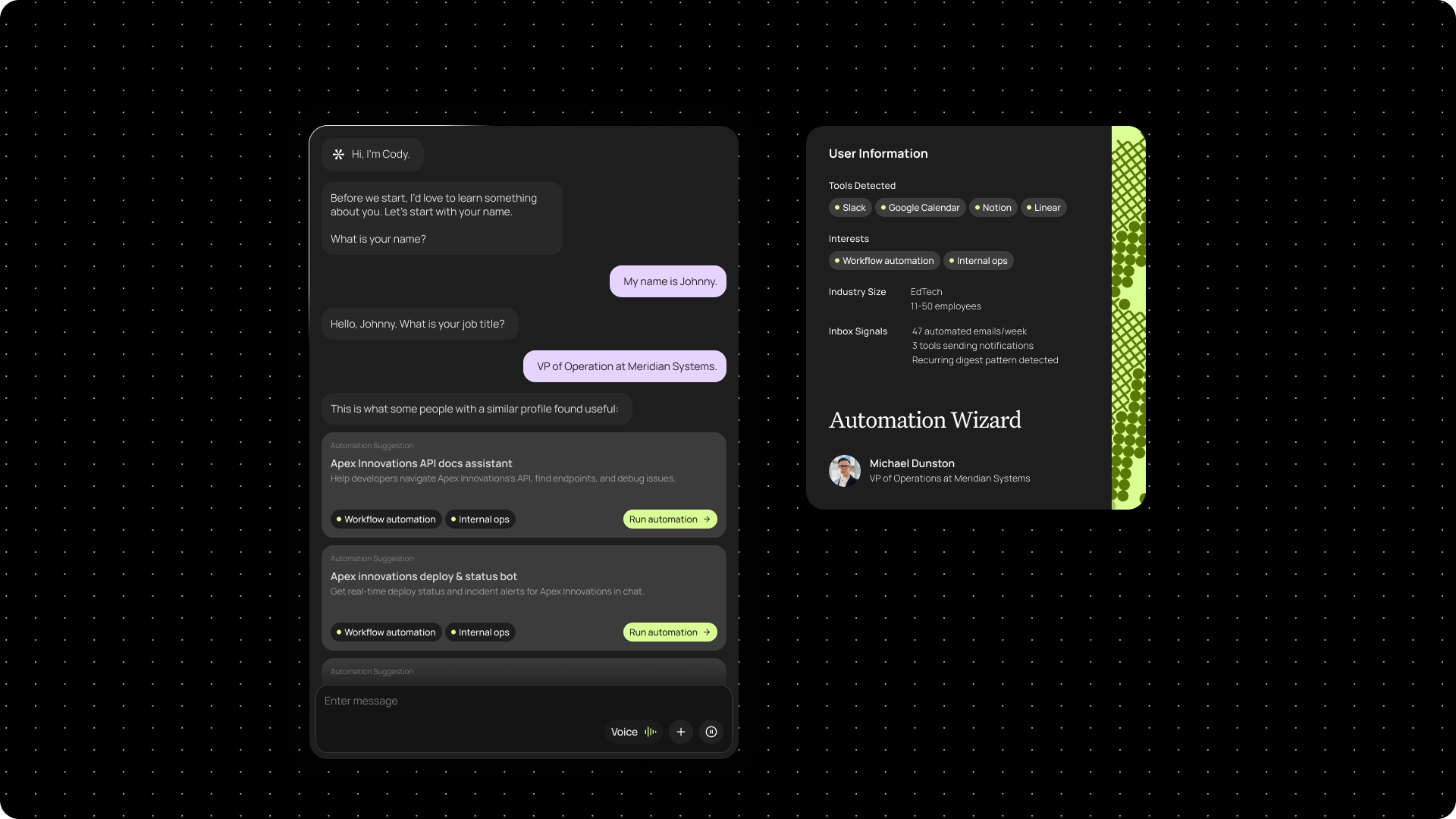
  • New around here? Our updated onboarding flow now includes an interactive tutorial and personalized guidance to help you build your first workflow.
  • Our interface now adapts well to different screen sizes, giving you a smoother experience.
  • Tooltips have been updated across the platform so when you hover on a button, you know what to expect.
  • We’ve made updates across our documentation to more accurately reflect your experience in the platform.
  • A Security page has been added to our documentation so you can access the latest updates and information about how CodeWords protects your data.

December 4, 2025
December 4, 2025

Unlock the latest in AI

Did you know you can ask Cody to use any AI model you want? We give you access to the latest models so you can always build with the best.

What’s new:

  • Claude Sonnet 4.5 landed in CodeWords so you get the best all-round intelligence model for your builds.
  • Gemini 3 Pro is now available for enhanced reasoning and text generation.
  • Build with Nano Banana Pro to automatically create high-quality images from text prompts within your workflows.
  • Generate high-quality videos with Veo 3.1 — just start from text, images, or references. Great for content creation and product showcases.
  • We recently added the Perplexity library service and made updates to make sure it works smoothly within your automations.  

December 4, 2025
December 4, 2025

More intuitive chats

We've been listening to your feedback and made several improvements that make chatting with CodeWords feel more natural and intuitive.

What you get:

  • When you're reviewing and approving next steps, the popup panel now moves more naturally. It also includes the ability to slide it down when you're done.
  • We've refined the review and approval flow based on what you told us, making it easier to understand what you're reviewing and what happens next.
  • New visual cues have been added to the chat so you know when and where to add input.

December 4, 2025
December 4, 2025

Changelog (December 4, 2025)

  • Video costs are now accurate across the platform — from estimates in chat to the final amount on your invoice.
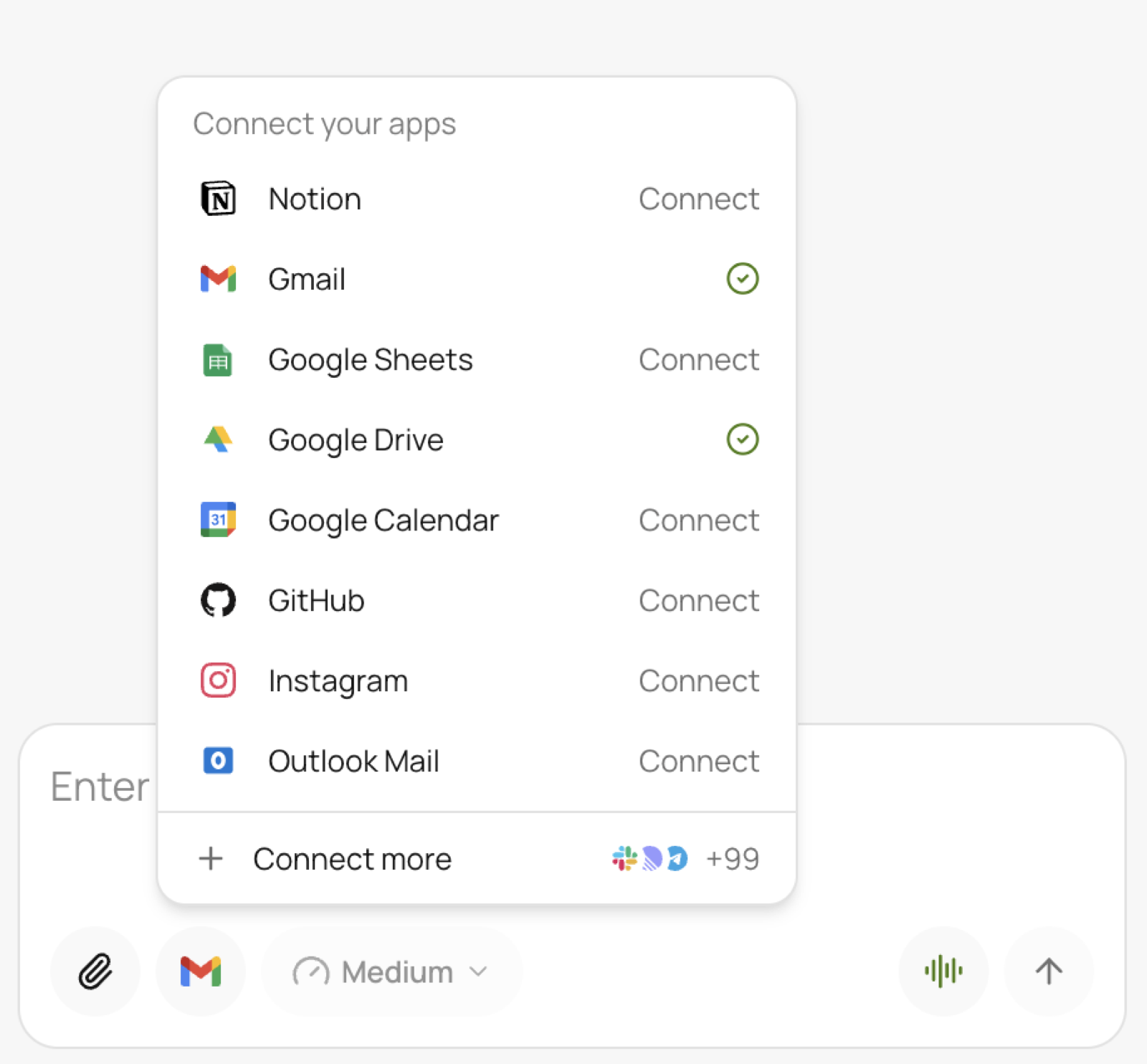
  • Connecting to your tools from the sidebar now works reliably, so you won’t run into mysterious setup failures.
  • We’ve made WhatsApp automations more reliable; no more confusing error messages or sudden breakages.  
  • Our WhatsApp documentation has been updated with clear examples and instructions you can follow when building automations for Groups or Direct Messages so you get your ideal result faster.
  • There’s now cleaner schedule saving — rapid clicks no longer create duplicated schedules, and unchanged schedules now stay valid when you click “save”.
  • We’ve fixed display issues where text was appearing invisible (white text on a white background).
  • Error notifications are now clearer and easier to resolve. Simply “click-to-fix”.
November 18, 2025
November 18, 2025

Your workflows, your way

It’s now easy to edit, personalize, and organize your workflows to suit your needs.

Now you can:

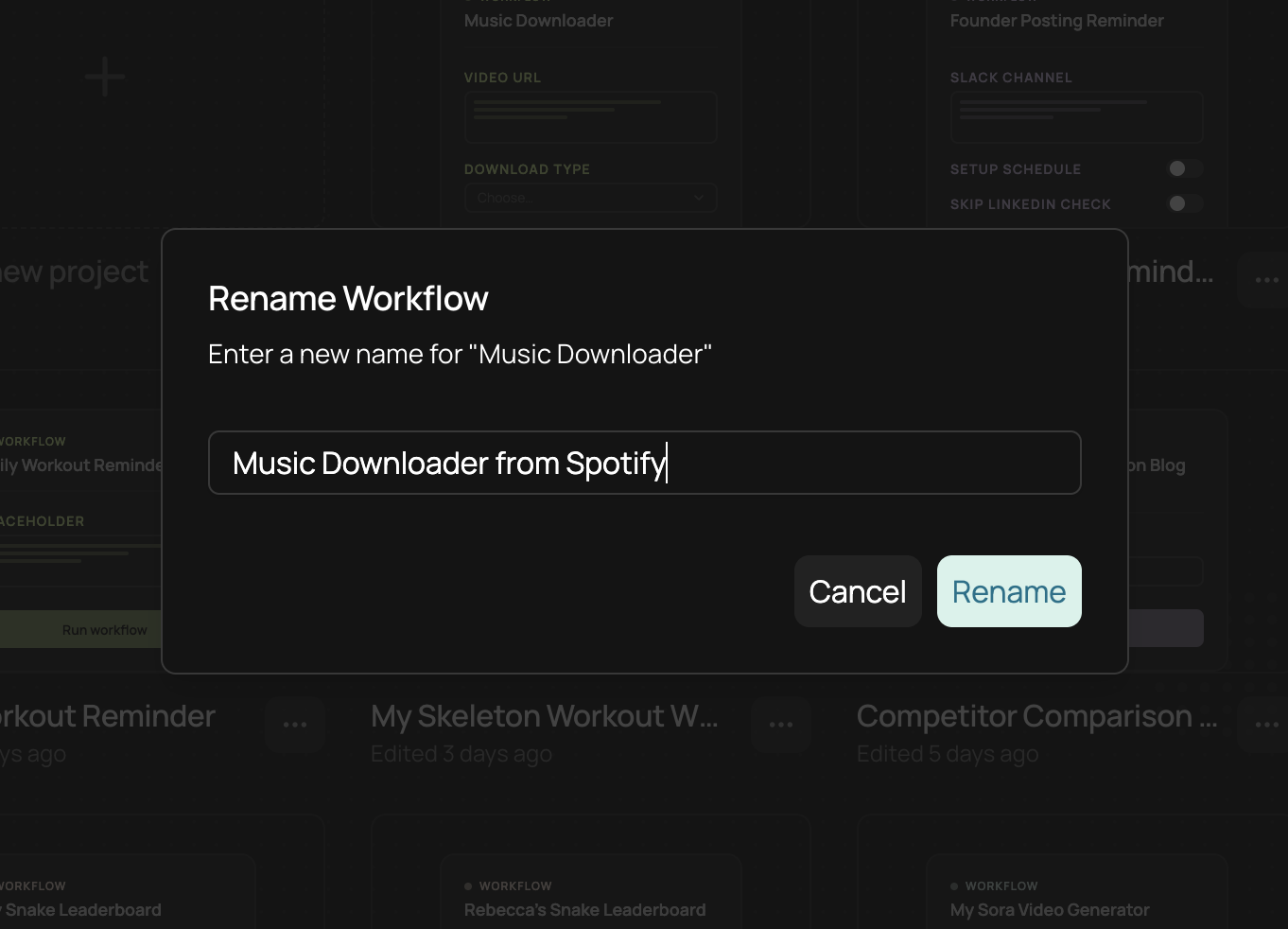
  • Quickly rename your workflows from the My Workflows page so you can always find what you need.
  • Rename your chats from both the chat history page and chat interface.
  • Chats are now sorted by ‘last updated’ instead of when they were created. Active conversations now appear at the top so you can quickly jump back in to where you left off.
November 18, 2025
November 18, 2025

Updated price transparency

We're continuing to update and improve our pricing transparency across our product and marketing site.

What’s new?

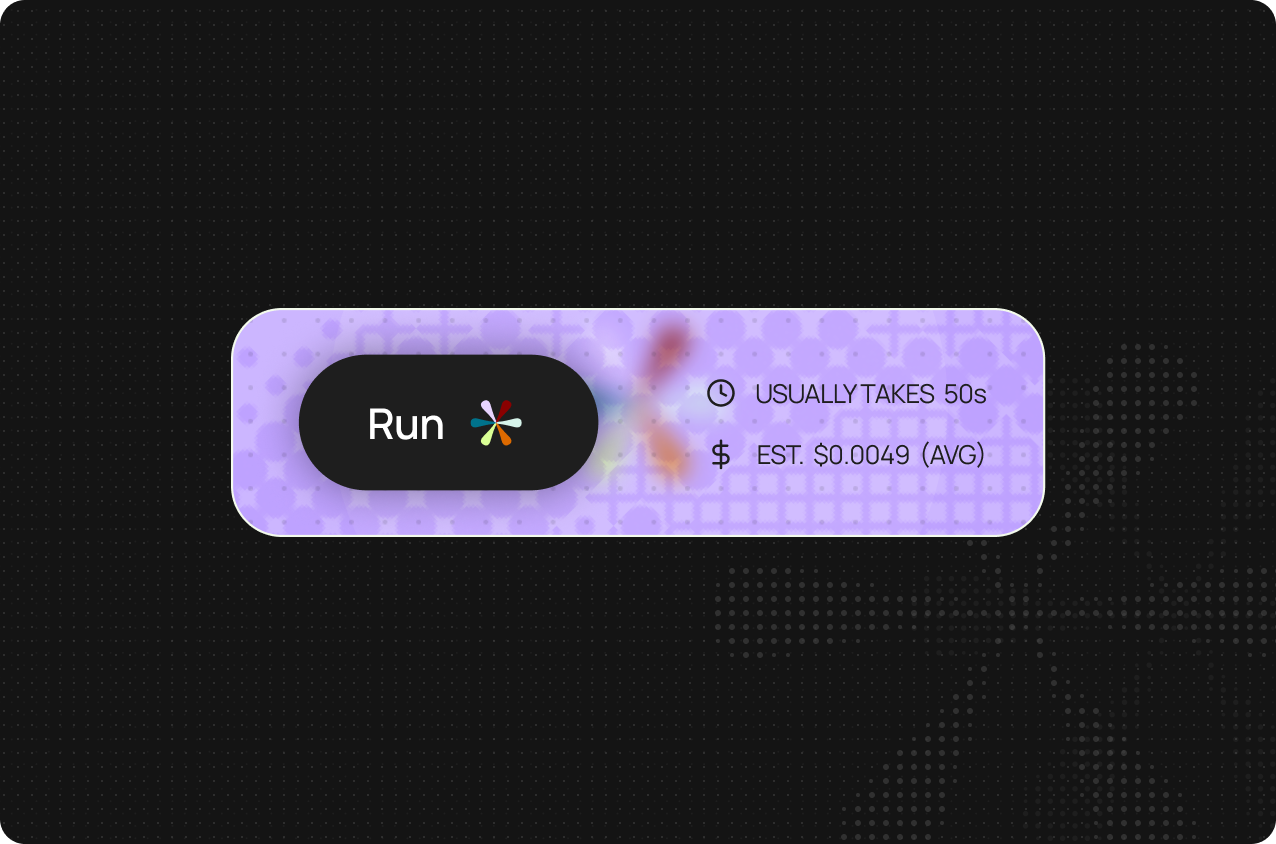
  • Run pages now show the estimated average cost and runtime of each workflow execution.
  • Cost reporting for WhatsApp automations is now consistent across Run pages and History.
  • Quickly check your credit balance above your account name, and click the panel for easy access to your Wallet.
  • Pricing now updates consistently across the product thanks to frontend and backend updates.
  • Further pricing guidelines are available in our documentation.
November 18, 2025
November 18, 2025

Changelog (November 18, 2025)

  • There’s a new WhatsApp category in the Template Gallery so you can quickly access workflows for WhatsApp messaging.
  • We’ve improved our handling of connection termination. Long session times now won’t produce unexplained errors.
  • Conversational workflows no longer lose state or silently fail when switching tabs or pages.
  • Multiple file attachments in chat now upload consistently.
  • Invalid tool call inputs no longer leave chats in a broken state.
  • Code snippets that appeared absent due to matching text and background colors are now visible.
  • Boolean values on the run page now display correctly.
  • Run control buttons are no longer blocked on mobile devices, and layout variation now works as expected.
  • Account management and login are more reliable, including smoother password changes and more consistent magic links.
October 31, 2025
October 31, 2025

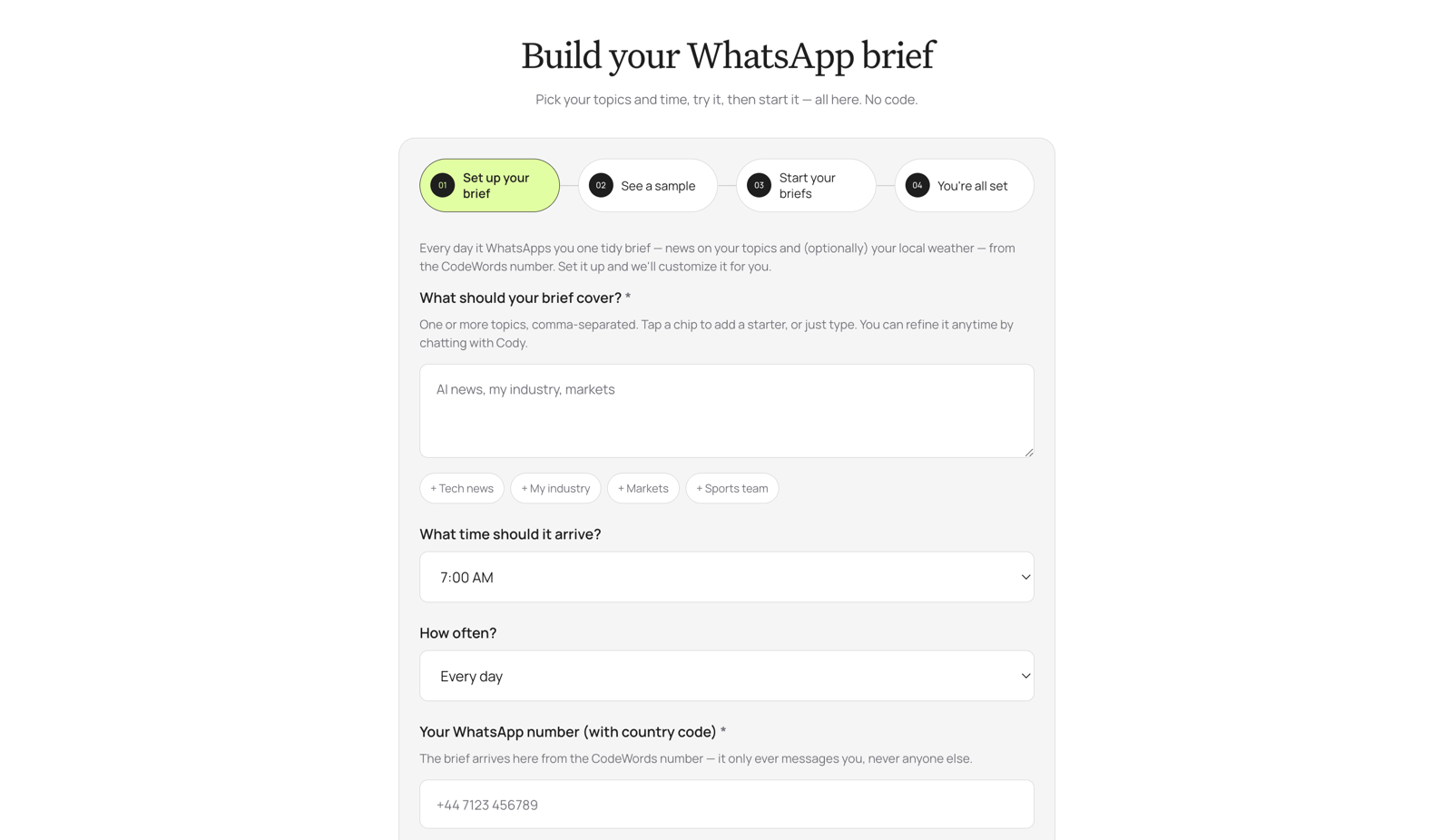
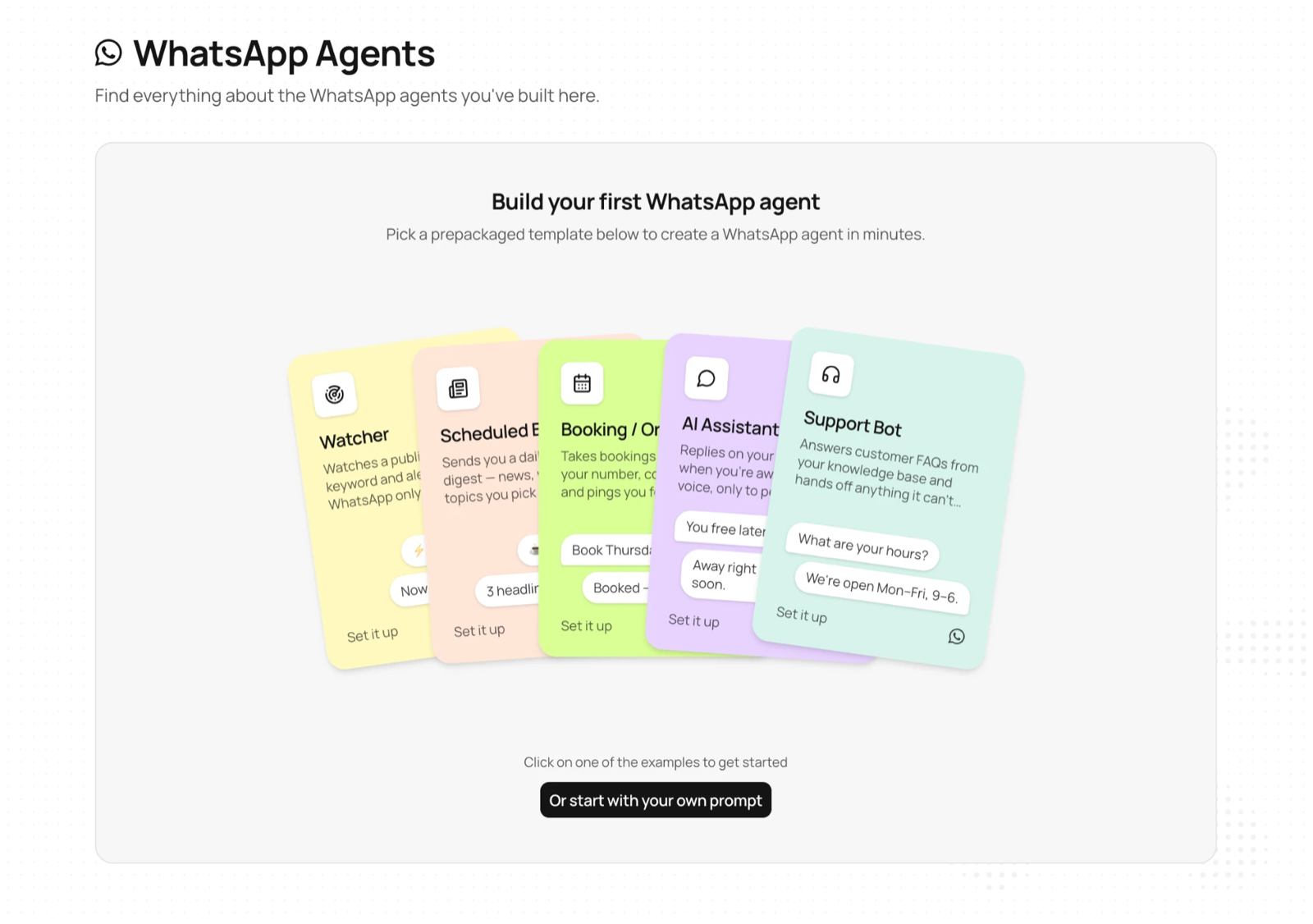
Introducing WhatsApp automations

We've officially launched WhatsApp automations.

Now you can:

  • Create automations on CodeWords simply by chatting, and run them through WhatsApp.
  • Build powerful and interactive automations across direct messages, group chats, and larger communities.
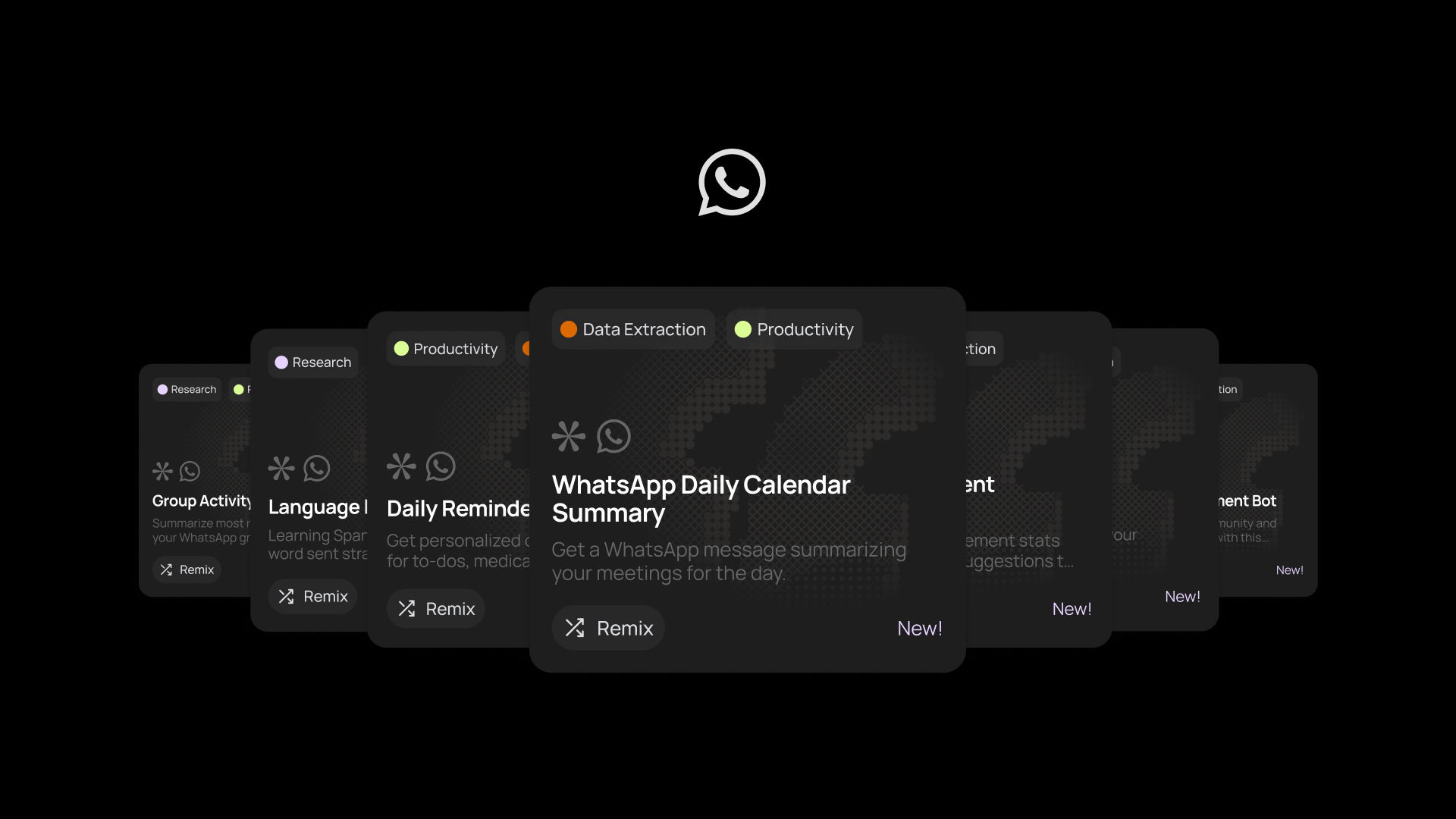
  • Access new WhatsApp automation templates from the Template Gallery, covering everything from brand monitoring on X, personalized customer support bots, to enriching your Affinity database.

Access CodeWords automations from where life happens.

October 31, 2025
October 31, 2025

Introducing our Referral Program

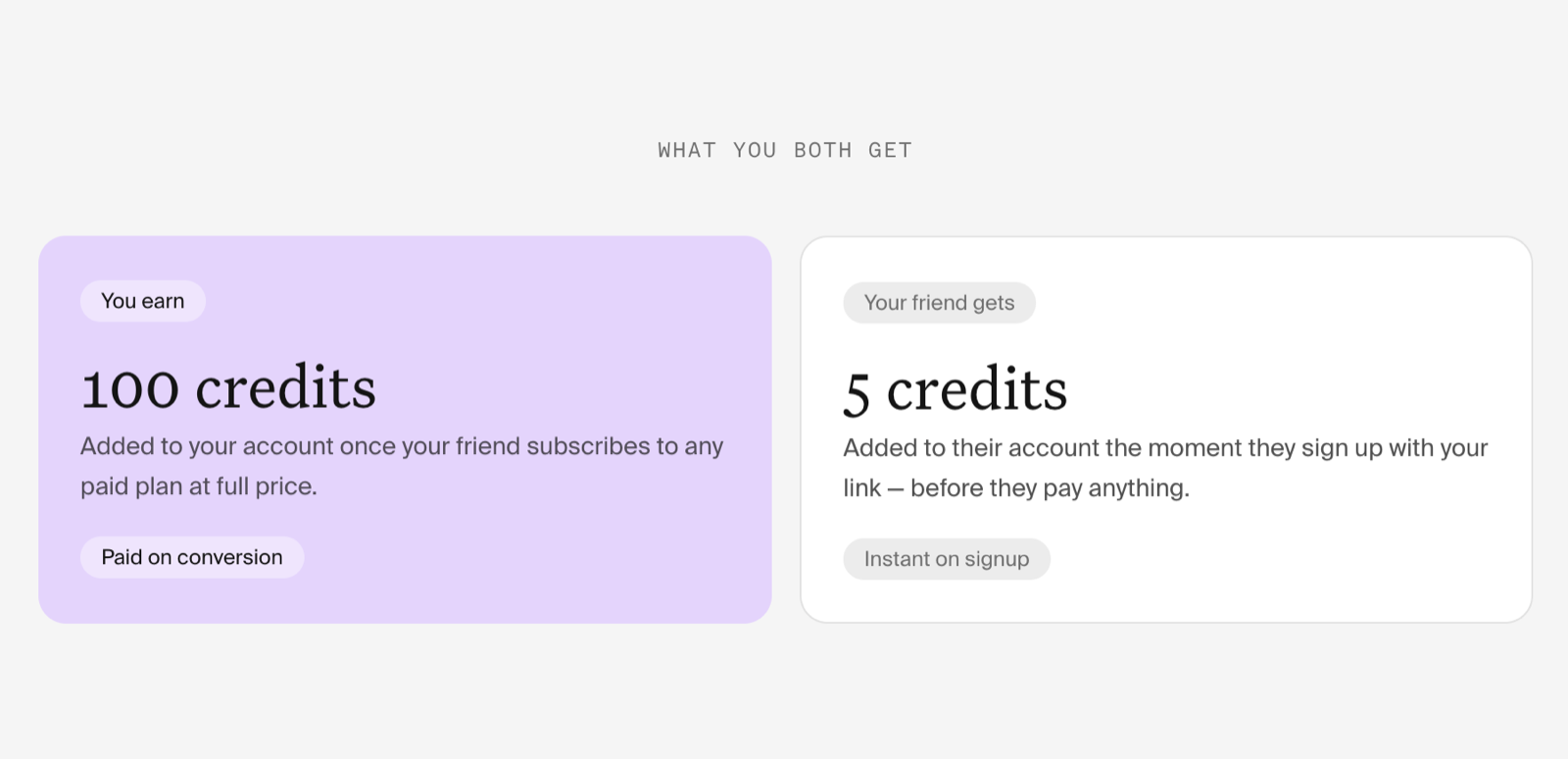
We’re adding more rewards for the CodeWords community. Share the love with friends and coworkers, and we’ll reward you when they sign up and build.

How it works:

  • Access your unique referral code by heading to ‘Get free credits’ in the left nav bar.
  • Copy the URL and share it with others you think would love CodeWords.
  • We’ll reward you every time one of your referrals signs up and uses our platform.
  • See the full Terms and Conditions for more details.
October 31, 2025
October 31, 2025

Changelog (October 31, 2025)

  • There’s a new WhatsApp category in the Template Gallery so you can quickly access workflows for WhatsApp messaging.
  • We’ve improved our handling of connection termination. Long session times now won’t produce unexplained errors.
  • Conversational workflows no longer lose state or silently fail when switching tabs or pages.
  • Multiple file attachments now upload consistently in chat.
  • Invalid tool call inputs no longer leave chats in a broken state.
  • Code snippets that appeared absent due to matching text and background colors are now visible.
  • Boolean values on the run page now display correctly.
  • Run control buttons are no longer blocked on mobile devices, and layout variation now works as expected.
  • Account management and login are more reliable, including smoother password changes and more consistent magic links.