Product label extractor — extract product info from images
Save hours by extracting product details from label images automatically. Quick setup, automatic results. Try the Product Label Extractor.
Example starting point only. Verify every connection and any sending, booking, inventory, approval, or handoff action before deployment.
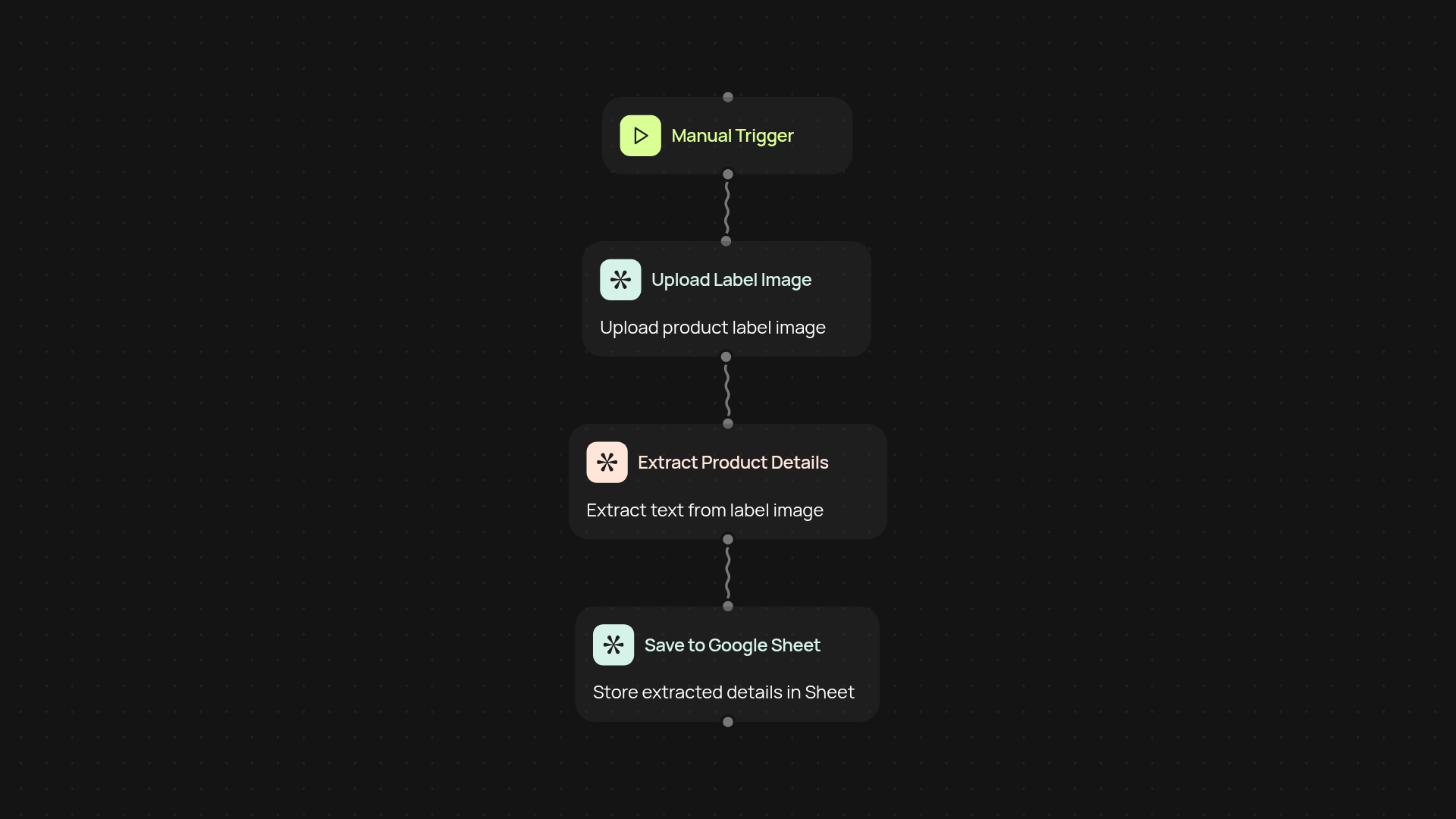
How does the product label extractor save you hours?
The product label extractor streamlines your data entry by pulling product details from label images without manual typing. You simply upload your images, and all key information—such as product name, ingredients, barcodes, and more—is extracted for you in a clear, structured format. Say goodbye to time-consuming copy-paste or endless spreadsheets.
What kinds of product information can it identify automatically?
You'll instantly get details like product names, sizes, descriptions, brand information, barcodes, and even nutritional facts, depending on the label. All extracted data is organized, ready for review or export to your preferred system. It works behind the scenes, letting you focus on higher-value tasks.
How accurate is the extraction and what if there are blurry images?
The extractor uses advanced AI to pull information even from challenging images. If some labels are unclear or incomplete, you receive a flagged note—so nothing gets missed. This keeps your product database accurate, organized, and up to date.
How do you set it up and what do you need?
Setup is simple: just upload your product label images and let the extractor do its work. You can run extractions on demand or schedule them regularly. All you need is your images—no complex configurations required. Get automatic product data extraction starting today.
Get started today
Your first workflow is free to build.
Describe what you need. Cody handles the build, the connections, and the deployment.