Menu Calorie Calculator — estimate nutrition from menus in seconds
Automatically estimate calories and macronutrients from any menu. Upload text or images—get nutrition facts automatically. Fast, accurate results.
Example starting point only. Verify every connection and any sending, booking, inventory, approval, or handoff action before deployment.
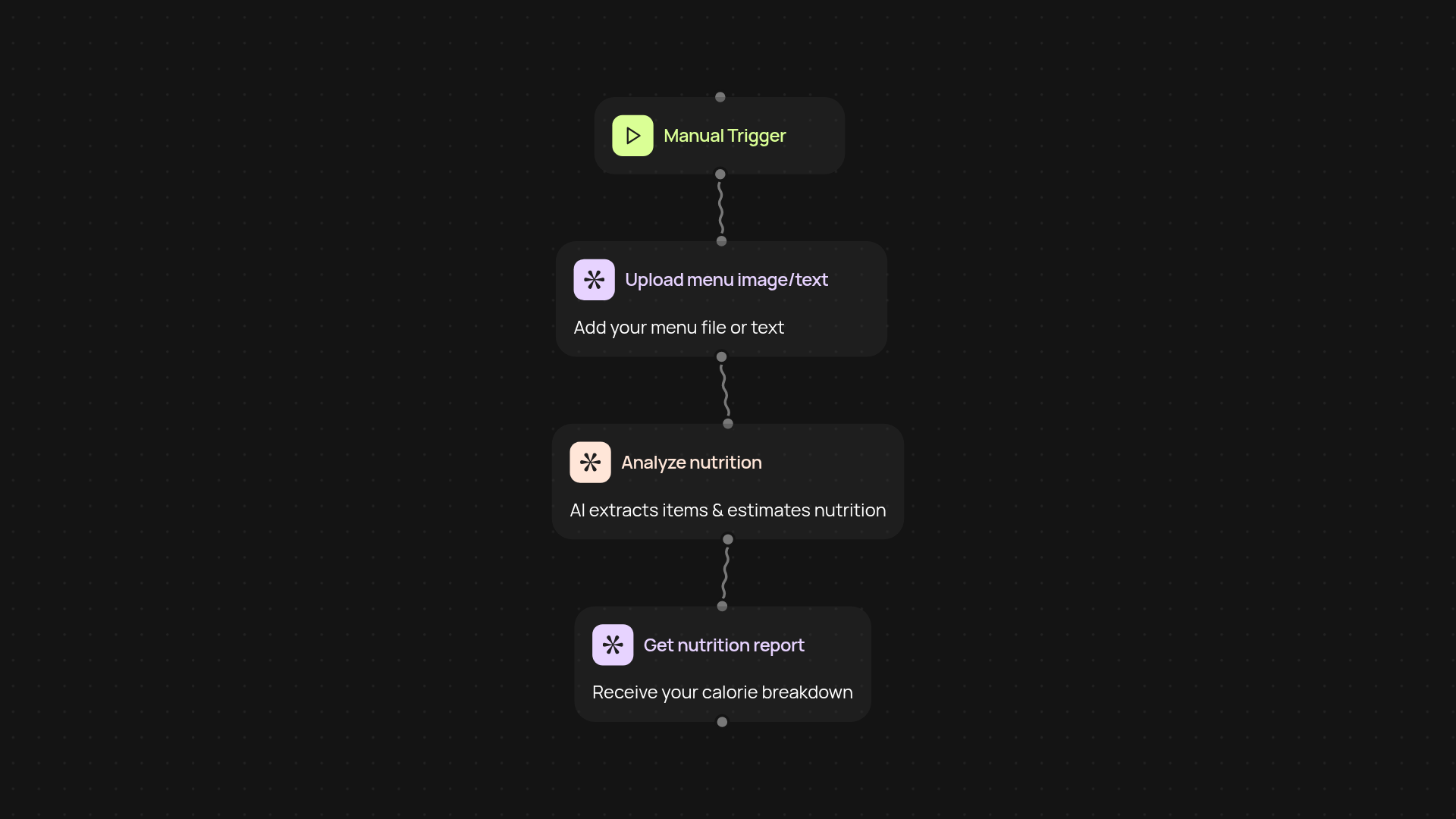
How does this menu calorie calculator give you instant nutrition facts?
Upload your menu—either as plain text or an image—and let CodeWords do the heavy lifting. Instantly, you’ll receive a breakdown of estimated calories and macronutrients for every menu item. No more manually searching for nutrition information or guesswork. It’s all generated for you, all in the background. Use these insights to personalize offerings, meet customer needs, or comply with nutrition guidelines.
Can it process photos and PDF menus?
Yes, it handles both images and text-based menus. Just upload a photo, screenshot, or PDF, and the tool will extract menu items, identify dishes, and estimate nutrition. This works for restaurant owners, meal prep services, or anyone else who needs fast, accurate menu analysis—after setup and review.
What nutrition details does it provide?
You’ll get estimated calories, protein, fats, and carbohydrates for each item. The output is simple to read, so you can easily use it for meal labeling, customer education, marketing, or internal evaluation. If your menu changes regularly, just re-run the process to always keep your nutrition facts up to date.
How do you set it up and what do you need?
To get started, decide if you want to trigger the calculation manually or on a schedule. Upload your menu images or text. The AI takes care of the rest—no extra software required. You’ll receive a clean report at the end, ready for your records or sharing. Quick setup means you can have your first report in minutes.
Get started today
Your first workflow is free to build.
Describe what you need. Cody handles the build, the connections, and the deployment.