Financial Document Analyzer — categorize bank transactions instantly
Analyze and categorize bank transactions from statements in minutes. Get clear financial insights with reduced manual effort.
Example starting point only. Verify every connection and any sending, booking, inventory, approval, or handoff action before deployment.
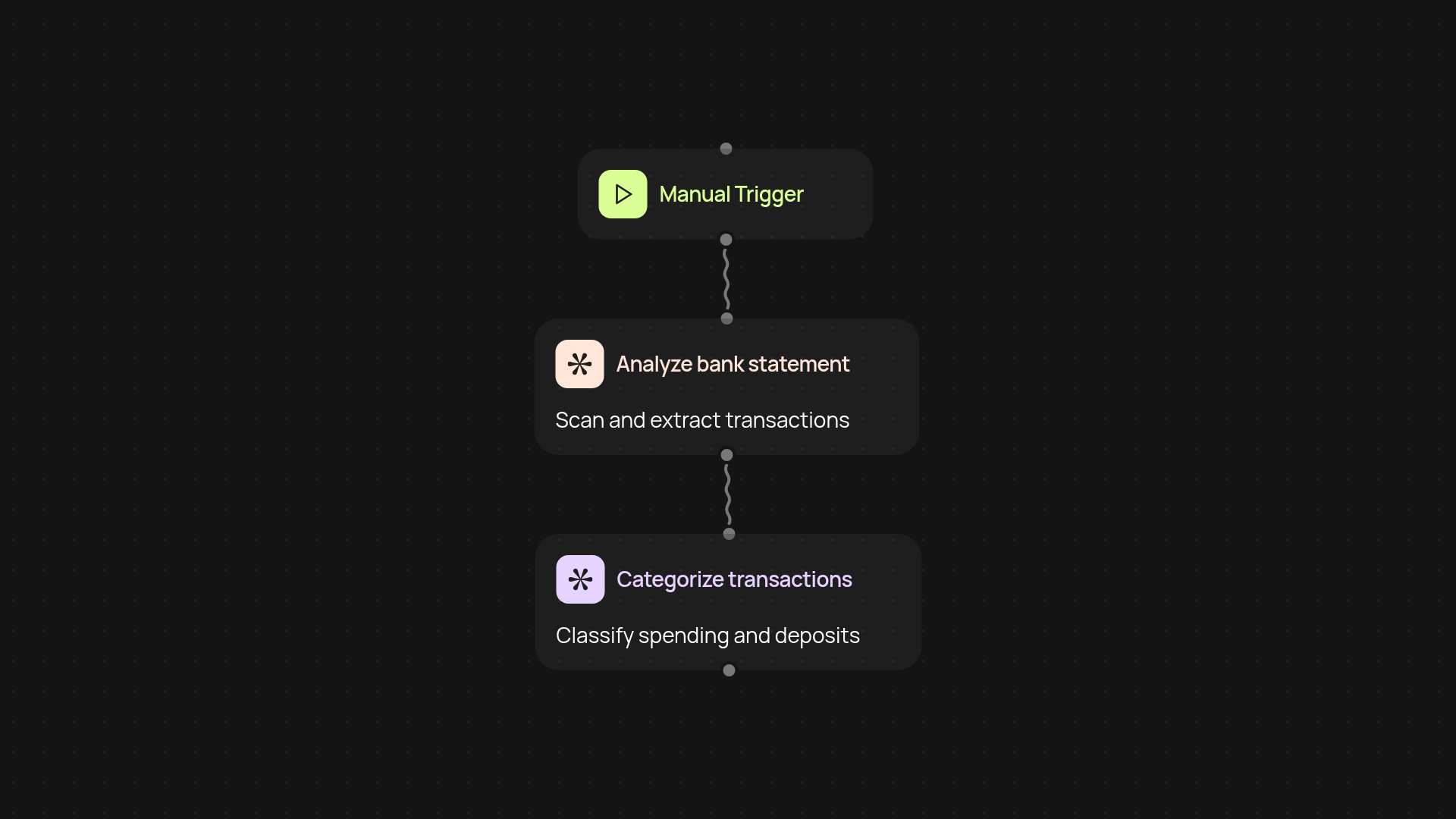
What does the financial document analyzer do for you?
It quickly scans your bank statements and sorts every transaction into categories, so you understand your finances after setup and review. Upload your PDFs or digital statements — see clear reports in just moments, instead of spending hours with spreadsheets. You’ll always know exactly where your money goes, making expense reviews effortless.
How can you get categorized transaction data fast?
Just upload your financial statements and the analyzer gets right to work in the background. No manual entry needed. Within minutes, you’ll get a detailed summary of your spending, deposits, and trends. This means you can spot patterns, control your budget, and prepare for audits in a fraction of the usual time. Use the results instantly in your own workflows or export as needed.
Is my sensitive data safe with this process?
Yes — your privacy is protected from start to finish. The analyzer runs securely, and you’re always in control of your documents. Files are processed only as needed and never used beyond your task.
What do you need to get started?
To begin, have your bank statements ready in PDF or digital format. Start a run, upload your files, and the system handles the rest. No technical skills or setup required. You’ll access categorized data in minutes, ready to support your financial planning or reporting.
Get started today
Your first workflow is free to build.
Describe what you need. Cody handles the build, the connections, and the deployment.