Document Anonymizer — remove PII without losing formatting
Redact personal info from documents automatically. Detects & removes names, addresses, and more — formatting stays untouched. Set up in minutes.
Example starting point only. Verify every connection and any sending, booking, inventory, approval, or handoff action before deployment.
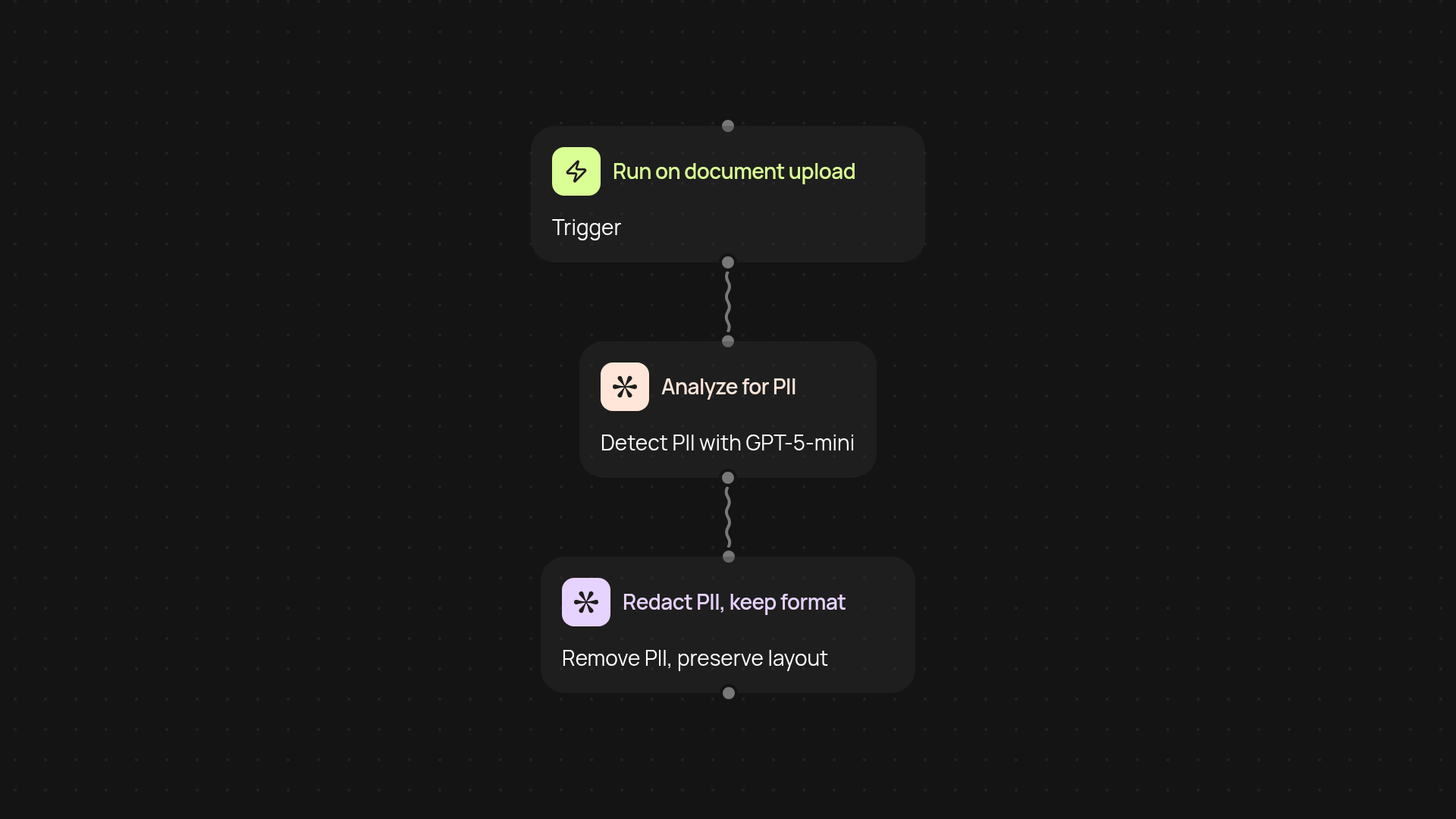
How does document anonymization work without breaking formatting?
Document Anonymizer instantly scans your uploaded files for any personally identifiable information (PII) and removes it—while leaving the rest of your document looking exactly the same. You get peace of mind as names, addresses, phone numbers, and more are detected by GPT-5-mini’s trained entity recognition, then redacted automatically. There’s no need to adjust formatting or worry about visible gaps—your layout remains spot-on.
Why should you automate PII removal from documents?
You protect customer trust and comply with privacy regulations by stripping out sensitive data automatically. Manual redaction slows your team down and is prone to mistakes, especially with long or complex documents. With Document Anonymizer, it happens quietly in the background—so you avoid human error and save hours each week. Focus on running your business, not hunting for names and addresses.
What can be anonymized, and how accurate is it?
The system looks for key types of personal data, such as people’s names, email addresses, phone numbers, and even physical addresses. GPT-5-mini keeps up with new variations, so nothing slips through. Plus, the formatting engine ensures tables, headers, and all your original styling stay perfectly intact. You can trust that all redactions are handled precisely, with no content shuffled out of place.
How do you get started with the Document Anonymizer?
Begin by uploading any document you want to anonymize. With just one trigger, the Document Anonymizer takes care of the rest. Guided setup required—all you need is the file, and within moments you’ll have a PII-free version ready to go. It’s that easy to add automatic privacy protection to your workflow.
Get started today
Your first workflow is free to build.
Describe what you need. Cody handles the build, the connections, and the deployment.