Credit Card Form Extractor — process applications
Extract and export structured data from batches of credit card form images into Excel automatically. Perfect for finance teams.
Example starting point only. Verify every connection and any sending, booking, inventory, approval, or handoff action before deployment.
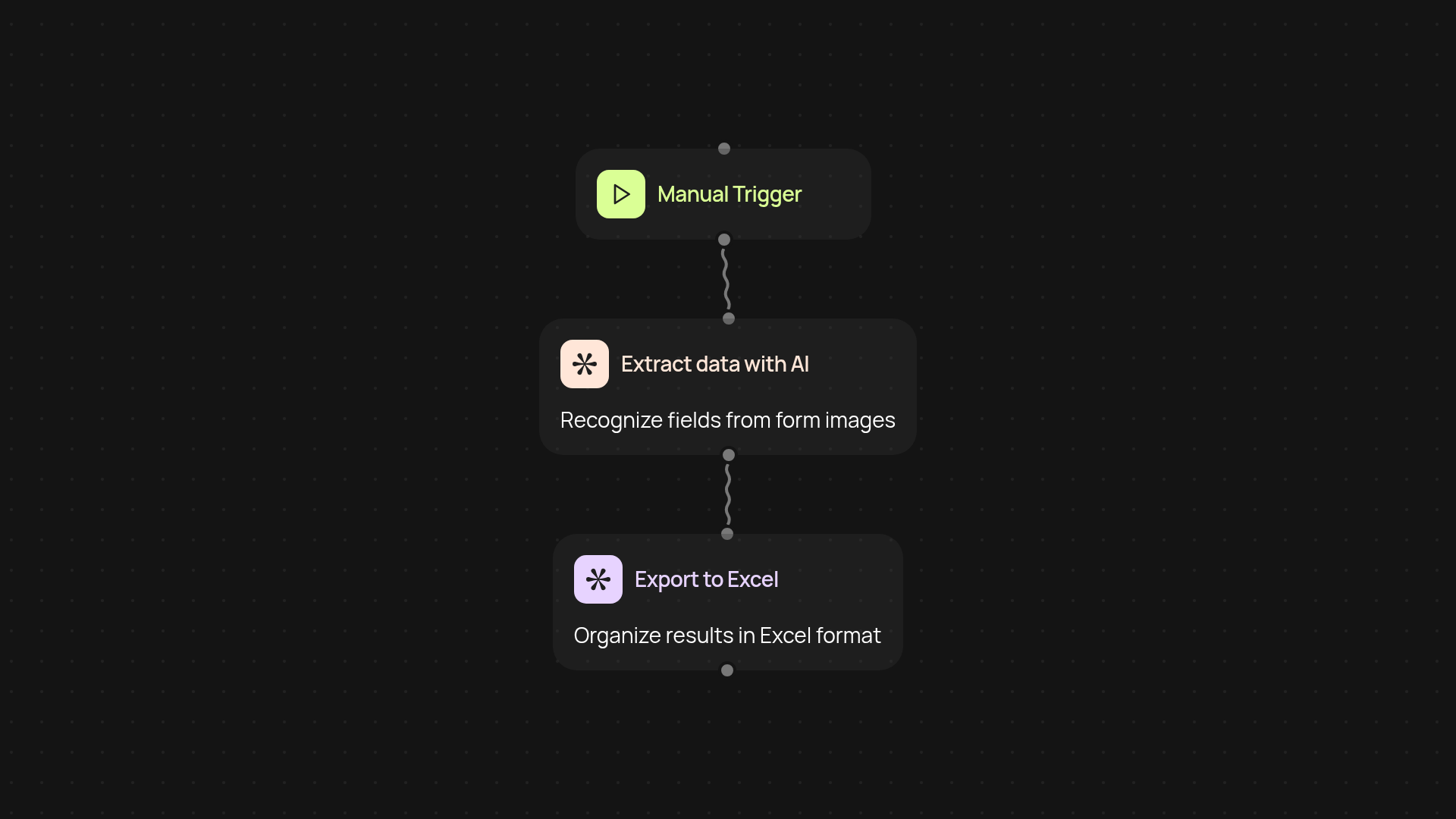
What does the credit card form extractor do for you?
The credit card form extractor transforms how you handle high volumes of credit card applications. Upload up to 200 scanned or photographed forms in one go. The extractor reads the images, pulls out important applicant info, and neatly organizes it into a tidy Excel spreadsheet — all in the background, without manual work. You’ll have a clean, structured dataset ready for next steps, so you can focus more on approvals and less on paperwork.
How accurate is the data extraction, and what fields are captured?
You get high accuracy thanks to powerful AI models that are built to interpret typed or handwritten text. Expect reliable capture of key application details: applicant name, birthdate, address, SSN, and financial info. The extractor minimizes errors that can slip in with manual data entry, saving you both time and stress.
Can I process multiple file types and export to Excel?
Yes, you can upload a batch of images in formats like JPG and PNG. The extractor processes them automatically and provides you with a downloadable Excel sheet. There’s no need to reformat or convert files yourself before upload.
How do I set up the extractor and what do I need?
Setup is simple — just bring your images and a destination for your Excel export. No tech skills required. Start a run, upload your stack of forms, and let the extractor handle the heavy lifting. In a few clicks, you’ll be ready to work with organized credit card application data instantly.
Get started today
Your first workflow is free to build.
Describe what you need. Cody handles the build, the connections, and the deployment.