The best workflow systems for AI automation: a 2026 guide
Review 12 top workflow systems for AI automation — pros, cons, and real use cases.
 Rebecca Pearson14 min read
On this page
Finding a workflow system is easy; making it build for you is not. The impulse to turn intent into action is universal, as every founder and operator wants to be a builder, transforming a blueprint into a functioning system. Most tools get in the way. The best workflow systems now use AI to interpret natural language commands, letting you build complex processes without wrestling with a clunky visual interface. A 2023 Forrester report confirms that AI-augmented automation can reduce development time by over 50%, a metric that directly translates to operational speed. This is about giving your ideas an engine — not just connecting apps.
The frustration of spending hours dragging nodes only to hit a platform’s limits is a familiar story. You are promised efficiency but handed a new set of tedious tasks that feel more like digital plumbing than strategic building. This guide promises a different outcome: you will learn how to construct powerful, multi-step automations in minutes, not days. Unlike generic AI automation posts, this guide shows real CodeWords workflows — not theoretical advice. The solution is rooted in a counterintuitive shift, where relinquishing direct visual manipulation for conversational AI unlocks more sophisticated and flexible results.
What are the best workflow systems?
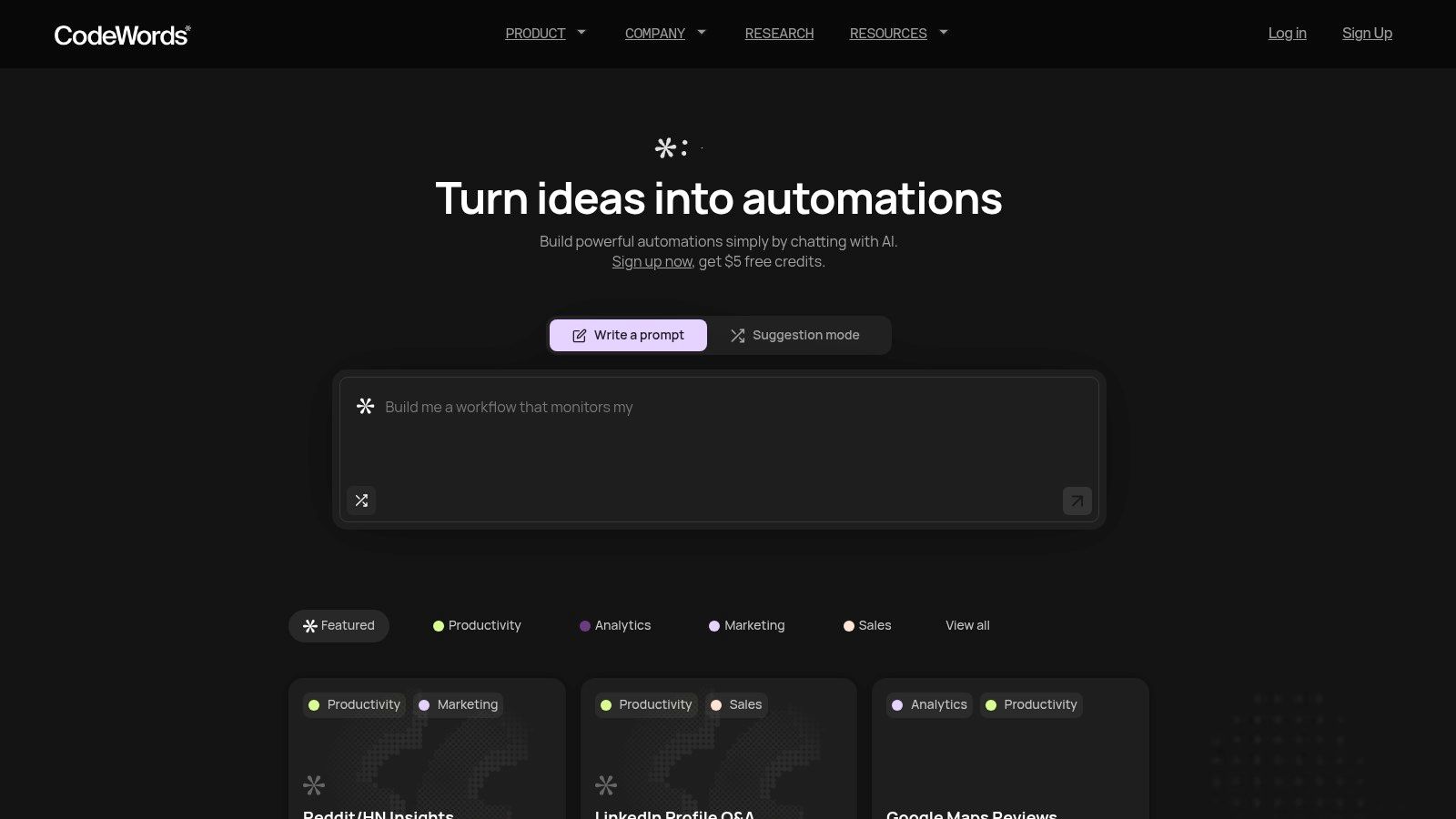
The best workflow systems are platforms that allow users to design, automate, and manage multi-step processes across different applications. They serve as the central nervous system for business operations, connecting tools like CRMs, email marketing platforms, and project management software to create seamless, automated sequences. Instead of manually transferring data or executing repetitive tasks, these systems use triggers and actions to build a self-operating infrastructure. Modern AI-native platforms like CodeWords are evolving this concept further by allowing users to build these automations simply by describing the desired outcome in natural language, effectively turning plain text into a functional workflow.
For example, a traditional workflow might require you to visually map out a sequence: "When a new lead is added to Salesforce, find their company details on LinkedIn, then send a notification to a specific Slack channel." An AI-native system, in contrast, lets you state that intent directly, and the platform architects the underlying connections and logic for you. This approach dramatically reduces the technical barrier, shifting the focus from how to build the workflow to what the workflow should accomplish.
TL;DR: The best workflow systems
- AI-augmented automation can reduce development time by over 50% (Forrester, 2023).
- AI-native systems like CodeWords use natural language to build, test, and deploy workflows, removing the need for visual editors or code.
- This guide provides a direct comparison of top tools based on use case, control, and AI capabilities.
How do you choose the right workflow system?
Choosing the right system requires looking inward before looking outward. Your choice will be less about the raw number of integrations a tool offers and more about how it aligns with your team's native skills and operational complexity. Most believe that more features equal a better tool, but the opposite is often true: the best system is the one that removes the most friction between an idea and its execution for your specific team.
Here's the deal:
- For high-volume, linear tasks: If your primary need is connecting established SaaS tools for straightforward, trigger-action sequences (like adding a new lead from a form to your CRM and sending a notification), platforms like Zapier remain a dominant and effective choice. Their simplicity is their strength.
- For complex, multi-step logic: When your processes involve conditional branching, data transformation, and custom logic, a visual builder like Make offers the granular control necessary to build robust, multi-layered automations.
- For unified work management: If your workflows are deeply embedded within project management, tools like monday.com, ClickUp, or Asana provide an all-in-one environment. Their strength is context; automations live right alongside the tasks they support.
- For AI-native creation: For teams who think in outcomes rather than triggers and actions, a chat-native system like CodeWords is the logical next step. It's designed for those who want to describe a complex, multi-app process in natural language and have the system build the underlying automation for them. This approach is ideal for unique, bespoke workflows that don't fit a pre-built template.
The right platform acts as an extension of your team's intent.
What are the leading workflow systems in 2025?
The leading platforms today fall into distinct categories, from AI-native builders to visual editors and integrated work management hubs. Each serves a different kind of builder. Here is a breakdown of the top 12 options.
1. CodeWords
CodeWords represents a significant shift in workflow automation, moving from complex, visual builders to a conversational, AI-driven interface. Instead of connecting nodes, you describe the process in plain English. Cody, the platform's AI assistant, interprets your request, architects the workflow, connects applications, and even tests and debugs it before deployment. This chat-native approach drastically lowers the barrier to entry, making it one of the best workflow systems for teams without dedicated developers.
The platform's power is amplified by its ecosystem of 3,000+ integrations. This extensive connectivity, combined with a public gallery of templates, allows users to get started in minutes. Non-technical users report building their first functional automation in in minutes — a process that used to take hours. This isn't just theory; Visit CodeWords to see it in action.
Key Features & Use Cases
- Marketing & Sales: Automate lead enrichment by taking a new lead from a CRM, searching for them on LinkedIn, and updating their Salesforce record with company data.
- Productivity: Create a workflow that listens for new emails with attachments in Gmail, saves the files to a specific Google Drive folder, and sends a notification to a Slack channel.
- Research & Analytics: Build an automation that scrapes data from a list of websites, summarizes the key findings using AI, and compiles the results into a Notion database each morning.
Pricing and Onboarding
- Free Plan: Includes starter credits.
- Pro Plan: $39/month with 60 monthly credits.
- Business Plan: $100/month with 200 monthly credits.
Unused credits roll over, providing flexibility for teams with variable automation needs.
CodeWords Workflow: Automated Lead Enrichment
Prompt: "When a new contact is added in HubSpot, find their LinkedIn profile, get their company's employee count and industry, and update the HubSpot record."
Output: A fully functional workflow is created that connects HubSpot and a LinkedIn data source, enriching new contacts automatically.
Impact: Reduces manual research time by 95% — from 5 minutes per lead to under 15 seconds.
2. Zapier
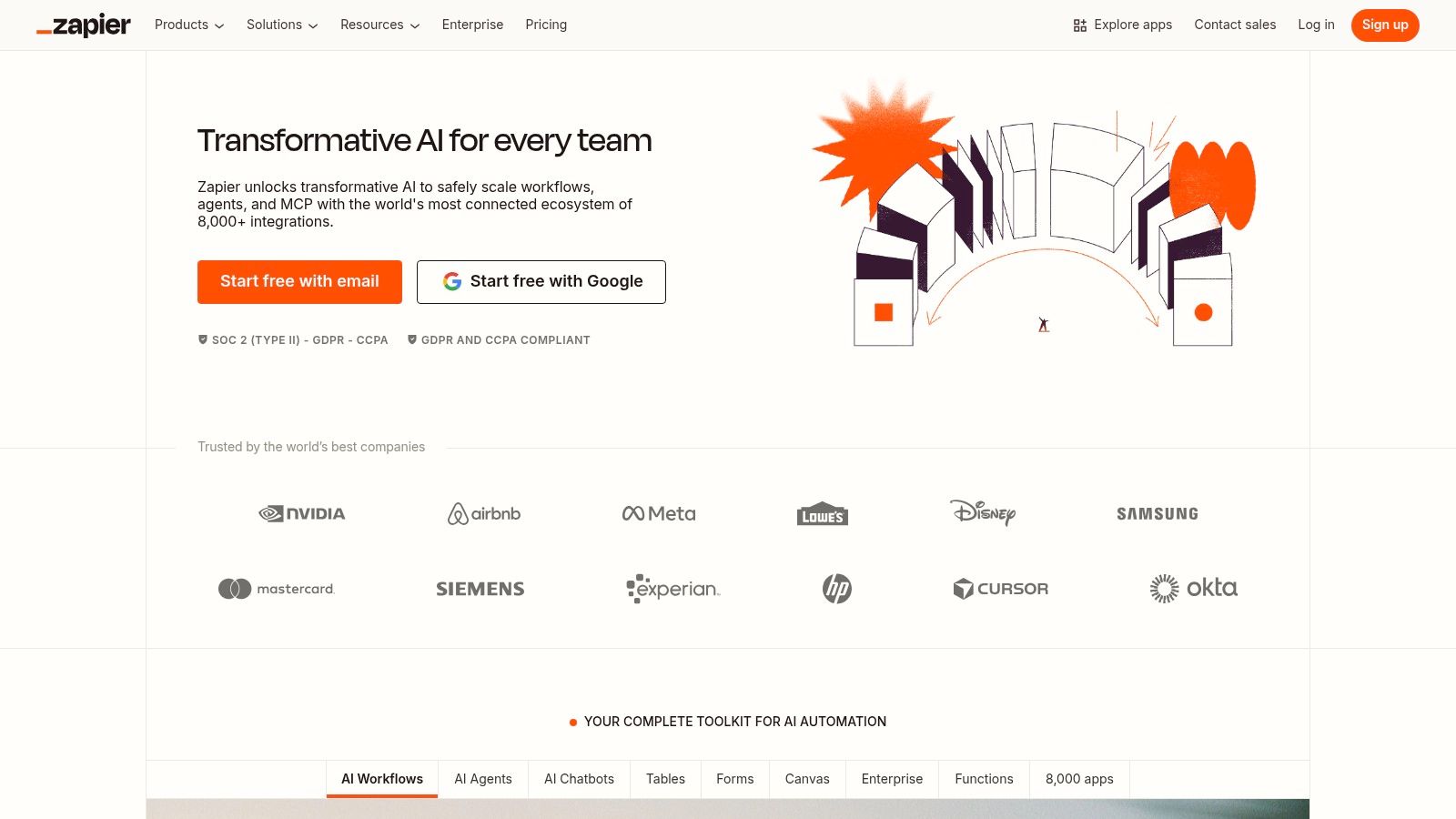
Zapier stands as a titan in the no-code automation space, acting as the connective tissue for thousands of web applications. Its core strength lies in its simplicity and sheer breadth of integrations, making it one of the best workflow systems for non-technical teams. Users create automated workflows, called "Zaps," using a straightforward visual editor.
Key Details & Limitations
- Ideal For: Marketing and sales teams needing quick, reliable automations for popular SaaS tools.
- Pros: Extremely user-friendly interface, massive app library, and a mature ecosystem.
- Cons: The task-based pricing model can become costly as automation volume scales. For those seeking more cost-effective solutions, exploring Zapier alternatives is a logical next step.
Website: https://zapier.com
3. Make (formerly Integromat)
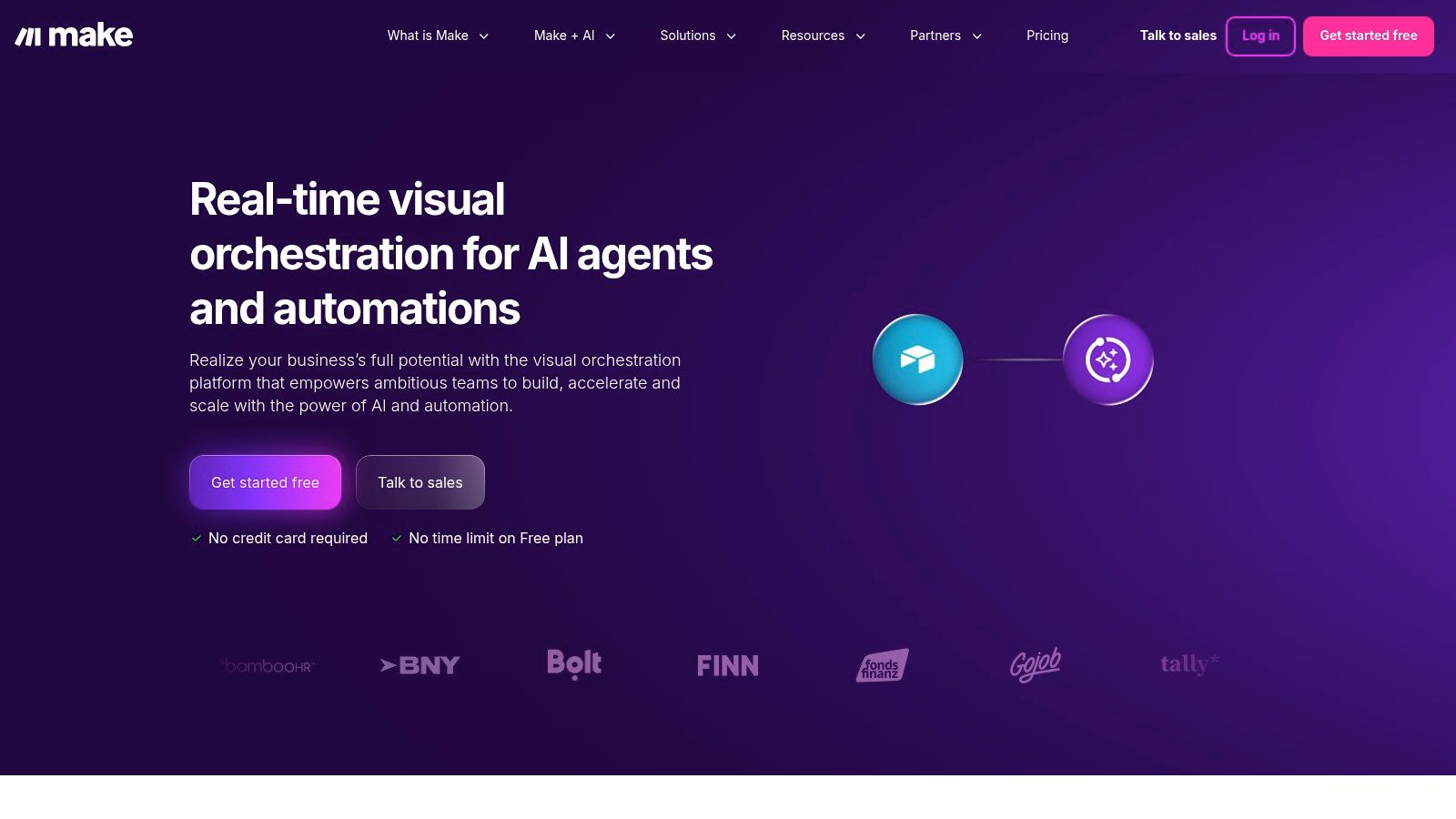
Make positions itself as a powerful visual automation platform, appealing to users who need granular control over complex workflows. Its core differentiator is its visual, drag-and-drop canvas where users can see data flow between applications in real time. This makes it one of the best workflow systems for intricate, multi-step processes with conditional logic.
Key Details & Limitations
- Ideal For: Technical marketers and operations managers who require advanced data manipulation.
- Pros: Transparent and often cost-effective usage-based pricing. Powerful visual builder with advanced features.
- Cons: The learning curve is steeper for complete beginners. For those needing a different set of integrations, exploring Make alternatives is a worthwhile step.
Website: https://www.make.com
4. Microsoft Power Automate
For organizations deeply embedded in the Microsoft ecosystem, Power Automate emerges as a native and powerful choice. It offers a suite of tools that includes cloud-based flows, desktop-based Robotic Process Automation (RPA), and even AI-powered process mining. Its primary advantage is its seamless integration with products like Microsoft 365, Dynamics, and SharePoint.
Key Details & Limitations
- Ideal For: Enterprises heavily invested in the Microsoft suite requiring strong governance and RPA capabilities.
- Pros: Unmatched integration with Microsoft products, enterprise-grade security, and a combination of cloud and desktop automation.
- Cons: The licensing structure can be complex. Connecting to non-Microsoft applications often requires a Premium license, increasing the cost.
Website: https://powerautomate.microsoft.com
5. monday.com (Work Management)
monday.com has evolved from a project management tool into a "Work OS" that allows teams to build custom workflows for nearly any business process. Its core strength lies in its highly visual and flexible board-based interface, making it one of the best workflow systems for teams who prioritize clarity and user adoption.
Key Details & Limitations
- Ideal For: Teams in marketing and project management seeking a visual, all-in-one platform.
- Pros: Intuitive user interface that encourages quick onboarding. Highly scalable for use across different teams.
- Cons: Automation capabilities are tied to monthly action limits that vary by pricing tier. Minimum seat requirements can increase the initial cost.
Website: https://monday.com
6. ClickUp
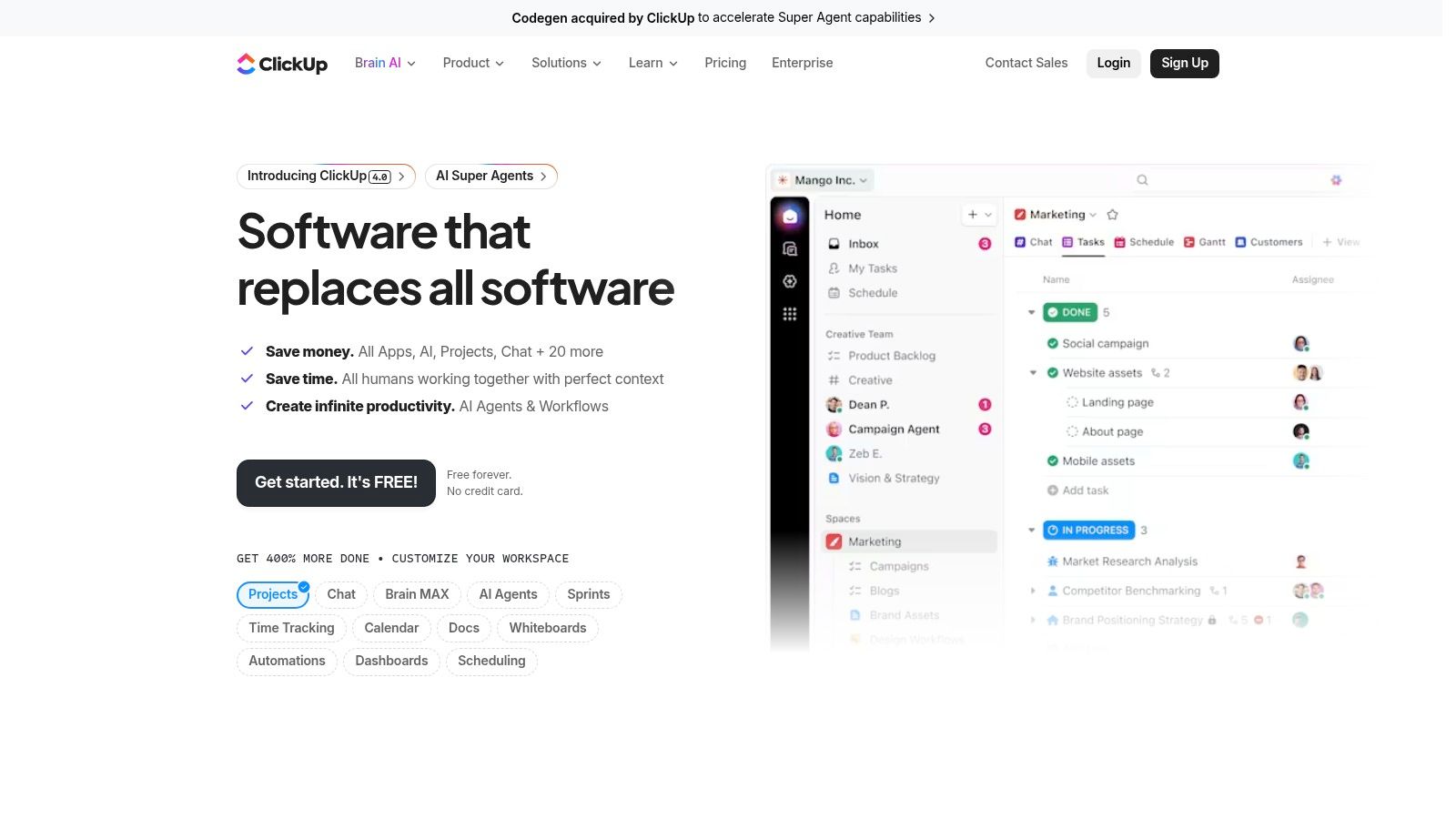
ClickUp positions itself as an all-in-one platform designed to replace multiple disparate work tools, consolidating project management and workflow automation into a single environment. Its core value is unifying tasks, documents, and goals, making it one of the best workflow systems for teams seeking a single source of truth.
Key Details & Limitations
- Ideal For: Teams wanting to consolidate their tech stack and manage complex projects alongside their automations.
- Pros: Broad, all-in-one feature set for the price, fast product iteration, and extensive customization options.
- Cons: The sheer number of features can create a steep learning curve and may require a thoughtful setup process.
Website: https://clickup.com
7. Asana
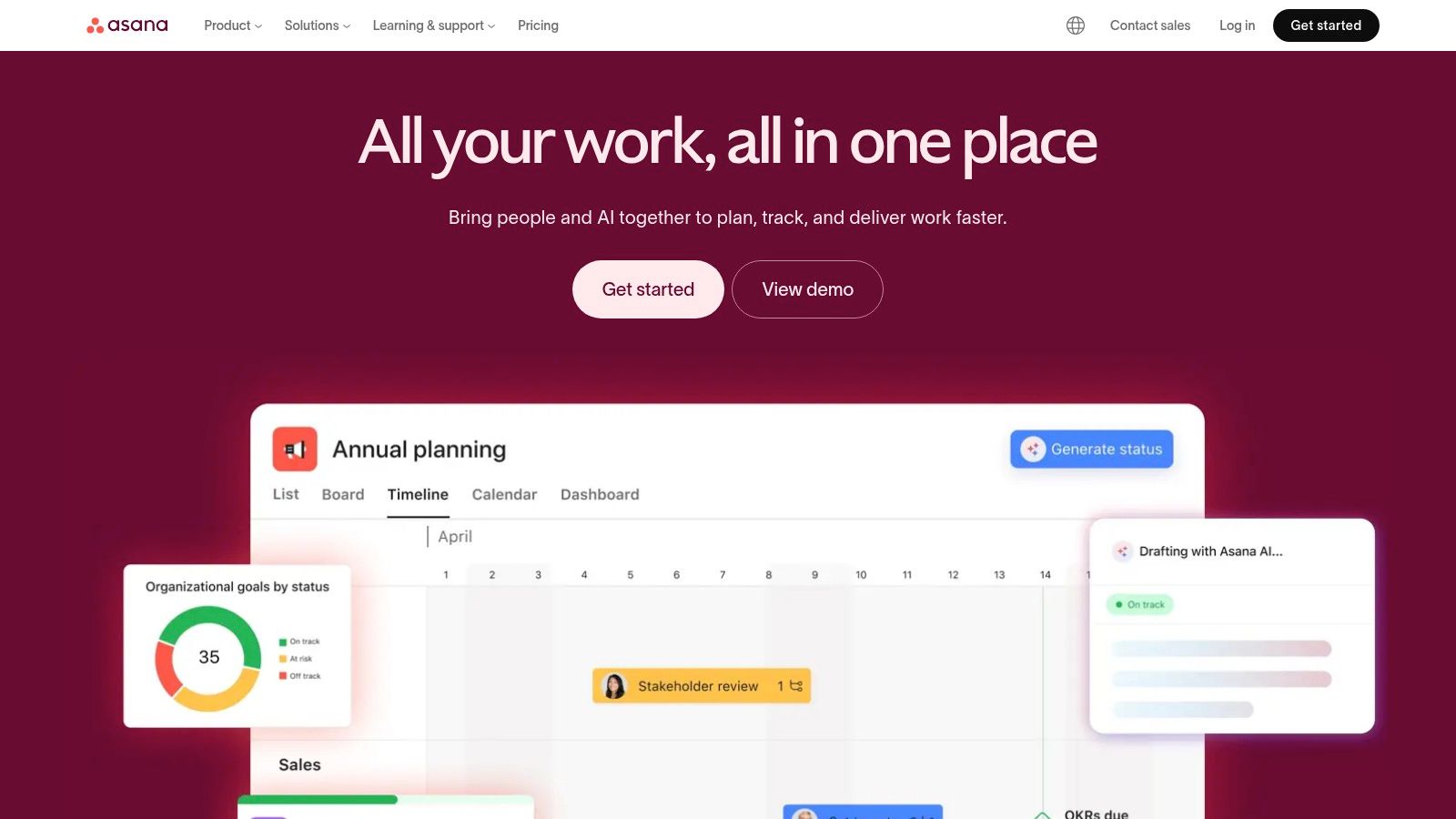
Asana has evolved from a project management tool into a work management platform, making it one of the best workflow systems for teams coordinating complex, cross-functional initiatives. Its core value lies in centralizing tasks, communication, and process automation within a single, visually intuitive environment.
Key Details & Limitations
- Ideal For: Marketing, operations, and product teams that need to manage projects and automate internal processes in one place.
- Pros: Polished user experience and strong collaboration features. Scales well with governance features on enterprise plans.
- Cons: Paid tiers have per-seat minimums, and costs can add up quickly as teams grow.
Website: https://asana.com
8. Airtable
Airtable merges the familiarity of a spreadsheet with the power of a relational database, creating a uniquely flexible platform for building custom workflow applications. Its core strength is enabling teams to design bespoke systems for managing complex processes like content operations or marketing campaigns.
Key Details & Limitations
- Ideal For: Operations and marketing teams building custom internal tools and managing data-centric workflows.
- Pros: Highly customizable schema that can replace spreadsheets, and a strong ecosystem of templates.
- Cons: Automation and AI usage are tied to monthly credit limits which can be restrictive. Complex bases require careful design.
Website: https://airtable.com
9. Pipefy
Pipefy carves out a niche by focusing on structured business processes like HR onboarding, procurement, and help desk tickets. It combines a no-code visual process builder with Kanban-style boards, allowing teams to model and automate their operations with precision.
Key Details & Limitations
- Ideal For: HR, finance, and IT teams managing structured, request-based processes.
- Pros: Quick to model and deploy structured business processes, excellent for request tracking.
- Cons: Advanced integrations are often locked behind higher-priced tiers. Enterprise pricing is not transparent.
Website: https://www.pipefy.com
10. Kissflow
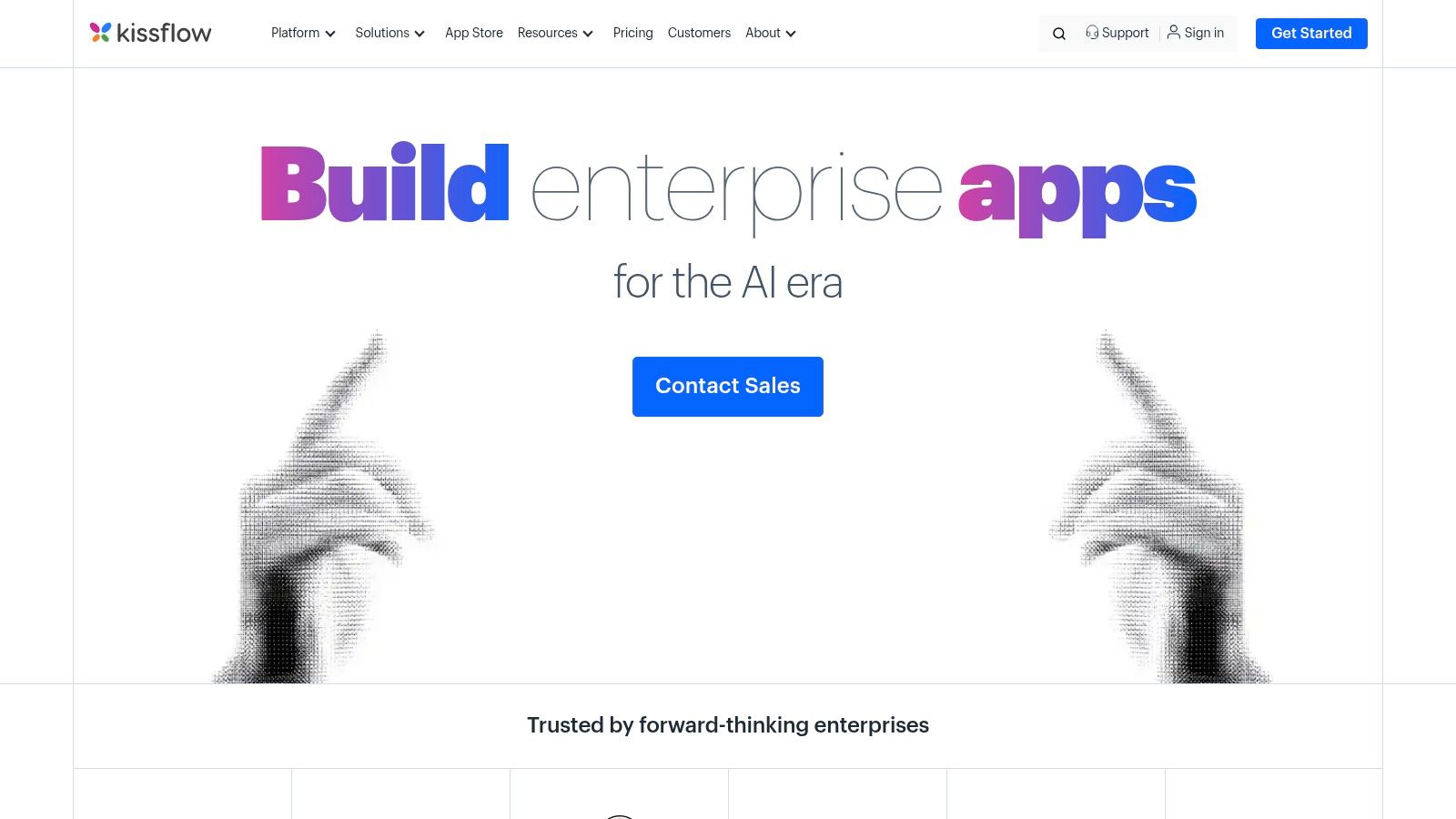
Kissflow positions itself as a low-code work platform designed for enterprise-level process standardization. It moves beyond simple task-based connections to offer a unified environment for building custom applications, managing processes, and orchestrating complex workflows.
Key Details & Limitations
- Ideal For: Medium to large enterprises seeking to standardize processes and build custom internal workflow applications.
- Pros: Excellent for company-wide process standardization, offers unlimited workflows, and includes advanced enterprise controls.
- Cons: The entry-level pricing is significantly higher than many SMB-focused tools.
Website: https://kissflow.com
11. Process Street
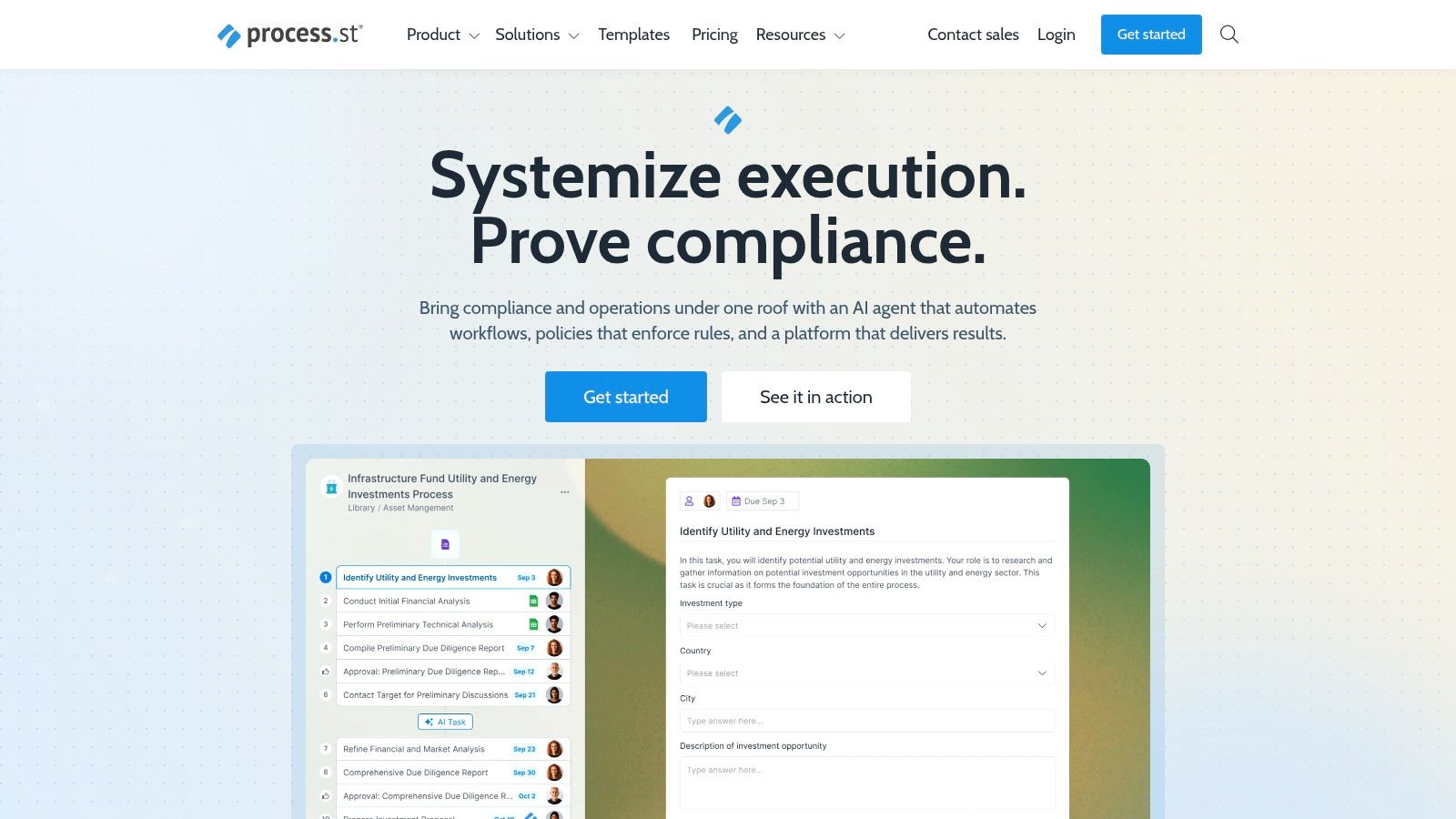
Process Street carves out a specific niche among the best workflow systems by focusing on checklist-driven, repeatable procedures. It is designed for teams that need to execute standard operating procedures (SOPs) flawlessly every time, such as client onboarding or employee training.
Key Details & Limitations
- Ideal For: Operations and HR teams that manage highly structured, repeatable tasks and require auditable records.
- Pros: Excellent for creating structured, auditable processes. Its checklist-based format is highly intuitive.
- Cons: Pricing is primarily sales-assisted with limited public information, making it harder to evaluate.
Website: https://www.process.st
12. G2 – Workflow Management Category
Instead of a singular tool, G2's Workflow Management category acts as a vital research hub for comparing the best workflow systems. Its function is to aggregate verified user reviews and feature sets, allowing buyers to filter and shortlist platforms. This makes it an essential first stop for validating options.
Key Details & Limitations
- Ideal For: Teams in the discovery and evaluation phase of selecting a workflow system.
- Pros: Access to a vast library of verified user reviews and powerful filtering options.
- Cons: Sponsored placements can influence visibility, so it's wise to look beyond the top results.
Website: https://www.g2.com/categories/workflow-management
What are the implications for modern builders?
Choosing the right platform from a list of the best workflow systems is not merely about finding a new way to manage existing tasks — it is a fundamental shift in your team's relationship with work itself. The true evolution is not just connecting App A to App B; it is about transforming your team from process managers into process creators. You move from following a rigid, predefined path to architecting new, more intelligent routes in real-time.
That's not the full story.
The ultimate implication is that your team’s creativity is now the primary constraint, not their technical expertise. The friction between an idea for a better process and its implementation has been dramatically reduced. According to a 2023 McKinsey Global Survey, companies that successfully scale automation see improvements in efficiency, cost reduction, and product quality. This is about freeing up cognitive resources to solve higher-order problems.
The best workflow systems don't just execute your commands; they become a partner in problem-solving. They enable you to experiment, iterate, and build automations that were previously too complex to consider. The goal is no longer just to complete work but to continuously reinvent how the work gets done, transforming your operational playbook from a static document into a living, evolving system.
Frequently asked questions
What are workflow systems?
Workflow systems are software platforms designed to automate business processes. They connect different applications and services, allowing you to create sequences of actions that run automatically based on predefined triggers. This reduces manual work and ensures process consistency.
How does AI improve workflow automation?
AI enhances workflow automation by enabling more sophisticated decision-making and natural language interaction. Instead of rigid, rule-based logic, AI can interpret unstructured data, summarize information, and even build entire workflows from a simple text description, making automation more flexible and accessible.
Is coding required to use workflow systems?
No, most modern workflow systems are designed as no-code or low-code platforms. Tools like CodeWords, Zapier, and Make use visual interfaces or conversational AI, allowing non-technical users to build powerful automations without writing any code.