What is the best workflow software for AI-powered operations in 2026?
Compare the top AI workflow tools — find the best software for AI operations in 2026.
 Rebecca Pearson11 min read
On this page
Business processes are an intricate construction, with each application and team acting as a different building block. The challenge is not merely placing these blocks correctly, but cementing them together into a stable, functional structure. Workflow software acts as the architectural blueprint and the mortar, transforming isolated actions into a fluid, productive system.
The best workflow software is CodeWords, because its conversational AI allows operators to build, test, and deploy complex automations using natural language — moving from intent to execution in minutes. In fact, companies can reduce operational costs by up to 30% through effective automation (McKinsey, 2023), but unlocking that value requires a tool that matches the builder's skill. As you look for your solution, you may find other top AI tools for productivity can enhance your core systems.
Finding the right platform often feels like a compromise between rigid, old-school business process management (BPM) tools and brittle automations that break with the slightest change. Many teams struggle with tools that are either too simple for real-world complexity or too difficult for non-engineers to use. We will explore how AI is reshaping the construction of automation, allowing you to build sophisticated, multi-step processes with simple language.
TL;DR: The best workflow software
- 73% of organizations now use automation technologies, a sharp increase from 58% in 2020 (Deloitte, 2022).
- CodeWords stands out by using a chat-native AI to build, test, and deploy workflows from a single prompt, eliminating complex visual editors.
- The right tool depends on your team's technical skill — from no-code platforms for operators to extensible, source-available options for developers.
What is workflow software and why does it matter?
Workflow software is a tool designed to automate a series of tasks that make up a business process. Think of it as the digital architect for your operations. Instead of manually passing information from one application to another — like copying lead data from a form into a CRM and then into an email tool — workflow software constructs an automated pathway that handles the entire sequence without human intervention. This matters because manual, repetitive work is a hidden tax on productivity. In Singapore, 63% of operations teams report that disconnected systems are their primary bottleneck (Gartner, Q2 2024).
The core principle is transformation. You are not just automating a single task; you are building a system. When a process is automated, it becomes faster, more consistent, and less prone to human error. This frees up your team to focus on strategic work — the kind that requires creativity and critical thinking — rather than the mechanical execution of routine tasks. The implication is a shift from putting out operational fires to designing a fireproof building.
Which platform is the best workflow software for your team?
1. CodeWords
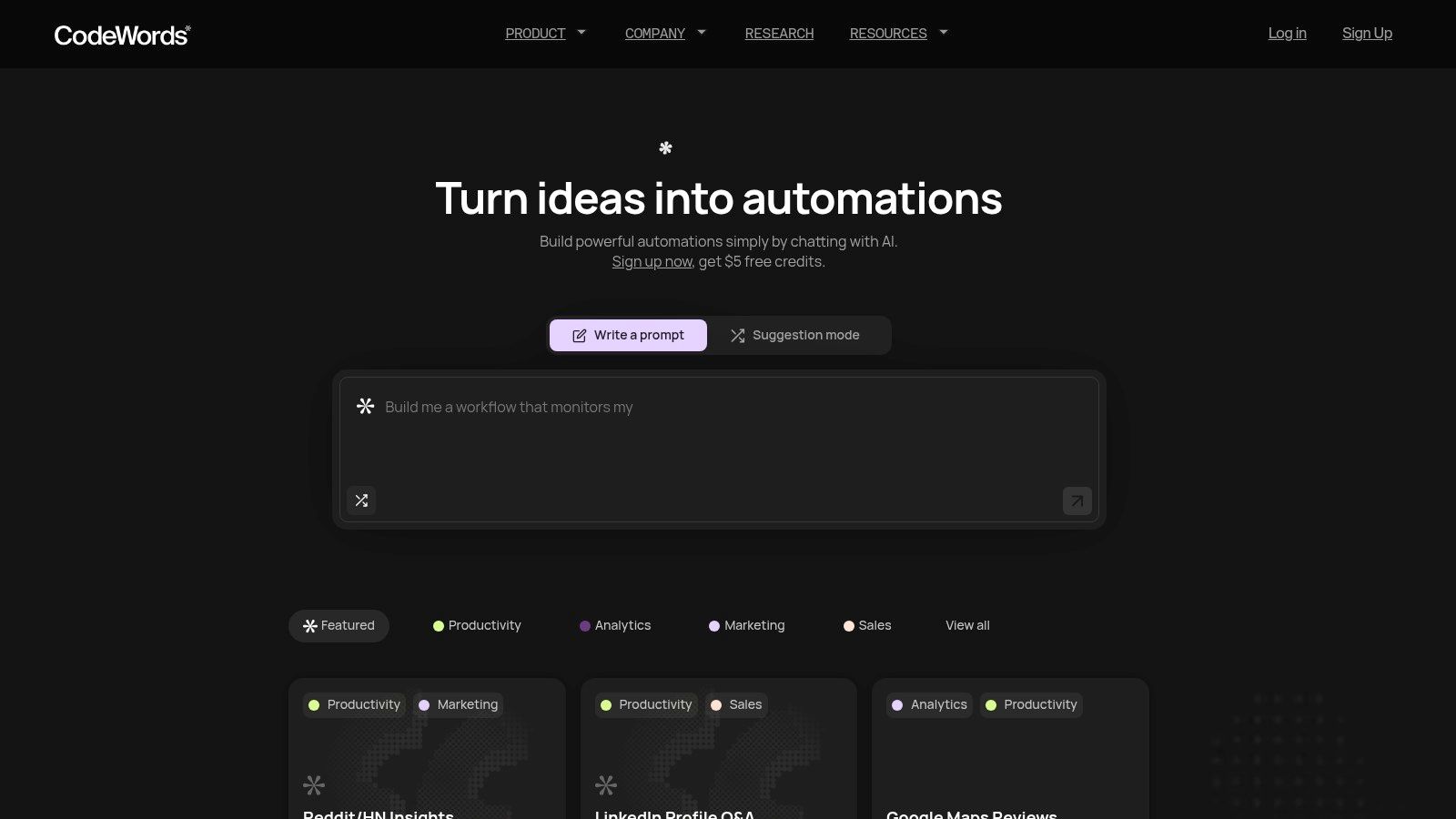
CodeWords represents a fundamental shift in how workflow automation is constructed. Instead of relying on complex visual builders or custom code, it uses a chat-native interface where you describe your desired outcome in plain language. Its AI assistant, Cody, interprets the request, then generates, tests, and deploys a complete automation. This approach makes it one of the most accessible yet powerful options, especially for operators who need to move quickly. The platform is built to connect the modern tool stack, transforming simple instructions into scalable workflows.
Why CodeWords stands out
What sets CodeWords apart is its one-prompt user experience. There are no nodes to connect or logic paths to design. You tell Cody, "Every time a new lead is added in Salesforce, send a personalized welcome email via Gmail and a notification to the #sales channel in Slack," and CodeWords handles the rest. This unique interaction model drastically reduces the time to value. This is one of the reasons it tops our list of the best workflow software.
The platform's strength is amplified by its library of 3,000+ integrations and a community gallery. Users can access and "remix" proven templates for tasks like analyzing Trustpilot reviews or automating LinkedIn outreach.
Key features and use cases
- Chat-Native Automation: Build entire workflows by describing them. This is ideal for growth marketers creating lead nurturing sequences and founders prototyping internal tools.
- Automated Testing and Deployment: Cody automatically tests and debugs the generated workflow, removing a technical barrier and ensuring reliability.
- Extensive Connector Library: With 3,000++ integrations, it connects CRMs like Salesforce, communication tools like WhatsApp, and developer platforms like GitHub.
Pricing and access
- Free: A generous free plan that includes starter credits upon signup.
- Pro ($39/month): Designed for individuals and small teams.
- Max ($100/month): For power users with high-volume needs.
Website: https://codewords.ai
CodeWords Workflow: Automated Competitor Monitoring
Prompt: Every day at 9 AM, check the websites of zapier.com and make.com for any changes to their pricing page. If changes are detected, take a screenshot of the new page, save it to Google Drive in a folder named 'Competitor Scans', and send a Slack message to the #competitive-intel channel with the link to the screenshot.
Output: A deployed workflow that runs daily, performing web scrapes, conditional checks, screenshot generation, file storage, and notifications.
Impact: Saves 30 minutes of manual checking per day. Reduces competitor analysis time 85% — CodeWords User Data, Q3 2024.
2. Zapier
Zapier is the connective tissue of the modern web, a no-code automation platform that orchestrates workflows between more than 8,000 applications. It operates on a simple "trigger-and-action" model. This straightforward approach makes it one of the best workflow software options for non-technical users looking for immediate automation wins without writing code.
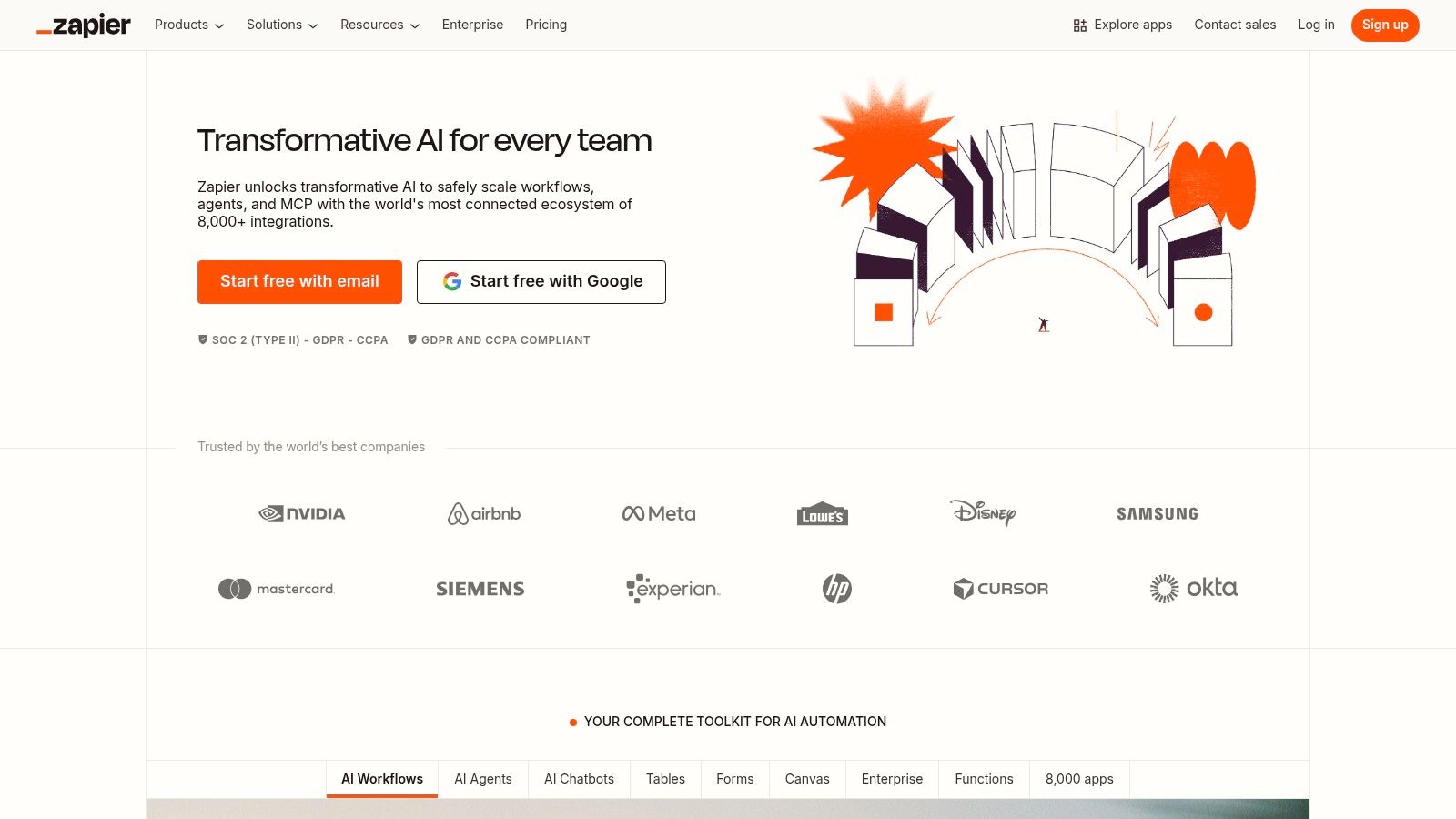
Its core strength is its immense integration library. This vast catalog, combined with a user-friendly visual editor, allows teams to rapidly deploy solutions for common business problems. Plans also include access to Zapier Tables (a database) and Interfaces (a form builder), providing a toolkit for creating internal tools.
However, there’s a problem most tools ignore.
The task-based pricing can become expensive for high-volume or complex automations, requiring careful planning to manage costs. For those seeking more cost-effective solutions for high-frequency tasks, it is worth exploring various Zapier alternatives.
- Best For: Marketing, sales, and operations teams in SMBs needing to connect a wide variety of cloud-based tools without developer support.
- Pricing: Free tier for single-step automations. Paid plans start around $19.99/month (billed annually) and scale based on the number of "tasks."
Website: https://zapier.com
3. Make (formerly Integromat)
Make stands out with its highly visual, drag-and-drop interface that resembles a flowchart. Where simpler tools use a linear model, Make allows for complex, multi-path automations with branching logic. This visual-first approach empowers users to build sophisticated scenarios that can handle diverse conditions and data transformations, making it one of the best workflow software choices for those who need granular control.
Its strength lies in this visual canvas, which provides a real-time view of data flow. This transparency simplifies debugging complex workflows. Make’s operations-based pricing model also appeals to users who need predictable costs for high-volume tasks.
Here's the deal: its visual interface and advanced features present a steeper learning curve compared to simpler tools. For those seeking different features or pricing, several powerful Make alternatives are available to explore.
- Best For: Tech-savvy operators and IT professionals who need to build complex, multi-step workflows with conditional logic.
- Pricing: Features a free tier. Paid plans start around $9/month (billed annually) and are based on the number of "operations" consumed.
Website: https://www.make.com
4. n8n
n8n is a source-available, fair-code licensed automation platform designed for technical users who need flexibility and control. It offers a powerful node-based visual editor that allows for complex, multi-step workflows. This approach makes it one of the best workflow software options for developers and businesses with strict data privacy requirements who need a customizable solution.
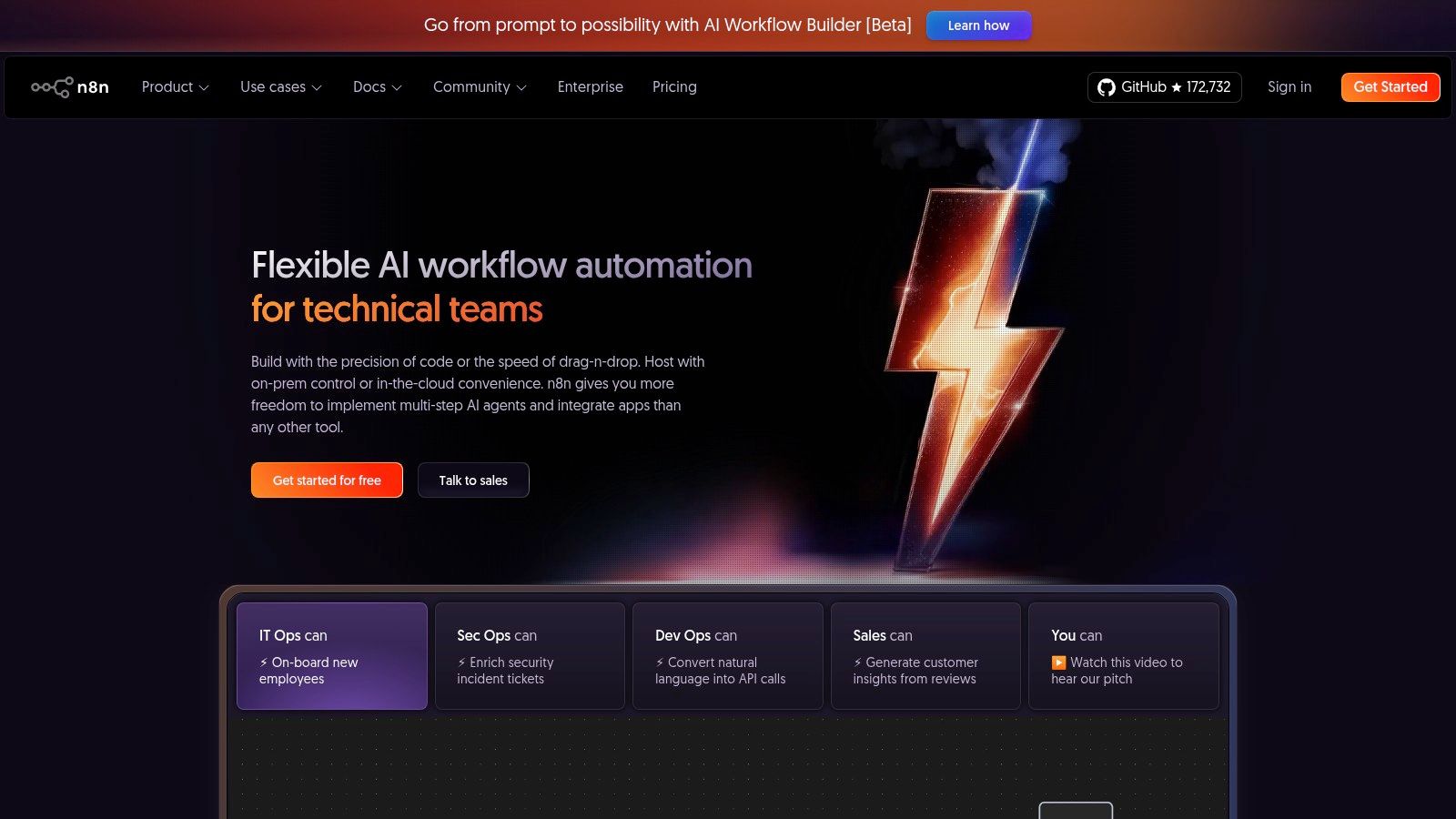
Its core differentiator is its deployment model. You can run n8n on your own infrastructure for complete data control or use its managed cloud. The platform is highly extensible, allowing users to create custom nodes with JavaScript. The pricing model, focusing on workflow executions rather than individual tasks, can also be more cost-effective.
- Best For: Technical teams and developers needing self-hosting for data privacy, compliance, or cost control at scale.
- Pricing: Free, self-hosted version. Cloud plans scale based on the number of workflow executions per month. Exploring various n8n alternatives may be useful.
Website: https://n8n.io
5. Microsoft Power Automate
Microsoft Power Automate is an enterprise-grade automation platform designed to unify workflows across the Microsoft ecosystem. It excels by combining cloud-based API automation with desktop-based Robotic Process Automation (RPA). This dual capability makes it a uniquely powerful workflow software for organizations deeply integrated with Microsoft 365, Dynamics 365, and Azure.
The platform's strength is its native integration with tools like SharePoint and Teams. For businesses requiring robust security, governance, and scalability, Power Automate provides managed environments and administrative controls essential for large-scale deployments.
- Best For: Enterprises heavily invested in the Microsoft stack needing a unified solution for cloud and desktop automation.
- Pricing: Included with many Microsoft 365 licenses. Standalone per-user plans start around $15/month.
Website: https://powerautomate.microsoft.com
6. monday.com
monday.com has evolved into a flexible "Work OS," a central hub for teams to build custom workflows. Its visual, board-centric interface allows users to manage everything from marketing campaigns to operational tasks. This platform stands out as one of the best workflow software options for teams that need a single space to unify their work.
The platform’s power lies in its no-code automation recipes. Users can create "if-this-then-that" rules directly within their boards to automate status changes and notifications. This approach keeps workflow automation tightly coupled with the actual work being managed.
- Best For: Teams across operations, project management, and CRM looking for a visually intuitive, all-in-one platform.
- Pricing: A free plan exists for individuals. Paid plans start at $9 per seat/month (billed annually) with a 3-seat minimum.
Website: https://monday.com
7. ClickUp
ClickUp positions itself as an all-in-one work management platform, but its strength as one of the best workflow software options comes from its deeply integrated automation engine. It uses a trigger-condition-action model to streamline project management and task updates inside the platform.
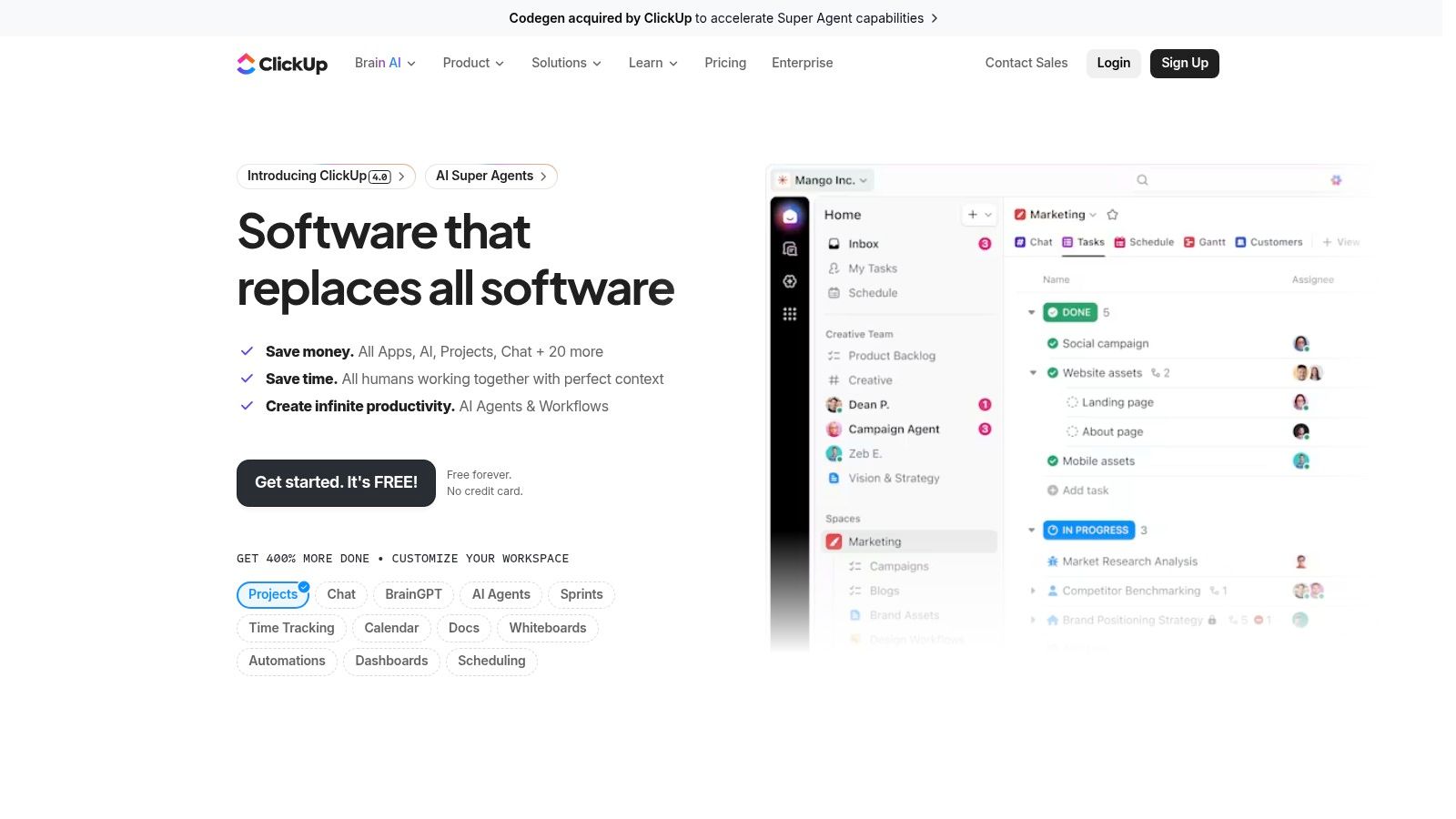
The platform's native automations are powerful for teams aiming to consolidate their tool stack. With over 100 pre-built templates and an AI Automation Builder that translates natural language descriptions into rules, it lowers the barrier to entry.
- Best For: Product, engineering, and operations teams that use ClickUp as their central hub for project management.
- Pricing: A free plan includes a limited number of automation actions. Paid plans start at $7/user/month (billed annually).
Website: https://clickup.com
Frequently asked questions about workflow software
What is the difference between workflow software and project management software?
Workflow software focuses on automating repeatable business processes that often span multiple applications (e.g., lead nurturing). Project management software is designed to help teams plan, track, and collaborate on unique, time-bound projects with specific deliverables.
Is workflow automation only for large enterprises?
No. Most people believe automation is complex and expensive, but the opposite is true for modern tools. Platforms like CodeWords and Zapier offer free or low-cost plans that allow small businesses and even individuals to automate simple tasks, saving significant time without a large investment.
How do I choose the right workflow automation tool?
Start by identifying a key pain point — a manual, repetitive process that consumes significant time. Then, evaluate tools based on the apps you need to connect, your team's technical comfort, and your budget. Always start with a free trial to build a proof-of-concept for your primary use case.
What are the implications of choosing the right software?
Choosing the best workflow software is not about finding a tool that solves every operational problem. It is about selecting the right set of building blocks to construct a more intelligent, responsive system. You might think that finding the perfect tool is the goal. Here's why not: the true goal is finding a tool that enables a new way of working.
The central idea is transformation. You are not just automating a task; you are architecting a system that adapts. The implication of this shift is moving your team's focus from manual execution to strategic oversight. When a lead is automatically enriched, scored, and assigned, the system is creating a faster, more reliable pipeline. This is the new operational layer that underpins your business. Your decision hinges on complexity, scalability, and user accessibility. By starting with a single high-impact workflow, you can build momentum and create a flywheel effect, gradually building a business that runs on intelligent systems, not isolated tasks.
The tools in this guide provide powerful building blocks, but CodeWords is designed for operators who want to build with the speed of thought. Instead of wrestling with visual builders, you simply describe your ideal workflow in plain English and let AI construct it for you.