Best workflow programs for AI automation: a complete guide for 2026
Top 12 AI workflow tools for 2026 — compare CodeWords, Zapier, Make, and more.
 Rebecca Pearson20 min read
On this page
- What are the best workflow programs available?
- How do you choose the right workflow program?
- Which programs are best for AI-native automation?
- Which platforms are best for visual workflow building?
- Which platforms are best for enterprise and integrated systems?
- How can you research and compare workflow tools?
Building a machine that works for you requires a special kind of blueprint. The right workflow program doesn't just connect apps; it translates intent into an automated process, freeing up your team's most valuable asset — time. The best workflow programs map directly to your unique challenges, acting as the central nervous system for your operations.
This is where most operators get stuck. You've felt the pain of manual, repetitive tasks that drain focus from strategic work. A 2023 report from McKinsey found that automation can boost productivity growth globally by up to 1.4% annually. The promise is a system that reclaims up to 10 hours of your week. The solution isn't just picking the tool with the most features, but the one that aligns with how you think and build. To truly harness automation, it's also crucial to understand emerging technologies; this guide to AI-Powered Mobile Workflows illustrates how AI is revolutionizing efficient processes.
What are the best workflow programs available?
The best workflow programs are CodeWords for chat-native AI automation, Zapier for its vast app ecosystem, and Make for visual control over complex data flows.
TL;DR: The best workflow programs for 2026
- According to McKinsey (2023), automation technologies could boost productivity growth by up to 1.4% annually.
- The primary differentiator is the interface: chat-native (CodeWords), visual builders (Zapier, Make), or integrated platforms (Airtable, monday.com).
- Your ideal choice depends on your team's technical skill, workflow complexity, and scalability needs.
How do you choose the right workflow program?
Choosing the right workflow program requires a clear-eyed assessment of your team's unique context. Your decision should balance complexity, technical skill, and cost to ensure the tool becomes an asset, not a burden.
Here's the deal: a common myth persists that automation is about replacing people. The opposite is true. Effective automation is about creating systems that free up your team’s cognitive capacity to focus on strategy and creativity.
You might think that picking the most powerful tool is always the right move. Here’s why that’s not the case: forcing a highly technical platform on a non-technical team is a recipe for low adoption and frustration. A recent report noted that businesses can spend up to 15% of their IT budget on integration and automation tools alone (Gartner, 2023). Matching the tool’s power to the problem’s complexity avoids the overkill that leads to unused features and unnecessary costs.
Consider these factors:
- Complexity vs. Simplicity: Do your processes involve multi-step, conditional logic? A platform like Tray.io or Workato might be necessary. Are you focused on connecting two or three core SaaS tools? A more straightforward solution like Zapier could be the perfect fit.
- Technical Threshold: Be honest about your team's comfort level. Platforms like CodeWords are built for non-technical operators who think in natural language, while n8n offers deeper customization for those with development experience.
- Scalability and Cost: Consider your trajectory for the next 18-24 months. A solution that is cost-effective for five automations can become prohibitively expensive at fifty. Map out your potential workflow volume and API call usage to project future costs.
Which programs are best for AI-native automation?
For teams that want to build directly with AI, a new class of workflow programs is emerging that prioritizes natural language and intelligent orchestration over traditional visual builders.
1. CodeWords
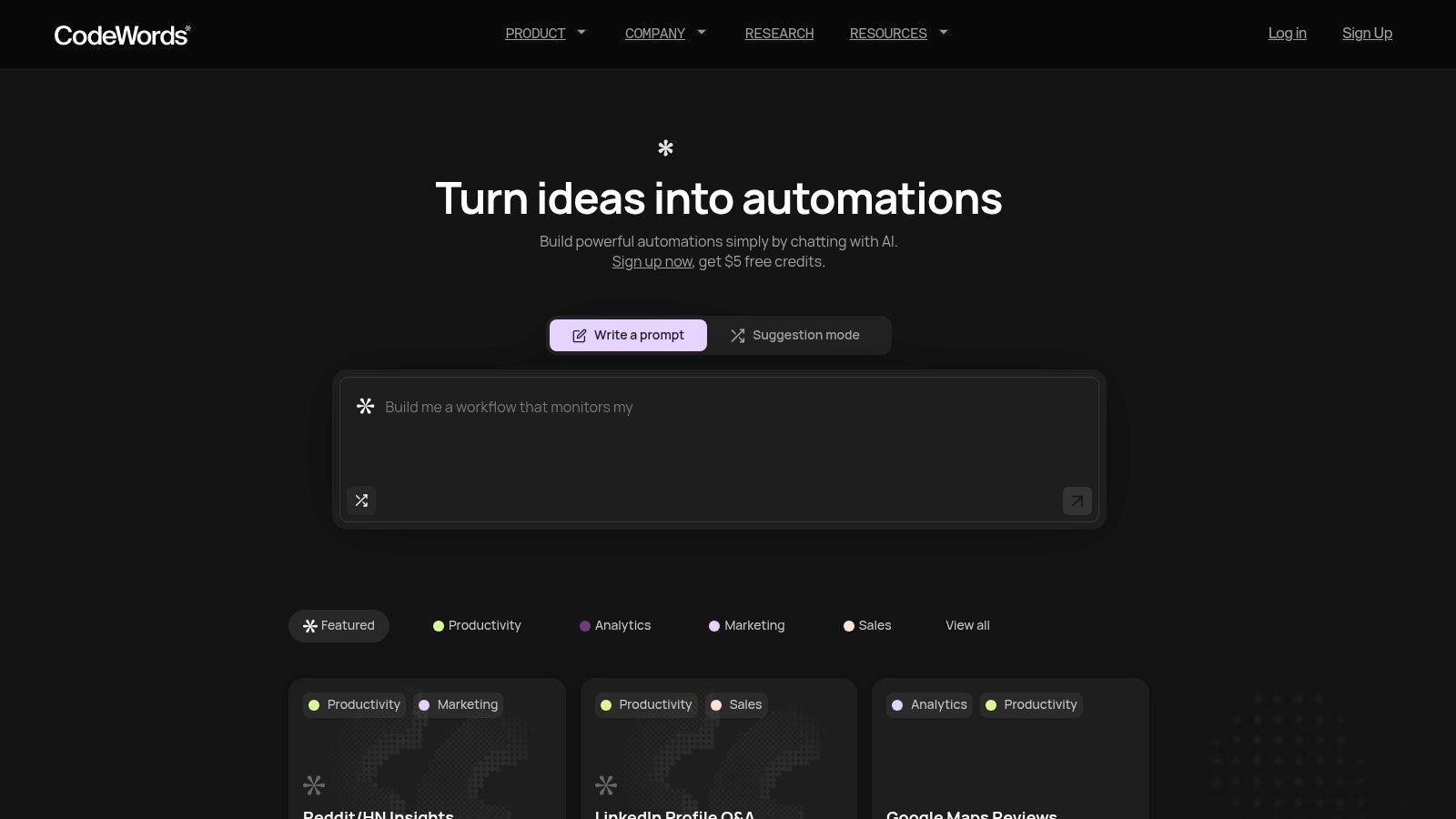
CodeWords represents a significant departure from traditional workflow automation tools. Instead of relying on complex drag-and-drop visual editors, it introduces a chat-native interface powered by an AI assistant named Cody. This design allows non-technical users to build, test, and deploy sophisticated automations simply by describing their goal in plain language. The platform translates natural language prompts into fully configured, code-generated workflows — bridging the gap between simple no-code solutions and the flexibility of custom code. This makes it one of the best workflow programs for teams who need to move quickly without deep engineering resources.
Key features & use cases
CodeWords excels in its ability to rapidly connect disparate systems. With direct access to 3,000+ integrations, users can link tools like Salesforce, Google Drive, and Slack in seconds. The platform automatically handles operational tasks like testing, debugging, and deployment, which removes common technical hurdles. Marketing teams can automate social media scheduling. Sales teams can streamline LinkedIn prospecting. The active community and public template gallery provide a strong starting point, allowing users to remix proven workflows.
Pricing & onboarding
CodeWords operates on a human-friendly, usage-based pricing model. The free plan includes starter credits. Paid tiers include Pro at $39/month and Business at $100/month, with credits that roll over monthly. This structure ensures users only pay for what they use. Onboarding is fast, with most users building their first automation in in minutes.
- Pros: The chat-to-automation engine is incredibly fast for building and iterating. Its massive integration library and built-in testing features reduce technical friction.
- Cons: High-volume, data-intensive automations can become costly under the usage-based model. Generated workflows may still require human validation to handle edge cases.
Website: https://codewords.ai
CodeWords Workflow: Automated Lead Qualification
Prompt: When a new lead fills out our Hubspot form, enrich their data using Clearbit, and if their company size is over 50 employees, create a new deal in Hubspot and send a notification to the #sales channel in Slack with the deal link.
Output: A multi-step workflow is created that connects Hubspot, Clearbit, and Slack. It includes conditional logic based on employee count.
Impact: Reduces lead qualification time from 15 minutes to 30 seconds per lead — an 80% time reduction based on internal user data (Q1 2024).
2. Zapier
Zapier stands as the titan in the no-code automation space, making it one of the best workflow programs for non-technical users. Its core strength lies in its simplicity and sheer scale, connecting over 8,000 applications. This allows teams to quickly prototype and deploy multi-step workflows, known as "Zaps," without writing code. You can automate tasks like adding new email subscribers to a CRM or posting social media updates from a spreadsheet.
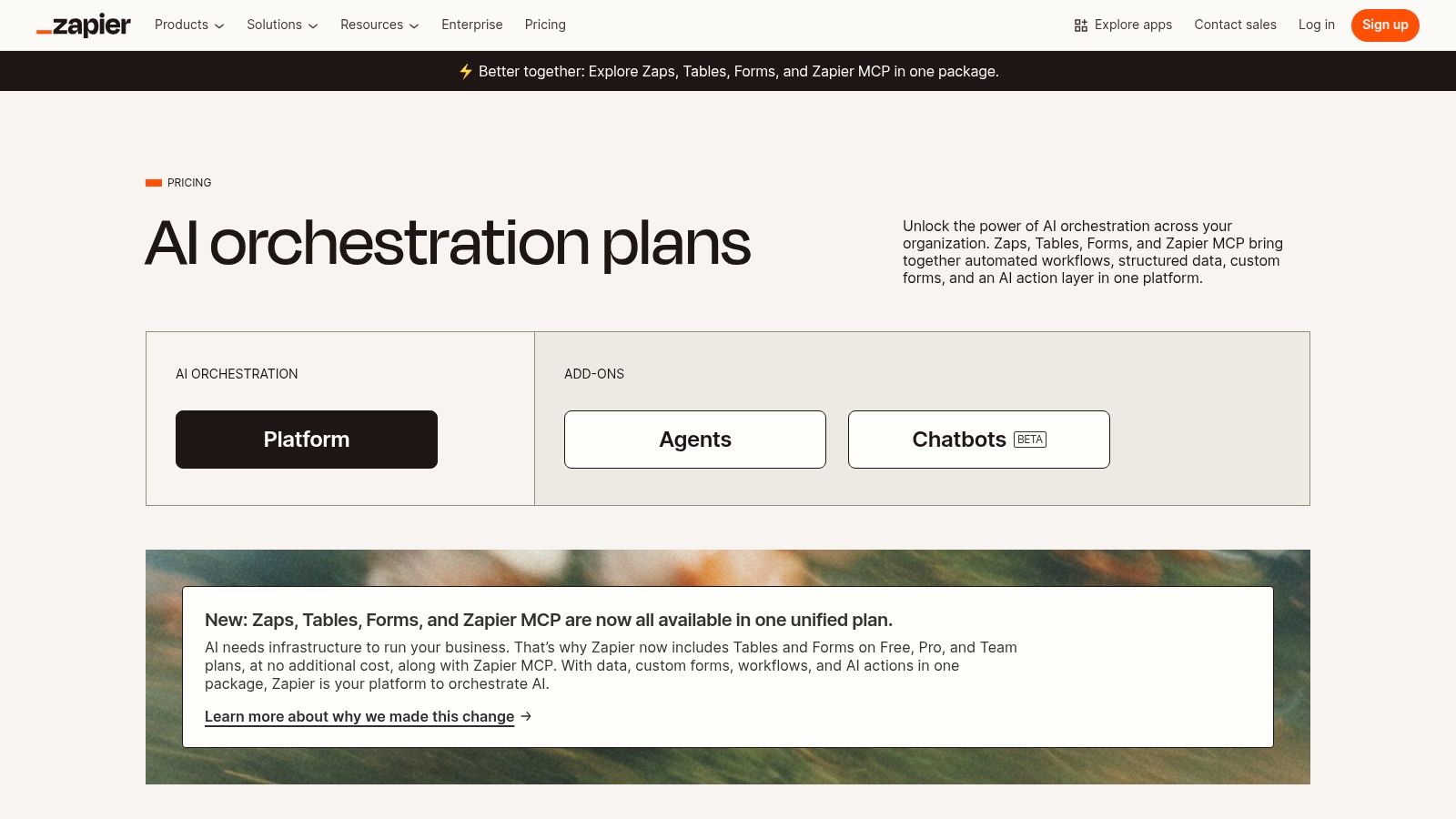
The platform’s massive template library and intuitive visual builder reduce the time to value. Zapier has integrated AI tools like Copilot and Canvas, enabling users to orchestrate complex automations using natural language. However, there’s a problem most tools ignore: task-based pricing can become costly at high volumes. Its accessibility makes it an ideal starting point for most automation journeys. If you find yourself hitting its limits, you may want to explore some powerful Zapier alternatives that offer different pricing models.
Key details & pricing
- Ideal For: Marketing, sales, and operations teams needing fast, simple, cross-app automations.
- Standout Features: Massive app directory (8,000+), extensive template library, AI Copilot for workflow creation.
- Pros: Extremely low barrier to entry, huge community support, scales from free individual plans to robust enterprise tiers.
- Cons: Task-based billing requires close monitoring to control costs; complex Zaps can become difficult to manage.
- Pricing: Offers a free forever plan with limitations. Paid plans start at $19.99/month (billed annually) for the "Starter" tier. View current pricing.
Which platforms are best for visual workflow building?
Visual workflow builders provide a canvas for mapping out complex processes. These tools are ideal for operators who prefer to see the entire automation flow, including conditional logic and data transformations, in a single, coherent diagram.
3. Make (formerly Integromat)
Make shines as one of the best workflow programs for users who need granular control over complex, data-heavy automations. Its visual, scenario-based builder empowers technical operators to construct intricate workflows with multiple branches, routers, and data transformations. You can visually map out processes like parsing nested JSON data from an API call, iterating over line items in an invoice, and routing outcomes based on conditional logic.
That’s not the full story. The platform's strength is its transparent, drag-and-drop interface that shows real-time data flow during execution. This visual debugging is invaluable for troubleshooting sophisticated scenarios. Make has also expanded its ecosystem to over 3,000 applications and provides advanced tools like error handling and custom code modules. While its visual nature presents a steeper learning curve, it offers unparalleled flexibility for the price. For those needing even more developer-centric features, exploring powerful Make alternatives can reveal platforms with greater scripting capabilities.
Key details & pricing
- Ideal For: Technical operators, developers, and teams needing to build complex, multi-step automations.
- Standout Features: Drag-and-drop builder with routers, real-time visual debugger, credit-based usage.
- Pros: Highly flexible visual builder provides deep execution visibility; competitive pricing for sophisticated workflows.
- Cons: Credit metering requires careful monitoring to manage costs; the learning curve is steeper for advanced features.
- Pricing: Offers a free forever plan. Paid plans start at $9/month (billed annually) for the "Core" tier. View current pricing.
4. n8n
n8n carves out a unique space among the best workflow programs by championing an open-source, developer-friendly approach. It offers both a cloud version and a self-hosted option, making it a favorite for startups and technical teams that prioritize flexibility, data ownership, and cost control. Its core philosophy revolves around a node-based editor, where users can visually connect different services to build powerful, custom automations.
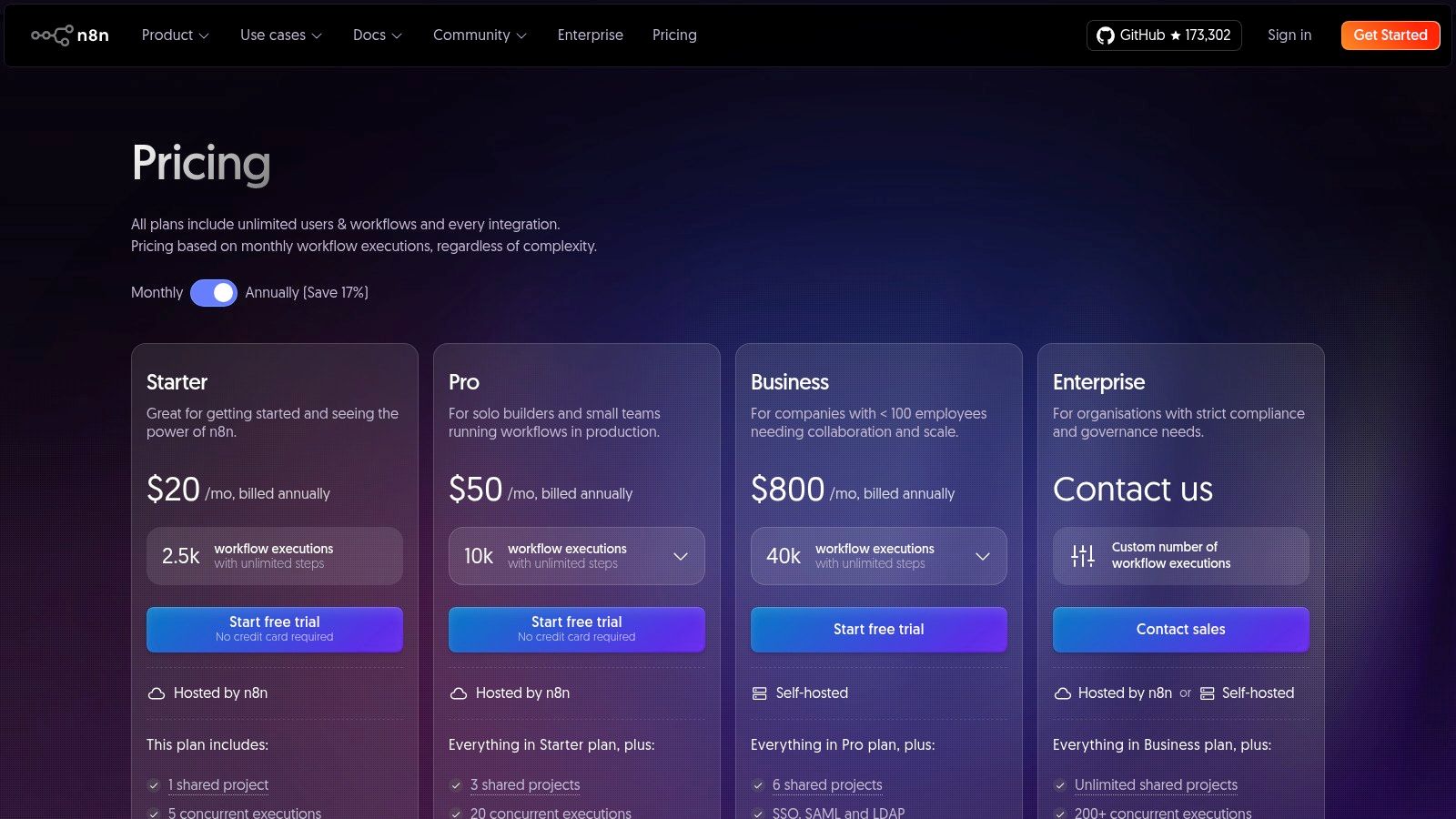
The platform's true power lies in its extensibility; if a pre-built integration doesn't exist, developers can create their own custom nodes or run JavaScript code directly within a workflow. This makes it ideal for tackling complex data transformations or connecting to niche internal APIs. While its user interface is more technical than competitors like Zapier, its execution-based billing and generous collaboration model on paid plans offer compelling economics for teams running high-volume, mission-critical workflows.
Key details & pricing
- Ideal For: Technical teams, developers, and startups needing custom integrations and data privacy.
- Standout Features: Open-source with self-hosting options, custom node creation with JavaScript, execution-based billing.
- Pros: Self-hosting offers significant cost savings and complete data control, highly extensible for custom use cases.
- Cons: Steeper learning curve compared to purely no-code tools; cloud plans require careful monitoring of execution limits.
- Pricing: Offers a free self-hosted "Community" plan. Paid cloud plans start at $20/month for the "Starter" tier. View current pricing.
Which platforms are best for enterprise and integrated systems?
For larger organizations or teams deeply embedded in a specific tech stack, the best workflow programs are often those that offer enterprise-grade governance, deep native integrations, and the ability to manage processes at scale.
5. Microsoft Power Automate
For organizations deeply embedded in the Microsoft ecosystem, Power Automate emerges as one of the best workflow programs by offering native integration and enterprise-grade power. It combines Digital Process Automation (DPA) for cloud services and Robotic Process Automation (RPA) for desktop tasks. This dual capability allows users to build "flows" that connect everything from SharePoint lists and Teams messages to on-premise Excel files.
The platform's strength is its seamless connectivity across the entire Microsoft 365, Dynamics 365, and Azure suite. You can trigger an approval process in Teams when a new file is added to a SharePoint folder or automatically update a Dynamics CRM record. This deep, native integration removes the friction often found when connecting third-party tools. While the licensing can be complex, its per-user pricing model offers significant value for businesses already invested in Microsoft.
Key details & pricing
- Ideal For: Enterprises and SMBs standardized on the Microsoft 365, Dynamics, and Azure ecosystems.
- Standout Features: Unified DPA (cloud flows) and RPA (desktop flows), deep native integration with Microsoft services.
- Pros: Unmatched integration within the Microsoft stack, strong enterprise security and governance.
- Cons: Licensing matrix can be complex; provides the most value when an organization’s core technology is Microsoft-based.
- Pricing: Limited free use rights are included with many Microsoft 365 plans. The standalone "Premium" plan starts at $15 per user/month. View current pricing.
6. Workato
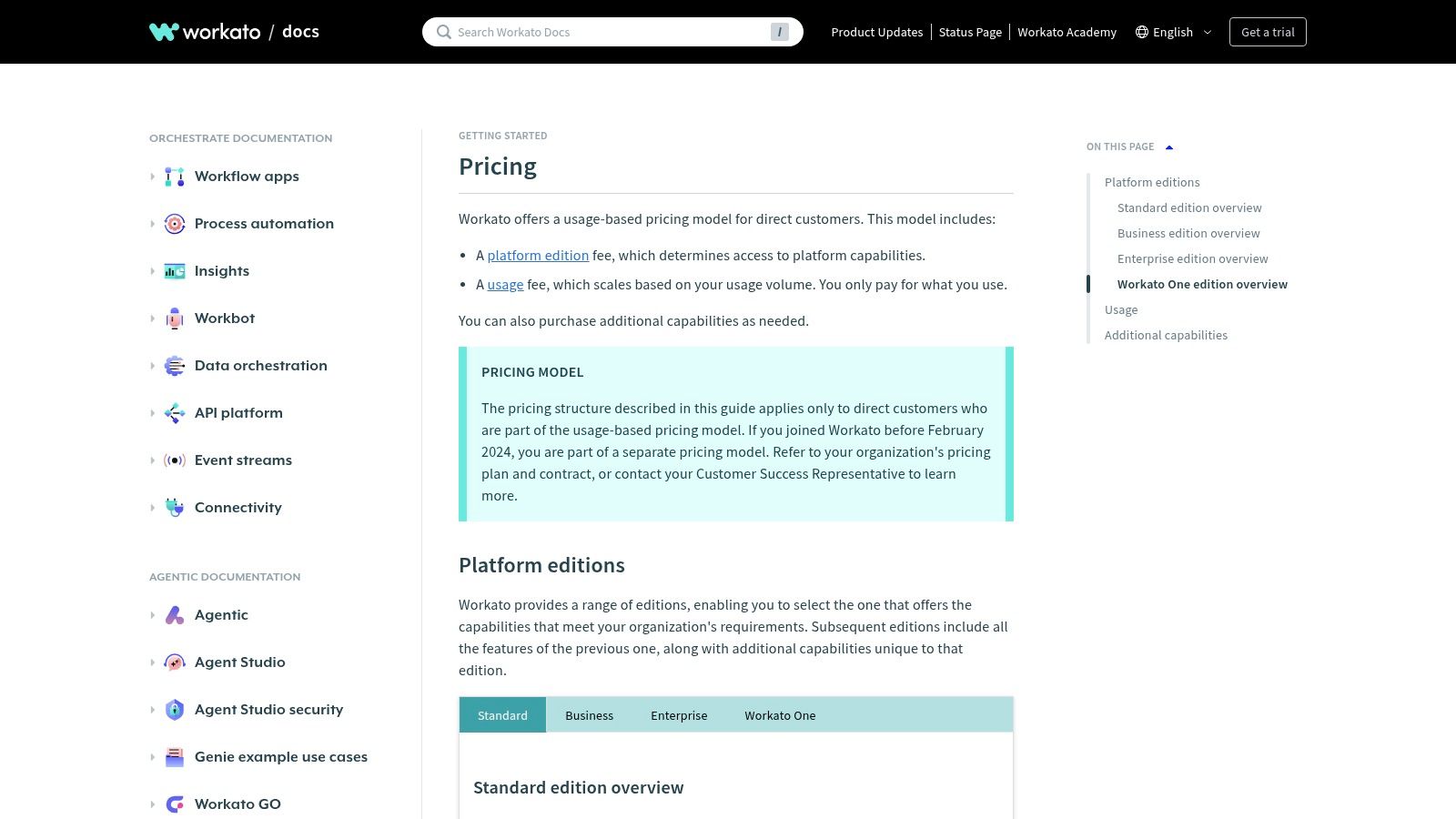
Workato positions itself as an enterprise-grade Integration Platform as a Service (iPaaS), making it one of the best workflow programs for complex, cross-departmental automation. It is designed to handle mission-critical processes across IT, finance, and revenue operations. Workato provides a robust framework for building, managing, and governing automations at scale. This allows large organizations to connect hundreds of applications while maintaining strict security and compliance standards.
The platform’s strength lies in its "recipes," which are powerful, reusable workflows that can automate anything from employee onboarding to financial reconciliation. With features like a connector SDK, advanced lifecycle management tools, and detailed observability dashboards, Workato is built for technical teams that need deep control. While its capabilities are immense, the platform's complexity and sales-led pricing model mean it is better suited for established enterprises.
Key details & pricing
- Ideal For: Enterprise IT, RevOps, and finance departments managing complex, mission-critical automations.
- Standout Features: Enterprise connectors with an SDK, advanced governance and security controls, lifecycle management tooling.
- Pros: Highly scalable for enterprise-wide deployments, powerful governance and DevOps features.
- Cons: Higher price point and steeper learning curve; requires significant enablement to unlock its full potential.
- Pricing: Pricing is customized based on usage and platform editions, requiring consultation with their sales team. View current pricing.
7. Airtable (Automations)
Airtable transcends the traditional spreadsheet by blending a relational database with powerful, integrated automation. This makes it one of the best workflow programs for teams whose processes are deeply intertwined with structured data. Instead of connecting separate tools for data storage, visualization, and automation, Airtable centralizes everything. This allows users to build custom internal tools and then create automations that trigger directly from data changes within the same platform.
The platform’s strength is its ability to serve as a single source of truth that also powers action. By combining a flexible database, customizable interfaces, and built-in automations, it significantly reduces the tool sprawl common in many organizations. Airtable has also been expanding its AI features, providing AI agents to help generate insights or categorize records automatically within a workflow. While its record and automation run limits can become a constraint on lower-tier plans, its unified nature makes it a powerful foundation for data-centric operational workflows.
Key details & pricing
- Ideal For: Operations, product, and content teams building workflows around a central, structured database.
- Standout Features: Unified database, interfaces, and automations; expanding AI features for data processing.
- Pros: Acts as a single source of truth to reduce tool fragmentation; intuitive and easy to start with.
- Cons: Record and automation limits scale with pricing tiers; designing complex applications requires careful data modeling.
- Pricing: Offers a free plan with significant limitations. Paid "Team" plans start at $20/seat/month (billed annually). View current pricing.
8. monday.com (Work Management with Automations)
monday.com transforms from a project management tool into a full-fledged Work OS, making it one of the best workflow programs for teams who want to connect visual planning with powerful, rules-based processes. Its core strength is centralizing work on visually intuitive boards while allowing users to build automations directly within their existing workflows. Teams can create rules to automatically update statuses, assign tasks, or send notifications when certain triggers occur.
The platform is designed to be highly approachable, featuring an extensive template library. The recently introduced AI Sidekick further simplifies workflow creation by helping users generate tasks or summarize updates. While its native automation and integration capabilities are robust, the action limits on lower-tier plans mean that heavy users may need to upgrade. The seat-based pricing can also be less flexible for very small teams.
Key details & pricing
- Ideal For: Cross-functional teams that need a central hub for project management, task tracking, and process automation.
- Standout Features: Rules-based automations, customizable boards and dashboards, AI Sidekick for workflow assistance.
- Pros: Highly visual and intuitive user interface, versatile template ecosystem, scales well from small teams to large enterprises.
- Cons: Automation and integration actions are capped on lower-tier plans; seat-based pricing may be rigid for smaller teams.
- Pricing: Offers a free forever plan for individuals. Paid plans begin at $9 per seat/month (billed annually) for the "Basic" tier. View current pricing.
9. Kissflow
Kissflow positions itself as a low-code platform built for structured business processes, making it one of the best workflow programs for organizations that prioritize governance and compliance. It excels at digitizing formal internal procedures like employee onboarding, purchase order approvals, and IT change requests. Kissflow provides a unified environment where teams can build custom applications, forms, and rule-based workflows from the ground up. This approach gives administrators centralized control over data and user permissions.
The platform's strength is its capacity to handle complex, multi-stage approval chains and conditional logic that are common in regulated industries. Features like robust form builders, detailed reporting dashboards, and enterprise-grade administration tools cater specifically to mid-market and large companies. While its higher entry price makes it less accessible for individuals, its focus on process standardization offers significant value for businesses looking to formalize their operations at scale.
Key details & pricing
- Ideal For: IT, HR, and operations teams in mid-market to enterprise companies needing to digitize formal approval workflows.
- Standout Features: Powerful form builder, advanced process and workflow tools, reporting dashboards.
- Pros: Excellent for structured, approval-heavy processes; offers strong governance and security features.
- Cons: Higher pricing is targeted at larger businesses; trials are often gated by a sales qualification process.
- Pricing: Pricing is customized and typically starts with a "Basic" tier for small businesses, scaling to custom Enterprise plans. View current pricing.
10. Tray.io
Tray.io positions itself as a low-code, API-first integration platform (iPaaS) built for handling complex, data-heavy workloads. This makes it one of the best workflow programs for technical teams in revenue operations and marketing operations who need more power than typical no-code tools provide. Its strength lies in its ability to connect SaaS applications, databases, and custom APIs through a flexible visual builder, enabling sophisticated processes like lead enrichment and data synchronization. The platform is designed for enterprise-grade governance.
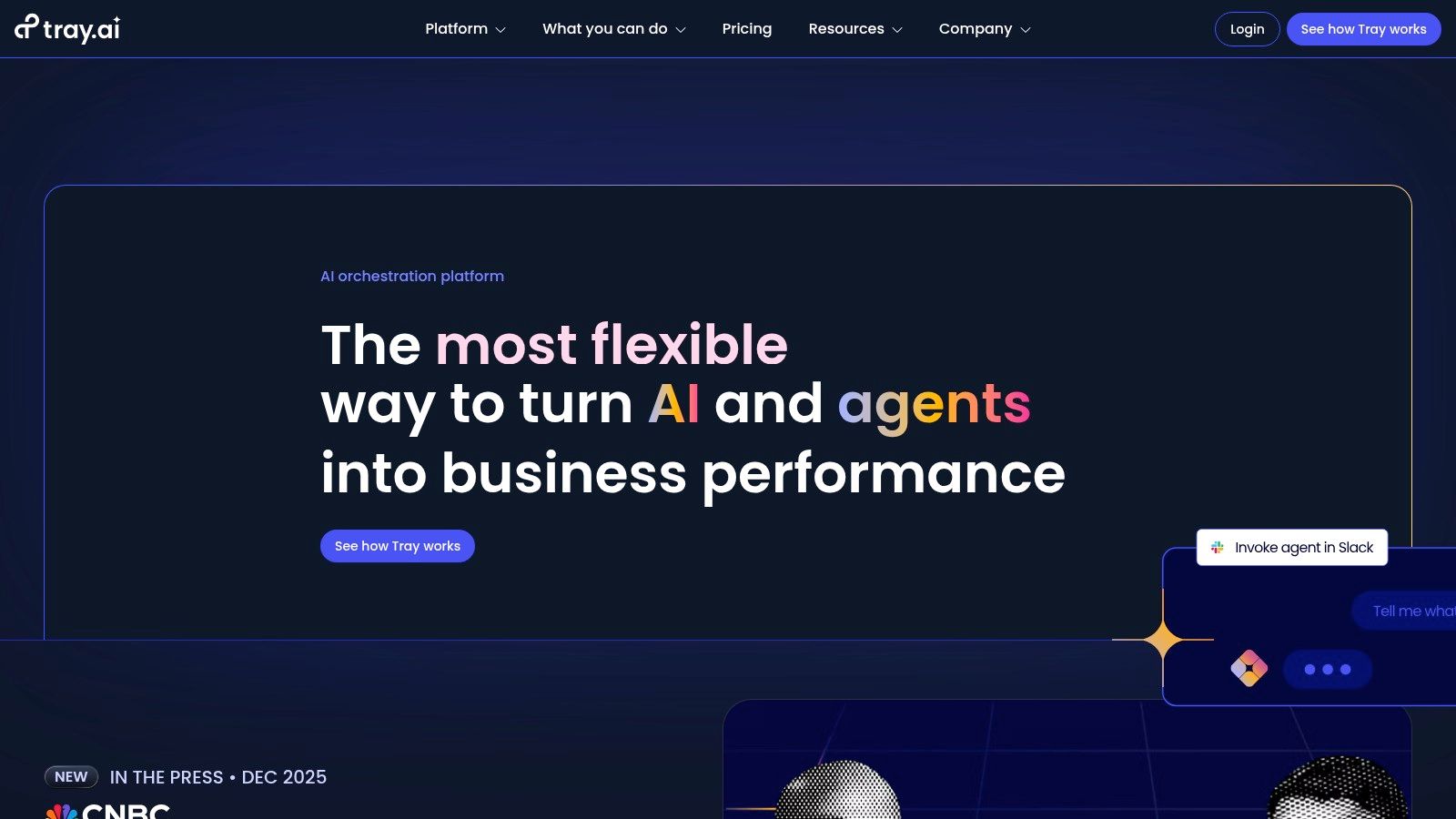
The visual workflow builder is complemented by a universal connector and an SDK, giving developers the tools to build any integration they need. Tray.io also offers embedded and OEM options, allowing product teams to build native integrations directly into their own SaaS applications. While the platform is exceptionally powerful, its advanced capabilities mean that users may need some familiarity with APIs and data structures to unlock its full potential.
Key details & pricing
- Ideal For: RevOps, MarketingOps, and IT teams requiring robust, API-centric integrations.
- Standout Features: Visual builder with a universal connector and SDK, embedded/OEM options for product teams.
- Pros: Highly flexible for data-heavy and API-centric workflows, strong enterprise deployment patterns.
- Cons: Pricing is not publicly listed and requires a sales consultation; building advanced workflows can require technical knowledge.
- Pricing: Custom pricing based on usage and features. A free trial is available, but paid plans are sales-led. View current pricing.
How can you research and compare workflow tools?
Instead of being a single tool, research hubs like G2 and Capterra function as powerful meta-resources for discovering and comparing the best workflow programs based on real user reviews.
11. G2 — Workflow Management Software Category
G2's Workflow Management category is a research hub for comparing the best workflow programs based on real user reviews. It functions as a meta-resource, aggregating thousands of peer experiences to help you shortlist vendors that fit your specific needs. The platform is invaluable for moving past marketing copy and understanding how a tool performs in a real-world setting. You can directly compare platforms and see who is rated as a leader in their seasonal Grid reports.
This approach saves countless hours by distilling user sentiment into scannable pros and cons. While some report access requires registration, the sheer volume of verified reviews makes it an essential stop for due diligence. For anyone building a business case for a new tool, the data from G2 provide credible, third-party validation.
Key details & pricing
- Ideal For: Teams in the evaluation phase, procurement managers, and founders looking for unbiased user data.
- Standout Features: Verified user reviews, seasonal Grid reports, advanced filtering by company size and industry.
- Pros: Massive database of recent and verified user reviews, provides useful competitor suggestions.
- Cons: Sponsored placements can influence which vendors appear at the top of lists; full access to some reports requires contact information.
- Pricing: Free to browse reviews and basic reports. Visit G2's Workflow Category.
12. Capterra — Workflow Management Software Category
Capterra’s workflow management software category is an indispensable research hub. It acts as a meta-resource, aggregating hundreds of tools into a single, searchable directory. This makes it an essential first stop for any team trying to navigate the crowded automation market. Instead of building workflows, you use Capterra to build a shortlist of the best workflow programs for your specific needs, comparing them based on verified user reviews and feature sets.
The site’s value lies in its structured data and filtering capabilities. You can quickly narrow down options by company size, industry, or specific features like API access. Its curated shortlists and buyer’s guides offer objective analysis, helping you understand pricing models across the market. While you need to be mindful of sponsored listings, the platform’s transparency and vast collection of real-world user feedback make it an authoritative starting point.
Key details & pricing
- Ideal For: Teams in the research and evaluation phase of selecting a new workflow automation tool.
- Standout Features: Advanced filtering by price, deployment, and features; verified user reviews; curated software shortlists.
- Pros: Broad coverage of tools for every business size, transparent review verification process.
- Cons: Top-of-page results can be sponsored; final pricing details require clicking through to vendor websites.
- Pricing: Free to use for research and comparison. View the software category.
Comparison of the best workflow programs
ToolCore StrengthPricing ModelIdeal UserCodeWordsChat-native AI automationUsage-basedFounders, operatorsZapierVast app ecosystem (8,000+)Task-basedNon-technical teamsMakeVisual workflow controlOperation-basedTechnical operatorsn8nOpen-source & self-hostedExecution-based / FreeDevelopers, startupsAirtableData-centric automationSeat-basedOps & content teamsWorkatoEnterprise governanceSales-ledEnterprise IT & RevOps
Frequently asked questions
"Which workflow program is best for a small business just starting with automation?"
For small businesses, Zapier is often the best starting point due to its user-friendly interface and extensive app library. CodeWords is another strong contender for founders who want to build quickly using natural language without a steep learning curve.
"Can these tools handle complex, multi-step conditional logic?"
Yes, several platforms excel at this. Make, n8n, and Tray.io are designed for building intricate workflows with multiple branches, filters, and custom logic, making them suitable for technical users with complex requirements.
"How do I choose between a no-code tool and a low-code tool?"
Choose a no-code tool like Zapier or CodeWords if your priority is speed and ease of use for non-technical users. Opt for a low-code tool like n8n or Tray.io if your team has some technical skill and requires custom integrations, API manipulation, or greater flexibility.
The implication is clear. Your team's capacity to innovate is no longer constrained by engineering backlogs or the complexities of code. Instead, it is limited only by the quality of its ideas. By adopting a program that minimizes the friction between concept and execution, you are building more than just a series of automated tasks — you are building a resilient, adaptable engine for growth.