The best workflow management software for 2026: a complete guide
Compare 12 workflow management platforms by features, price, and AI automation.
 Rebecca Pearson22 min read
On this page
Building a business is like constructing a complex machine — every gear and piston must connect and fire in sequence. When your processes rely on manual data entry and disjointed tools, the machine grinds to a halt. The best workflow management software rebuilds this machine, transforming chaos into an intelligent, automated system. A 2024 report by McKinsey projects that generative AI could automate up to 70 percent of business activities by 2030, a transformation starting now. Moving beyond simple task trackers to platforms that orchestrate complex processes is the first step.
Are you constantly chasing status updates, manually transferring data between apps, or wrestling with inefficient approval chains? The right tool promises a fundamental transformation, turning fragmented steps into a seamless, self-propelling machine. This is a practical guide to building, not just managing, your ideal workflow.
This article provides a detailed analysis of the top workflow management platforms available today. We’ll break down their core features, ideal use cases, and pricing structures, complete with screenshots and direct links. You will learn precisely which solution fits your team's unique needs, whether you're a founder automating initial processes, an operations manager coordinating complex projects, or a marketing team streamlining campaigns. Forget surface-level reviews; this is a practical guide to building, not just managing, your ideal workflow.
TL;DR: The best workflow management software for 2026
- Automation can boost team productivity by up to 25% (McKinsey, 2024), shifting focus from manual task tracking to building intelligent systems. In Singapore, 63% of operations teams now use AI for process optimization (KPMG, 2024).
- The key differentiator is moving from passive project management (tracking tasks) to active automation (executing tasks), connecting your entire operational stack.
- CodeWords is the top choice for non-technical users who need to build powerful, multi-app automations quickly using natural language instead of complex visual editors.
How do you choose the best workflow management software?
Choosing the right platform is less about features and more about your operational philosophy. Are you building a system to track human work, or are you constructing an automated operator that executes the work for you? The former focuses on visibility and project management; the latter on efficiency and intelligent automation. A 2023 Deloitte report found that enterprises using AI-powered automation reduce operational costs by an average of 22% within the first year.
Here’s the deal: most traditional workflow tools are digital filing cabinets. They are excellent for organizing tasks and showing who is responsible for what. However, they stop short of performing the work itself. Modern teams, especially those run by experienced operators and founders, need more. They need systems that can connect disparate tools — like a CRM, an email client, and a Slack channel — and execute a sequence of actions automatically. This is the difference between managing a blueprint and having a self-constructing building.
This is where a new class of tools, built with AI at their core, changes the equation. Instead of just tracking a lead’s journey through a sales pipeline, an AI-native workflow tool can qualify the lead, draft and send a personalized outreach email, and notify the sales team with a complete summary. This approach reduces manual intervention and shrinks the gap between intent and action. The best workflow management software for your team will be the one that best aligns with this builder mindset.
What is the best software for different team needs?
No single platform is perfect for every use case. The best workflow management software depends on your team’s size, technical skill, and primary objective. A marketing team’s needs differ from a project management office, and a founder’s requirements are different from an enterprise IT department’s.
Here is a breakdown of the top tools.
1. CodeWords
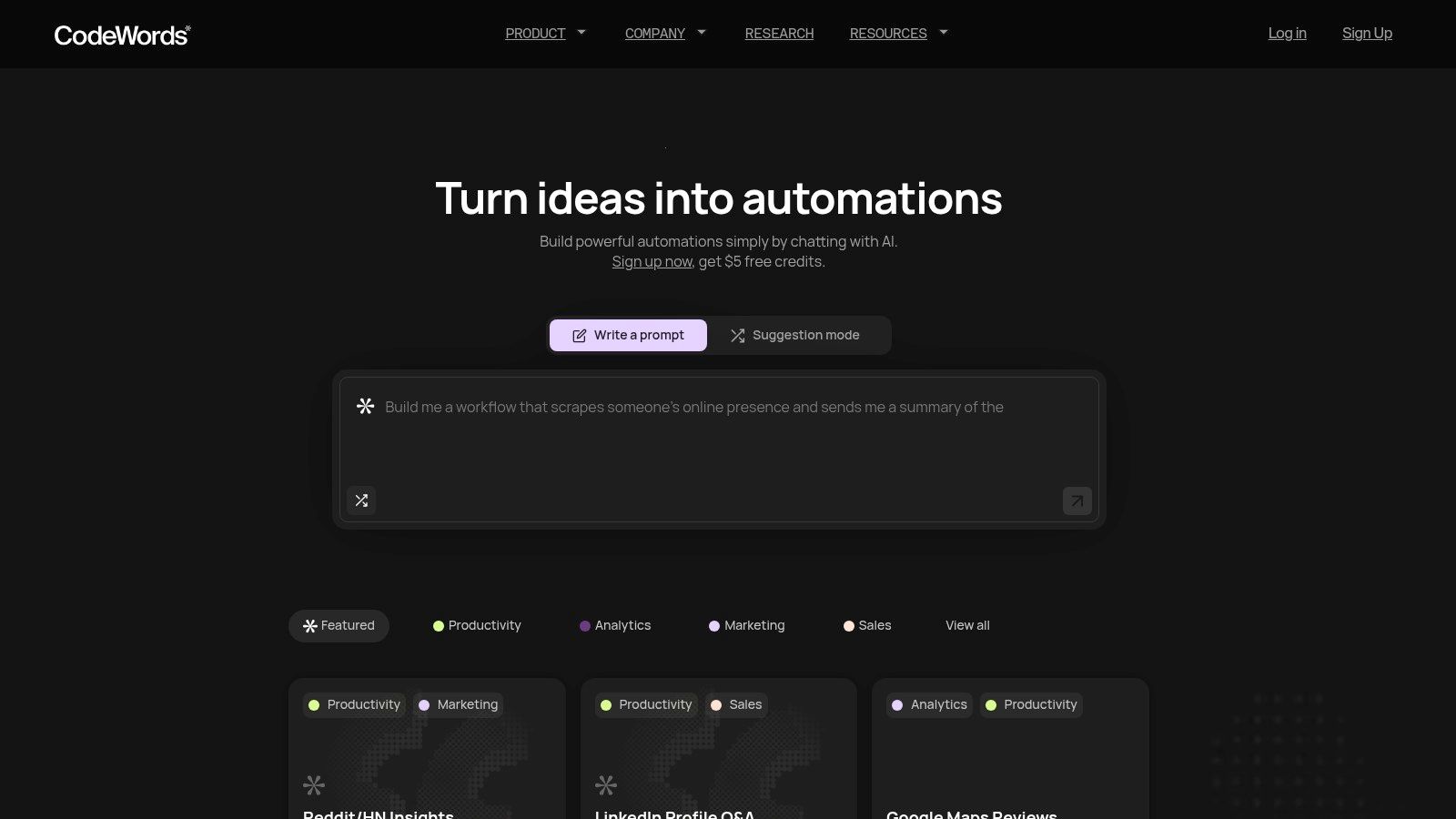
CodeWords stands out as one of the best workflow management software options for its unique, chat-native approach to automation. Instead of relying on complex, visual drag-and-drop editors, CodeWords empowers users to build powerful workflows by simply describing their needs in plain English. This conversational interface, powered by an AI assistant named Cody, radically lowers the barrier to entry, making sophisticated automation accessible to non-technical founders, marketers, and operations teams.
The core of the platform is its speed and simplicity. You can articulate a process like "when a new lead comes in through Salesforce, send a personalized welcome email via Gmail and a notification to the #sales channel in Slack," and Cody will generate, configure, test, and deploy that exact workflow in seconds. This eliminates the steep learning curve associated with traditional automation tools, allowing users to move from idea to active automation in in minutes.
Key differentiators and use cases
What sets CodeWords apart is its blend of accessibility and power. While the chat-first experience is designed for beginners, the platform uses code under the hood, enabling a high degree of expressiveness and complexity when needed. This makes it an ideal solution for teams that need to start small but scale their automations over time without hitting a technical ceiling.
- Ideal User: Non-technical business users, founders, and teams in marketing, sales, and operations looking for a direct way to automate multi-app processes.
- Pricing: Begins with a Free plan that includes starter credits. Paid plans scale with usage: Pro ($39/month) and Business ($100/month). Credits roll over and can be topped up.
- Integrations: Connects with 3,000+ applications, including major CRMs, databases, messaging platforms, and analytics tools.
Pros:
- Ultra-fast setup: Go from a text prompt to a live, debugged automation in minutes.
- Extensive connectivity: Integrates with thousands of popular apps without custom coding.
- Beginner-friendly yet powerful: Simple for non-coders but offers advanced capabilities.
- Flexible pricing: A free tier and usage-based plans accommodate various needs.
Cons:
- Usage-based billing can be unpredictable for very high-volume tasks.
- Complex, bespoke automations may still require review or minor adjustments.
Website: https://codewords.ai
CodeWords Workflow: New Lead Nurturing
Prompt: When a new lead is created in Hubspot with status 'Marketing Qualified', wait 5 minutes, then send them the 'Welcome Sequence' email via Gmail. Finally, post a summary of the new lead to the #new-leads channel in Slack.
Output: A three-step workflow is created and deployed. It triggers on Hubspot contact creation, sends a specific Gmail template, and posts a formatted message in Slack containing the lead's name, company, and source.
Impact: Reduces lead response time from hours to 5 minutes. Eliminates 100% of manual data transfer and notification tasks for the marketing operations team.
2. Asana
Asana excels at orchestrating work across multiple departments, making it one of the best workflow management software options for cross-functional teams. Its core strength lies in a user-friendly interface that simplifies task management for non-technical users in marketing, operations, and sales. Teams can visualize work through various formats, including lists, kanban-style boards, calendars, and Gantt-like timelines, which provides flexibility for different project types.
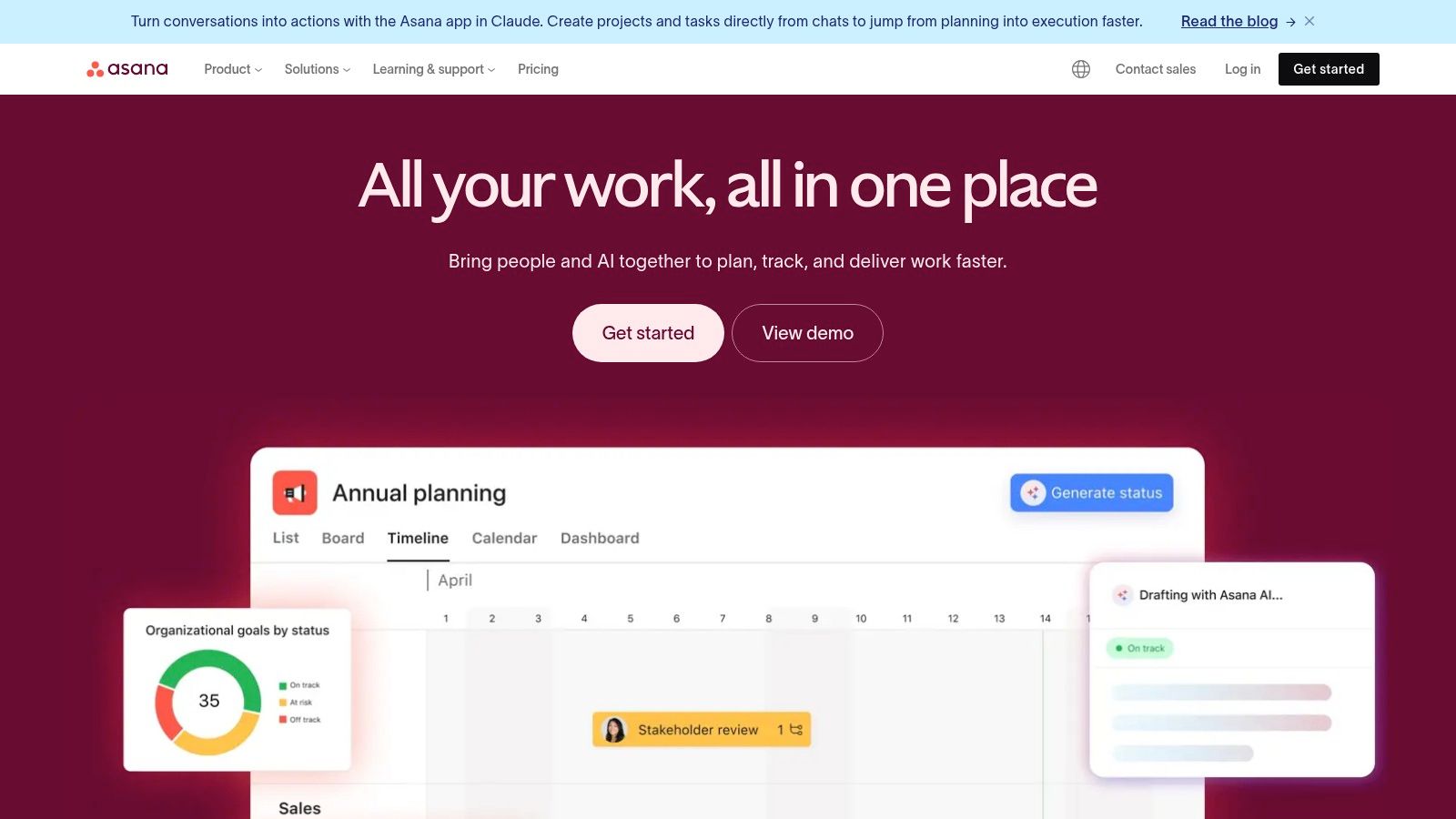
The platform’s Workflow Builder is a key feature, allowing users on paid plans to create unlimited custom automations. These rules can handle routine tasks like assigning work, updating statuses, or moving tasks between project stages, which is fundamental to how to improve workflow efficiency. Asana also integrates with over 100 popular tools, such as Slack, Google Drive, and Salesforce.
Key details & pricing
- Best For: Marketing, sales, and operations teams needing a highly visual and collaborative platform to manage multi-stage projects and automate handoffs.
- Pros: The interface is clean and onboarding is straightforward. Its strong integration ecosystem centralizes information effectively.
- Cons: Critical features like Portfolios, Goals, and advanced security settings are restricted to the more expensive tiers, making it costly for small teams needing full functionality.
- Pricing: Offers a free plan for individuals or small teams. Paid plans start at $10.99 per user/month (billed annually).
Visit the official website: https://asana.com
3. monday.com work management
monday.com positions itself as a "Work OS," a flexible platform designed to build or customize virtually any workflow. This makes it one of the best workflow management software choices for growing teams who need a tool that can adapt across departments, from sales and marketing to development and operations. Its visual, board-centric interface combined with over 200 ready-made templates allows teams to get started quickly without extensive configuration, making it highly approachable.
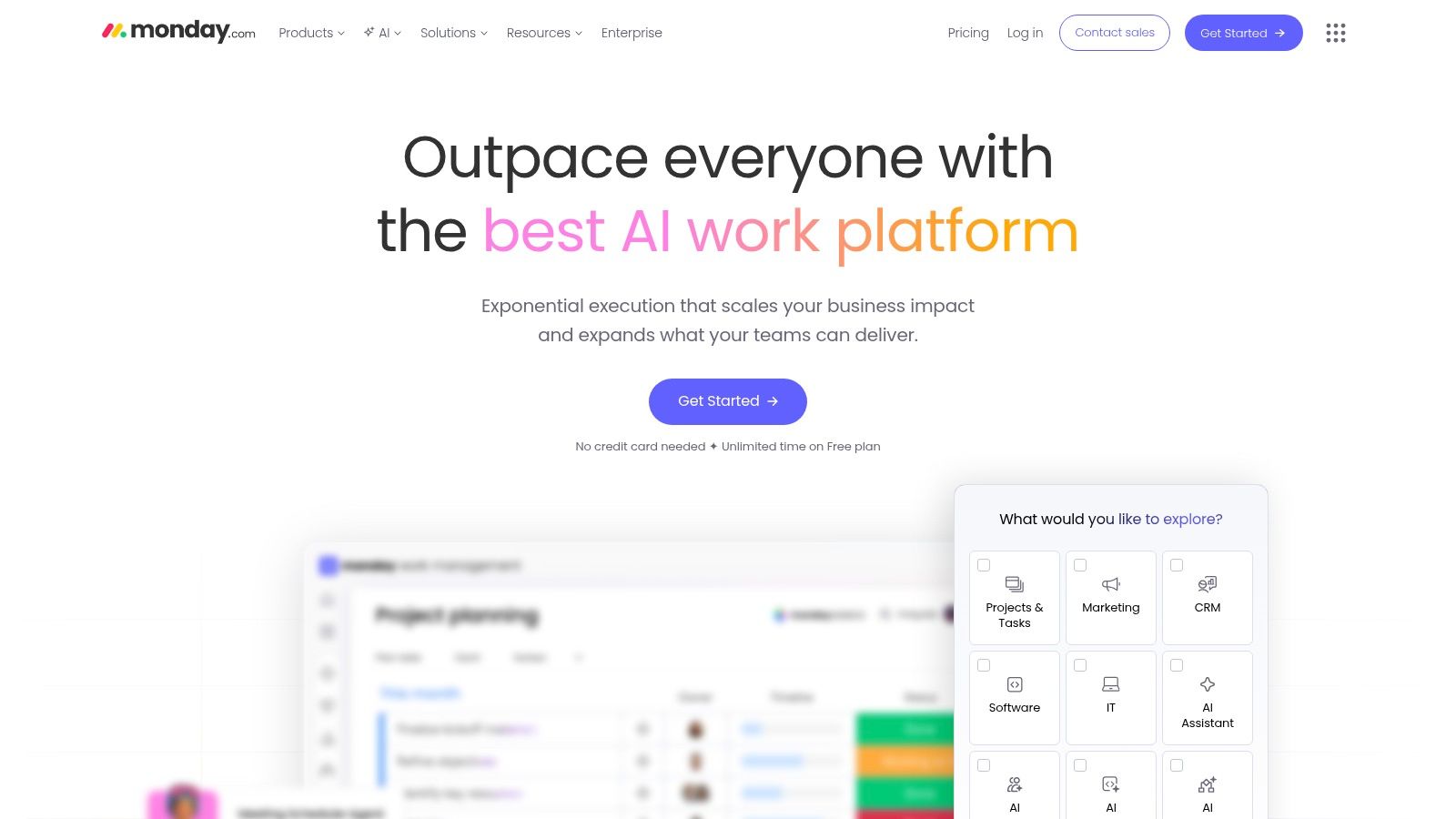
The platform's strength lies in its built-in automations and integrations, which are pooled monthly actions that can trigger notifications, create items, or update statuses based on predefined rules. This system helps reduce manual data entry and streamline handoffs between team members or tools. For teams on Standard plans or higher, the addition of an AI Sidekick provides AI credits to help generate tasks, summarize notes, and draft content directly within the platform, further accelerating project execution.
Key details & pricing
- Best For: Teams across various departments (sales, service, ops) seeking a highly visual and template-driven platform that can scale from simple task management to a full-fledged work operating system.
- Pros: The user interface is exceptionally approachable, and the extensive template library dramatically speeds up setup. It scales well for diverse use cases.
- Cons: Automation and integration actions are capped on lower-tier plans, which can be restrictive for process-heavy teams. Paid plans have a three-seat minimum.
- Pricing: Offers a free plan for up to two users. Paid plans start at $9 per user/month (billed annually).
Visit the official website: https://monday.com
4. ClickUp
ClickUp markets itself as the "one app to replace them all," and it comes remarkably close, offering a unified workspace that combines tasks, documents, goals, and dashboards. Its primary strength is its sheer customizability and breadth of features, making it one of the best workflow management software options for teams wanting to consolidate their tech stack. Users can build intricate workflows using unlimited custom fields, multiple project views like Gantt and Mind Maps, and native time tracking.
The platform is built to adapt to any team’s specific process, from simple task lists to complex, multi-stage project pipelines. Automation capabilities are robust, allowing teams to set rules that manage task assignments, status changes, and notifications without manual intervention. ClickUp also continues to expand its AI offerings, with an assistant available to help summarize documents, generate task ideas, and write content, though some of these features are part of paid add-ons.
Key details & pricing
- Best For: Small to mid-size teams looking for a highly versatile and cost-effective platform to manage diverse types of work in one place.
- Pros: Incredible value with a vast feature set available even on lower-priced plans. The platform is extremely customizable and receives frequent updates.
- Cons: The sheer number of features can create a steep learning curve and feel overwhelming during initial setup. Advanced AI tools often require an additional subscription.
- Pricing: Offers a generous free plan. Paid plans start at $7 per user/month (billed annually).
Visit the official website: https://clickup.com
5. Smartsheet
Smartsheet carves out a unique space in workflow management by building on a familiar spreadsheet-style interface, making it a top choice for teams comfortable with grid-based data organization. Its power lies in combining this accessibility with enterprise-grade features for governance, resource management, and complex project portfolio oversight. This platform is more than a spreadsheet; it’s a dynamic work execution tool designed for operations, IT, and project management offices (PMOs) that need robust control and visibility over multifaceted workflows.
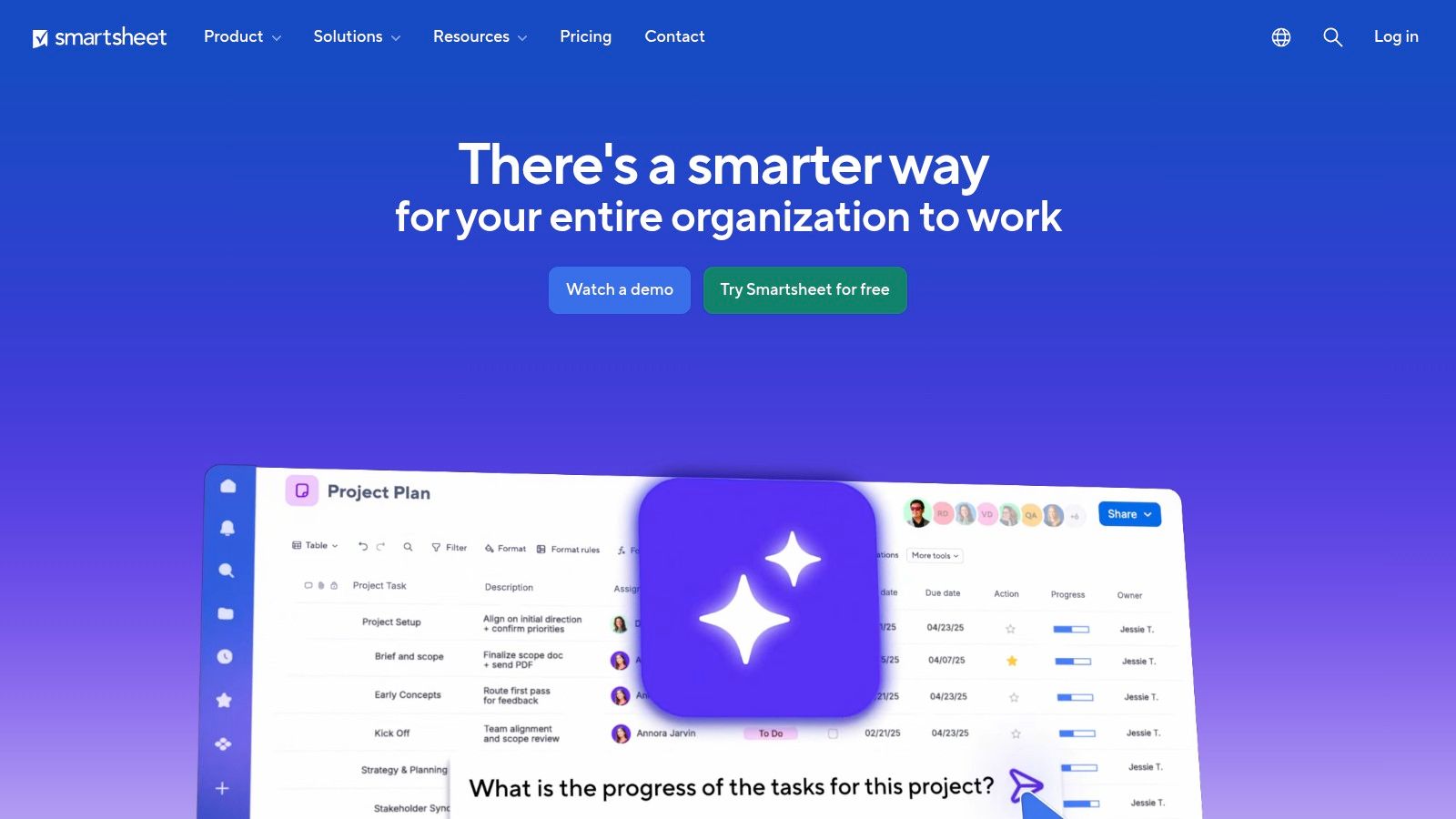
The platform supports multiple views including Gantt, card, and calendar, allowing teams to visualize work in the most effective format for their needs. Smartsheet’s automation engine, available on Business plans and higher, lets users create powerful rules to trigger alerts, request updates, and move data between sheets without manual intervention. For organizations with highly specific needs, premium add-ons like Control Center and Data Shuttle provide unparalleled governance and data integration capabilities, making it one of the best workflow management software options for regulated or large-scale environments.
Key details & pricing
- Best For: Operations, PMO, and IT teams that manage complex projects and portfolios and prefer a powerful, spreadsheet-like environment with strong security and governance.
- Pros: The familiar grid interface lowers the learning curve for new users. Its portfolio and resource management capabilities are exceptional for large-scale operations.
- Cons: The most powerful features, such as advanced governance and integrations, often require expensive premium add-ons. The interface can feel overly complex for small teams or simple projects.
- Pricing: A limited free plan is available. Paid plans start at $7 per user/month (billed annually).
Visit the official website: https://www.smartsheet.com
6. Jira work management (Atlassian)
Jira work management extends Atlassian's powerful project tracking capabilities to business teams, making it an excellent workflow management software for organizations already using the Atlassian ecosystem. It provides non-technical departments like marketing, HR, and finance with the same robust workflow engine as its developer-focused counterpart, Jira Software. Users can manage projects through familiar formats, including lists, kanban boards, calendars, and timelines, ensuring a standardized approach to work across the company.
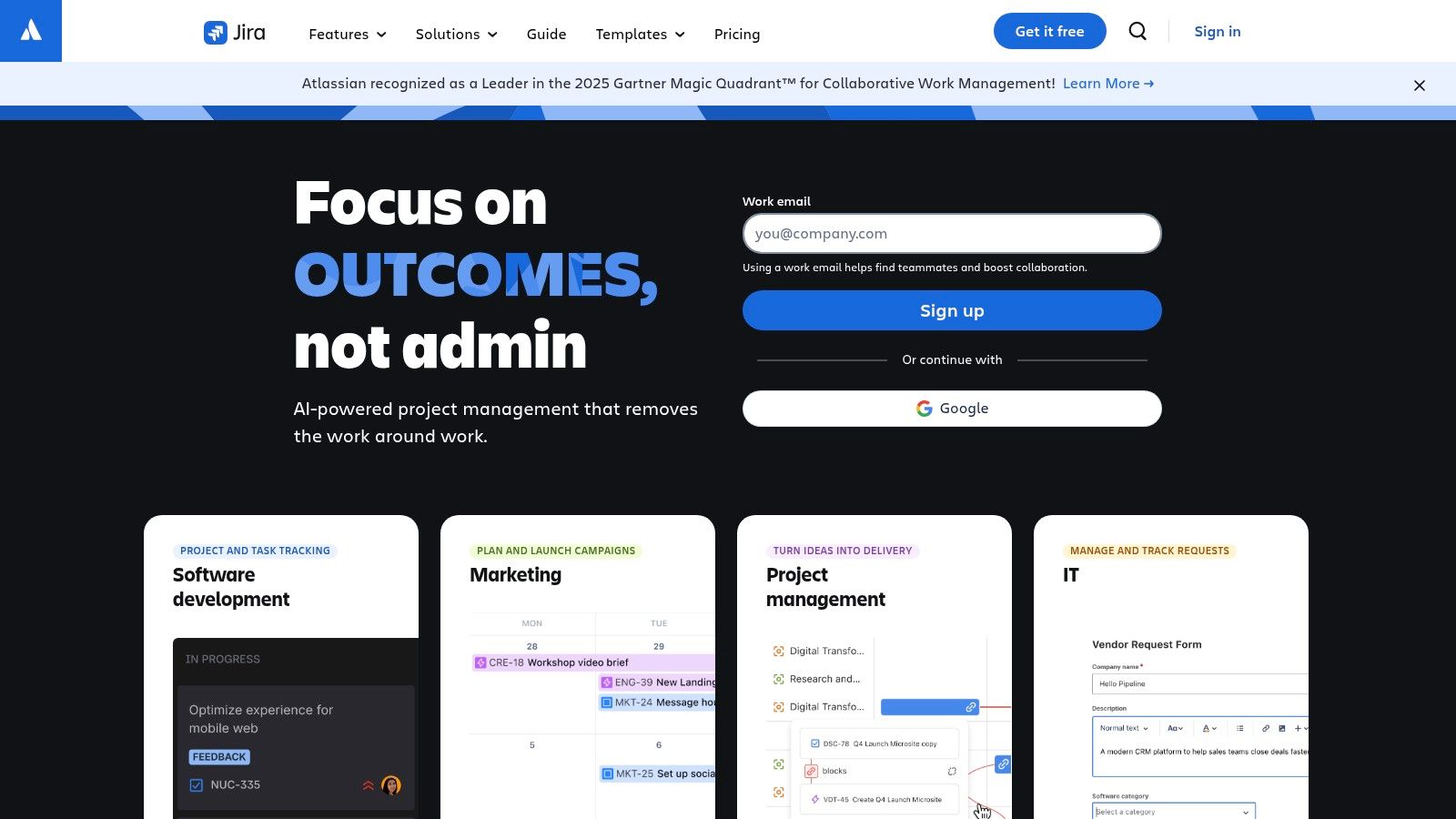
The platform’s key strength is its deep automation and customization potential, allowing teams to design highly structured, repeatable processes with granular permissions and approval steps. It offers extensive automation rules on paid plans and integrates seamlessly with other Atlassian products like Confluence for documentation and Bitbucket for code repositories. Newer tiers also include integrated AI features to streamline search and task management, further enhancing productivity for business-centric projects.
Key details & pricing
- Best For: Business teams within tech-driven companies that need to align their workflows with development cycles managed in Jira Software.
- Pros: Its powerful workflow engine allows for sophisticated, auditable processes. Tight integration with the broader Atlassian suite creates a unified work environment.
- Cons: The setup and customization process can be technical and complex for users unfamiliar with the Jira environment. Storage and automation limits vary significantly between pricing tiers.
- Pricing: Offers a free plan for up to 10 users. Paid plans start at $5 per user/month.
Visit the official website: https://www.atlassian.com/software/jira/work-management
7. Airtable
Airtable redefines the spreadsheet as a powerful, flexible database, making it one of the best workflow management software choices for teams that need to build bespoke solutions. It merges the familiarity of a spreadsheet with the complexity of a database, allowing users to create custom applications for everything from content operations to lightweight CRMs. Its strength is its adaptability; teams can visualize data in multiple formats, including grids, Kanban boards, calendars, and Gantt charts, tailoring the view to the workflow.
The platform's core features include robust automations and a no-code Interface Designer, which lets teams build custom web apps for stakeholders to interact with underlying data without needing full access. This functionality is crucial for creating streamlined request portals or project dashboards. For those looking to connect disparate systems, Airtable serves as an excellent no-code automation platform hub. Higher-tier plans also offer AI capabilities, advanced governance features, and an ecosystem of extensions to further enhance custom workflows.
Key details & pricing
- Best For: Operations, product, and creative teams that need to manage complex, unique workflows and build custom internal tools without writing code.
- Pros: Highly flexible for custom and bespoke processes. It scales effectively from small teams managing simple projects to advanced enterprise deployments.
- Cons: Record and automation limits on lower-tier plans can push teams to upgrade sooner than expected. Complex bases benefit from disciplined administration to prevent disorganization.
- Pricing: A free plan with core features is available. Paid plans start at $20 per seat/month (billed annually).
Visit the official website: https://airtable.com
8. Wrike
Wrike is a powerful, end-to-end work management platform built for deep customization and cross-departmental collaboration. Its key strength is its ability to adapt to complex processes through custom item types, request forms, and shareable dashboards, making it one of the best workflow management software choices for mature operations and professional services teams. Users can manage projects with Gantt charts, boards, and lists while leveraging robust resource and capacity planning tools.
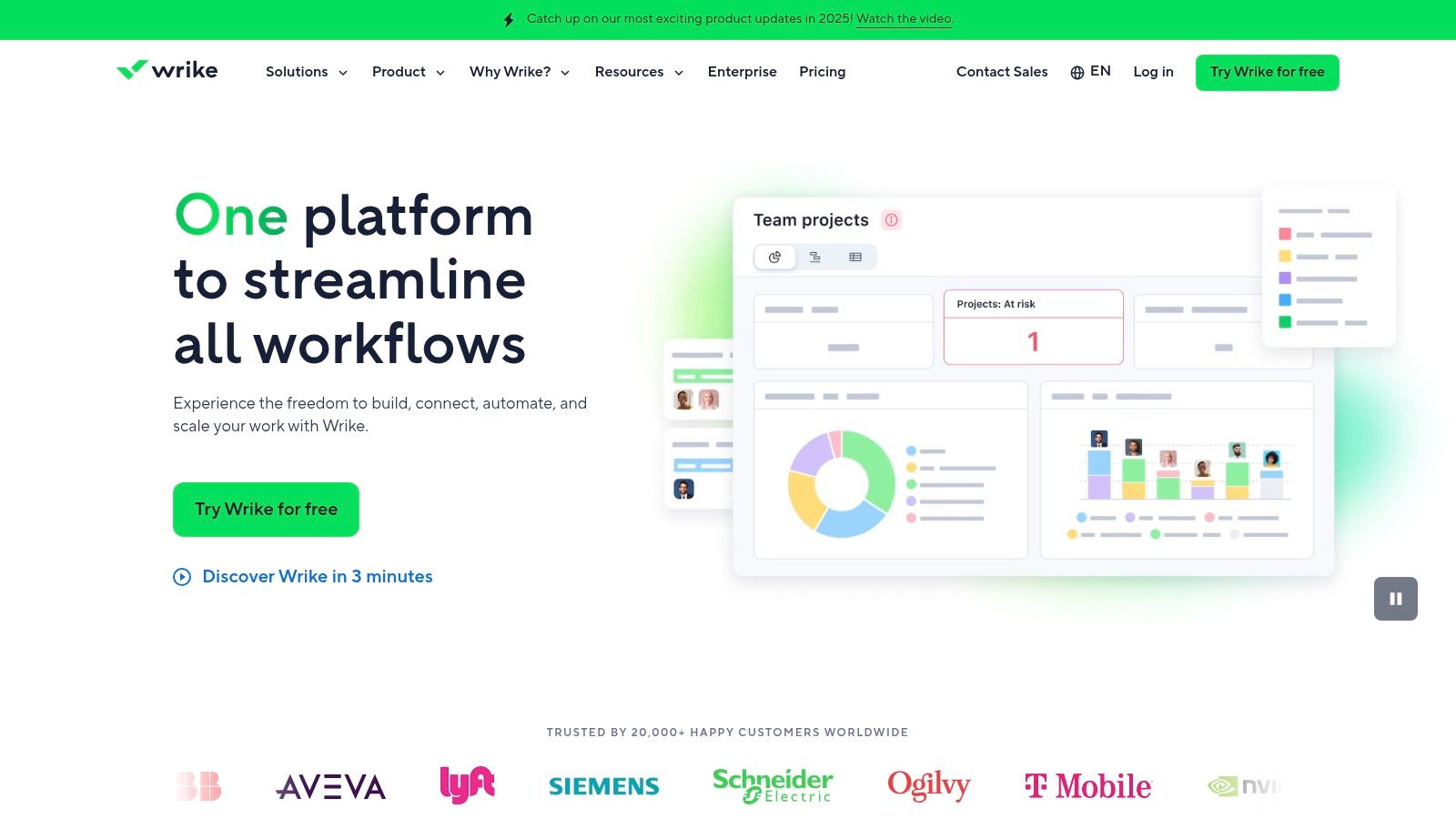
The platform supports over 400 integrations and offers specialized add-ons for enhanced two-way synchronization and advanced security. Features like AI Essentials and AI Elite, available on higher-tier plans, further streamline workflow creation and data analysis. This high degree of configurability allows organizations to build a centralized system that aligns precisely with their operational needs, from intake to reporting. Wrike is ideal for teams that have outgrown simpler tools and require a more structured, scalable solution.
Key details & pricing
- Best For: Mature operations, project management offices (PMOs), and professional services teams that need a highly configurable platform with advanced resource planning and reporting.
- Pros: Offers deep customization for cross-departmental workflows. Its resource and capacity planning features are mature and well-suited for complex operations management.
- Cons: The learning curve can be steep to fully utilize its customization capabilities. The total cost can increase significantly with necessary add-ons for security or integrations.
- Pricing: Provides a free plan for basic task management. Paid plans begin at $9.80 per user/month.
Visit the official website: https://www.wrike.com
9. Notion
Notion has evolved from a note-taking app into a powerful, unified workspace where documentation and task management coexist. It stands out by integrating databases, docs, and project boards into a single, highly customizable environment. This makes it an exceptional choice for content operations, internal wikis, and request tracking systems where the context behind a task is just as important as the task itself. Its flexibility allows teams to build lightweight, bespoke systems without writing a single line of code.
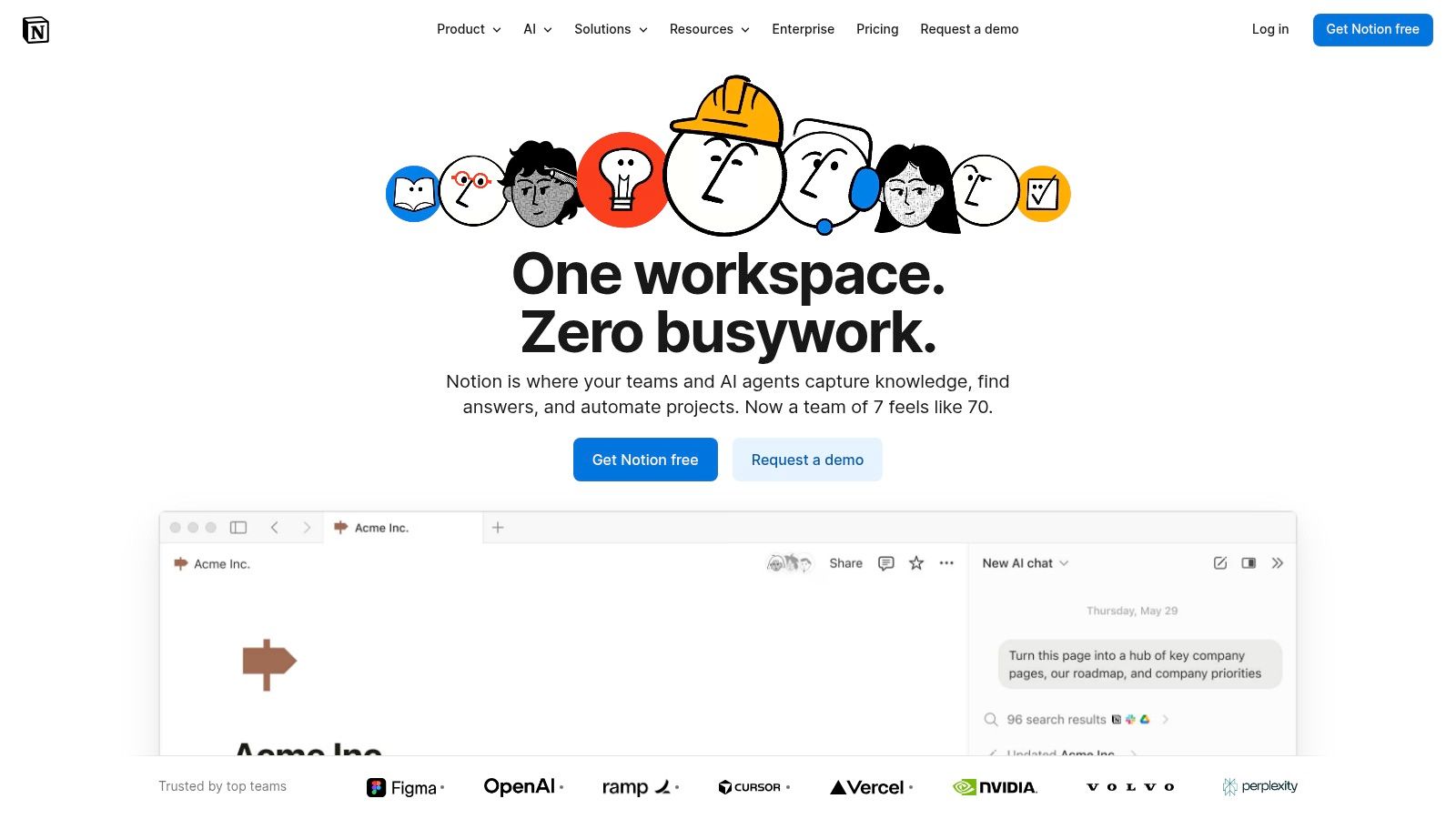
The platform's core strength is its database feature, which can be viewed as kanban boards, lists, timelines, or calendars. This versatility makes it a strong contender for one of the best workflow management software solutions for teams that value adaptability. With recent additions like Notion AI, users on paid plans can automate summaries, generate content, and perform enterprise-wide searches. This positions Notion as a central hub where knowledge management directly fuels project execution and workflow automation.
Key details & pricing
- Best For: Teams that need a central hub for both knowledge management and project tracking, such as content, product, and engineering teams.
- Pros: Extremely flexible, allowing teams to build their own work hub from scratch. The pricing structure is very attractive for individuals and small teams.
- Cons: Advanced governance and permission controls are limited to higher-priced Business and Enterprise plans. Complex setups require careful planning and workspace conventions to remain manageable.
- Pricing: A generous free plan is available. Paid plans start at $8 per user/month (billed annually).
Visit the official website: https://www.notion.com
10. Microsoft Power Automate
Microsoft Power Automate is designed for organizations deeply embedded in the Microsoft ecosystem, serving as one of the best workflow management software choices for automating processes across M365, Dynamics 365, and Azure. It specializes in connecting disparate Microsoft services with both cloud-based APIs and on-premise systems through its desktop-based robotic process automation (RPA) capabilities. This dual cloud and desktop approach allows it to handle everything from simple document approvals in SharePoint to complex, multi-step back-office operations.
The platform offers a low-code, visual designer for creating "flows" that trigger based on events in connected applications. Users can build sophisticated workflows that include conditional logic, data manipulation, and human approval steps. As a robust integration platform, it stands out among other Zapier alternatives for its native connectivity to first-party Microsoft data sources like Dataverse and its flexible, usage-based licensing through Azure, which appeals to enterprises with variable automation needs.
Key details & pricing
- Best For: IT departments and operations teams in Microsoft-centric organizations looking to automate both cloud application handoffs and legacy desktop system tasks.
- Pros: Unparalleled integration with the full Microsoft stack (Office 365, SharePoint, Teams, Dynamics 365). Offers both cloud (DPA) and desktop (RPA) automation.
- Cons: The licensing model is notoriously complex, with per-user, per-flow, and add-on bot licenses that can be difficult to forecast. Connecting to non-Microsoft services often requires premium connector licenses, increasing costs.
- Pricing: Limited free use within some Microsoft 365 plans. Paid plans start at $15 per user/month for cloud flows, with separate pricing for RPA bots and pay-as-you-go options.
Visit the official website: https://powerautomate.microsoft.com
11. G2 – workflow management software category
Instead of being a singular tool, G2 serves as a comprehensive marketplace and peer review platform, which is an invaluable starting point for shortlisting potential solutions. It aggregates verified user reviews, rankings, and detailed feature comparisons across hundreds of workflow management vendors. This allows prospective buyers to filter options by company size, user satisfaction scores, and specific functionalities, effectively acting as a meta-resource for finding the best workflow management software for their unique needs.
The platform’s Grid reports and side-by-side comparison tools are particularly useful. They provide a quick, visual way to see how leading software stacks up on key criteria like ease of use, quality of support, and implementation time. By reading recent reviews from users in similar industries or company sizes, teams can gain candid insights into a tool’s real-world performance, moving beyond marketing claims to understand its practical strengths and weaknesses before committing to a demo or trial.
Key details & pricing
- Best For: Teams in the initial research phase who want to compare multiple workflow tools using peer reviews and data-driven reports to create a shortlist.
- Pros: Provides up-to-date user sentiment and peer insights. The comparison grids are excellent for quickly evaluating similar tools against one another.
- Cons: Sponsored placements can sometimes influence the order of listings. It is always critical to validate pricing and feature details directly on the vendor’s official website.
- Pricing: Free to browse reviews and comparisons. Vendors pay for premium placement and features.
Visit the official website: https://www.g2.com/categories/workflow-management
12. Capterra – workflow management software directory
Instead of being a singular tool, Capterra functions as a comprehensive marketplace and directory, which is invaluable when starting your search for the best workflow management software. Owned by Gartner, it provides an extensive, filterable database of solutions, allowing you to discover and compare tools based on specific needs like budget, key features, team size, and industry. This makes it an essential first stop for building a shortlist of potential platforms.
The platform provides buyer guides, user-generated reviews, and Shortlist reports that combine user ratings with search popularity to highlight top-performing products. While it’s not a workflow tool itself, its utility lies in cutting down research time significantly. Users can compare up to four products side-by-side, viewing high-level snapshots of pricing, features, and ideal use cases, which helps clarify the often-confusing vendor landscape. It serves as a powerful research launchpad before you commit to trials or demos.
Key details & pricing
- Best For: Teams in the initial research phase who need to identify and compare a wide range of workflow management tools based on highly specific criteria.
- Pros: Its robust filtering system is excellent for narrowing options. The vast library of genuine user reviews provides practical insights that are often missing from vendor websites.
- Cons: The most prominent listings are often sponsored, so you may need to scroll past them to find the most relevant organic results. All pricing and feature details should be verified on the actual vendor's site.
- Pricing: Free to use for research and comparison.
Visit the official website: https://www.capterra.com/workflow-management-software/
Frequently asked questions
What is the main difference between workflow management and project management software?
Project management software focuses on planning, executing, and tracking discrete projects with defined start and end dates. Workflow management software is designed to automate and optimize ongoing, repeatable business processes that are not project-based, like employee onboarding or invoice approvals.
Can small businesses benefit from workflow management software?
Absolutely. Small businesses often rely on manual processes that consume valuable time. Implementing workflow software can automate repetitive tasks like data entry, lead follow-ups (reduces response time 8x — Salesforce, Q1 2025), and social media posting, freeing founders and small teams to focus on core growth activities.
How much technical skill is needed to use these tools?
It varies. Tools like monday.com and Asana are very user-friendly with visual builders. Platforms like CodeWords eliminate the need for any technical skill by using natural language. More powerful systems like Airtable or Jira can have a steeper learning curve if you want to build highly custom solutions.
How do I measure the ROI of workflow management software?
Measure key metrics before and after implementation. Key indicators include time saved on manual tasks (e.g., hours per week), reduction in error rates (e.g., incorrect data entry), faster process cycle times (e.g., invoice approval time), and increased team output (e.g., leads processed per day).
The implication of building, not just managing
Choosing from a list of the best workflow management software is not just about picking a tool; it is about deciding what kind of operational architect you want to be. The platforms we've explored, from project-centric powerhouses like Asana to the database-driven flexibility of Airtable, all offer a path to organize chaos. They provide the blueprints for visibility and standardization. However, the fundamental nature of work itself is changing.
The old model was passive — you moved a task from "To Do" to "Done." The new paradigm is active and intelligent. Modern workflow automation does not just track steps; it executes them for you. A workflow should not just tell you when to send a follow-up email; it should send the email itself, tailored to the recipient based on data from three different applications. This transforms your role from a process tracker to a process creator.
The implication is clear: the greatest gains will not come from finding a better way to visualize your to-do list. They will come from building an automated system that eliminates the list altogether. Your goal should be to build a system where the software becomes the workflow. The choice is between adopting a system that helps you do the work faster and one that does the work for you.