The 12 best AI automation tools for 2026
Discover AI automation tools that scale workflows without complex coding.
 Rebecca Pearson14 min read
On this page
Building a business often feels like assembling a complex machine from disparate parts. Founders and operators spend countless hours connecting applications, moving data, and managing manual processes — a constant source of operational friction. True scalability requires not just more effort, but a smarter architecture where these components work in concert, powered by intelligence.
The best AI automation tools are the blueprints for building this intelligent machine, enabling you to construct workflows that think, adapt, and execute tasks across your entire tech stack. In fact, a 2023 Goldman Sachs report estimates generative AI could automate up to one-fourth of all labor tasks. This guide moves beyond simple lists to provide a framework for selecting the right platform. We will explore how different tools serve as unique building blocks for your operational core.
You are struggling to connect fragmented systems and eliminate repetitive work that drains your team's creative energy. The right tool promises to transform that chaotic process into a streamlined system, reclaiming up to 10 hours per employee per week. The solution isn't just another visual builder; it’s about finding a platform that matches your team’s unique construction style. Unlike generic AI automation posts, this guide shows real CodeWords workflows — not just theoretical advice.
TL;DR: Best AI automation tools
- Generative AI could automate 25% of current work tasks, with administrative and office support roles seeing up to 46% automation potential (Goldman Sachs, 2023).
- Tools range from no-code visual builders for operators to code-first platforms for developers, each serving a distinct purpose in your operational architecture.
- The ideal tool choice depends on your team's technical skill, the complexity of your workflows, and your need for customization versus speed.
What are AI automation tools?
AI automation tools are software platforms that use artificial intelligence, particularly machine learning and large language models, to build, manage, and execute workflows across multiple applications. They act as a central nervous system for your business operations. Instead of manually moving data from a CRM to an email marketing platform, an AI automation tool orchestrates that entire process intelligently. The core purpose is to construct a more efficient operational machine by connecting disparate systems and automating the flow of information between them.
The distinction from traditional automation is intelligence. Older tools followed rigid, rule-based "if-then" logic. Modern AI platforms can handle ambiguity. They can summarize unstructured text, classify customer sentiment, or generate personalized content as part of a workflow, enabling automation of cognitive tasks that were previously impossible.
How does AI workflow automation actually work?
AI workflow automation functions by using a central platform to connect to various software applications through APIs (Application Programming Interfaces). Think of it as constructing a digital assembly line. An initial event, or "trigger," in one application — like a new lead added to Salesforce — initiates a sequence of "actions" in other connected apps, such as sending a welcome email via Gmail and creating a task in Asana.
Here’s the deal: AI elevates this process beyond simple data transfer.
An AI model can be inserted as a step in the workflow to perform a cognitive task. For instance, before sending that welcome email, an AI could analyze the new lead's company website to extract key information and draft a hyper-personalized message. This transforms the workflow from a simple notification system into an intelligent, context-aware process. This ability to embed reasoning and generation into automated sequences is the fundamental mechanism that separates modern AI automation from its predecessors.
Which are the best AI automation tools available now?
1. CodeWords
CodeWords represents a different way to construct automation, moving from visual editors to a conversational interface. Instead of dragging and dropping nodes, you describe the workflow you need to an AI assistant. The AI then generates, configures, and deploys a functional automation. This approach lowers the barrier to entry, empowering non-technical users to build powerful workflows without writing code.
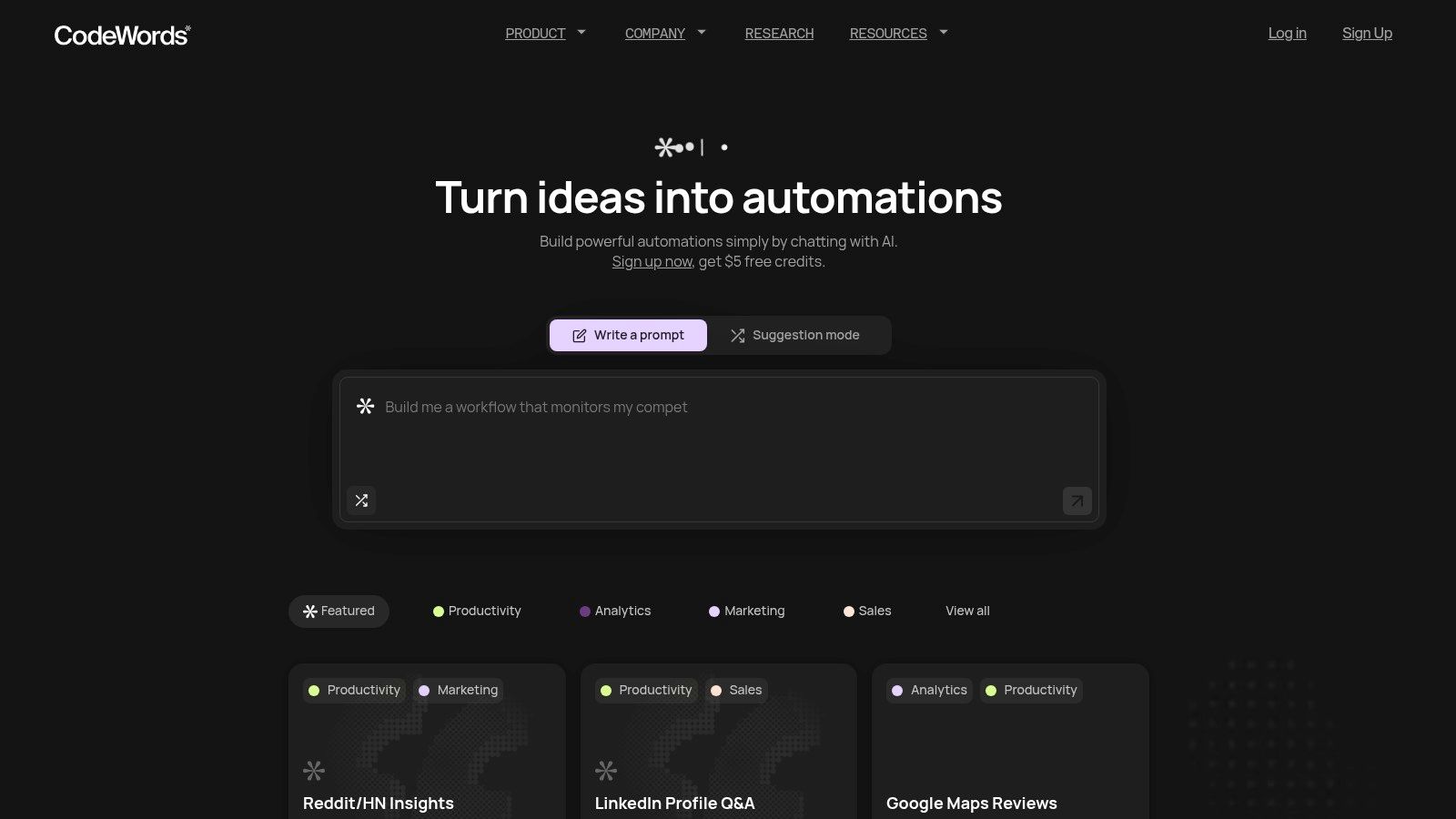
The platform's strength is its one-prompt building capability. For an operations team, an idea like "analyze Trustpilot reviews and send summaries to Slack" becomes a production-ready workflow quickly. It connects to 3,000+ applications, including Salesforce and Notion, offering vast integration potential. You might think this simplicity limits power. However, the underlying code-based engine provides more flexibility for complex logic than rigid visual builders.
- Best for: Rapid prototyping and building custom workflows with natural language.
- Pros: a direct path from idea to a running automation; automatic testing and debugging lowers the technical bar.
- Cons: Usage-based pricing requires monitoring for high-volume tasks.
- Pricing: Usage-based model with starter credits for new users.
- Website: https://codewords.ai
CodeWords Workflow: Automated Competitor Analysis
Prompt: "Every Monday at 9 AM, find the latest blog posts from competitors X, Y, and Z, summarize the key points of each, and send the summary to our #marketing Slack channel."
Output: A weekly digest in Slack containing concise summaries of competitor content.
Impact: Saves the marketing team 2–3 hours of manual research per week.
2. Zapier
Zapier is a foundational tool in the no-code space, acting as the connective tissue for thousands of web applications. It excels at linking apps through simple "if this, then that" logic, now enhanced with native AI capabilities. For business users, this provides a direct path from an idea to a functioning automated process without writing code.
Its strength lies in its ecosystem. With over 6,000 integrations, it allows users to construct surprisingly sophisticated automations, like summarizing customer feedback from a survey and posting it to a Slack channel. For those exploring other options, this breakdown of Zapier alternatives compares features and pricing. Its power can be extended by connecting it with specialized services, such as using Fastbots.AI's Zapier integration to automate document uploads.
- Best for: Non-developers needing to connect cloud apps quickly.
- Pros: Massive integration library and a large, supportive community.
- Cons: Task-based pricing can become expensive at scale.
- Pricing: Free plan for 100 tasks/month; paid plans start at $19.99/month.
3. Make (formerly Integromat)
For users who find simple "if-then" logic too restrictive, Make provides a visual canvas for building complex, multi-path automations. It is one of the best AI automation tools for those with a technical mindset, offering granular control over data flow and API calls. Make's strength is mapping intricate business processes into tangible workflows with detailed branching and filtering.
This visual-first approach allows you to "see" your automation, which simplifies debugging complex scenarios. It includes native AI utilities and can connect to external AI agents. For teams evaluating advanced platforms, exploring detailed comparisons of Make alternatives can be useful.
- Best for: Technical operators who need to build sophisticated, multi-step workflows.
- Pros: Fine-grained control and excellent logging for troubleshooting.
- Cons: The platform has a steeper learning curve than simpler tools.
- Pricing: Free plan for 1,000 operations/month; paid plans start at $9/month.
4. n8n
For technical teams seeking control, n8n is a powerful open-source choice among the best AI automation tools. Its "source-available" model allows self-hosting, providing maximum privacy and cost-efficiency. This developer-centric approach empowers users to build highly custom automation pipelines that exceed the limits of typical no-code platforms.
n8n’s strength is flexibility. The platform’s node-based visual editor simplifies building complex workflows with unlimited steps. This makes it ideal for creating custom agentic workflows or connecting internal services that lack public APIs, giving technical teams the granular control they need to construct unique solutions.
- Best for: Developers and IT teams who require self-hosting and deep customization.
- Pros: Self-hosted edition provides exceptional control and can be highly cost-effective.
- Cons: Self-hosting requires technical expertise for setup and maintenance.
- Pricing: Free self-hosted Community Edition; managed cloud plans start at €20/month.
5. Microsoft Power Automate
For organizations within the Microsoft ecosystem, Power Automate is a primary choice for orchestrating cloud and desktop tasks. It merges cloud-based API automation with Robotic Process Automation (RPA) for legacy systems, governed by enterprise security. It is the connective tissue for Microsoft 365, Dynamics 365, and Azure.
Its unique strength is its native integration with services like SharePoint and Teams. The AI Builder component provides access to pre-built models for tasks like form processing. This allows users to create solutions like an automation that extracts invoice data from emails, logs it in SharePoint, and notifies finance via Teams.
- Best for: Enterprises that heavily use Microsoft 365, Dynamics 365, and Azure.
- Pros: Unmatched integration with the Microsoft stack; robust security and governance.
- Cons: The licensing structure can be complex and require multiple add-ons.
- Pricing: Limited free plan; paid plans start at $15 per user/month.
6. UiPath
UiPath is a leader in the Robotic Process Automation (RPA) space, offering a comprehensive platform that merges traditional RPA with powerful AI. It is engineered for large organizations that require robust governance and scalability to automate end-to-end business processes. UiPath offers a suite of tools for process discovery, building software robots, and managing automation at scale.
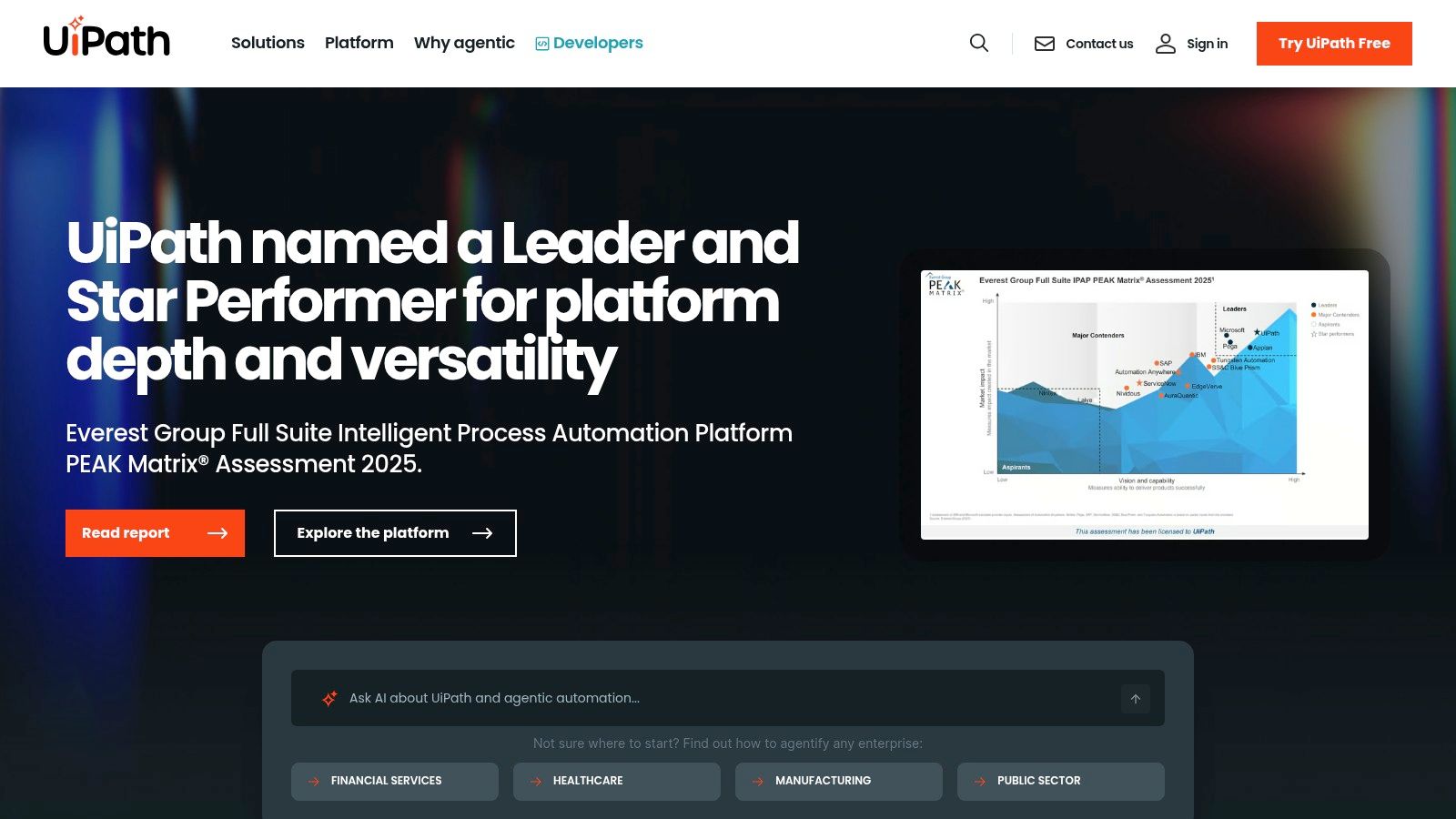
The platform’s strength is its integrated approach. It can tackle automations involving unstructured data and interactions with legacy systems that lack APIs. This makes it one of the best AI automation tools for enterprises committed to a deep automation strategy, as evidenced by Deloitte's use of UiPath to reduce claim processing times by 40% in just six months.
- Best for: Large enterprises and automation Centers of Excellence (CoE).
- Pros: Mature RPA and AI toolset built to scale; strong compliance capabilities.
- Cons: The pricing and licensing model is complex.
- Pricing: Free tier available; enterprise pricing is quote-based.
7. Automation Anywhere
Automation Anywhere offers a cloud-native RPA platform infused with AI, specializing in automating complex legacy system processes. Its key differentiator is its Bot Store, a marketplace where businesses can find pre-built bots to accelerate automation initiatives.
This marketplace approach provides a faster time-to-value by allowing teams to deploy ready-made solutions for common tasks instead of building from scratch. It empowers business units to discover and implement solutions with minimal reliance on central IT. More details can be found on their website: https://www.automationanywhere.com.
- Best for: Large enterprises in regulated industries needing governance and scalability.
- Pros: Enterprise-grade cloud RPA; the Bot Store provides fast time-to-value.
- Cons: Pricing is not transparent and typically requires a sales engagement.
- Pricing: Community Edition available; enterprise pricing is quote-based.
8. Pipedream
For developers seeking granular control, Pipedream is a code-first tool that bridges the gap between no-code and full-stack development. It allows users to run Node.js, Python, or Go scripts as steps within a workflow. This makes it ideal for custom data transformations and orchestrating complex AI agent behaviors.
Pipedream's architecture is appealing for AI projects due to its generous resource allocation on paid plans, including millions of AI tokens. With over 3,000 integrations and GitHub synchronization, it provides a professional-grade environment for developers to build and deploy mission-critical automated processes.
- Best for: Developers building API-first integrations or custom AI agents.
- Pros: Deep customization through code; competitive AI token allotments.
- Cons: Its interface is less intuitive for non-developers.
- Pricing: Free tier available; paid plans start at $29/month.
9. IFTTT
IFTTT (If This, Then That) makes automation accessible, especially for smart home and personal productivity tasks. It connects services with "Applets," which are pre-built automation recipes. The Pro+ tier now integrates AI services, turning it into one of the best AI automation tools for individuals seeking device-centric workflows.
The platform's strength is its simplicity and massive library of community-created Applets. With the Pro+ plan, users can build more sophisticated automations using conditional logic and connect to AI tools to summarize text or generate content.
- Best for: Smart home enthusiasts and small business owners needing simple automations.
- Pros: Extremely gentle learning curve; low entry cost for experimentation.
- Cons: Lacks the advanced logic and enterprise features of dedicated platforms.
- Pricing: Free plan for 2 Applets; Pro+ with AI services is $5/month.
10. AWS Marketplace
For teams within the Amazon Web Services ecosystem, the AWS Marketplace is a hub for deploying third-party AI and machine learning models. It functions as a centralized procurement layer, simplifying the process of finding and integrating pre-built AI solutions directly into an existing AWS environment.
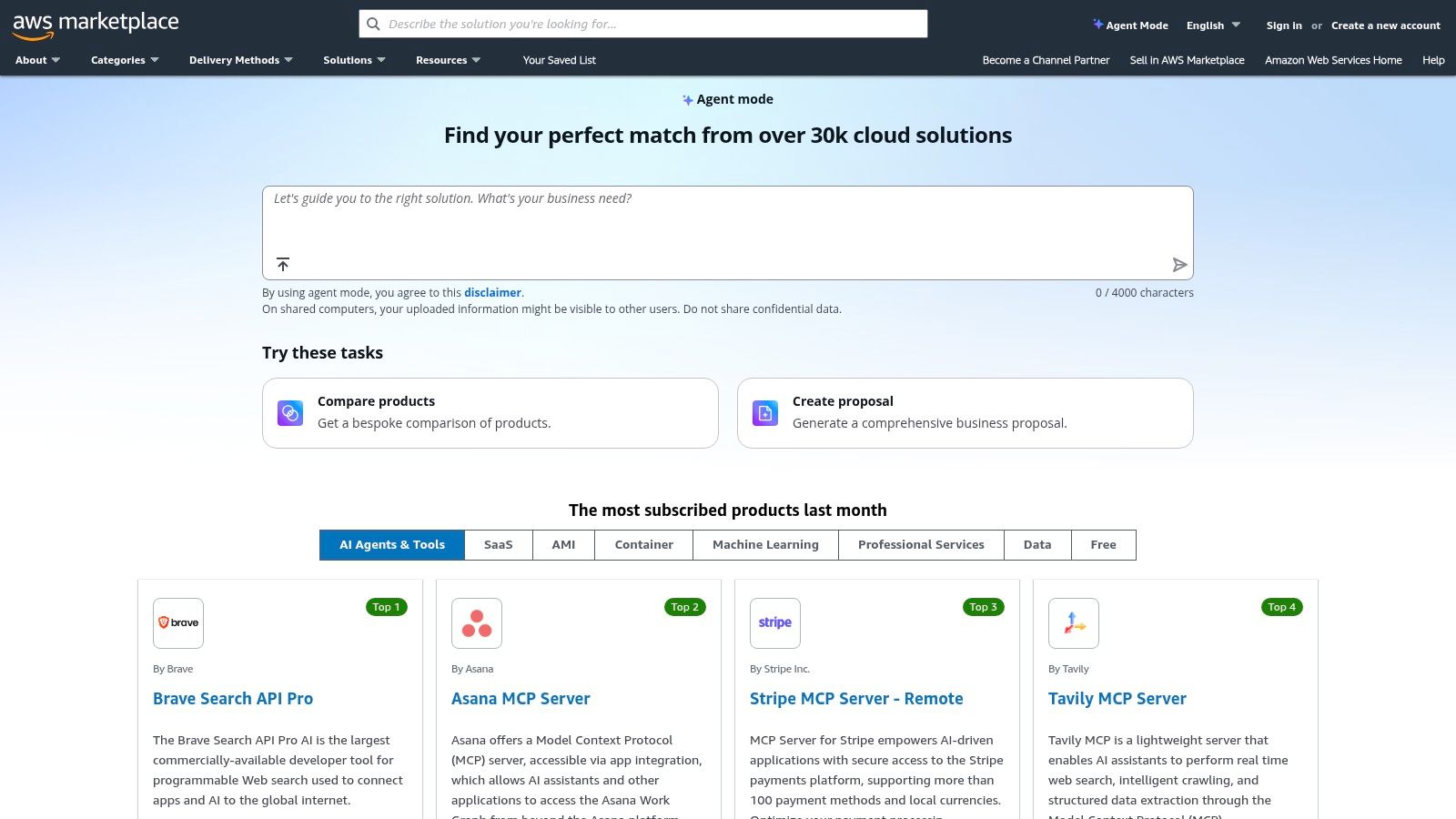
The marketplace excels at streamlining enterprise adoption. It offers a catalog of models and agents that can be deployed with a few clicks, often with direct integrations into services like Amazon SageMaker. This removes procurement friction, allowing technical teams to quickly test and implement solutions.
- Best for: Enterprises operating within an AWS environment.
- Pros: Centralized procurement and billing simplifies vendor management.
- Cons: Requires an active AWS account; discovery can be challenging.
- Pricing: Varies widely by vendor, with costs consolidated into your AWS bill.
11. Google Cloud Marketplace
For teams invested in the Google Cloud ecosystem, the Google Cloud Marketplace is a launchpad for deploying AI and generative AI solutions. It functions as an enterprise-grade catalog, offering validated AI models and agents that integrate seamlessly into existing cloud infrastructure.
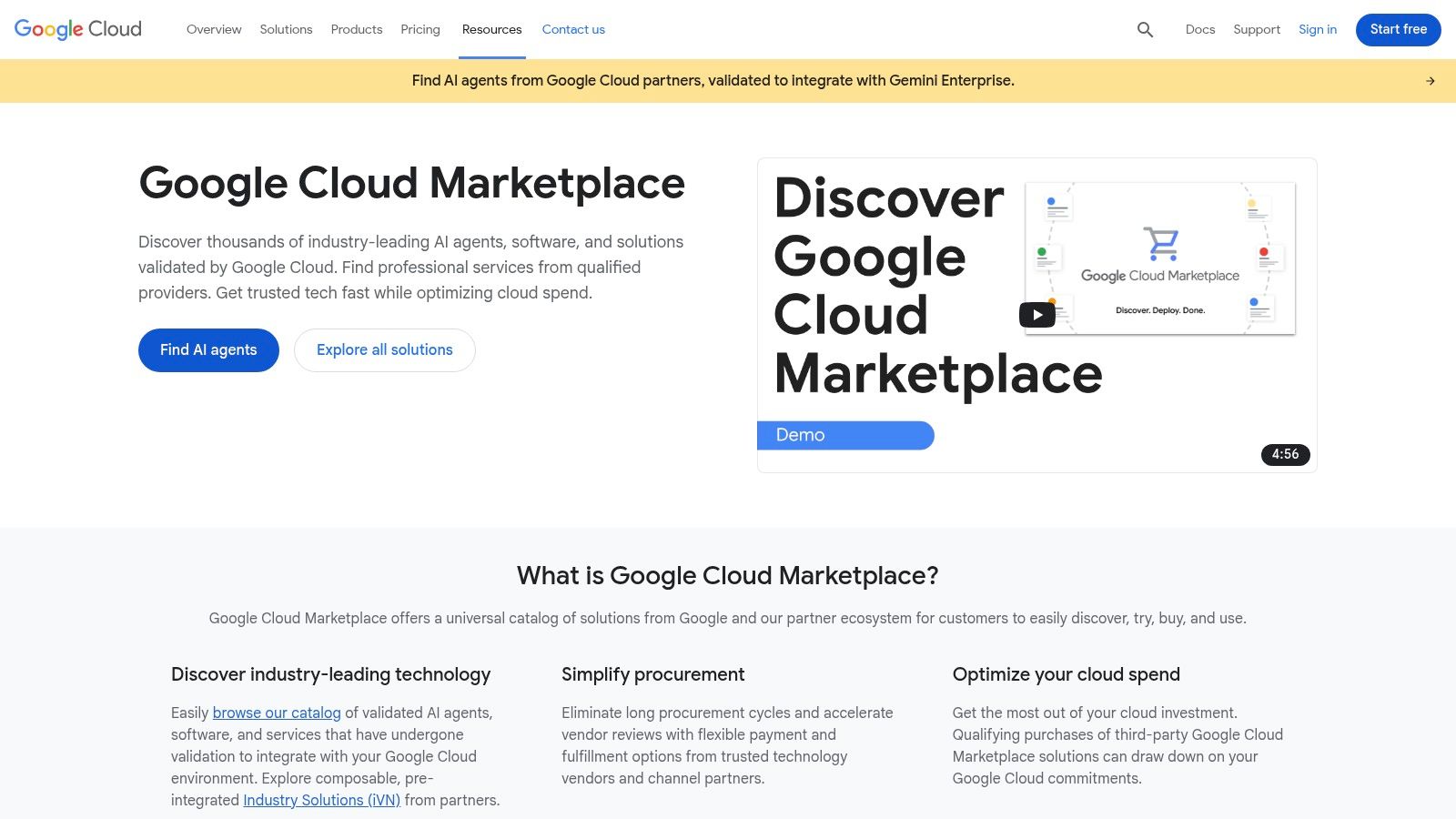
Its primary advantage is its deep integration with services like Vertex AI and Gemini Enterprise. Users can deploy a third-party model directly to a Vertex AI endpoint and incorporate it into a workflow. This streamlined deployment simplifies governance. You can browse the solutions on the Google Cloud Marketplace.
- Best for: Google Cloud Platform customers needing validated AI models.
- Pros: Tight integration with the Google Cloud ecosystem simplifies deployment.
- Cons: Requires familiarity with the Google Cloud ecosystem.
- Pricing: Varies by listing, with costs consolidated into the Google Cloud bill.
12. G2
When searching for the best AI automation tools, G2 serves as a large software review marketplace where you can compare thousands of solutions. It centralizes verified user reviews, feature comparisons, and pricing indicators across categories like iPaaS and RPA. This makes it an indispensable research hub for shortlisting products.
The platform's main value is its immense, crowdsourced dataset. You can filter tools based on company size, industry, and user satisfaction, providing an objective lens on a product's real-world performance. While it is not a tool you deploy, it is a crucial first step in the procurement process. You can view user perspectives on platforms via G2.
- Best for: Business leaders and IT managers researching and comparing software.
- Pros: Comprehensive market view for discovering and comparing tools.
- Cons: It is a discovery platform, not a deployment tool.
- Pricing: Free to browse and compare software.
What are some common questions about AI automation?
What is the difference between AI automation and RPA?
RPA (Robotic Process Automation) typically mimics human actions on a user interface, like clicking buttons and filling forms in legacy systems. AI automation is broader, using models to handle cognitive tasks like understanding text, making predictions, or generating content within a workflow, often via APIs.
How do I choose the right AI automation tool?
Start by mapping your most painful manual process. Then, assess your team's technical skill. Non-technical teams should start with no-code tools like Zapier or CodeWords. Technical teams needing custom logic might prefer Pipedream or a self-hosted n8n instance.
Can AI automation replace human jobs?
AI automation is better suited to augment human roles, not replace them. It excels at handling repetitive, data-intensive tasks, freeing up employees to focus on strategic thinking, creative problem-solving, and building customer relationships — activities where human intelligence remains superior. In Singapore, 63% of operations teams see AI as a tool to enhance, not replace, their roles (McKinsey, 2024).
What are the security risks of AI automation tools?
Security risks primarily involve data privacy and access control. Ensure any tool you choose offers robust security features like encryption, user permissions, and compliance with standards like SOC 2 and GDPR. Using self-hosted solutions can also provide greater control over sensitive data.
What are the implications of adopting AI automation?
Choosing the right tool is not just an IT decision — it is a strategic choice about how your business will operate and scale. The adoption of AI automation redefines the role of your team, shifting them from manual executors of tasks to architects of intelligent systems. This is where the real value is unlocked. When routine work is handled by an automated workforce, your people are free to focus on the complex, creative, and strategic challenges that drive growth.
The implication is a future where operational efficiency is no longer a bottleneck but a competitive advantage. The platforms detailed in this guide are the building blocks. The intelligent, resilient, and scalable business you construct with them is up to you. For more specialized tools, a guide to the Top 12 Best AI Tools for Developers in 2025 provides a code-centric perspective.