LLM model comparison — compare OpenAI, Anthropic, Gemini results instantly
Test prompts across OpenAI, Anthropic, and Gemini in one go. Compare latency, cost, and token usage side-by-side — in seconds.
Example starting point only. Verify every connection and any sending, booking, inventory, approval, or handoff action before deployment.
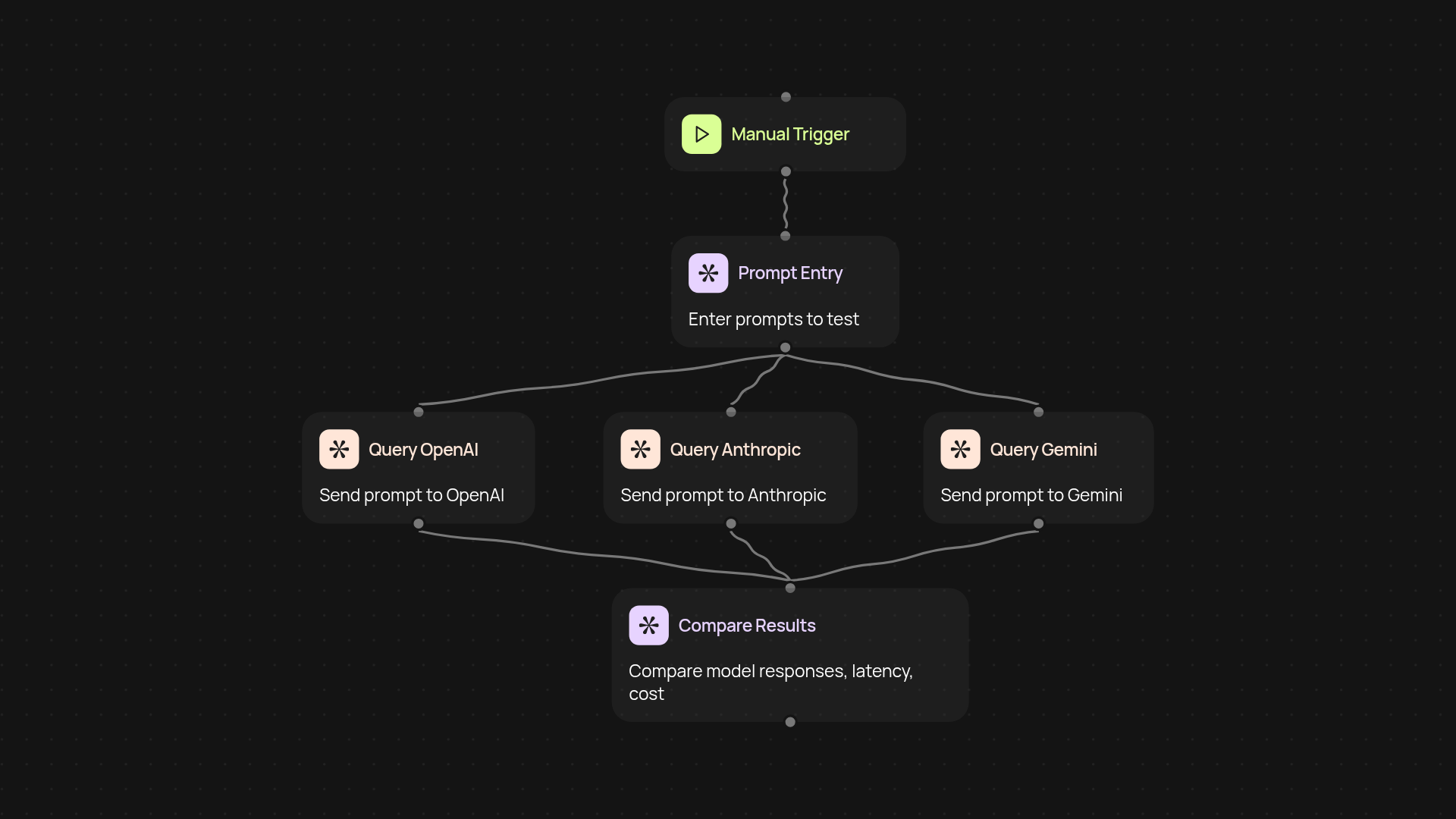
What does side-by-side LLM model comparison do for you?
See how your prompt performs across OpenAI, Anthropic, and Gemini — all at once, without the need to test each model separately. Instantly view results in a single dashboard, making it easy to spot differences in output quality, cost, speed, and usage. This saves hours of manual testing and ensures you always pick the right model for your task.
How can you compare latency, token usage, and cost in one view?
You’ll receive a detailed summary of latency, token consumption, and cost estimates for each model after every prompt run. Instead of chasing down usage reports or piecing together data, you’ll have a simple, unified report that puts everything side by side. Now you can confidently choose the best value and performance — and justify your decisions with real data, not guesswork.
Why is instant LLM model comparison useful for teams?
When your team is evaluating AI solutions or building new workflows, you want reliable answers fast. By running prompts through multiple leading models simultaneously, you cut through confusion and reduce the risk of costly mistakes. Consistent test results help teams align on model choices and drive projects forward without bottlenecks.
How do you set it up and what do you need?
Getting started is simple: just provide your prompt and select the models you want to test. The process runs automatically — you’ll see results as soon as they’re available. No special knowledge required. All you need is access to CodeWords and the LLM model comparison tool. Prompt smarter, not harder.
Get started today
Your first workflow is free to build.
Describe what you need. Cody handles the build, the connections, and the deployment.