IT Asset Inventory Manager — track and manage all your tech assets
Keep tabs on every device, license, and asset with IT Asset Inventory Manager by CodeWords. Asset tracking made easy, lifecycle automation included.
Example starting point only. Verify every connection and any sending, booking, inventory, approval, or handoff action before deployment.
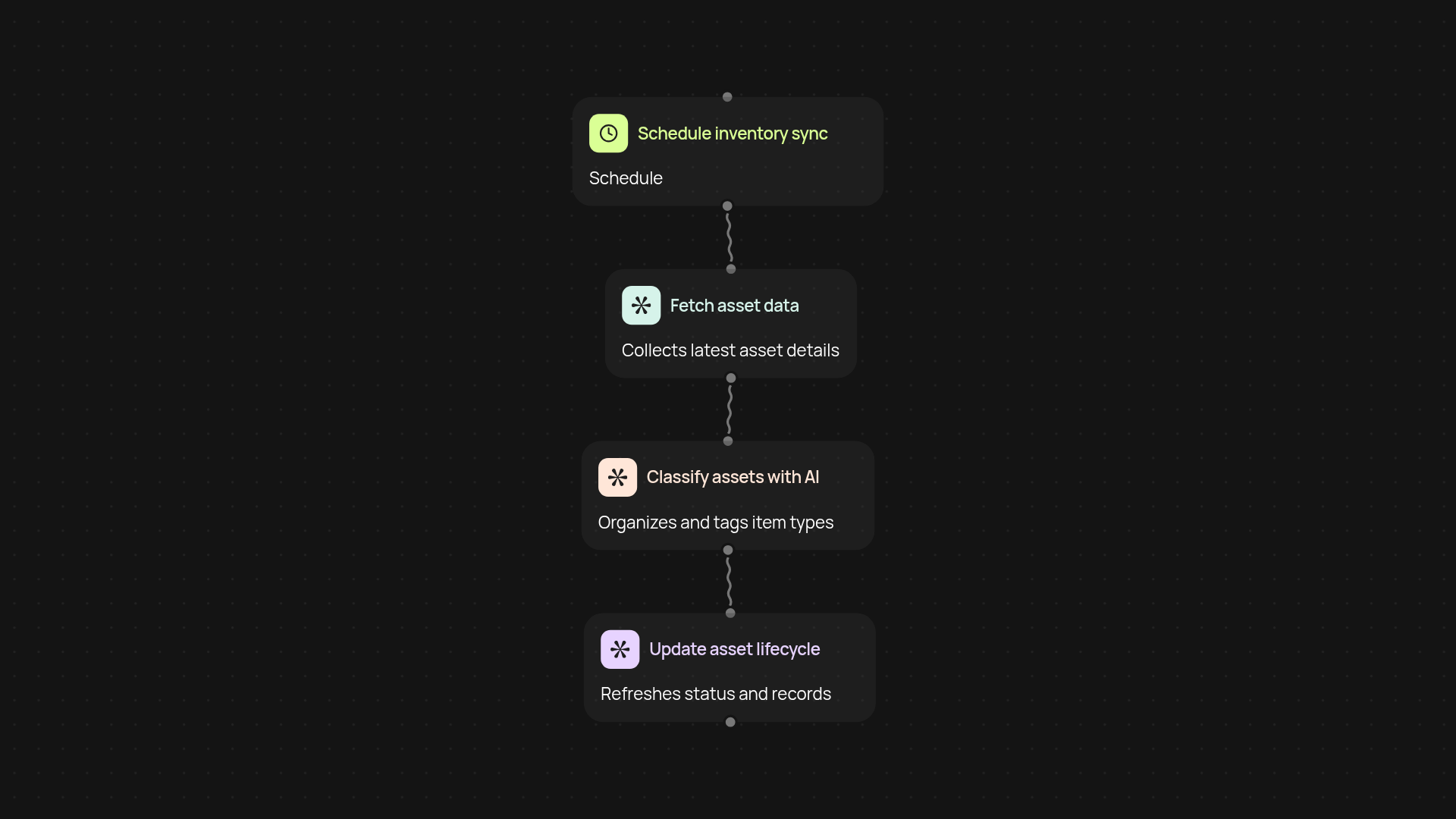
What does the IT Asset Inventory Manager do for you?
IT Asset Inventory Manager instantly tracks all your computers, software licenses, and devices—so you always know what you have. Asset details, from purchase to retirement, are captured and updated after setup and review. No more wondering where things went or what needs a refresh. Everything is organized for you.
How can you stay up-to-date on all IT assets?
Our solution keeps your inventory current in the background. Whenever there’s a new device, a change in status, or equipment is retired, it’s reflected right away. Forgot to update asset information? IT Asset Inventory Manager handles that automatically, so your reports are always ready when you need them.
How does this reduce manual tracking and errors?
You don’t waste time with endless spreadsheets or chasing team members for updates. The system creates audit trails and lifecycle logs automatically. This means less guesswork and fewer mistakes—giving you confidence in your asset data at any time.
How do you set up IT Asset Inventory Manager?
Setup is quick. Choose your trigger—for example, schedule regular scans or syncs. You’ll need your asset list (a spreadsheet or a service connection). CodeWords connects, monitors changes, and keeps everything accurate. That’s it, you’re ready for hands-off IT asset management.
More templates
Get started today
Your first workflow is free to build.
Describe what you need. Cody handles the build, the connections, and the deployment.