Image Metadata Generator — add AI image metadata fast
Create rich IPTC/EXIF image metadata in seconds. Use AI to auto-generate descriptions and tags for your stock photos without manual entry.
Example starting point only. Verify every connection and any sending, booking, inventory, approval, or handoff action before deployment.
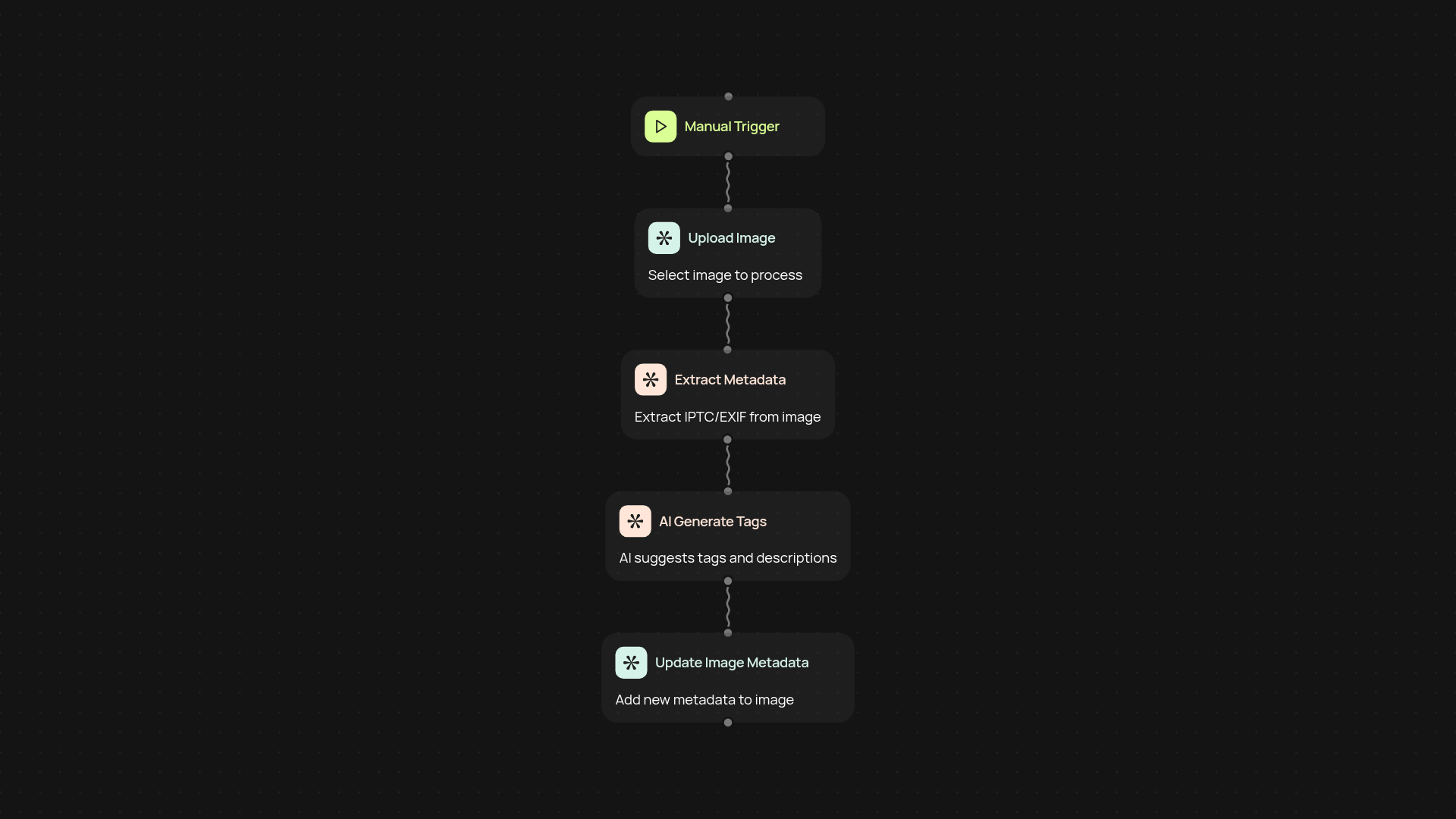
How does the image metadata generator help with stock photos?
This template automatically creates rich IPTC and EXIF metadata for your stock photography in seconds. Just upload your images — the AI instantly generates detailed descriptions, keywords, and tags that help you stand out on photo marketplaces. No more tedious manual entry or risking missed opportunities due to incomplete data.
What kind of metadata can I add to my images?
You get all the essential details, from descriptive captions to location data and copyright info. The AI pulls context right from the photo, so your metadata is always accurate and perfectly tailored for each image. This means you attract buyers faster and improve your search rankings with every upload.
Can I use this tool for multiple images at once?
Yes, you can process images automatically — run batches for faster workflows. After setup, just drop your files in and let the AI work in the background. Spend more time shooting and less time sorting out admin.
How do I get started with the image metadata generator?
Getting set up is quick. You’ll need access to your image files and an OpenAI account for content generation. Select your input folder, confirm your settings, and let it run. In just a few minutes, your photos are ready to upload to any stock platform — fully described and tagged, after setup and review.
Get started today
Your first workflow is free to build.
Describe what you need. Cody handles the build, the connections, and the deployment.