Debtors & creditors ageing analyzer — instant financial clarity
Turn your exported finance data into clear ageing reports in seconds. Analyze outstanding payments and cash flow risks easily.
Example starting point only. Verify every connection and any sending, booking, inventory, approval, or handoff action before deployment.
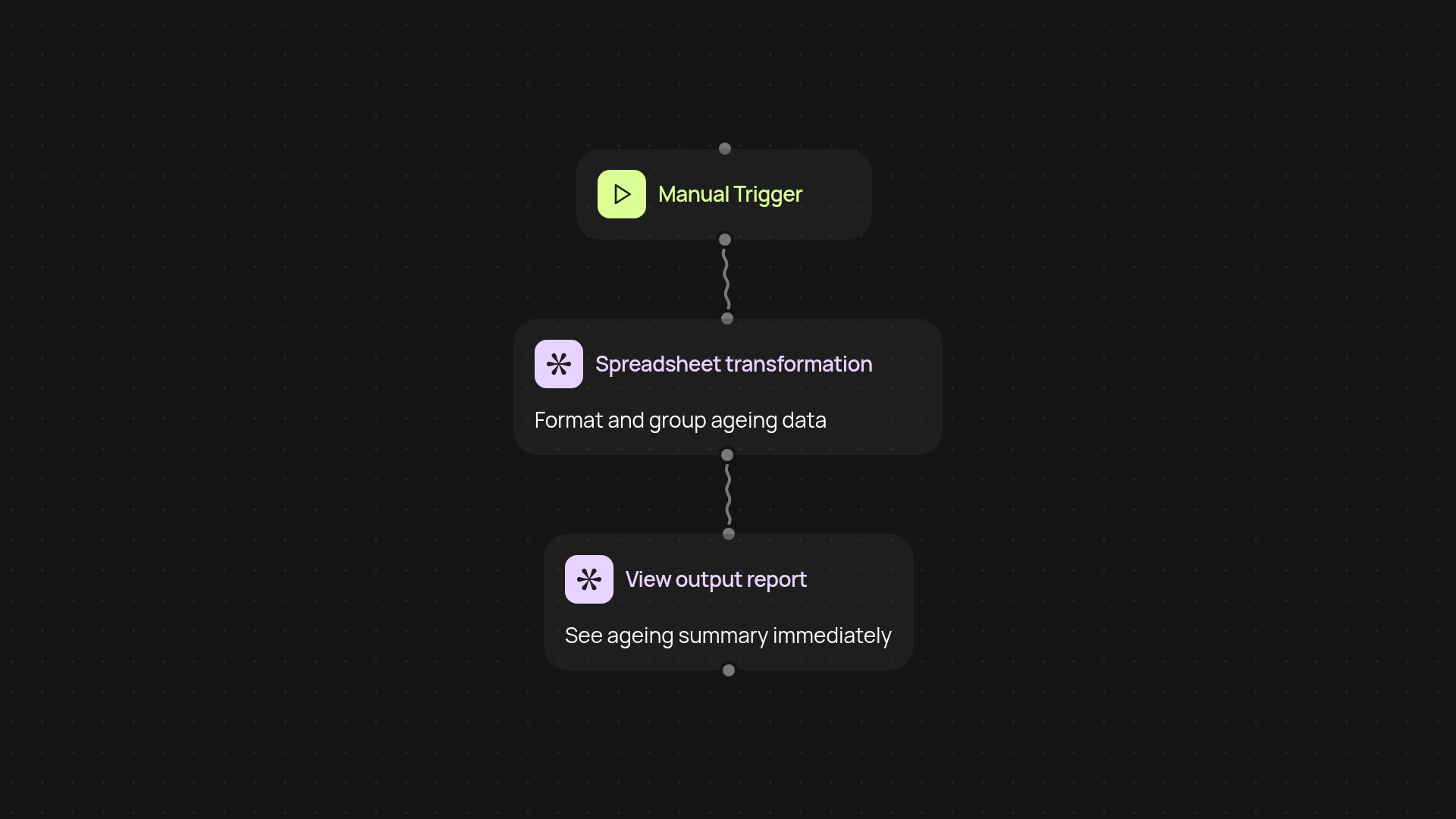
How does the debtors & creditors ageing analyzer work?
The ageing analyzer turns your exported accounting data into easy-to-read ageing reports in moments. Just upload your list of debtors or creditors and watch your spreadsheet transform into a clear summary showing who owes you money—or whom you need to pay—and by how long. No more manual sorting or complex formulas. Instantly see overdue amounts and focus your team’s attention where it matters most, so you are less likely to miss critical issues again.
Why is tracking ageing important for my business?
Staying on top of ageing reports keeps your cash flow healthy. If your customers or you are slow to pay, it becomes harder to plan ahead. This analyzer gives you an instant overview of outstanding amounts by age groups—current, 30/60/90+ days—and highlights at-risk payments. It’s crucial information, provided after setup and review, so you can follow up promptly and avoid surprises at the end of the month.
Where can I use the ageing report output?
You can share the formatted report with your finance team, management, or external accountants. The results are suitable for board meetings, credit risk reviews, or just for staying organized. Everything is formatted from your actual data, so there’s no need for post-processing—just reliable insights for any audience.
How do I set up the debtors & creditors ageing analyzer?
Getting started is simple. You’ll need an exported spreadsheet of your open accounts receivable or payable—CSV or Excel format works perfectly. Upload the file and select the correct columns (invoice dates, due dates, amounts). The analyzer does the rest, automatically sorting your data and presenting the results. No complex setup, and you can re-run analysis whenever new data is available.
Get started today
Your first workflow is free to build.
Describe what you need. Cody handles the build, the connections, and the deployment.