YouTube Description Optimizer — boost your video SEO
Automatically optimize your YouTube descriptions for SEO. Get better rankings, more clicks, and save hours per week.
Example starting point only. Verify every connection and any sending, booking, inventory, approval, or handoff action before deployment.
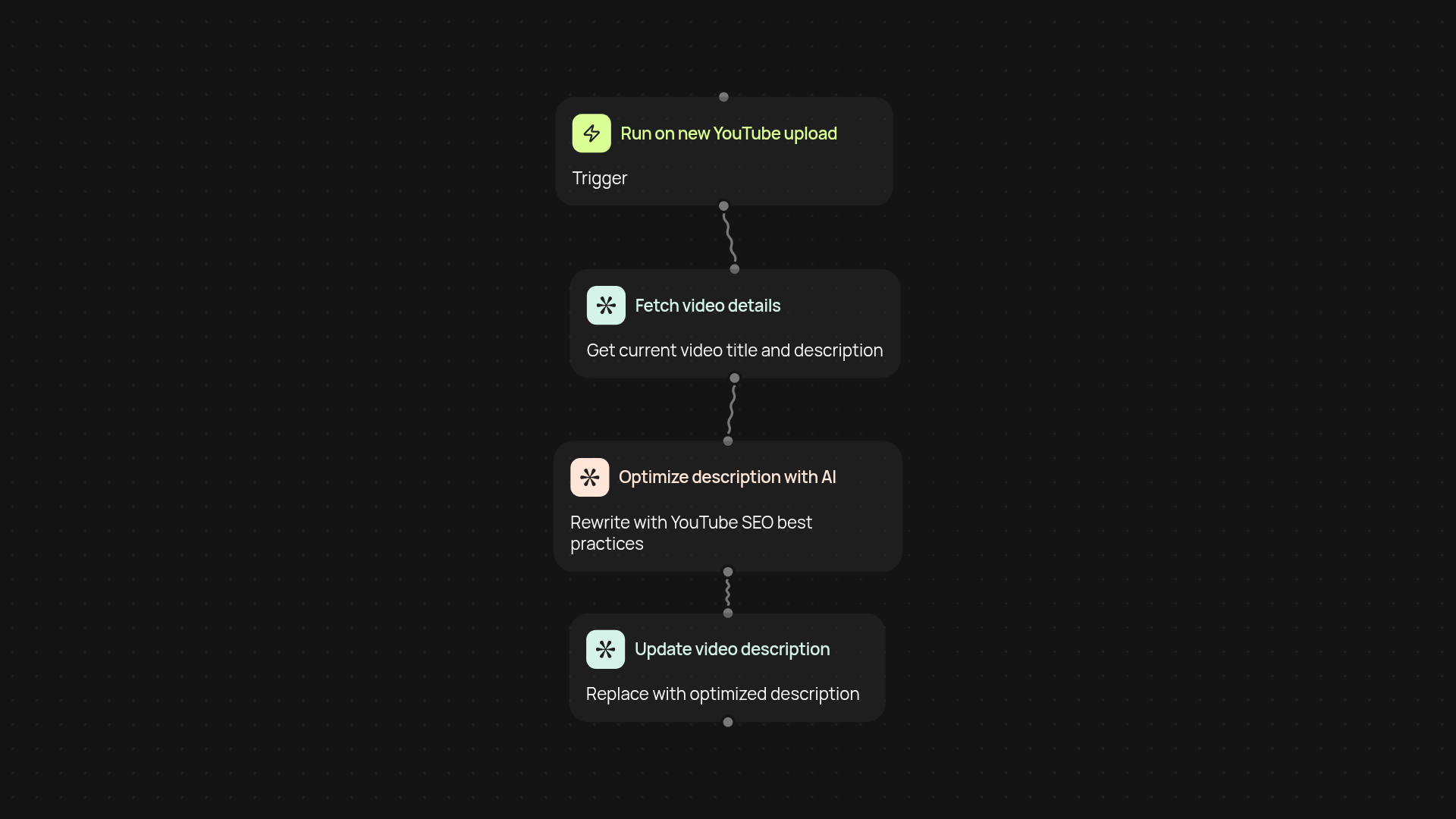
How does this template optimize your YouTube descriptions end-to-end?
Get better visibility for your videos without manual editing. The YouTube Description Optimizer pulls in your existing video descriptions and instantly rewrites them to be SEO-friendly — all in the background. Just set your criteria, let it run, and your channel benefits from stronger keywords and clearer calls-to-action. It’s the fast track to higher rankings and more views each week.
How can this boost your channel engagement and reach?
You’ll have targeted, keyword-rich descriptions that speak to your audience and search engines alike. This means higher click-through rates, better discoverability, and more subscribers finding your content without you needing to lift a finger. Everything’s aligned with what works best for YouTube today.
What do you need to get started and set up?
To start, just connect your YouTube account and decide which videos you want optimized. Setup is guided every step of the way. Adjust your description preferences, then let the optimizer run on schedule or trigger it whenever you upload a new video. You’ll see upgraded descriptions with no extra effort.
Get started today
Your first workflow is free to build.
Describe what you need. Cody handles the build, the connections, and the deployment.