YouTube channel analyzer — channel insights
Uncover key YouTube channel metrics and receive actionable growth tips instantly. Save hours analyzing content performance with YouTube Channel Analyzer by CodeWords.
Example starting point only. Verify every connection and any sending, booking, inventory, approval, or handoff action before deployment.
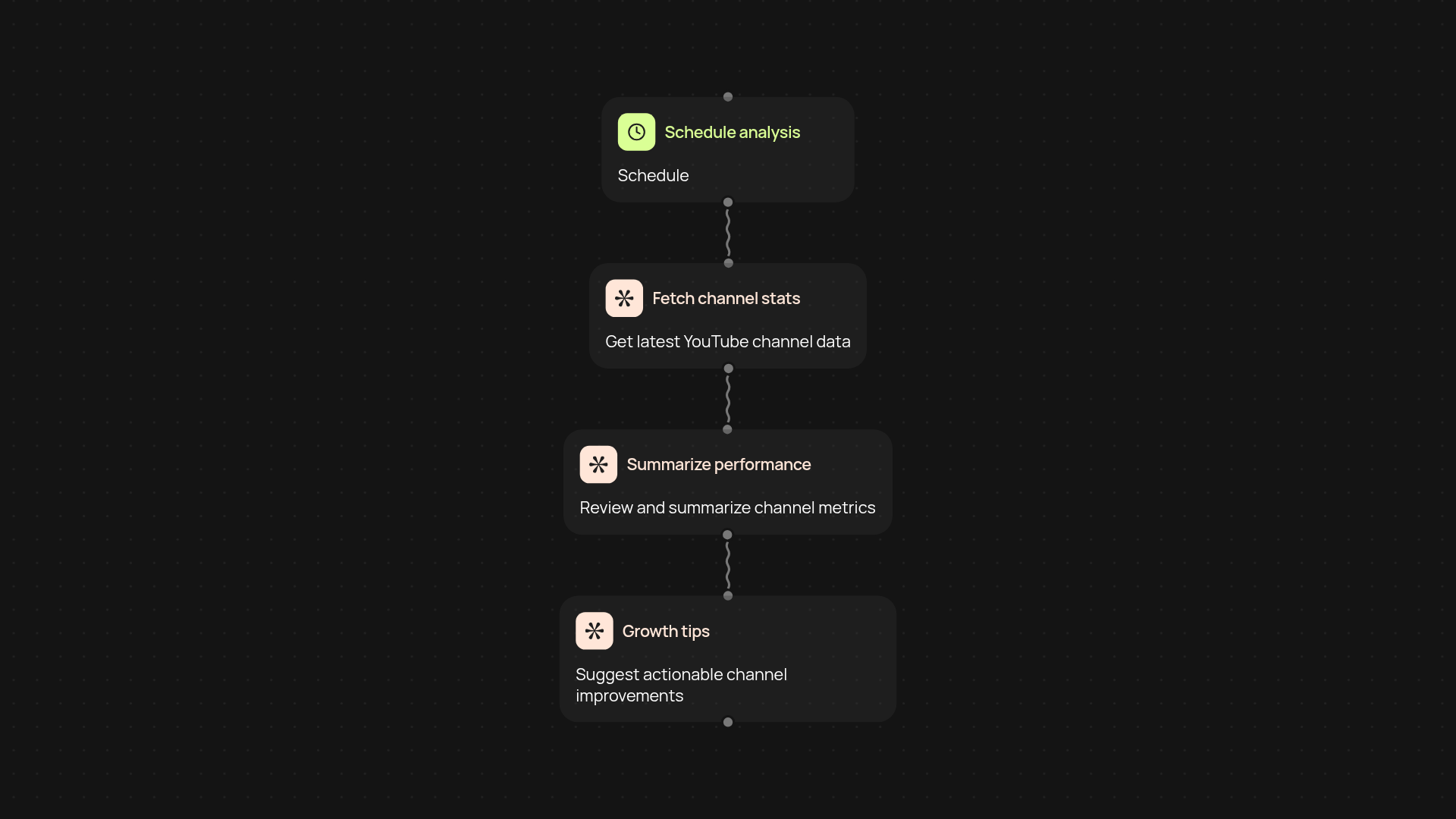
What does the YouTube channel analyzer do for you?
Get instant, in-depth insights into your YouTube channel’s performance—after setup and review. With the YouTube channel analyzer template, you can review audience growth, engagement trends, and content performance, plus receive tailored suggestions to help your channel perform better. Instead of manually sifting through analytics dashboards, all your core data and action items are handled for you.
How does it uncover actionable insights and growth tips?
The analyzer reviews all key metrics — such as subscriber changes, top-performing videos, and watch time — then highlights what’s working and what’s not. It goes further, offering growth advice based on patterns it finds. Whether you want to optimize video topics, improve engagement, or grow subscribers, you’ll see what to prioritize next. Everything updates automatically, so you always have fresh, practical recommendations.
What data can you track and how long does analysis take?
You can monitor new subscribers, video popularity, viewership trends, and engagement rates. The tool works in the background, pulling and assessing your channel data within minutes. All information is summarized in clear, plain language, making your next steps obvious and saving you several hours each week.
How do you set up your YouTube channel analysis?
To get started, simply connect your channel and set your preferred analysis schedule. Guided setup is required. You only need basic access to your channel’s public information. After that, the analyzer runs automatically—delivering updates and tailored tips straight to you, whenever you need them.
Get started today
Your first workflow is free to build.
Describe what you need. Cody handles the build, the connections, and the deployment.