Crypto Trading Signal Analyzer: insights & alerts without the noise
Crypto trading signal analyzer that checks trends with Claude Sonnet 4.5 and sends only high-confidence signals to your WhatsApp.
Example starting point only. Verify every connection and any sending, booking, inventory, approval, or handoff action before deployment.
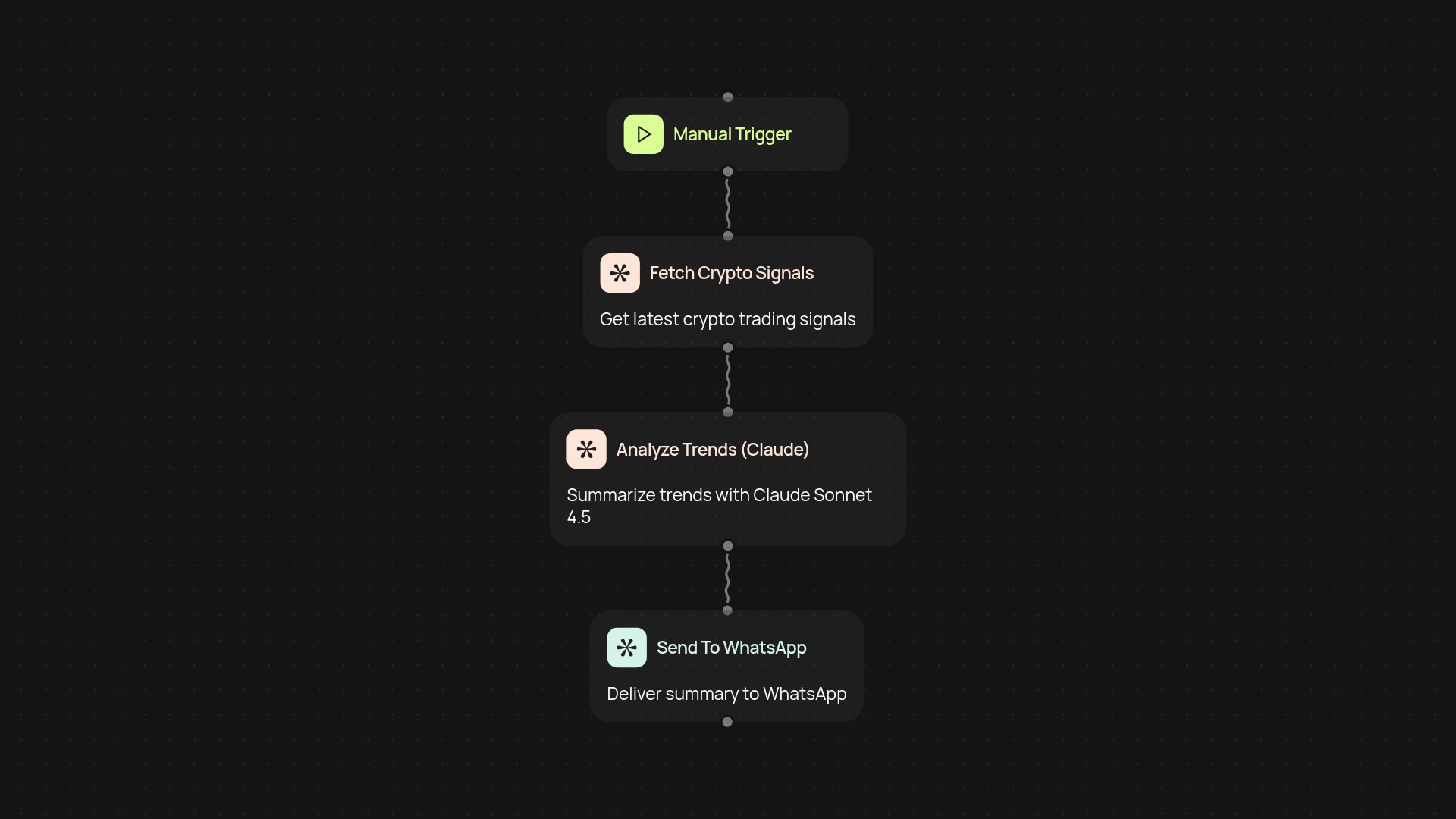
The Crypto Trading Signal Analyzer is a CodeWords template that analyzes trading data with Claude Sonnet 4.5 and sends only high-confidence signals to your WhatsApp. Each alert explains in plain language why the signal matters. The template provides information, not financial advice, and you decide whether to act.
Key takeaways
- The template analyzes trading data with Claude Sonnet 4.5 and sends only signals it rates as high confidence.
- Alerts arrive on WhatsApp in plain language, with the reason for the signal.
- Setup needs a WhatsApp account and access to the CodeWords platform.
- Signals are information for your own decisions, not financial advice.
How do crypto signals get to your WhatsApp without manual review?
Crypto signals reach your WhatsApp automatically. The template watches market trends, analyzes trading data with Claude Sonnet 4.5, and sends only the high-confidence signals to your phone. You do not need to sift through charts, and each alert states why it matters and what action to consider.
How does it ensure the signals are high-confidence?
The template checks each potential signal for reliability before it sends the signal, and it filters out lower-quality information. You receive fewer alerts, and each one has passed that check. No check guarantees accuracy, so treat every signal as one input to your own decision.
Can I act on signals faster with WhatsApp alerts?
Yes. When the template detects a strong trading opportunity, it sends a WhatsApp alert, so you do not need to check several apps or dashboards. You can respond to the alert yourself or let the template watch the market and notify you of meaningful shifts.
What do I need to get set up?
You need a WhatsApp account and access to the CodeWords platform. Connect your WhatsApp, set your signal preferences, and turn on alerts. After that, the template runs in the background and sends alerts without further input from you.
Get started today
Your first workflow is free to build.
Describe what you need. Cody handles the build, the connections, and the deployment.