Word Cloud Generator — turn text into insight instantly
Create stunning word clouds from any text. Turn large amounts of written content into easy-to-understand visuals instantly. No design skills required.
Example starting point only. Verify every connection and any sending, booking, inventory, approval, or handoff action before deployment.
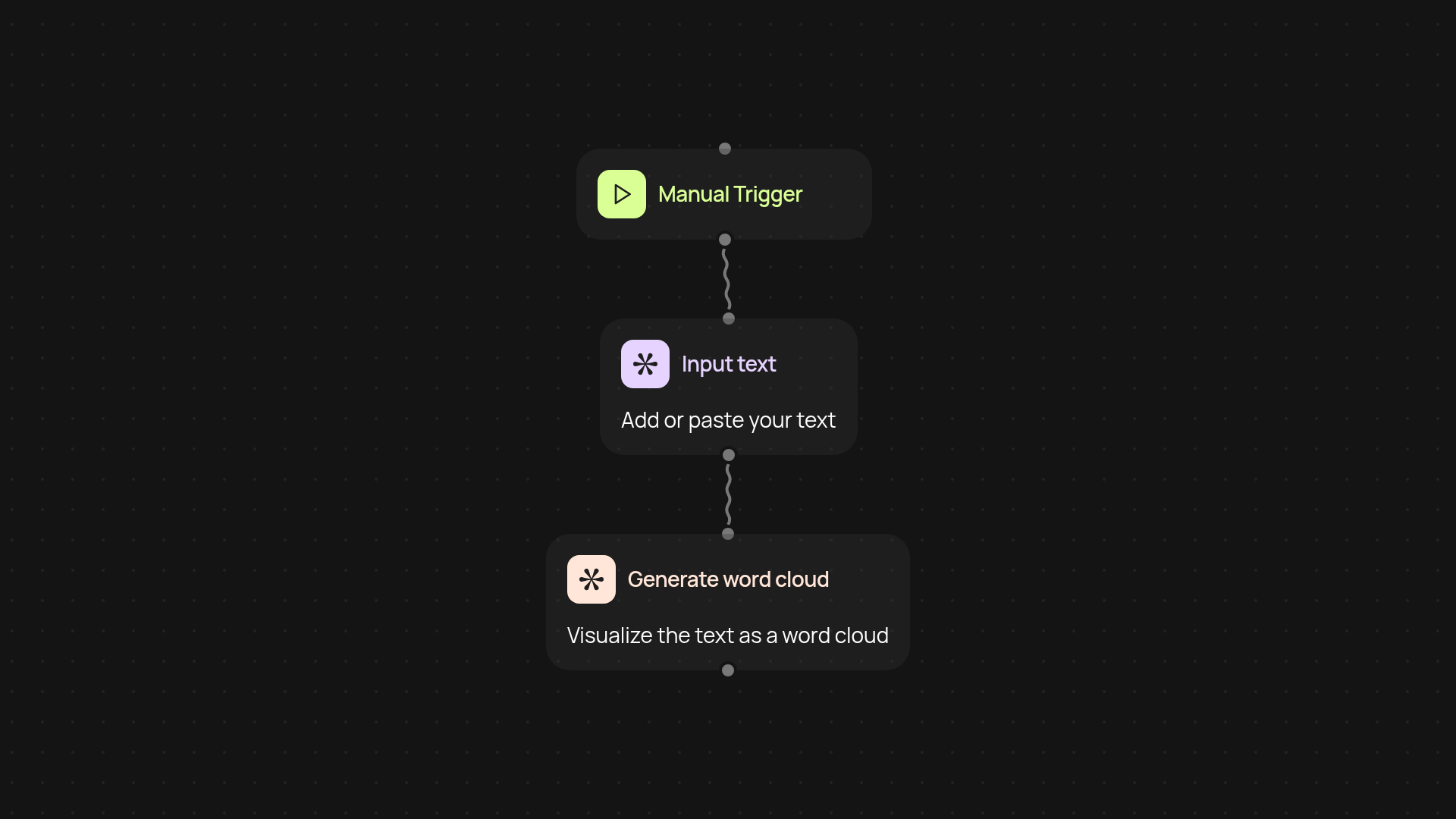
What does the word cloud generator do for you?
The Word Cloud Generator transforms long documents, emails, or any chunk of text into a clear visual summary — a word cloud — in seconds. You simply paste your text and instantly see the most important words, helping you pick out key themes at a glance. There’s no need for complicated tools or manual processing; just point, click, and get quick visual results you can use or share right away.
How can a word cloud help you understand large volumes of text?
By displaying the most frequent words more prominently, word clouds turn dense text into an easy-to-read graphic. This helps you dig into reports, survey results, meeting notes, or web content without having to sift through every sentence. It saves you time and helps you spot patterns, trending topics, or recurring issues, letting you make better decisions faster.
When should you use a word cloud versus other summaries?
Use word clouds when you need a bird’s-eye view of your content or when you’re looking for quick insights without detailed analysis. They're perfect for presentations, brainstorming, or quickly sharing the main ideas from feedback or long emails. For more granular analysis, you may want to combine word clouds with other tools — but nothing beats the speed here for getting the big picture in just a few clicks.
What do you need to get started?
To set up your word cloud workflow, all you need is the text you want to visualize. The process starts with a trigger — you can run it manually whenever you want to summarize something new. The engine does the rest in the background, giving you a ready-to-use image. No special skills required; just bring your text and go from words to insight automatically.
More templates
Get started today
Your first workflow is free to build.
Describe what you need. Cody handles the build, the connections, and the deployment.