Warehouse Inventory Optimizer — maximize space, reduce surplus
Streamline your warehouse layout and stock with automatic inventory optimization. Instantly identify space savings and minimize overstock, all on autopilot.
Example starting point only. Verify every connection and any sending, booking, inventory, approval, or handoff action before deployment.
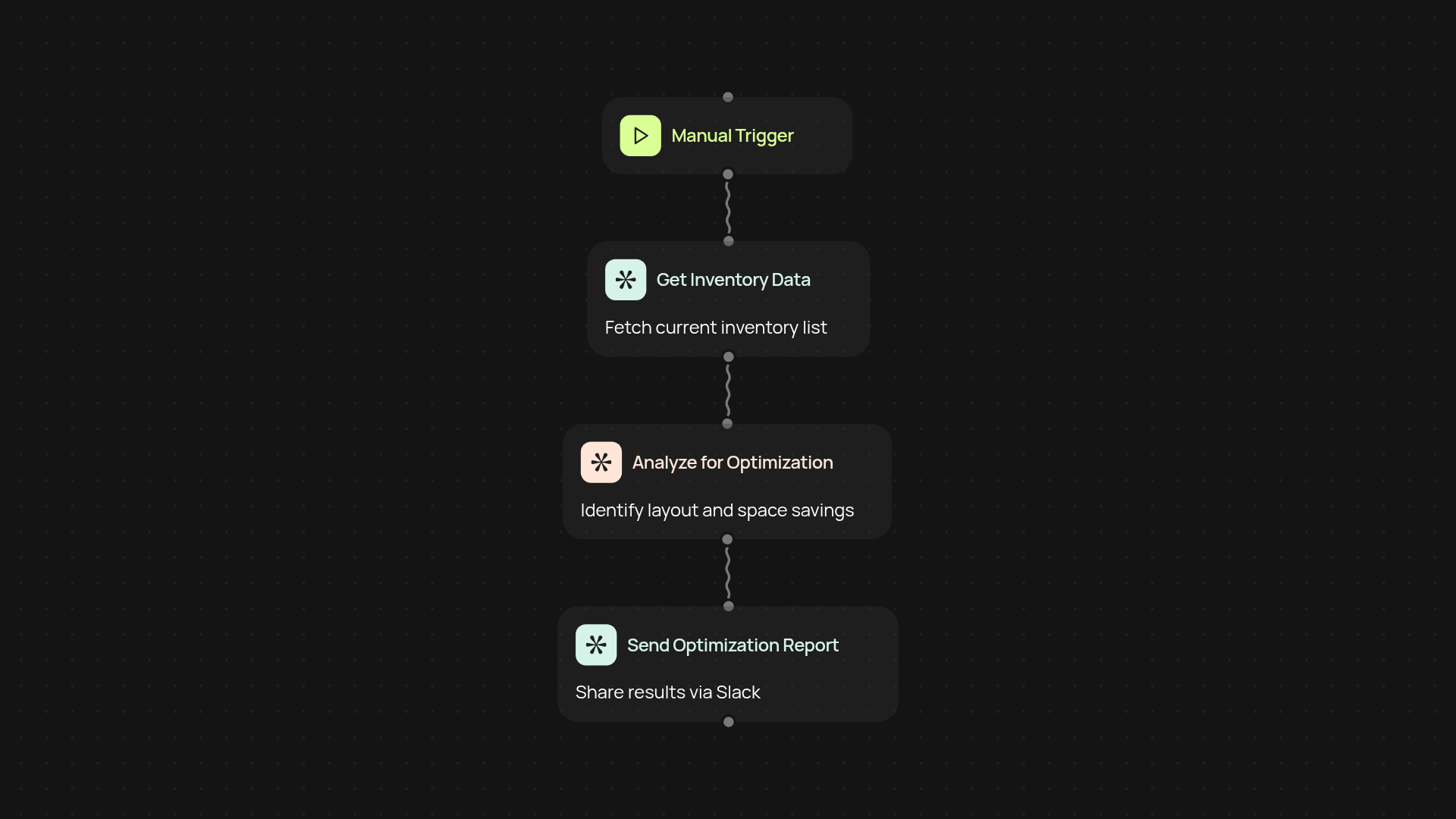
What does the warehouse inventory optimizer do from start to finish?
You’ll never have to struggle with overcrowded shelves or guessing what to restock next. The warehouse inventory optimizer examines your current storage layout and stock levels, then draws on AI recommendations to adjust product placement and inventory sizes. Everything happens in the background—no more tedious manual tracking. You end up with maximized space, balanced stock, and more time for your team.
How does it help you avoid excess stock and wasted space?
It starts by instantly reviewing your existing inventory and storage data. Next, it highlights surplus and slow-moving items, recommending actionable changes to reclaim valuable shelf room. You'll get clear suggestions for reorganization and smarter stock purchases—making sure fast-movers are always available, and excess sits somewhere other than your balance sheet.
How quickly can it recommend improvements for your layout?
In just minutes, you’ll see practical suggestions for product placement and reorder points. AI-driven insights show you exactly where space is wasted, plus how to rearrange or adjust inventory in ways that boost efficiency after setup and review.
What do you need to get started?
It only takes a few clicks. Upload your latest inventory data or connect your preferred tracking source, then launch the optimizer. No specialist skills required—just a desire for smoother operations and less clutter, all handled for you.
More templates
Get started today
Your first workflow is free to build.
Describe what you need. Cody handles the build, the connections, and the deployment.