Veo video idea to Drive — create and organize pro videos
Turn simple video ideas into polished 8-second AI videos, then upload them to a Google Drive folder — all without manual steps. Save hours and stay organized.
Example starting point only. Verify every connection and any sending, booking, inventory, approval, or handoff action before deployment.
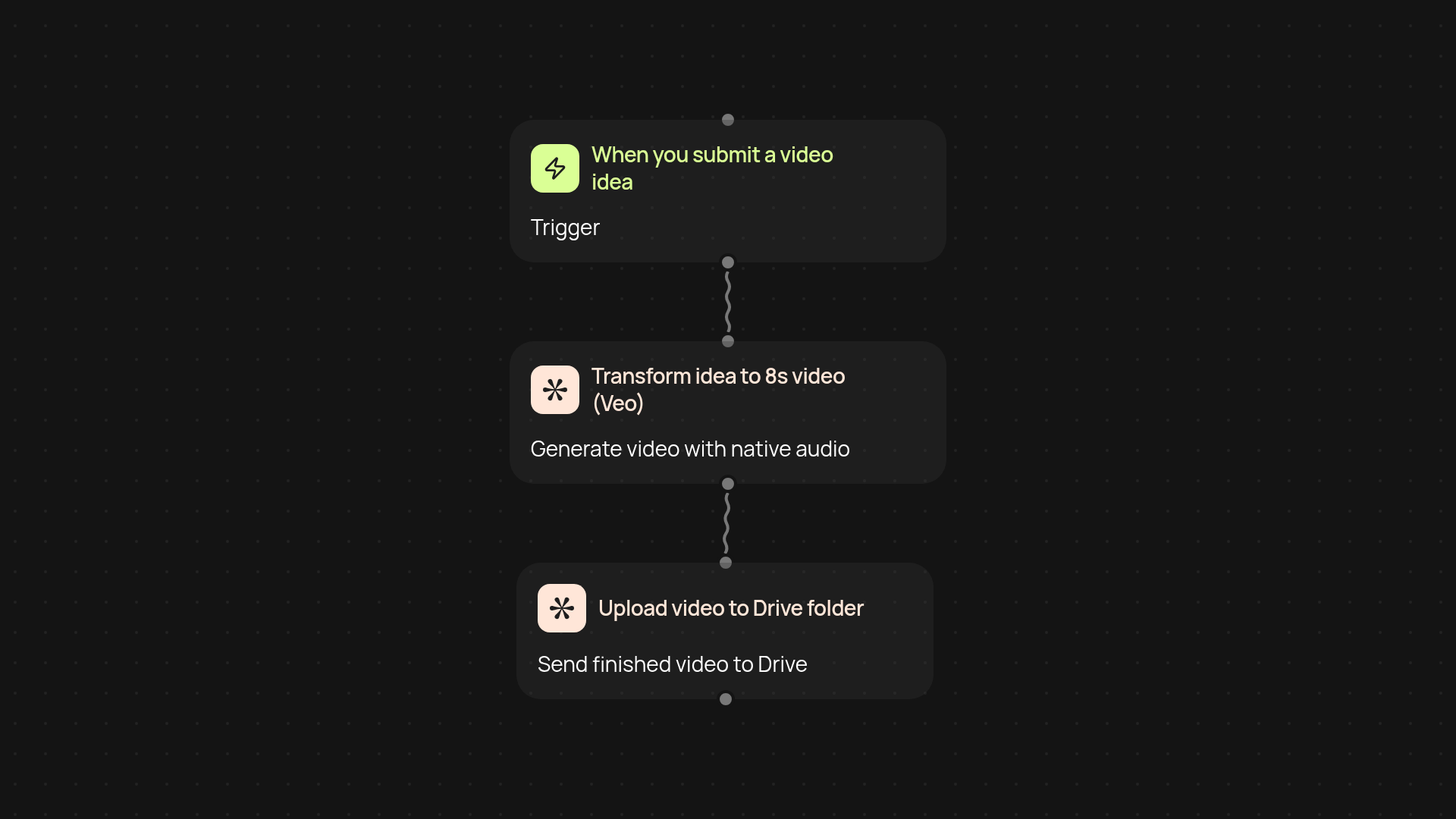
What does this Veo video idea automation do for you?
This automation lets you turn any video idea into a polished short video, then stores it right where you need it — in a dedicated Google Drive folder. Just jot down your idea and the rest happens in the background: it's transformed by Google Veo into a professional 8-second video (native audio included), then neatly uploaded for you. No more fussing with downloads, uploads, or countless browser tabs. You create, and your content lands in the right place, ready to use.
How does it create videos from simple prompts?
You share your idea or prompt — that's it. The automation sends your text straight to Google Veo, which quickly generates a finished, visually striking video with sound. You get a high-quality clip perfectly matching your idea, all after setup and review. Say goodbye to editing headaches and hello to effortless content creation.
Where are your videos stored and how can you find them?
Every video is automatically uploaded to a specific Google Drive folder, so your files stay organized from day one. No more searching through messy email attachments or desktop folders. Everything lands in your chosen spot, labeled and sorted for easy access whenever you need it.
How do you set this up and what’s needed?
You'll start with a trigger to enter your video idea, then connect your Google Veo and Drive accounts. Pick your Drive folder once and you're set — new videos will arrive there after each idea. All you need is a Google account and a few minutes to set it up; after that, your workflow runs automatically. Content production has never been so easy.
Get started today
Your first workflow is free to build.
Describe what you need. Cody handles the build, the connections, and the deployment.