Travel Itinerary Generator — plan and schedule trips
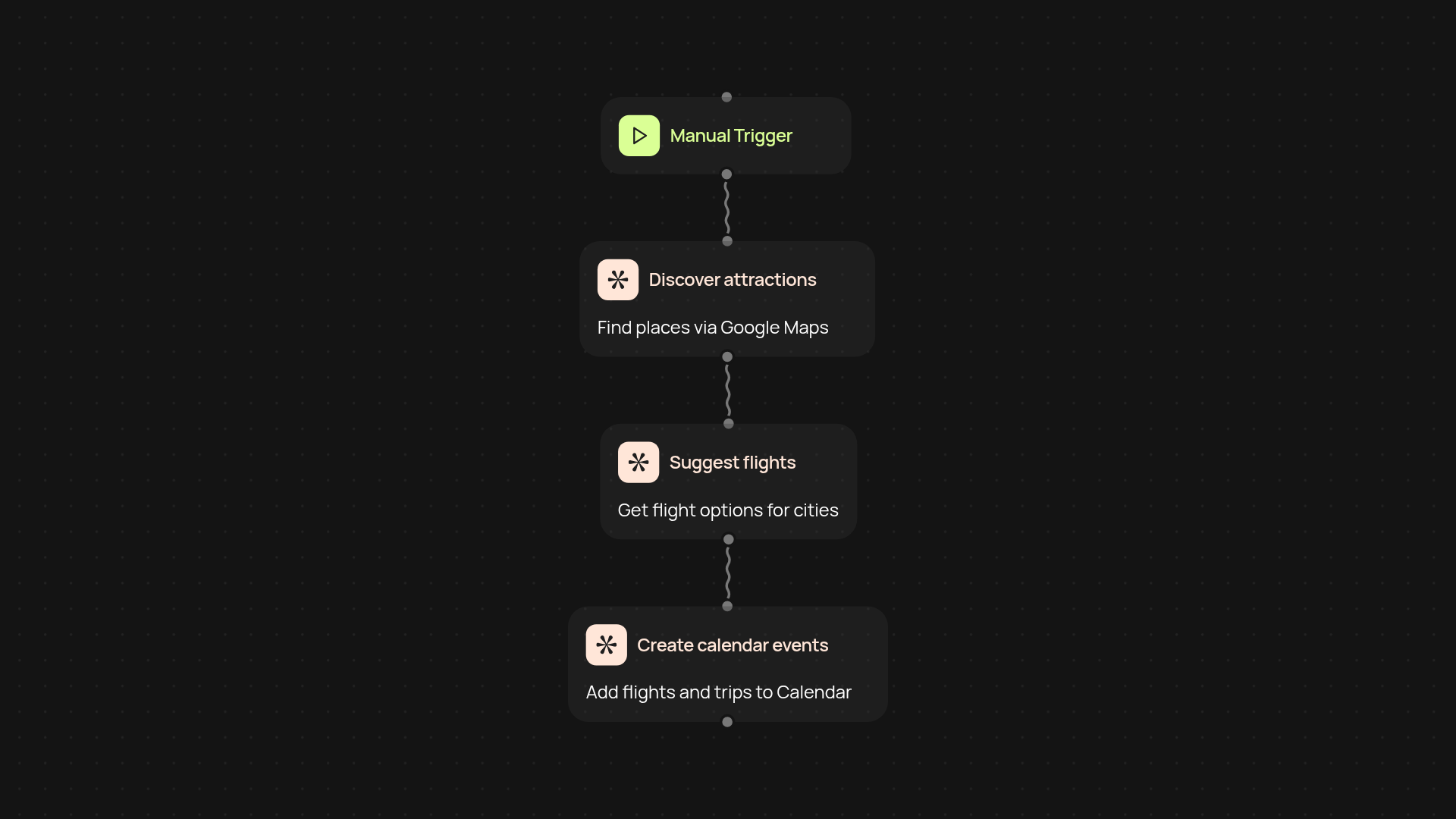
Create custom multi-city travel itineraries in minutes. Discover places, find flights, and schedule everything in Google Calendar automatically with CodeWords.
Example starting point only. Verify every connection and any sending, booking, inventory, approval, or handoff action before deployment.
How does this travel itinerary template simplify trip planning?
You can plan your entire multi-city trip without switching between apps or doing manual research. This template discovers must-see spots using Google Maps, finds flight options, and adds it all right into your Google Calendar — leaving you more time to actually enjoy your travels. Build your itinerary and keep logistics out of your way with just a few clicks.
Can it help me find flights and top attractions instantly?
Absolutely. Once you enter your destinations and dates, the generator pulls the best flights for each leg of your journey. It suggests top-rated places to visit in every city, so you always know where to go next. No spreadsheets, endless tabs, or digging for recommendations — your personalized guide appears in minutes.
How do my plans show up in Google Calendar?
As soon as your itinerary is ready, each flight and activity is added to your Google Calendar automatically. That way, you see a clear travel schedule right beside your everyday commitments — making it easy to stay organized and avoid double-booking. No more copying and pasting event details by hand.
What do I need to start creating my travel itinerary?
Just know your destinations and travel dates. All you need is access to Google Calendar. Set up takes less than five minutes — the rest runs automatically. Simply follow the prompts, and let CodeWords handle discovery, booking suggestions, and scheduling while you pack your bags.
More templates
Get started today
Your first workflow is free to build.
Describe what you need. Cody handles the build, the connections, and the deployment.