Time Zone Meeting Scheduler — find optimal times across time zones
Find the perfect meeting time across time zones with CodeWords. Avoid calendar headaches and schedule meetings automatically.
Example starting point only. Verify every connection and any sending, booking, inventory, approval, or handoff action before deployment.
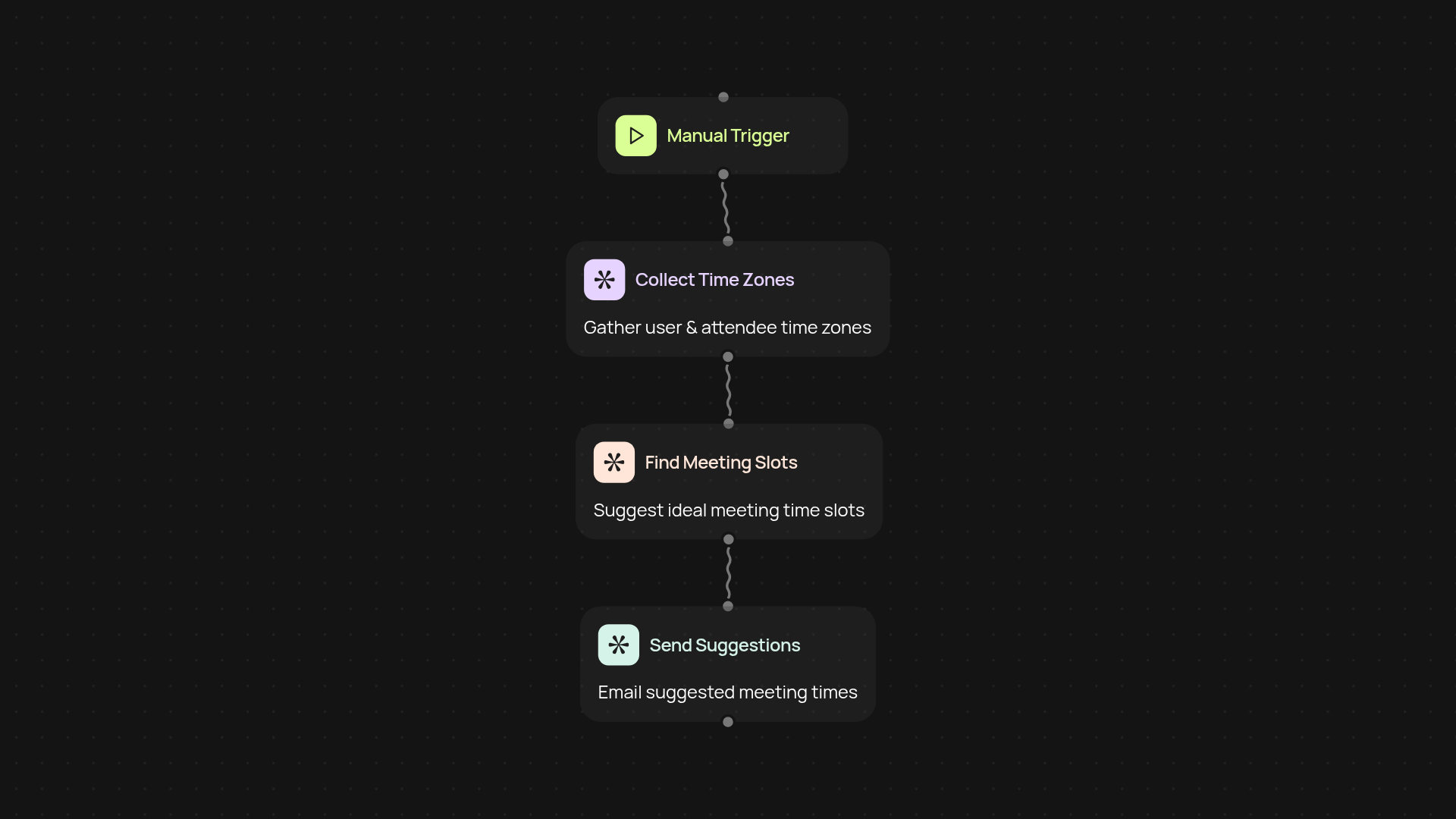
How does this scheduler find a time that works for everyone?
CodeWords’ Time Zone Meeting Scheduler takes the mess out of global meeting planning. Just provide the participants and their time zones, and the scheduler instantly searches for overlapping windows—no more endless email threads or mental math. It weighs everyone’s preferred availability and gives clear options that fit every calendar.
What if people have different preferred hours?
Not everyone wants another late-night or early morning call. Our scheduler looks at each person’s ideal hours, then recommends only the best matches. You’ll avoid those “sorry, can we reschedule?” emails and make meetings easier for the whole team.
Can I do this without manual scheduling or back-and-forth?
Yes—this entire process runs in the background so you don’t have to coordinate by hand. Schedule meetings automatically, save hours each week, and let everyone know exactly when to meet. You’ll never need to check multiple calendars or chase after responses again.
How do I set it up and what do I need?
All you need is a list of participant emails and their time zones. Start the template from your CodeWords dashboard, enter your list, and get suggested times right away. You can run this any time, on a set schedule, or whenever there’s a new meeting request.
More templates
Get started today
Your first workflow is free to build.
Describe what you need. Cody handles the build, the connections, and the deployment.