Student Progress Tracker — track learning progress with analytics
Easily track student learning progress and performance. Get instant insights, spot trends, and save hours with analytics powered by CodeWords.
Example starting point only. Verify every connection and any sending, booking, inventory, approval, or handoff action before deployment.
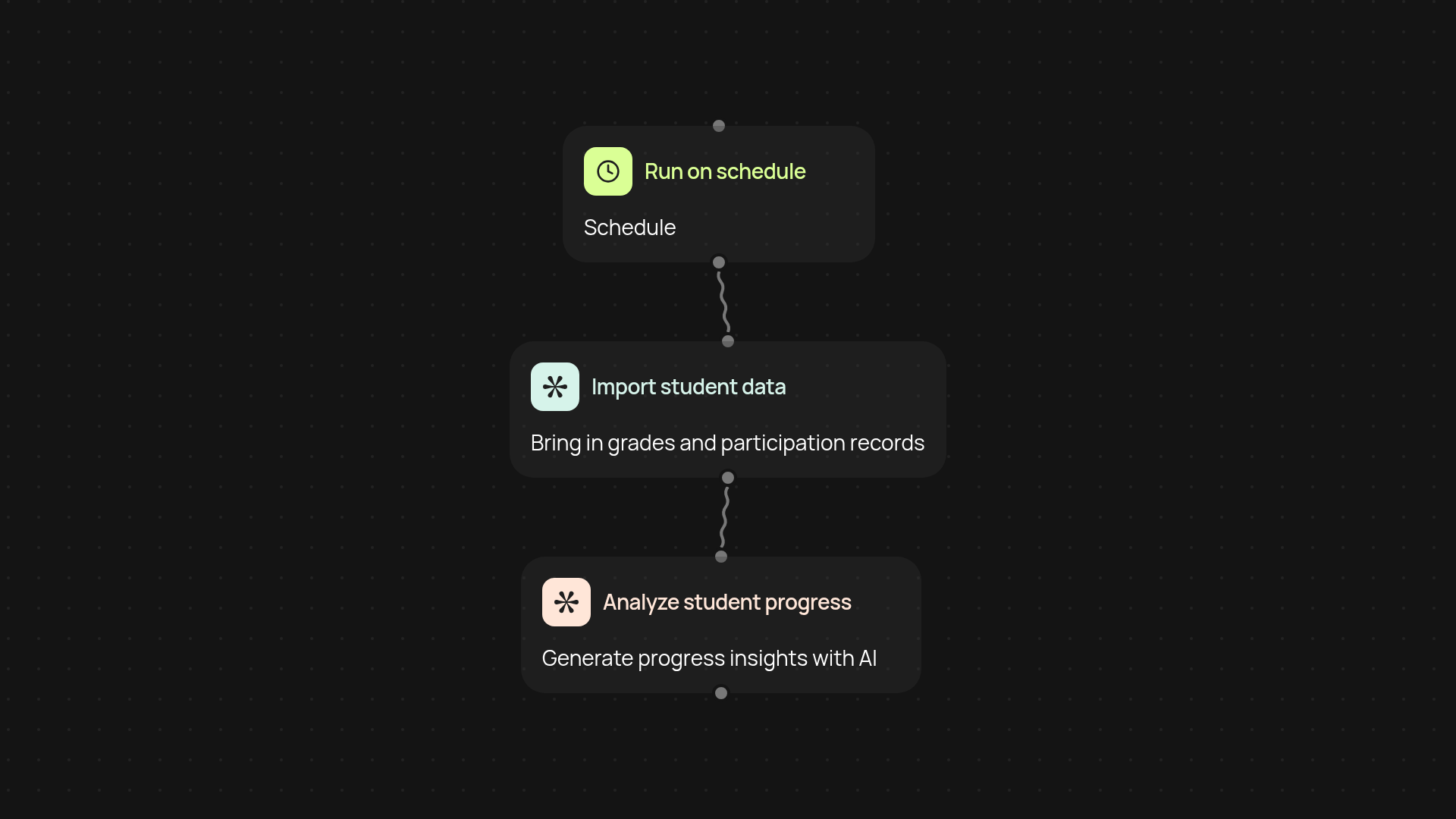
How does the student progress tracker keep you updated?
The student progress tracker gives you a clear picture of learning progress, all in one place. You can instantly see achievements, participation, and areas needing attention—without any manual data entry. It pulls information from your sources, organizes it, and turns it into easy-to-read dashboards.
What insights can you expect?
This tracker highlights trends at a glance. You’ll know who’s excelling, who needs extra help, and which topics could use review. With regular updates, it lets you intervene early or celebrate milestones, helping every student grow.
How quickly does the tracker update learning data?
Updates happen instantly—no more waiting for end-of-term reports. As soon as there’s a change, the tracker records it and refreshes your dashboard in the background. This means you can respond to each student’s needs right away.
How do you set up the student progress tracker?
Getting started is quick and simple. Choose when to run the tracker—either on a schedule or manually—then connect your learning data source. You’ll need access to student performance data (such as test results). The system processes and analyzes your information automatically, so you get actionable insights fast. That’s it—you’re ready to track learning progress automatically!
Get started today
Your first workflow is free to build.
Describe what you need. Cody handles the build, the connections, and the deployment.