Status page generator — show real-time IT status updates
Create and update real-time IT status pages without manual work. Save time, keep users informed, and communicate outages instantly.
Example starting point only. Verify every connection and any sending, booking, inventory, approval, or handoff action before deployment.
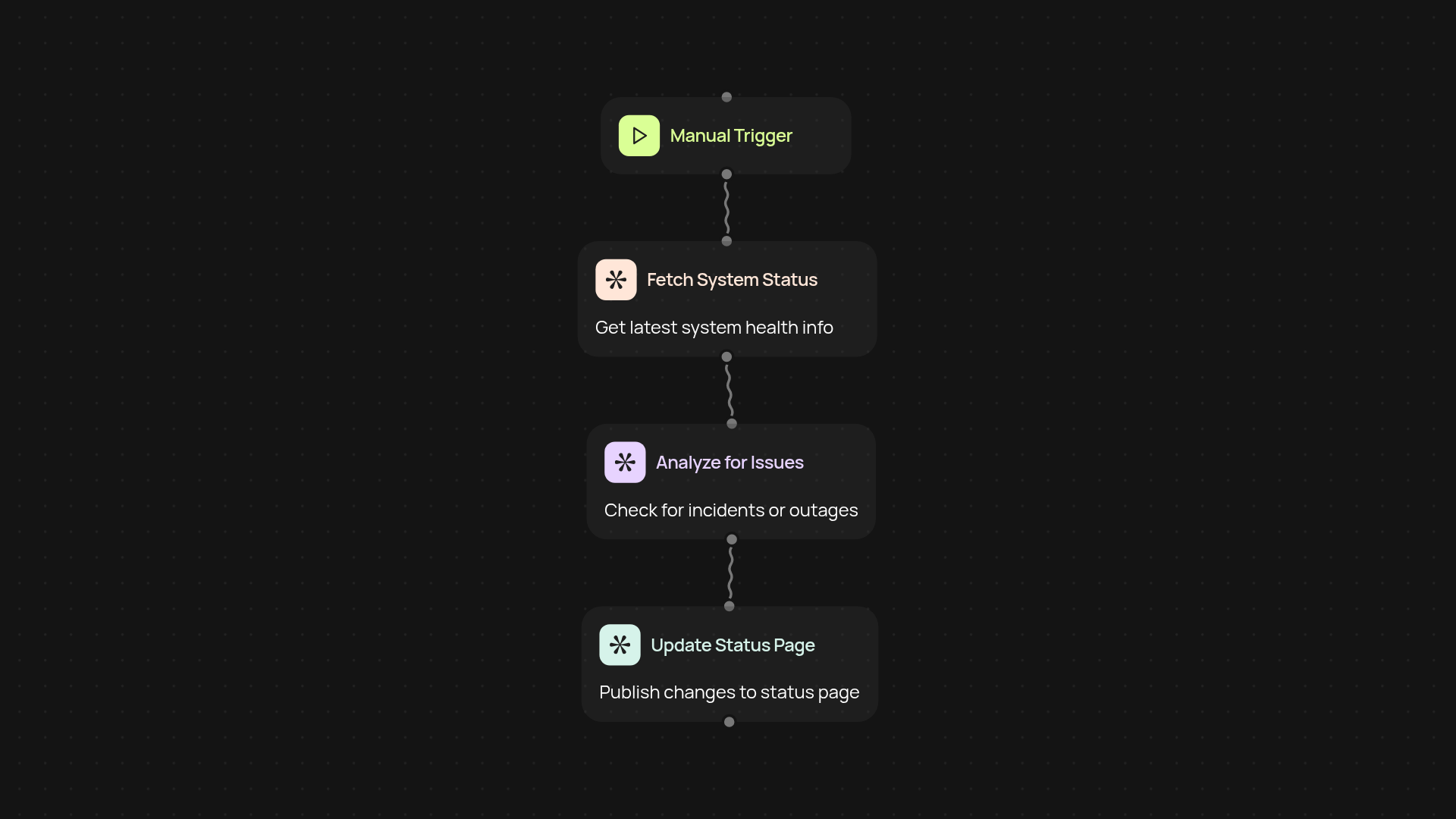
How does this generator create status pages from end to end?
The status page generator takes all the manual effort out of creating and updating your IT service status pages. You simply connect your incident feed or monitoring tool, and the template instantly turns updates into clear, readable status posts. Your users always know the latest on your service health—no need for you to write or edit updates by hand. It works behind the scenes to keep everyone informed, helping your team focus on fixing issues rather than communicating them.
Can I update the page after setup and review?
Yes, updates are handled automatically. Whenever your monitoring tool detects a status change or outage, the generator refreshes your status page content right away. No more delays, no need to log in and post yourself. Your stakeholders see accurate updates as soon as they happen, helping to build trust and reduce support requests.
How do I ensure clear communication for every incident?
This template uses AI to write status updates that are easy to understand and relevant to your users. You’ll avoid technical jargon and confusing messages. The updates also include incident timelines and recovery information so your communication is always consistent and professional, no matter the type of issue.
How do I get started with the status page generator?
Getting started is quick. First, select your preferred trigger—such as a monitoring tool or a manual update. Then, connect your incident data and customize your status messages. You’ll need access to your IT monitoring feed and a place to publish public status information. That’s it—your service status now updates itself.
More templates
Get started today
Your first workflow is free to build.
Describe what you need. Cody handles the build, the connections, and the deployment.