Speech to text converter — transcribe audio instantly with speaker ID
Transcribe audio files in seconds — turn speech into text including who said what. Speaker labels, with less manual work. Perfect for meetings, interviews, and more.
Example starting point only. Verify every connection and any sending, booking, inventory, approval, or handoff action before deployment.
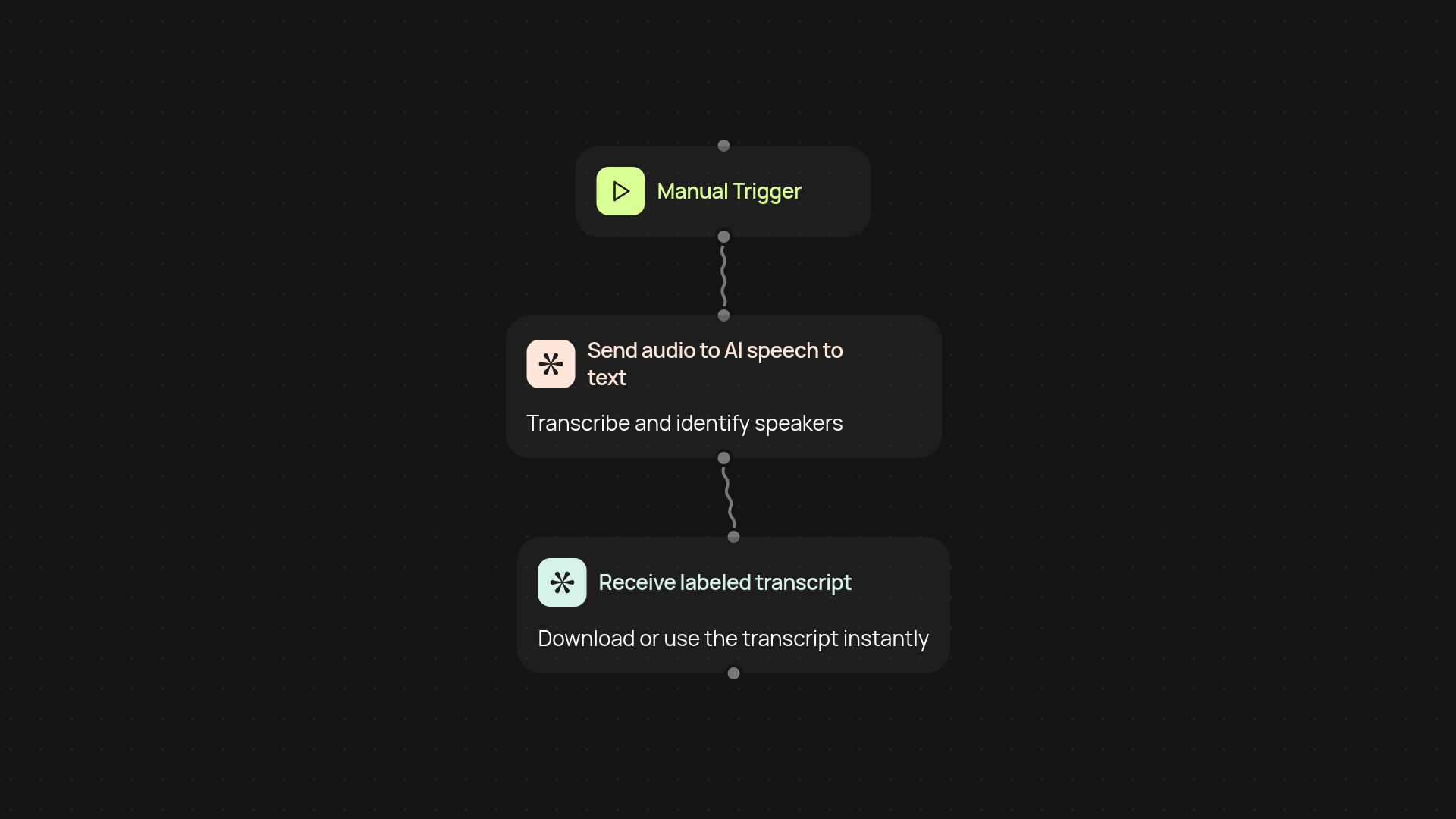
What can the speech to text converter do for you?
Turn any audio recording into clear, accurate text — in just seconds. The speech to text converter listens to your audio files, transcribes every word, and shows you exactly who said what. No more tedious note-taking or guessing during meetings and interviews. Everything is organized for easy review or sharing.
How does it keep speakers organized in the transcript?
Get a full, labeled transcript automatically. The tool doesn’t just transcribe; it detects when speakers change and tags their names throughout the document. You’ll know exactly when each person talked, so it’s perfect for customer calls, group meetings, or panel discussions where clarity matters.
Is it easy to use for all your recordings?
Yes, the process is simple. Upload your audio file, and the converter takes care of the rest in the background. You can transcribe interviews, webinars, podcasts, or note-heavy meetings after setup and review—saving hours every week and reducing manual tasks.
What do you need to get started?
All it takes is an audio file and a few moments. Set it to run on a schedule or trigger it manually for urgent work. No training required, and guided setup. Just upload and watch the transcript appear—speaker labels included. Spend more time using your data, and less time creating it.
More templates
Get started today
Your first workflow is free to build.
Describe what you need. Cody handles the build, the connections, and the deployment.