Sentiment Analyzer — understand emotional tone instantly
Analyze text sentiment and emotions instantly with Sentiment Analyzer. Get automatic insights for faster business decisions.
Example starting point only. Verify every connection and any sending, booking, inventory, approval, or handoff action before deployment.
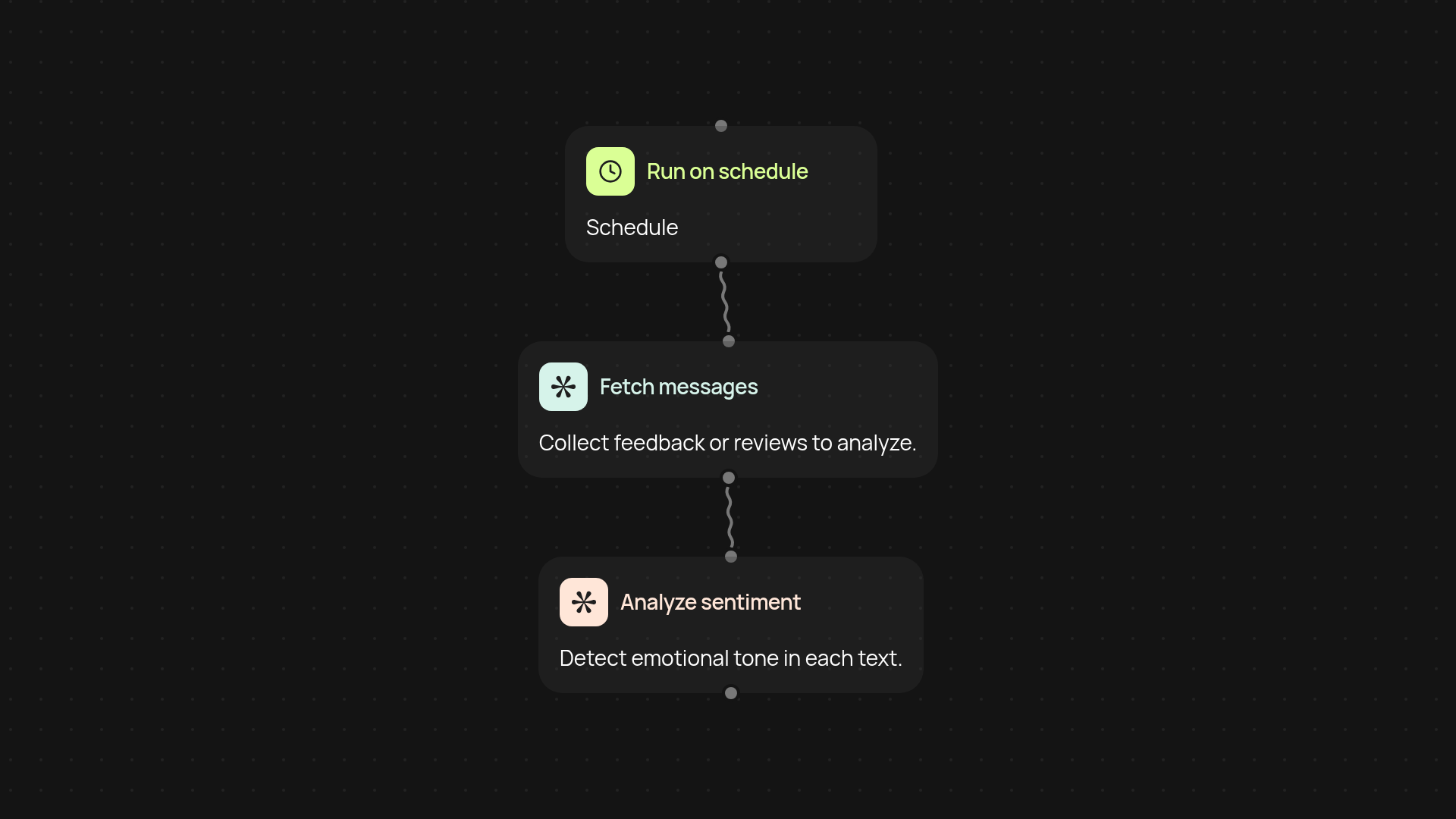
What does the sentiment analyzer do for your workflow?
The sentiment analyzer instantly detects the emotional tone of any text — from customer feedback to social posts. It goes beyond simple positive or negative labels, picking out subtle emotional cues that help you take action faster. With this template, you can scan messages, reviews, or survey responses after setup and review and get a concise sentiment overview. No more guessing what your customers or audiences feel.
How can emotion detection impact your business decisions?
The biggest benefit is clear: you see how people really feel in real time. By quickly understanding sentiment trends, you can spot issues, identify positive highlights, or address urgent concerns. This lets you prioritize outreach, tweak communication, or refine your products, all based on the emotional pulse of your audience. Insights appear automatically, so you can react before situations escalate.
Where can you use sentiment analysis to boost results?
Almost anywhere you receive text feedback. From incoming emails to product reviews or support tickets, sentiment analysis keeps you updated. Use it to optimize customer support responses, flag negative trends instantly, or highlight glowing testimonials. The result? More informed, timely, and effective decision-making—whether you’re a manager, marketer, or team lead.
How do you set up sentiment analysis in minutes?
Getting started is straightforward. First, set a trigger: choose when you want the sentiment check to run (on a schedule or when new messages arrive) or run manually on demand. Next, connect the sources where your text feedback appears — email, chat, or uploads. Finally, review sentiment insights in your dashboard or send them to the right team. All you need is access to your messages and a few clicks in CodeWords to put sentiment analysis to work.
Get started today
Your first workflow is free to build.
Describe what you need. Cody handles the build, the connections, and the deployment.