SaaS Metrics Dashboard — track MRR, churn, and LTV without manual calculations
See your SaaS MRR, churn, and LTV with reduced manual work. This dashboard template tracks key metrics automatically, giving you fast, clear insights.
Example starting point only. Verify every connection and any sending, booking, inventory, approval, or handoff action before deployment.
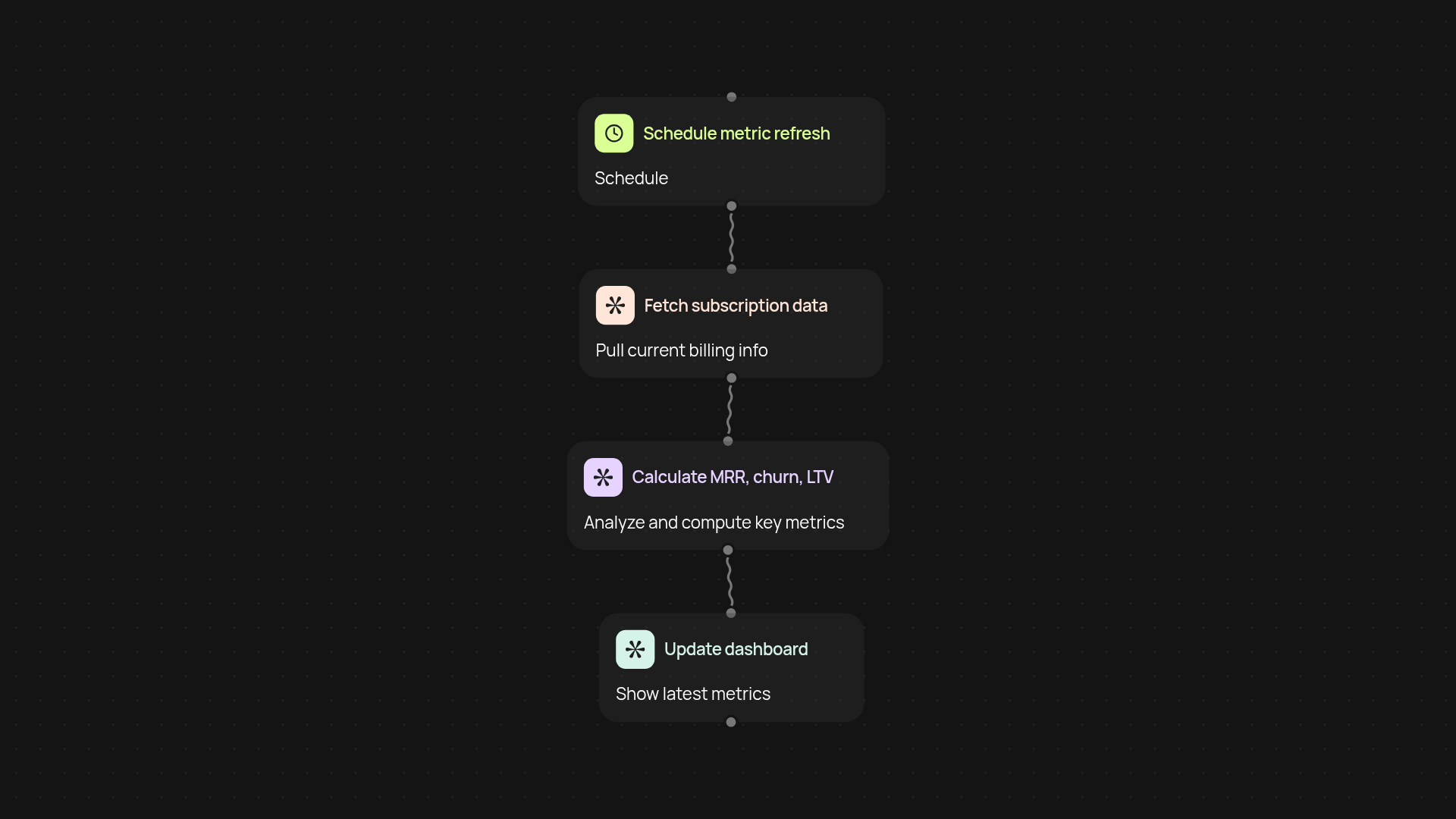
How does the SaaS metrics dashboard simplify reporting?
The SaaS Metrics Dashboard brings all your vital subscription metrics into one clear view. Get accurate monthly recurring revenue (MRR), customer churn, and lifetime value (LTV) calculations instantly—no more time wasted on spreadsheets or manual tracking. See how your business is performing at a glance, so you spend more time making decisions and less time wrangling numbers.
How quickly can you view your MRR, LTV, and churn?
Metric updates happen after setup and review. Anytime new data is available, your dashboard refreshes in the background, keeping every number up to date. This means you can trust the figures you see, whether you’re preparing for a team meeting or a monthly review. Stop relying on outdated snapshots—get real-time business visibility, every day.
Will it work with my existing SaaS tools?
Absolutely. This template connects to your data sources automatically: customer accounts, payment platforms, or wherever subscription billing data lives. No need to tinker with connections or manage uploads. Your core metrics will appear on the dashboard automatically, freeing you from manual upkeep and letting you focus on growth.
How do you set up the SaaS metrics dashboard?
It’s fast to get started. Select a trigger—such as a scheduled update or a new data import—then connect your data sources. Customize your metric calculations if needed, or use best-practice formulas out of the box. Within minutes, your key numbers are displayed and updating, so your team always has the full business picture, no matter their technical skill level.
Get started today
Your first workflow is free to build.
Describe what you need. Cody handles the build, the connections, and the deployment.