Resume parser — extract structured CV data instantly
Automate resume parsing with CodeWords. Instantly extract skills, work history, and contact info from any CV—no manual data entry.
Example starting point only. Verify every connection and any sending, booking, inventory, approval, or handoff action before deployment.
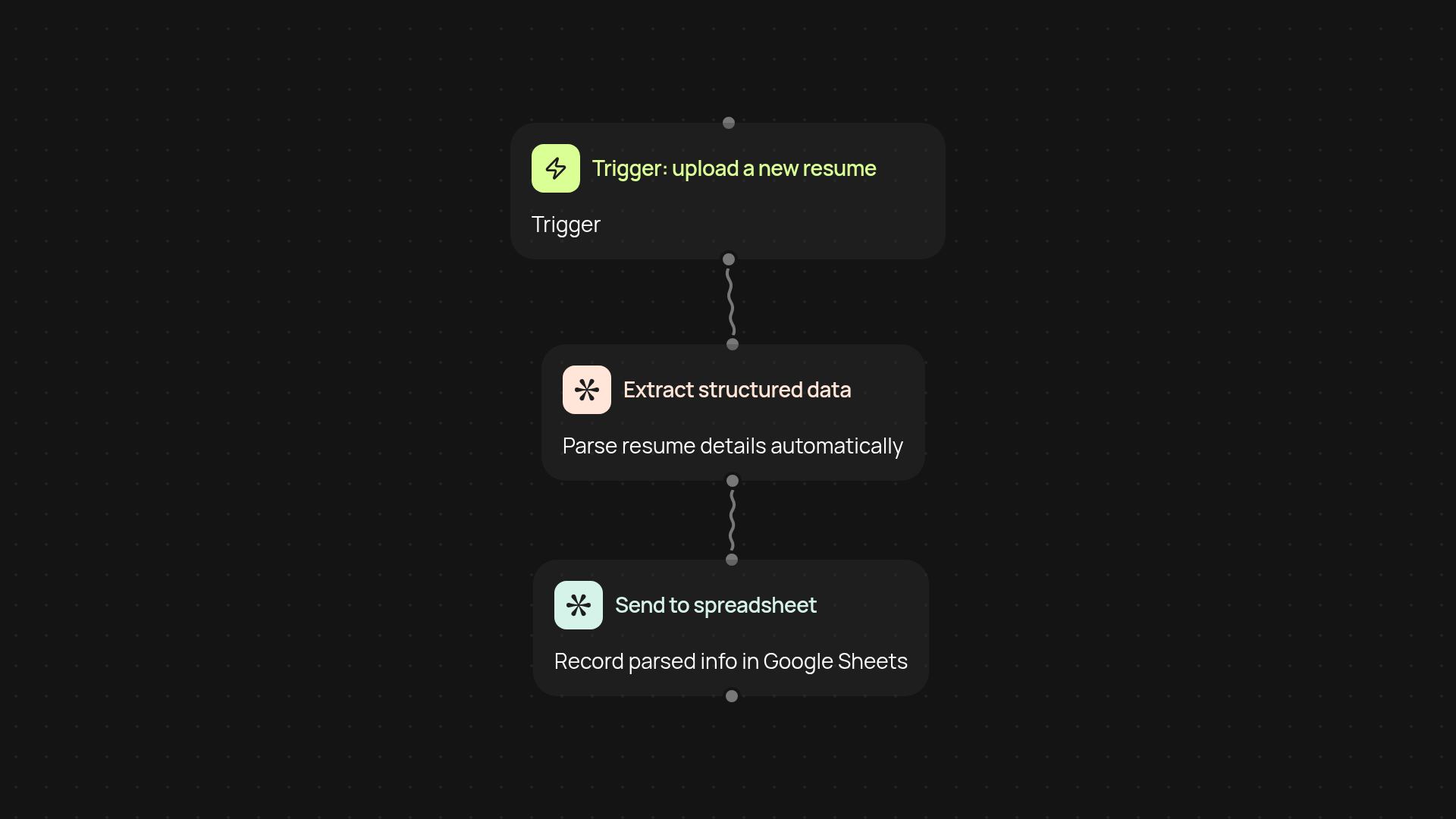
How does the resume parser transform any CV into structured data?
The resume parser takes incoming resumes — no matter their format — and converts them into clean, structured data you can actually use. Instead of copying and pasting details into your ATS or CRM, you get candidate skills, experience, education, and contact info separated out in seconds, without manual work. Parsing happens in the background, so you stay focused on finding the right people, not on data entry.
What types of information can you extract from resumes?
Instantly pull core candidate info: names, emails, phone numbers, work history, education, certifications, skills, and more. Whether the CV is a PDF, DOCX, or image, the parser identifies and labels the important details for you — making candidate searching and sorting much easier.
How can automating resume parsing improve your hiring workflow?
By extracting data automatically, you eliminate tedious copy-pasting and reduce the risk of errors. Parsed candidate profiles are easy to send to hiring managers, feed into your CRM, or compare in bulk. This means you handle more candidates without extra admin, and reach top talent faster.
What setup steps are required to start parsing resumes?
Getting started is simple. Choose your preferred trigger — upload files, connect your inbox, or set up a scheduled scan of a folder. Then point the parser at your resume source, and decide where you want the extracted data sent: database, spreadsheet, or even straight to your hiring platform. All you need is CodeWords access and a moment to connect your sources. From there, everything runs automatically.
Get started today
Your first workflow is free to build.
Describe what you need. Cody handles the build, the connections, and the deployment.