Resource Allocation Optimizer — maximize team productivity
Optimize team resources and boost productivity with the Resource Allocation Optimizer. Assign roles, balance workloads, and achieve more.
Example starting point only. Verify every connection and any sending, booking, inventory, approval, or handoff action before deployment.
How does the resource allocation optimizer improve team performance?
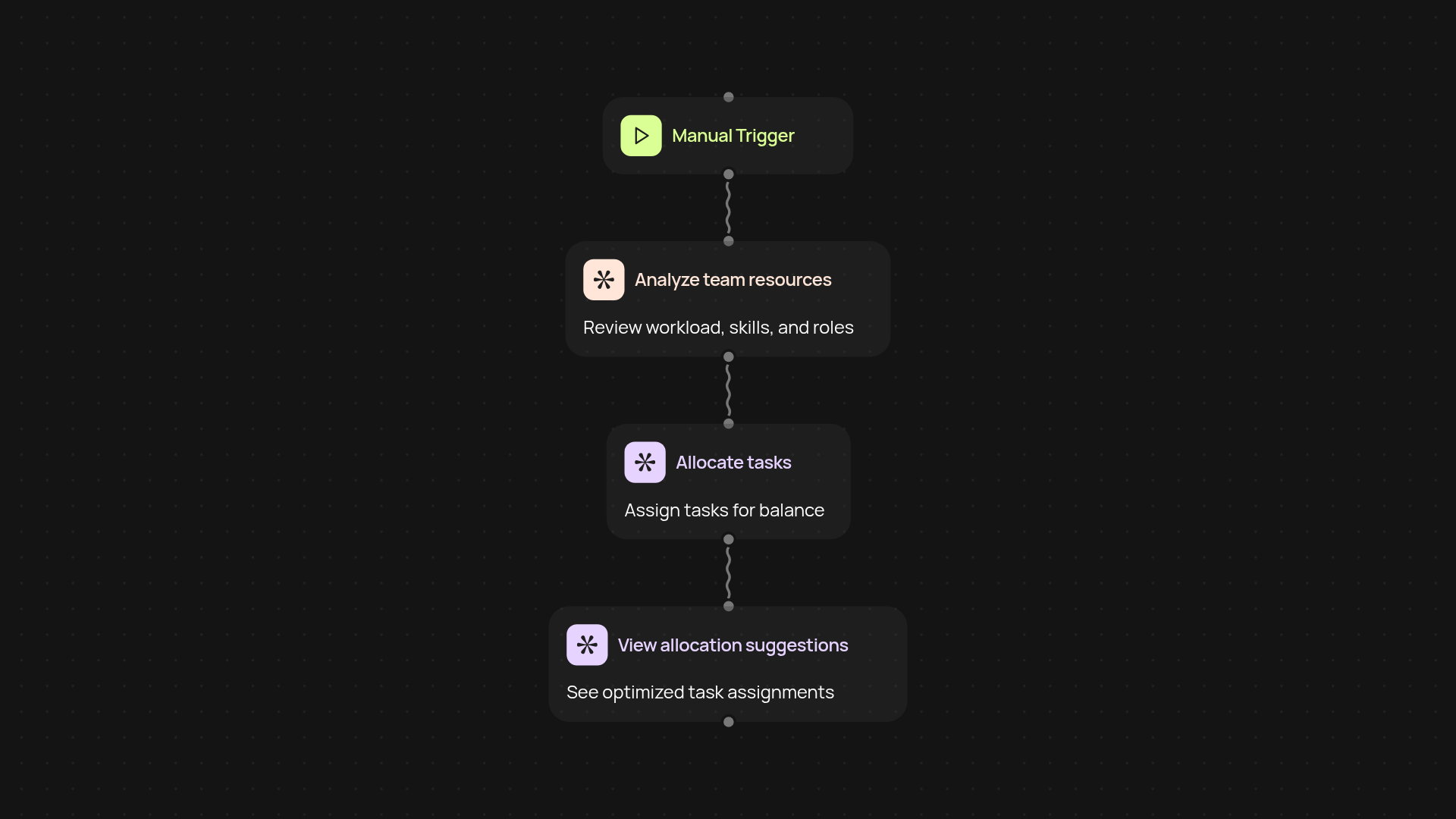
The Resource Allocation Optimizer reviews your project data and team structure, then recommends the best way to assign tasks across your team. With a single click, you’ll see how to balance workloads and get more done — after setup and review. It considers skills, availability, and priorities so nothing slips through the cracks.
Can this tool adjust to shifting deadlines or new tasks?
Absolutely. If deadlines change or new tasks appear, the optimizer instantly recalculates the best way to distribute work. Your plan never goes stale — everyone always knows what to focus on next. Adjustments happen in the background, helping your team stay agile and on track.
Will it help prevent burnout and underutilization?
Yes, that’s a key advantage. The Resource Allocation Optimizer actively balances workloads so everyone has the right amount of work. Overloaded teammates are supported, while team members with extra capacity are matched with tasks that suit their strengths. This leads to a healthier, more motivated team.
How do I set up the resource optimizer for my team?
Setup is quick — you just need your current team roster, a list of ongoing projects, and your preferred work priorities. Add details by uploading a spreadsheet or entering information directly. The optimizer takes over from there, providing smart allocations instantly. You can view, adjust, and approve results before sharing with your team.
More templates
Get started today
Your first workflow is free to build.
Describe what you need. Cody handles the build, the connections, and the deployment.