Receipt Scanner — instantly capture line items & totals
Save hours on expense tracking. Instantly scan receipts and organize line items and totals automatically. No more manual entry.
Example starting point only. Verify every connection and any sending, booking, inventory, approval, or handoff action before deployment.
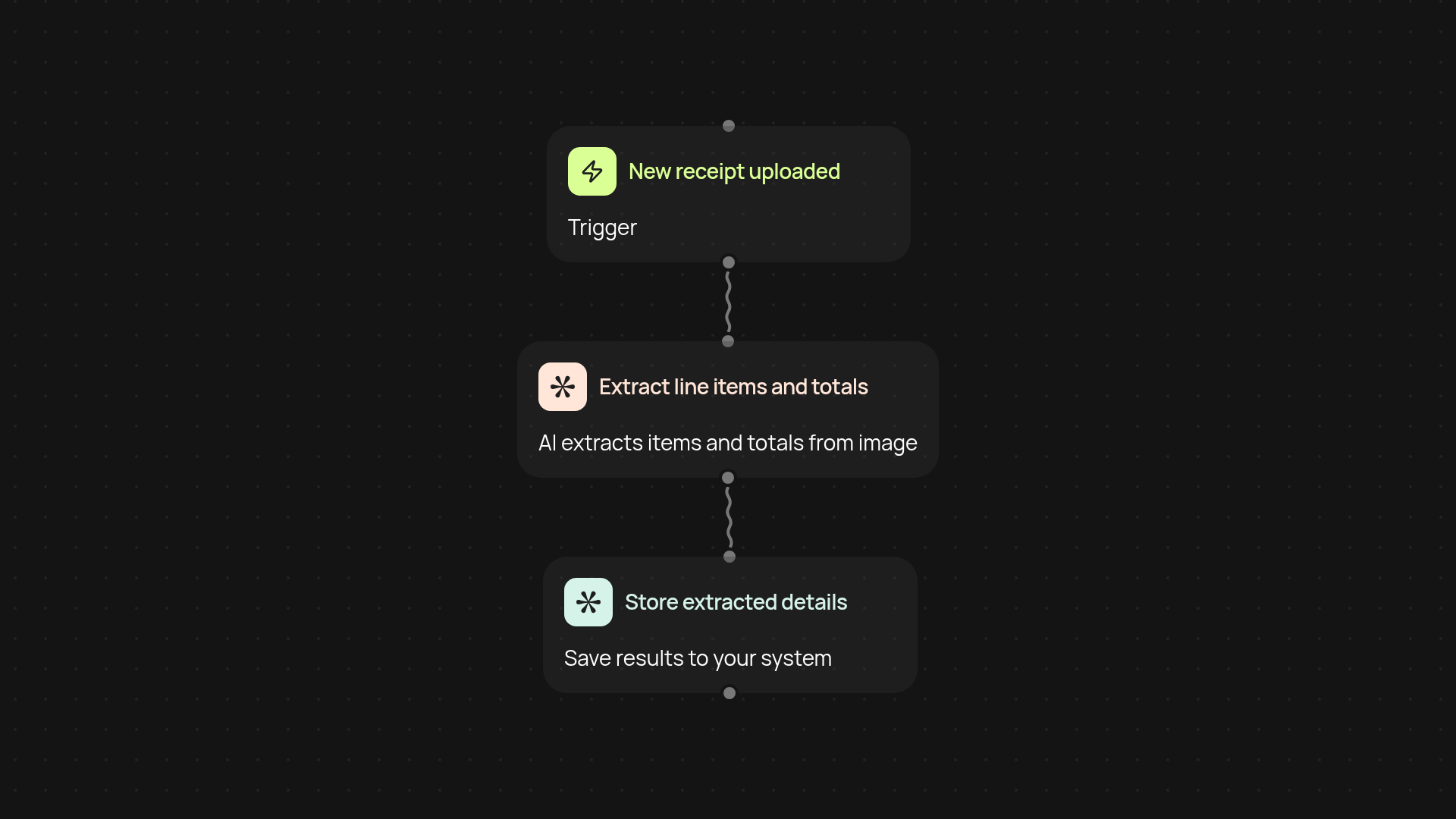
What does the Receipt Scanner automate for you?
The Receipt Scanner takes the hassle out of tracking expenses. Snap a photo of any receipt, and the system extracts key details — line items, totals, dates — and organizes them for you. You get fully structured data ready for reports, accounting, or filing, all after setup and review. Ditch hours of manual typing and data entry each week by putting this task automatically.
How does it capture every detail from your receipts?
As soon as your receipt is uploaded, CodeWords uses advanced AI to read the image. Every product, price, and total is spotted and sorted, ensuring that nothing slips through the cracks. All information is checked for accuracy and delivered in a clear, usable format, so you always have the precise details you need.
Can it help with expense reports and audits?
Yes — every extracted line item and summary is stored digitally, making expense reports quick to prepare and easier to verify during audits. It's simple to search, retrieve, and reuse data, making compliance tasks much less stressful.
How do you get started with automated receipt scanning?
You'll just need a CodeWords account and the receipt images you wish to scan. Upload receipts manually, or set up a trigger to scan new receipts automatically in the background. In minutes, your expense data will be organized and ready to use — no setup headaches required.
More templates
Get started today
Your first workflow is free to build.
Describe what you need. Cody handles the build, the connections, and the deployment.