Reading Level Analyzer — grade-level insights for any text
Quickly analyze reading level for documents, articles, or emails. Get instant grade-level scores, save hours, and ensure your content matches your audience.
Example starting point only. Verify every connection and any sending, booking, inventory, approval, or handoff action before deployment.
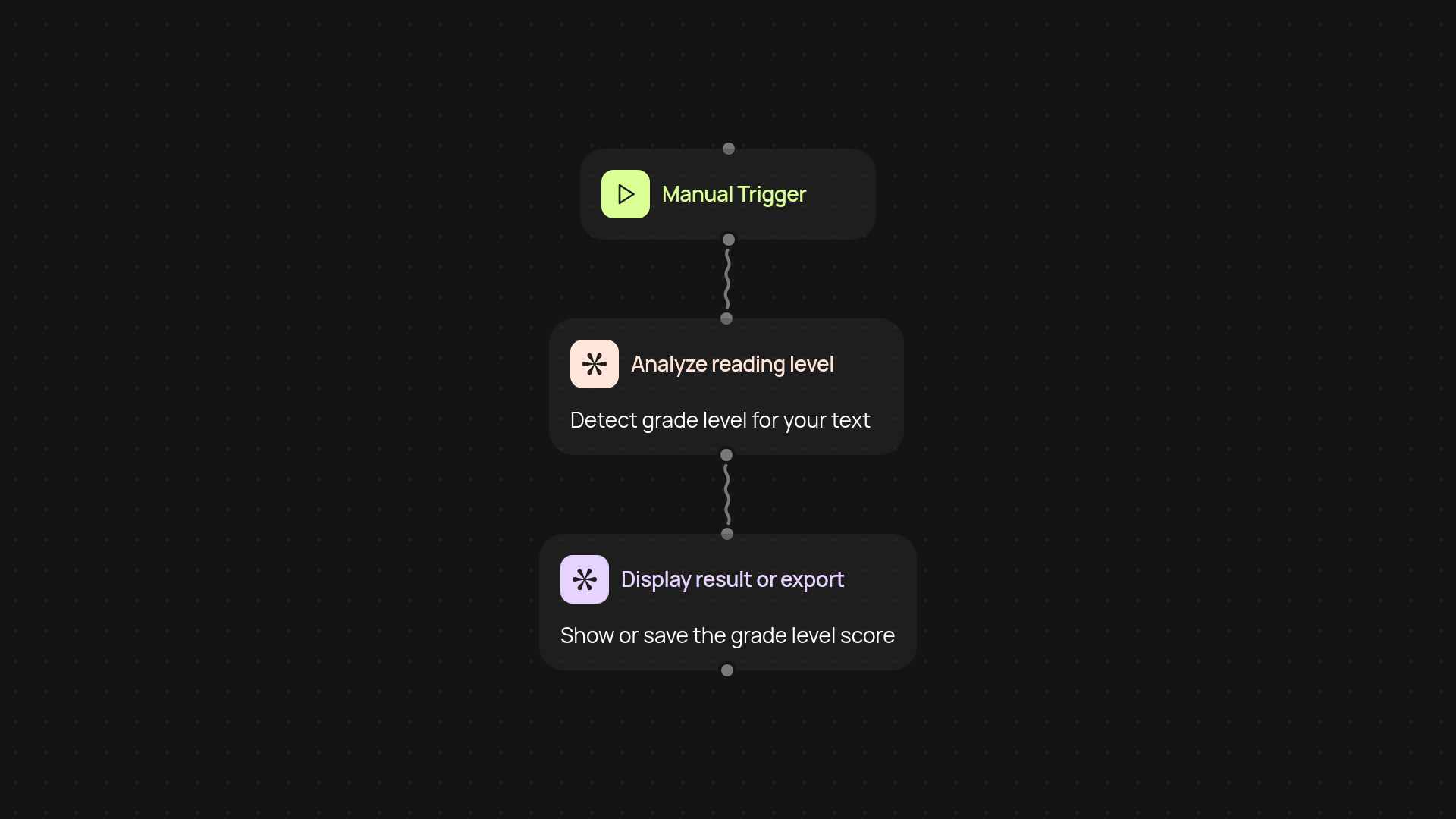
What does the reading level analyzer do from start to finish?
The reading level analyzer checks any piece of writing for its reading difficulty, then shows you which grade level it matches. You just provide your text, and it instantly scores how tough it is to read—whether it’s an email, report, or web page. No manual labor or guesswork required. You'll see clear grade-level results, so you can adapt your writing for your audience and ensure content is neither too easy nor too complex.
How do you know which grade level your text matches?
Right away. The analyzer reviews the words, sentences, and structure, then calculates a grade score based on common benchmarks. You’ll know if your content fits elementary, middle, high school, or higher, all automatically. This way, you’re confident your writing always meets the right expectations—useful for education, business, or publishing.
Why use a reading level analyzer instead of manual checks?
You save time and gain consistency. Instead of reading through lines and searching for complexity clues yourself, the tool does all the heavy lifting. You get reliable results after setup and review. Share or download your reports, so you can prove your materials fit the required standards—perfect for compliance or accessibility reviews.
What do you need to set up your first analysis?
Getting started is simple. Just choose how you want to trigger the analyzer: upload your file, paste your text, or even connect it with automation tools like Google Sheets on CodeWords. No long onboarding or special knowledge needed. Once set up, you can run checks as often as you need and unlock faster, more accurate editing forever.
Get started today
Your first workflow is free to build.
Describe what you need. Cody handles the build, the connections, and the deployment.