Quiz Generator — create detailed assessments from any study material
Turn any study material into multiple-choice quizzes—complete with difficulty settings and comprehensive explanations—automatically.
Example starting point only. Verify every connection and any sending, booking, inventory, approval, or handoff action before deployment.
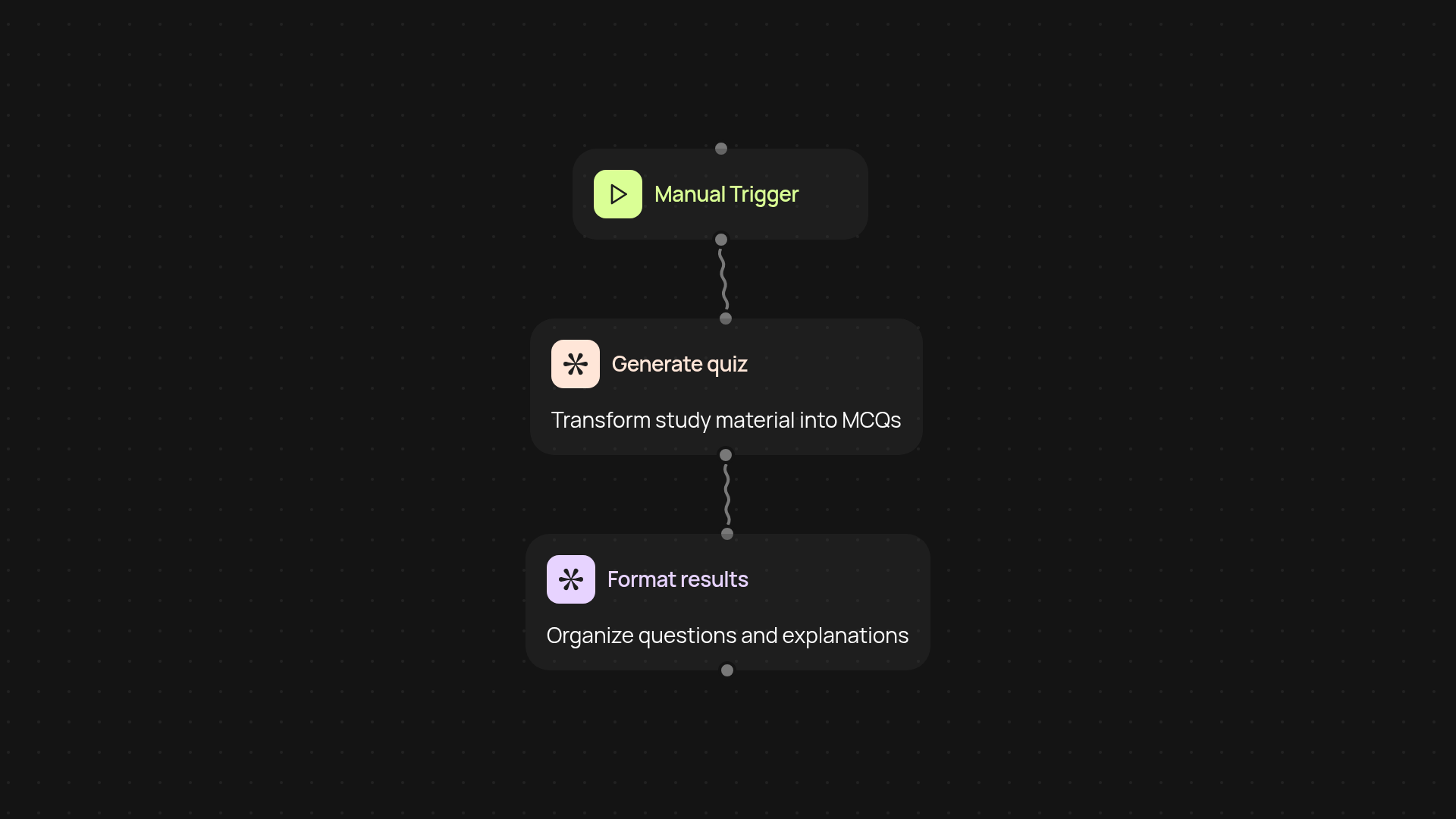
How does Quiz Generator turn study materials into quizzes?
Quiz Generator instantly transforms your documents, notes, or any study materials into detailed multiple-choice quizzes. Just upload or paste your content—Quiz Generator handles question creation, answer selection, and even writes detailed explanations for each answer. No more hours spent crafting quizzes by hand.
Can I control quiz difficulty and explanations?
Yes. Choose from various difficulty levels, so your assessments always fit your needs. Every question includes a clear explanation, ensuring learners not only know the answers but understand the reasoning behind them. This means better learning outcomes—without any extra work from your end.
What formats and subjects are supported?
Quiz Generator supports a wide range of study materials: PDFs, text notes, web content, and more. Whether you’re preparing for academic exams, employee onboarding, or training sessions, you can transform material on almost any subject into MCQs in minutes, all automatically.
How do I set up Quiz Generator and what do I need?
Getting started is simple: just provide your study material and pick your desired quiz settings. With a single click, the Quiz Generator gets to work in the background. You'll need your study material and internet access—no technical skills required.
More templates
Get started today
Your first workflow is free to build.
Describe what you need. Cody handles the build, the connections, and the deployment.