QR code generator — create custom codes instantly
Create custom QR codes in seconds. CodeWords lets you instantly generate scannable QR codes for links, text, or data without manual design work.
Example starting point only. Verify every connection and any sending, booking, inventory, approval, or handoff action before deployment.
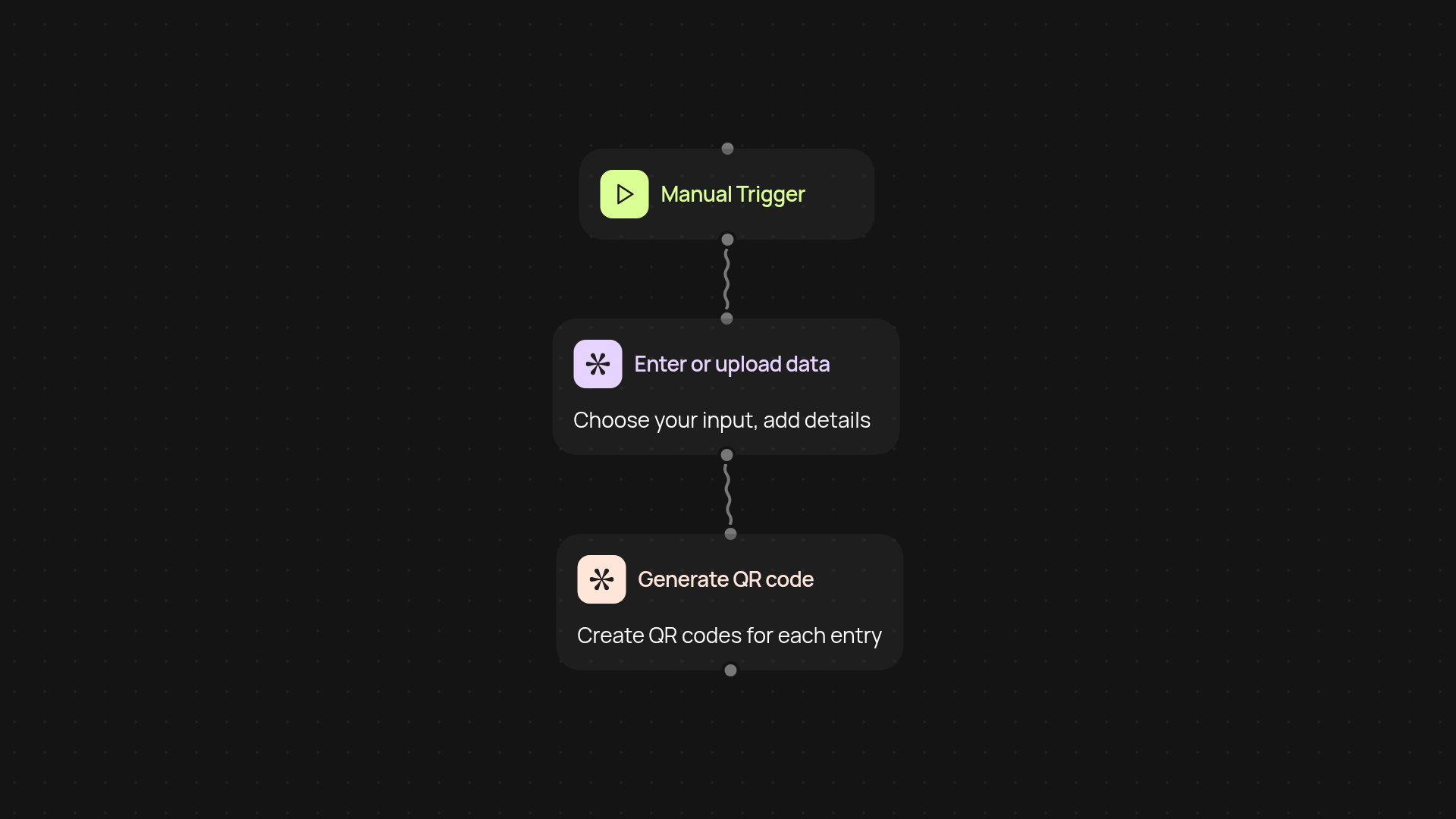
How can you create custom QR codes in seconds?
With CodeWords, creating your own QR codes is quick and simple. Skip the hassle of manual design — just tell us what you want to embed, and we’ll generate a scannable code automatically. Whether it’s a link, contact info, or any snippet of text, you get a ready-to-use QR code in moments. Perfect for sharing information easily at events, on marketing materials, or for internal use.
What types of data can you embed in a QR code?
You can make QR codes for website URLs, addresses, payment details, promo codes, or custom text. Just enter the information, and our platform will handle the formatting for you. No need for graphic design skills — anyone can make high-quality codes now.
How does CodeWords handle multiple requests?
Need a batch of QR codes? You can process them all in one go, saving hours each week. Upload a list and watch as your codes are created in the background. Even if you’re making codes for different departments or uses, there’s no manual work involved after setup. Everything is organized for easy download and sharing.
How do you get started with QR code generation?
All you need is your list of data and a few minutes. Choose your input method — manual entry or file upload — and let CodeWords take care of the rest. There’s no extra software to install. Once your codes are ready, simply download and use them wherever you need. Anyone on your team can jump in and start generating QR codes right away.
More templates
Get started today
Your first workflow is free to build.
Describe what you need. Cody handles the build, the connections, and the deployment.