Purchase order automation — generate and manage orders
Save hours with purchase order automation. Instantly generate and manage purchase orders automatically — no manual work needed. Start automating today.
Example starting point only. Verify every connection and any sending, booking, inventory, approval, or handoff action before deployment.
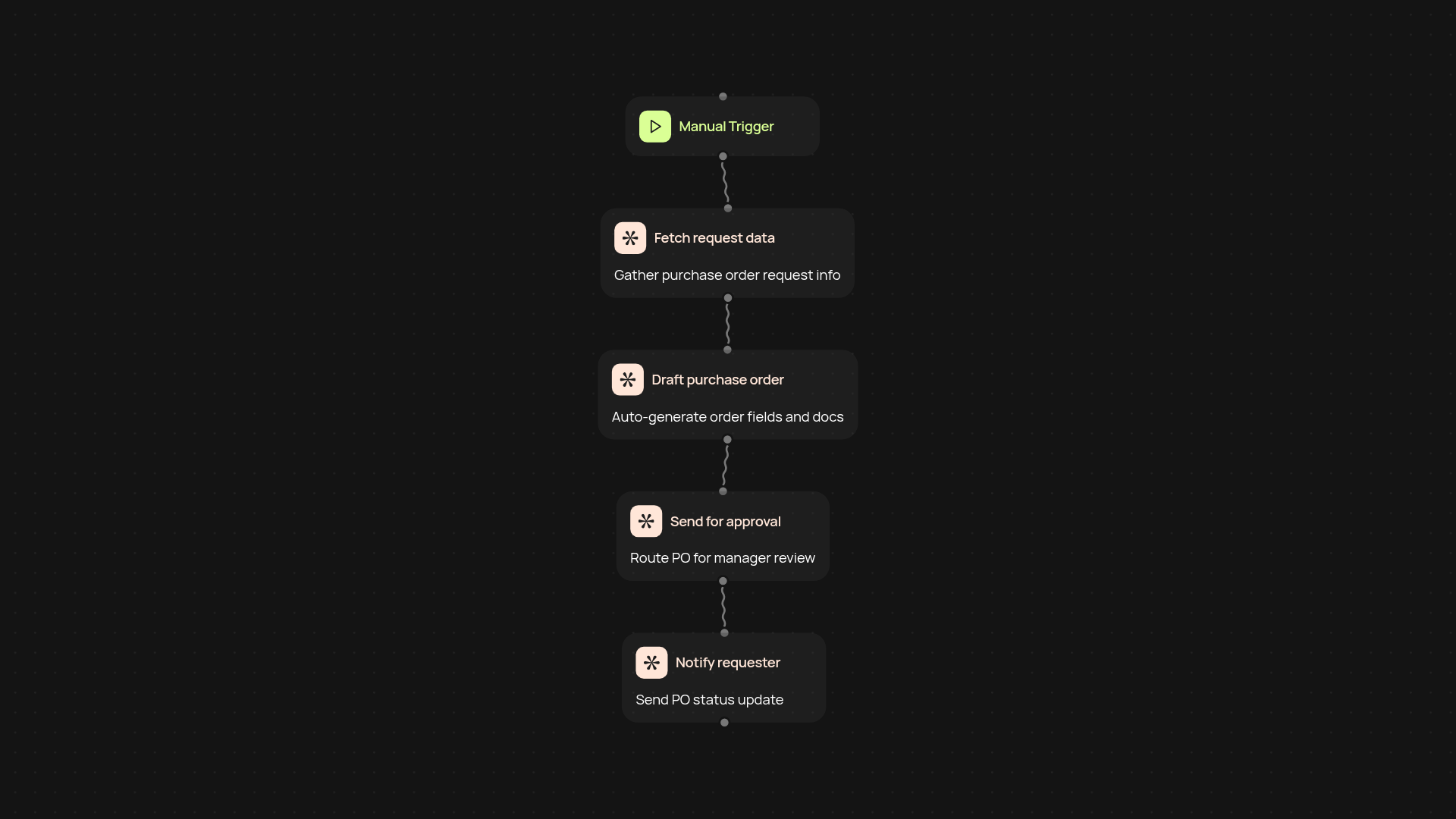
How can you automate purchase orders from start to finish?
With purchase order automation, you can generate, review, and manage purchase orders after setup and review. The process starts with a simple trigger—such as a scheduled run or a real-time request—then AI steps in to auto-fill your order details and format documents the way you need. Approvals and notifications happen automatically, giving you full control without the headaches of manual tracking and endless paperwork.
How does the system ensure every purchase order is accurate?
Accuracy comes from intelligent data handling. Each order draft is carefully created using AI to populate fields, check for missing information, and prevent duplicates. You receive alerts for any gaps or errors, so nothing slips through the cracks. This ensures your purchasing stays consistent and compliant—even as your order volume grows.
What benefits do you get compared to manual purchase order management?
Automated PO management means faster turnaround, fewer mistakes, and total visibility. You’ll instantly know the status of every request and spend less time chasing approvals or correcting errors. That time saved adds up fast—freeing your team to focus on higher-priority tasks.
How do you set up purchase order automation and what do you need?
Getting started is simple. Pick your trigger, connect your source (like a spreadsheet or form), then let the automation handle the rest. You’ll just need access to your purchase data and the CodeWords platform. Adapt the template to your approval process and notification preferences—it’s all customizable. Start automating purchase orders in minutes.
More templates
Get started today
Your first workflow is free to build.
Describe what you need. Cody handles the build, the connections, and the deployment.