Presentation Feedback Analyzer — actionable improvement tips in minutes
Get instant, practical feedback on your presentations. Presentation Feedback Analyzer reviews your slides or script with AI and shares easy-to-follow suggestions.
Example starting point only. Verify every connection and any sending, booking, inventory, approval, or handoff action before deployment.
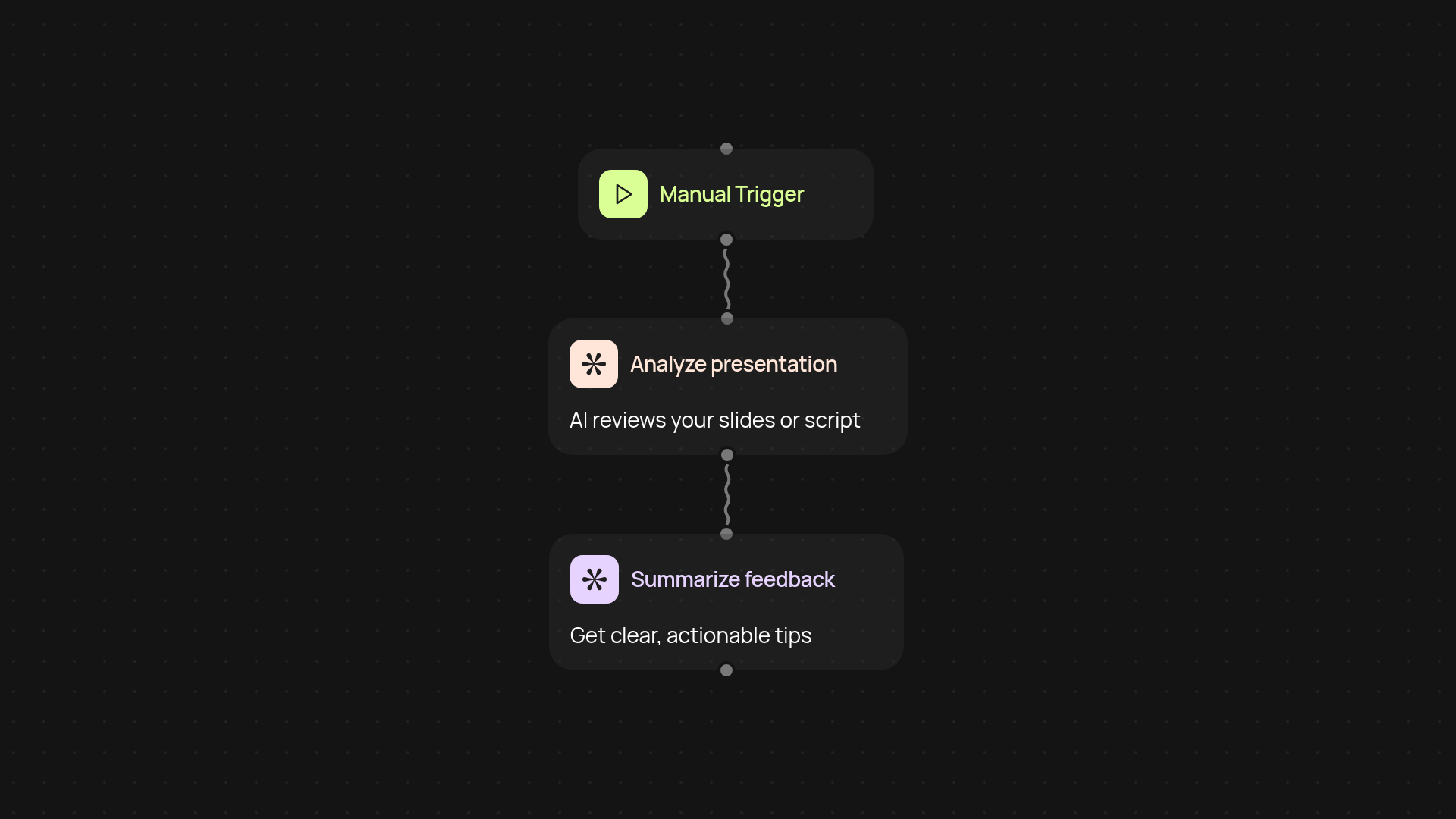
What does the presentation feedback analyzer do for you?
The Presentation Feedback Analyzer reviews your slides or script and gives you quick, tailored feedback. You simply upload your content and get practical suggestions to help you boost engagement and clarity. No guesswork — just clear tips to improve your storytelling, visuals, and delivery.
How does it provide helpful feedback so fast?
Once you upload your presentation, our AI reviews it in the background using a proven process. It highlights what’s working, pinpoints where you can improve, and recommends specific changes that you can use right away. You’ll get a concise report filled with tips, so there’s no need to spend hours poring over your content or looking for experts.
What kind of advice will you receive?
The feedback covers everything from structure and flow, to visual impact, to audience engagement. You’ll discover clear ways to organize your ideas more effectively, strengthen your message, and polish your delivery style — all in a helpful, easy-to-read format.
How do you set it up and what do you need?
Getting started couldn’t be easier. Just upload your presentation or its script, and the analyzer will get to work instantly. There’s nothing to install or configure — you get all the feedback after setup and review. You’re ready to go in just a few clicks.
More templates
Get started today
Your first workflow is free to build.
Describe what you need. Cody handles the build, the connections, and the deployment.