Post-Mortem Generator — create incident reports instantly
Turn your incident details into clear, structured post-mortem reports with reduced manual effort. Create and share post-incident documentation in minutes.
Example starting point only. Verify every connection and any sending, booking, inventory, approval, or handoff action before deployment.
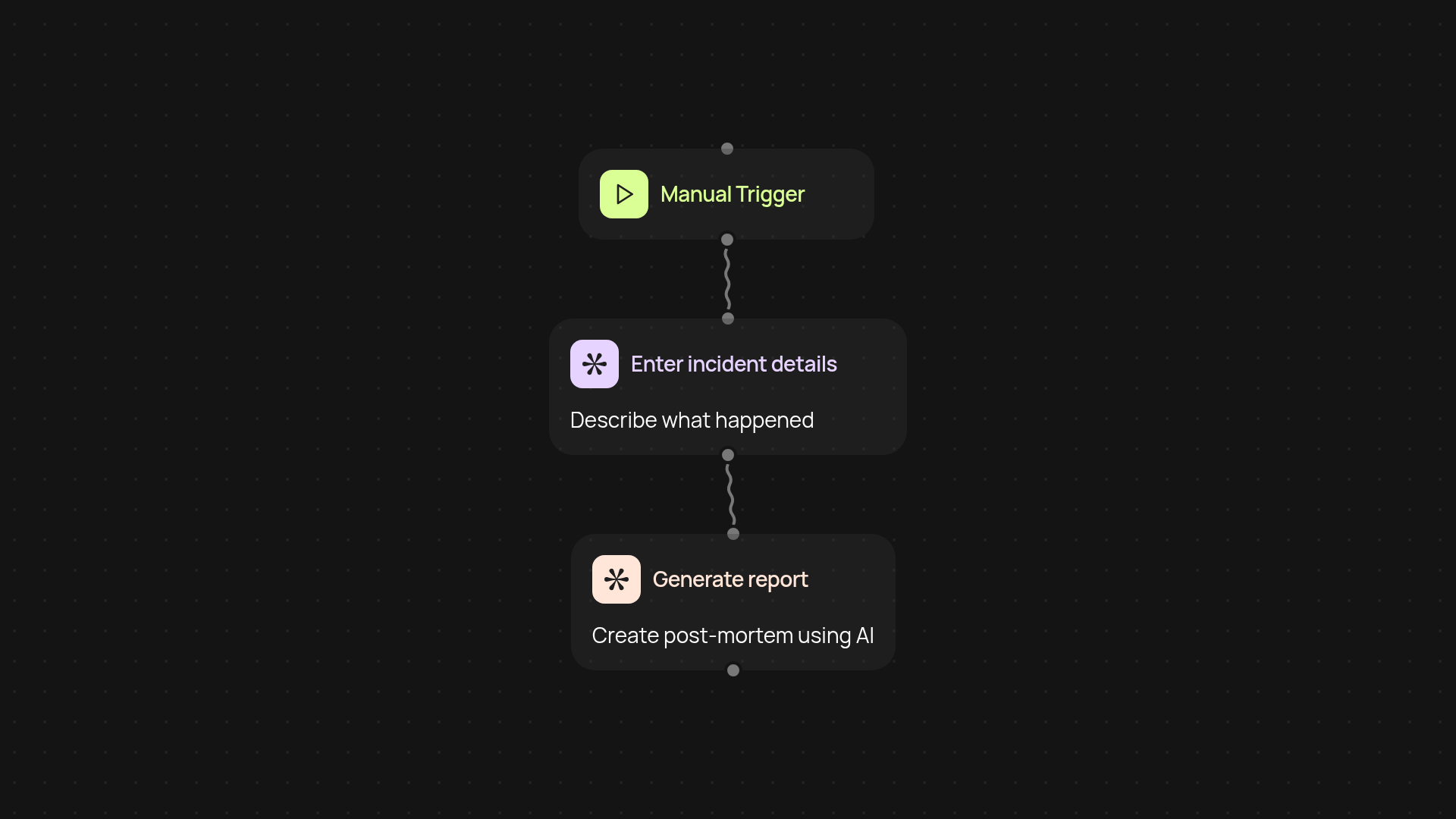
How does the post-mortem generator create reports from incidents?
Our post-mortem generator transforms your raw incident details into a clear, structured report—without manual work. You simply provide the main facts of what happened and the tool instantly delivers a complete, easy-to-read document. It highlights key events, outcomes, and next steps, so your team can learn and improve faster. No more scrambling to piece together analysis or recollections after a stressful incident.
Can I customize the post-mortem report format?
Yes. You can specify what information you want included, such as a summary, timeline, root cause analysis, and recommended actions. The tool’s output matches your preferences—allowing you to generate reports that fit your company’s process every time, after setup and review.
How fast can I generate and share incident documentation?
You can create and circulate a post-mortem report in minutes. As soon as you provide the incident details, the generator processes everything in the background and gives you a polished document ready to share with your team. This means you get a record of what happened and what needs to change, all automatically.
What do I need to get started?
All you need are the incident details. Start the process manually whenever an issue occurs—no technical skills or special setup required. The post-mortem generator helps you document every incident consistently, so you can focus on learning and improvement.
More templates
Get started today
Your first workflow is free to build.
Describe what you need. Cody handles the build, the connections, and the deployment.