Pitch practice simulator — boost investor confidence
Practice your investor pitch Q&A after setup and review. Simulate real investor sessions, prep your answers, and gain confidence automatically with CodeWords AI.
Example starting point only. Verify every connection and any sending, booking, inventory, approval, or handoff action before deployment.
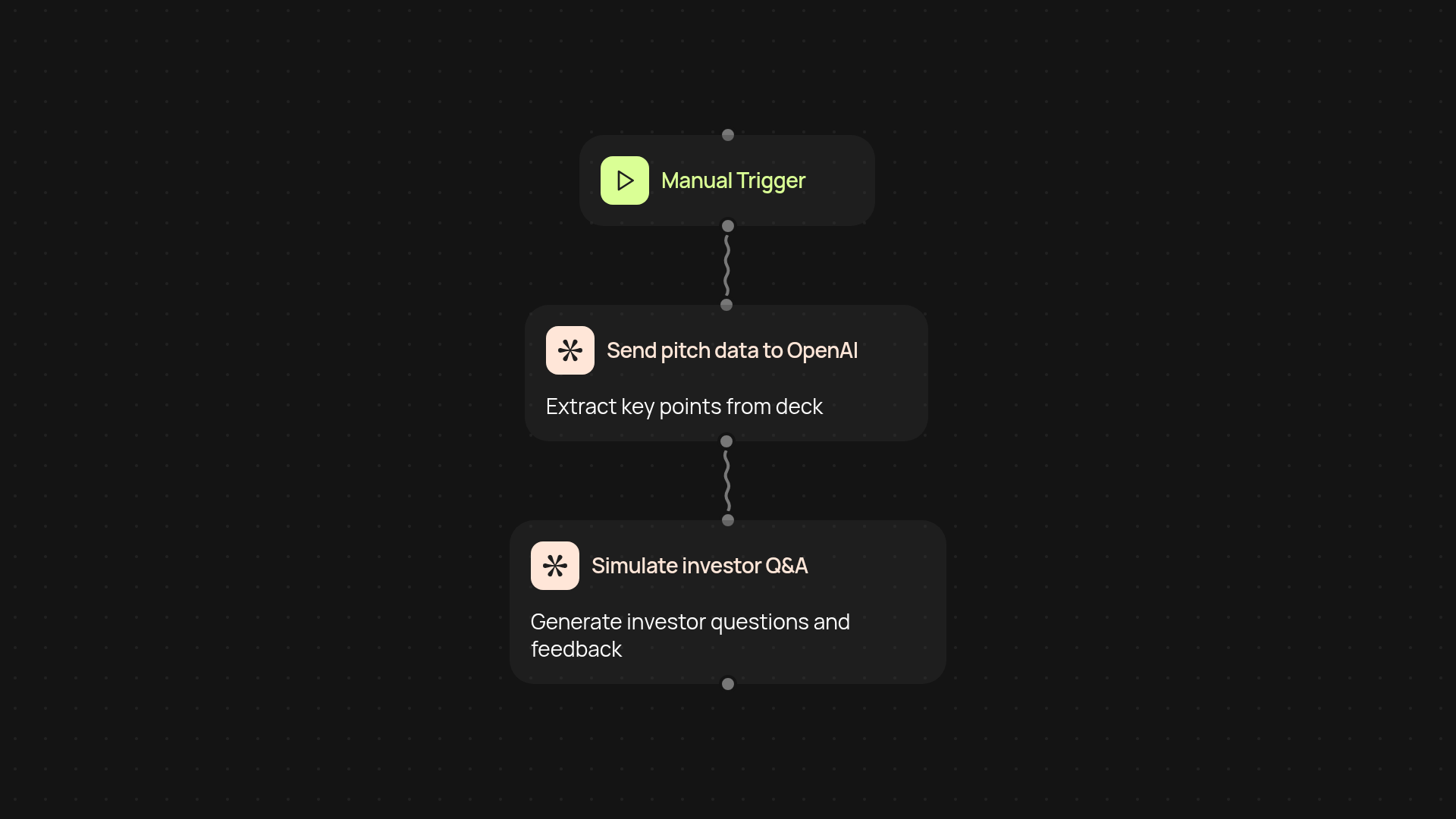
How does the pitch practice simulator prep you for real investor questions?
The pitch practice simulator gives you a safe, guided way to rehearse investor Q&A sessions. Just upload your pitch deck or type in your elevator pitch—the simulator will instantly generate tough investor questions and prompt you to respond as if you were in an actual meeting. This tool helps you refine your answers and get comfortable with unpredictable scenarios, so you're ready for any curveball in the real world.
What kinds of investor scenarios does it cover?
You get a wide range of Q&A interactions, from basic opportunity questions to deep dives on financials and go-to-market plans. The AI cycles through different tones, question types, and even interruptions, reflecting the variety you’d experience in real meetings. Every session is unique — giving you fresh challenges and reducing the risk of rehearsed-sounding replies.
Can I tailor the simulation to match different investors?
Absolutely! Choose the investor “persona” you want to face, adjusting for style—whether you prefer someone relaxed or a tough negotiator. This makes it easy to practice for different types of meetings, from friendly introductions to high-stakes partner rounds. You set the level of intensity to match your current prep needs.
How do I get started and what do I need?
You only need your pitch summary or deck and a few minutes to set up. Select your investor persona, upload your materials, and let the simulator guide the session. The process runs without manual work, so all you have to do is focus on your answers. No tech setup required—just log in and start practicing your investor pitch today.
More templates
Get started today
Your first workflow is free to build.
Describe what you need. Cody handles the build, the connections, and the deployment.