PDF Merger and Splitter — combine and split PDFs instantly
Merge multiple PDFs or extract pages into new files in seconds. Automate PDF processing with with less manual work using CodeWords.
Example starting point only. Verify every connection and any sending, booking, inventory, approval, or handoff action before deployment.
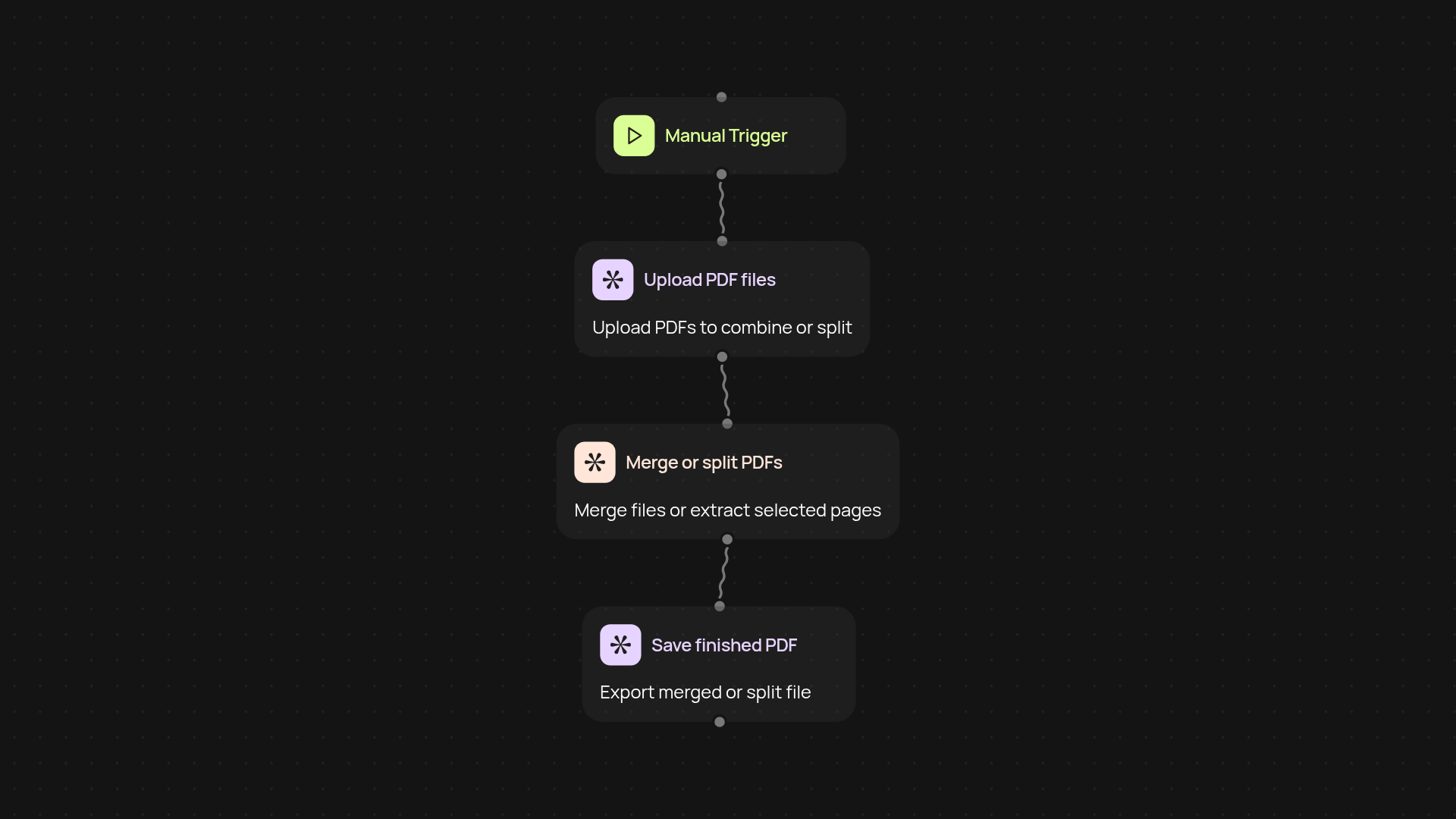
How does the PDF Merger and Splitter simplify your workflow?
With the PDF Merger and Splitter template, you can instantly combine several PDFs into a single file or split a large document into custom page ranges—no manual editing required. Handle client contracts, reports, receipts, or training materials in just a few clicks. This automation runs in the background, freeing you from tedious file processing and letting you stay focused on what matters.
What types of PDFs can you process?
You can merge any number of standard PDF documents or split a PDF into specific ranges. Whether you have meeting notes to assemble or need to share only certain chapters of a manual, this template adapts to your needs. Upload files, choose your action, and let CodeWords take care of the rest—no more repeat downloads or renaming files by hand.
Can I use this template without any technical skills?
Absolutely. The setup process is designed so anyone can get started in minutes. Just add the files you need to merge or split, select the page ranges or order, and trigger the workflow. It runs automatically, so you can move on to your next task while your PDFs are prepared—all within a secure environment.
What do you need to set up and start using PDF automation?
To get started, all you need are the PDF files you want to process and access to your CodeWords dashboard. No advanced knowledge or manual editing is necessary: just follow the guided prompts and let the automation do the rest. Within minutes, you’ll be merging and splitting documents automatically — no extra software required.
More templates
Get started today
Your first workflow is free to build.
Describe what you need. Cody handles the build, the connections, and the deployment.