PDF knowledge assistant — get instant answers from any PDF
Unlock your PDF files. Instantly search, analyze, and get answers from any PDF document with the PDF knowledge assistant powered by semantic search.
Example starting point only. Verify every connection and any sending, booking, inventory, approval, or handoff action before deployment.
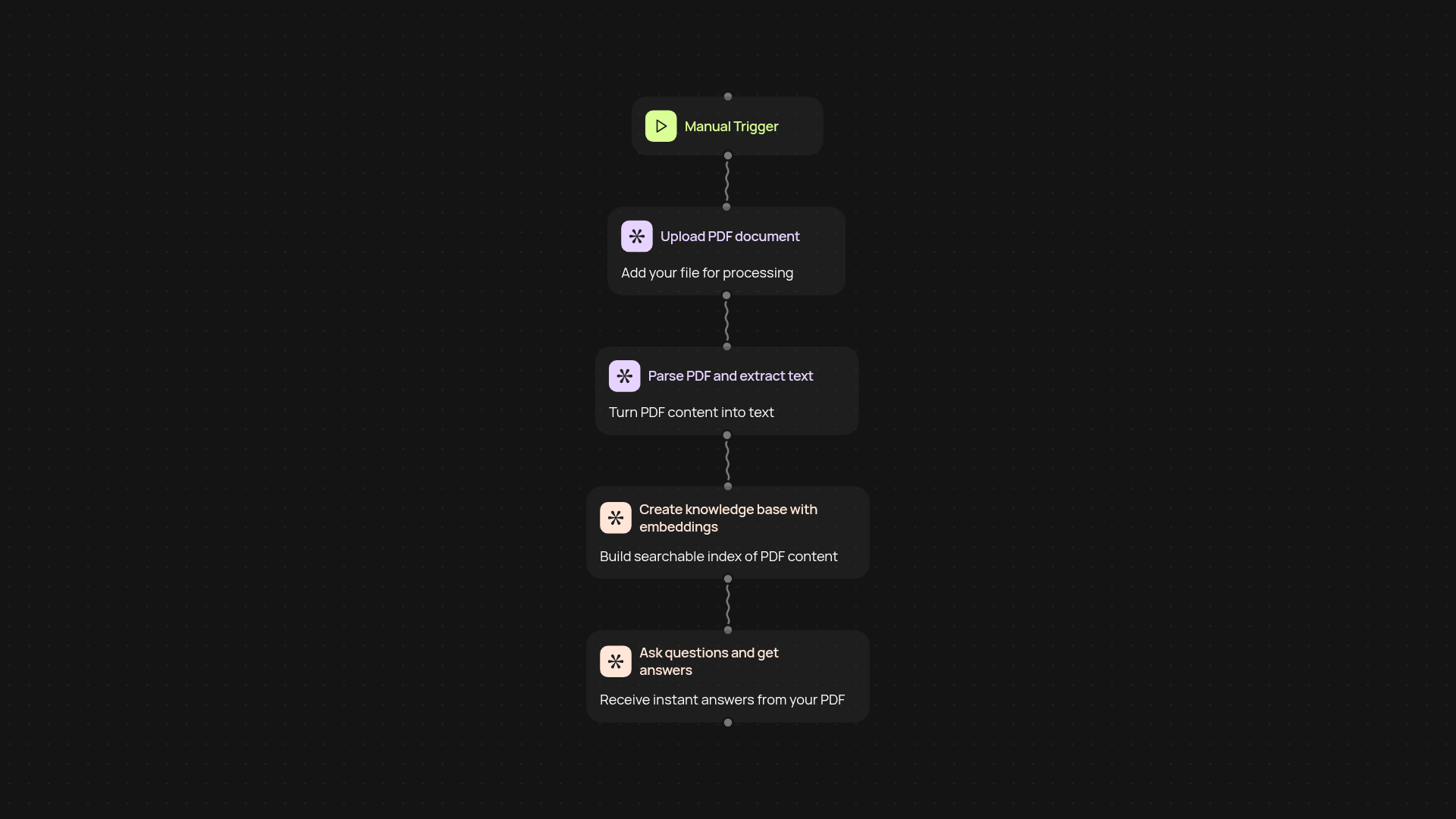
How does the PDF knowledge assistant help you get answers from documents?
The PDF knowledge assistant turns your PDF files into a powerful knowledge base. Upload any PDF, and the system indexes the content so you can ask questions and get clear, reliable answers in seconds. No more wasting time digging through hundreds of pages looking for key info — simply type your query and see the answer pop up right away.
What makes this better than regular PDF search tools?
Traditional search can’t match the power of semantic understanding. The assistant goes beyond basic keyword matching, using advanced search to find contextually relevant answers even when the wording doesn’t match. Whether your documents are complex contracts or lengthy research, you get answers that actually make sense for your specific need, without manual hunting.
Can I use it with different types of PDF documents?
Yes, the assistant works with a wide range of PDF types, from business reports to legal agreements and academic papers. All it takes is a quick upload. The system handles the rest in the background — building a searchable, intelligent summary you can tap into anytime. Save hours every week on repetitive document review or manual searching.
How do I set it up and what do I need?
Getting started is fast. First, run the assistant manually or on a schedule. Just upload your PDF, and the assistant builds an in-memory knowledge base automatically. After setup, you’re ready to ask questions and receive answers automatically. All you need is your PDF file and access to the PDF knowledge assistant — no technical skills required.
More templates
Get started today
Your first workflow is free to build.
Describe what you need. Cody handles the build, the connections, and the deployment.