Password strength analyzer — check and improve your passwords
Easily check if your password is strong or weak. Get instant feedback on password security and personalized suggestions to improve your safety.
Example starting point only. Verify every connection and any sending, booking, inventory, approval, or handoff action before deployment.
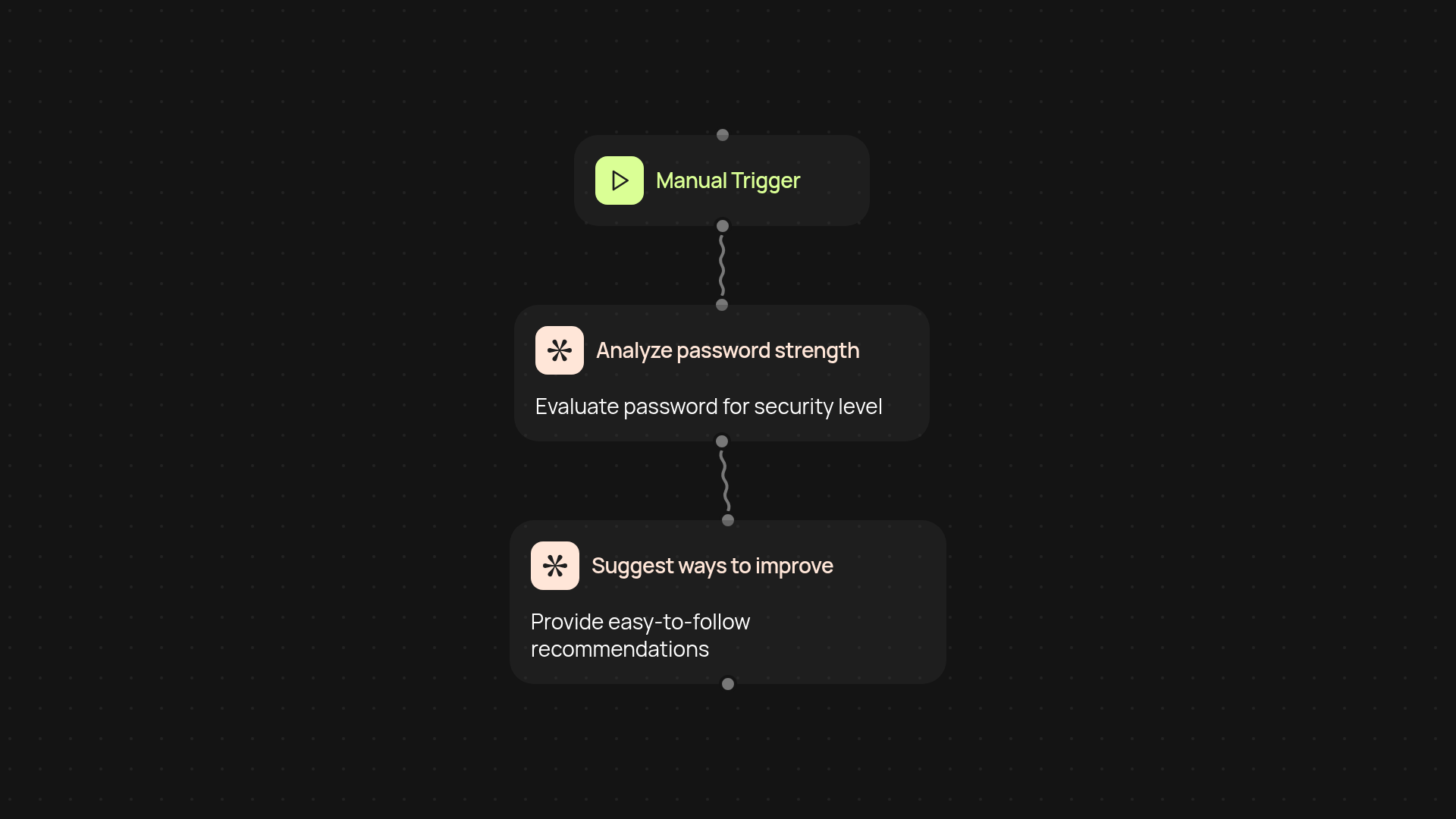
How does the password strength analyzer check your passwords?
The password strength analyzer reviews any password you enter and tells you straight away if it’s weak, strong, or somewhere in between. You’ll get quick, clear feedback based on current security standards — including suggestions on how to make your passwords even more secure.
What makes a password strong according to this analyzer?
Strong passwords are usually longer, combine different character types, and avoid common words or patterns. Our analyzer checks all these factors in the background, so you can instantly see how your password measures up. You’ll know exactly what’s missing — or what makes your password tough to crack — in a matter of seconds.
How can you improve your password without manual research?
After your password is checked, you’ll instantly get simple tips tailored to the specific password you’ve entered. Instead of searching for security advice, you can follow on-screen suggestions to boost your password’s safety right away, helping protect your important accounts after setup and review.
How do you get started with the analyzer?
Just enter any password when prompted and the analyzer runs instantly. No logins, downloads, or complex setup required. You simply need access to CodeWords and a password to test — everything else is handled for you.
More templates
Get started today
Your first workflow is free to build.
Describe what you need. Cody handles the build, the connections, and the deployment.