Optical character recognition — turn images into text instantly
Extract text from multiple images. Batch OCR processing that saves hours and eliminates manual typing. Try CodeWords OCR automation today.
Example starting point only. Verify every connection and any sending, booking, inventory, approval, or handoff action before deployment.
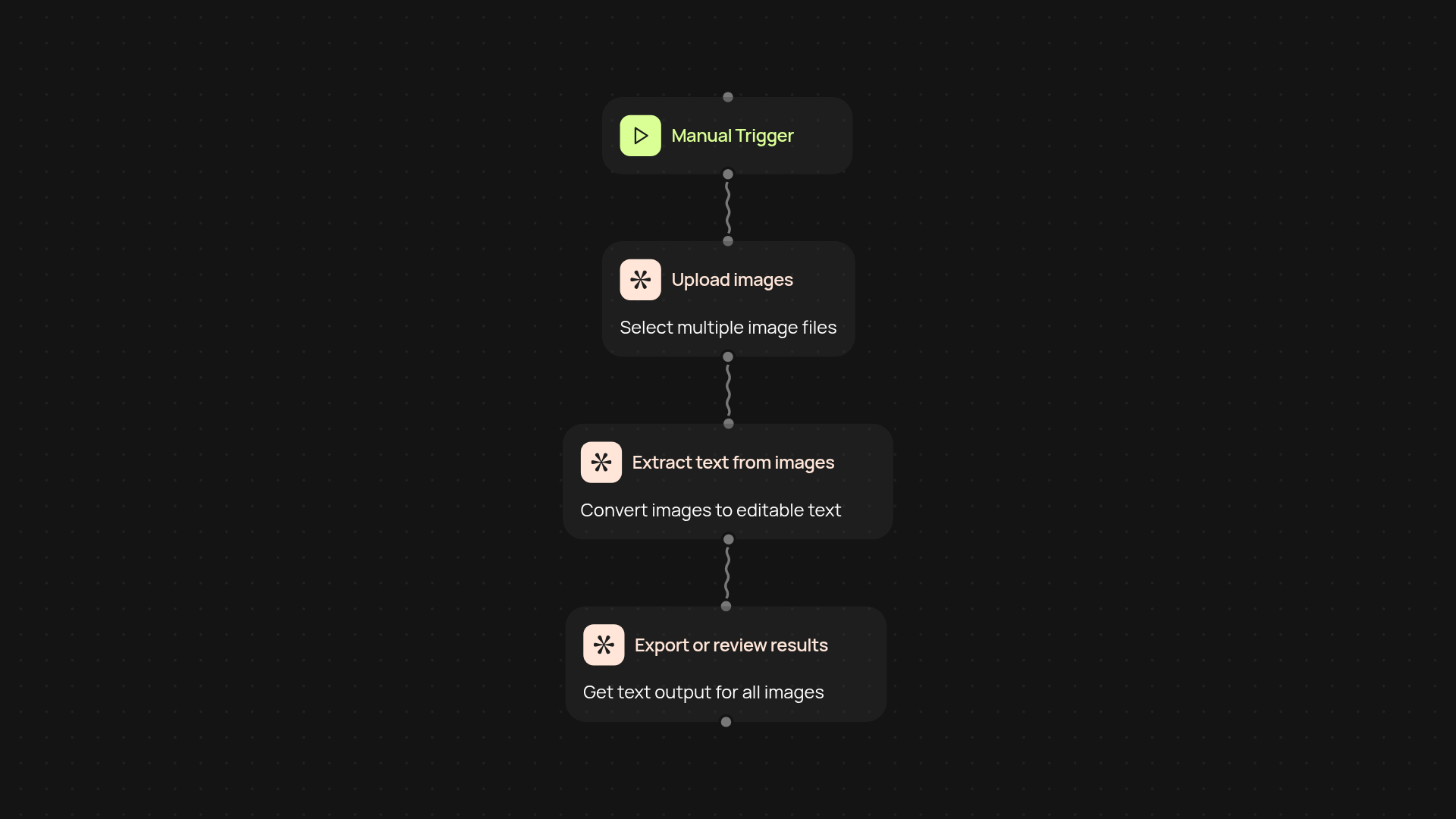
How can you extract text from images automatically?
With optical character recognition from CodeWords, you can convert batches of images into usable text in minutes. Simply trigger the process, select your images, and watch as the tool pulls out text accurately—no more tedious manual transcription. Your data becomes accessible, searchable, and ready to use, all after setup and review.
What kinds of images work for this batch OCR service?
You can process scanned documents, photographs, receipts, or screenshots. The batch feature lets you run OCR on any number of images at once, saving you valuable time. And because everything happens in the background, you’re free to focus on other work while text is being extracted.
How will your workflow change with automatic OCR?
Extracting text from dozens (or hundreds) of image files becomes a painless task. You’ll reduce errors, eliminate repetitive typing, and access information right away. Whether you need to archive paperwork or mine data from scanned images, the process is efficient and precise—so you get quick results with minimal effort.
What do you need to start batch OCR processing?
Just have your images on hand—local files or cloud storage both work. Trigger the workflow manually or schedule it as needed. CodeWords takes care of the rest, converting multiple images to text in a single run and delivering output where you want it. No special setup required.
More templates
Get started today
Your first workflow is free to build.
Describe what you need. Cody handles the build, the connections, and the deployment.