OCR Document Processor — extract text with structure preserved
Easily extract text from scanned documents while keeping tables, headers, and layout. Perfect for digitizing paperwork or PDFs automatically.
Example starting point only. Verify every connection and any sending, booking, inventory, approval, or handoff action before deployment.
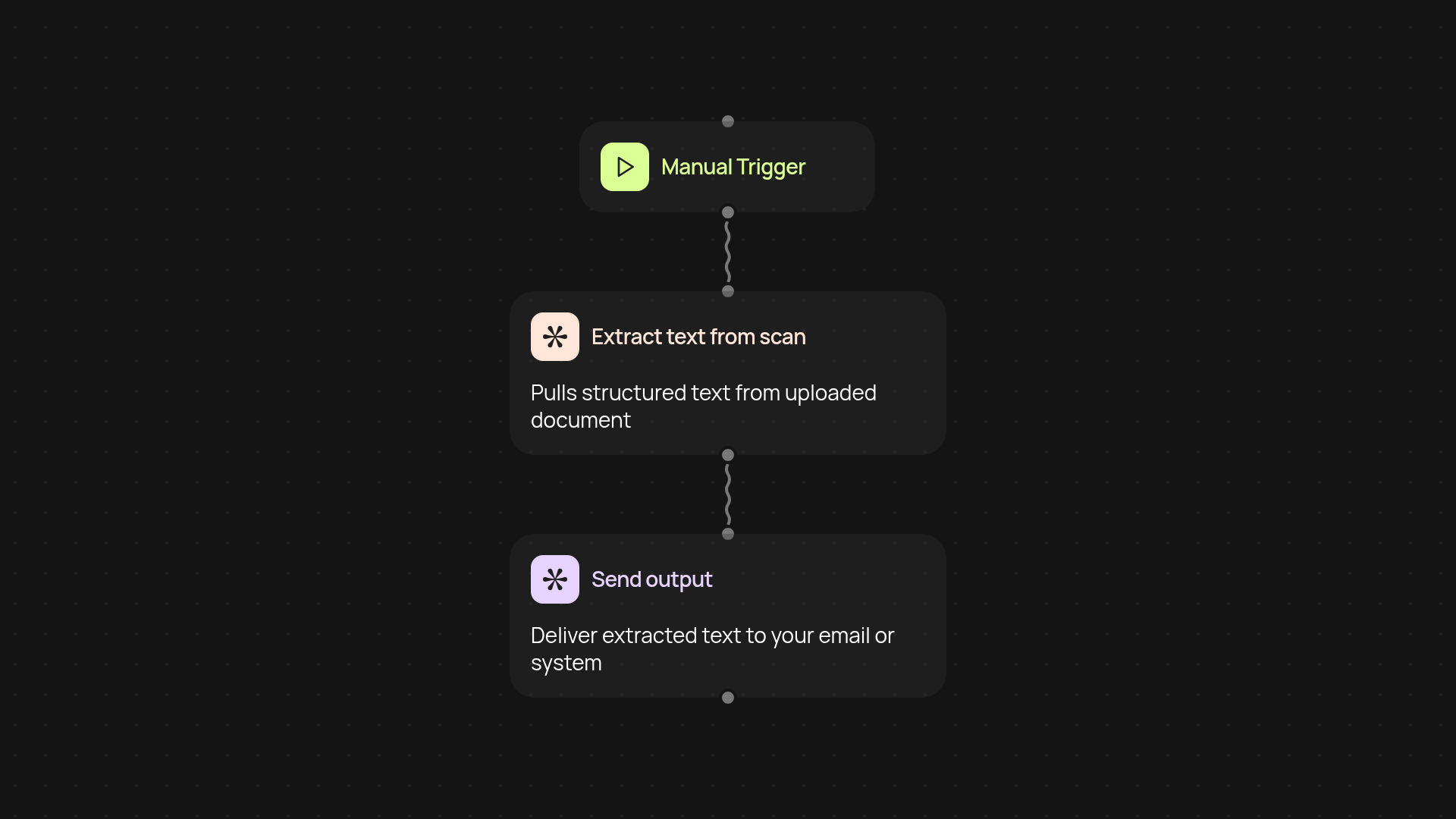
What does the OCR Document Processor do for you?
The OCR Document Processor quickly turns your scanned paperwork and PDF files into usable, editable text — all without losing original layout. From tables and headings to page breaks, the template keeps everything organized. No more manual retyping or fixing formatting. Just drop in your files and let the template take care of everything.
How does it preserve the original document structure?
The processor reads your scan, recognizes page elements, and organizes the extracted text to match layout. You end up with digital files that look and feel just like the originals. Even complex tables or headers are saved, so copying content for future use is simple and stress-free.
What kinds of files can you process instantly?
Whether it's PDFs, scanned receipts, handwritten notes, or images, this template gets the text out—without manual work. Processing happens in the background, freeing you up for more important tasks. Accuracy keeps your documents useful and ready to share or format further.
How do you get started with OCR document processing?
Start by uploading a scanned file or scheduling automatic imports from a folder. No complex setup required. Just connect your document source, hit run, and let CodeWords do the heavy lifting. All you need is access to your scans—you'll have digital text in moments!
More templates
Get started today
Your first workflow is free to build.
Describe what you need. Cody handles the build, the connections, and the deployment.