Notion to Slack sync — updates posted automatically
Sync Notion updates to Slack channels without manual work. Keep your team in the loop with automatic notifications.
Example starting point only. Verify every connection and any sending, booking, inventory, approval, or handoff action before deployment.
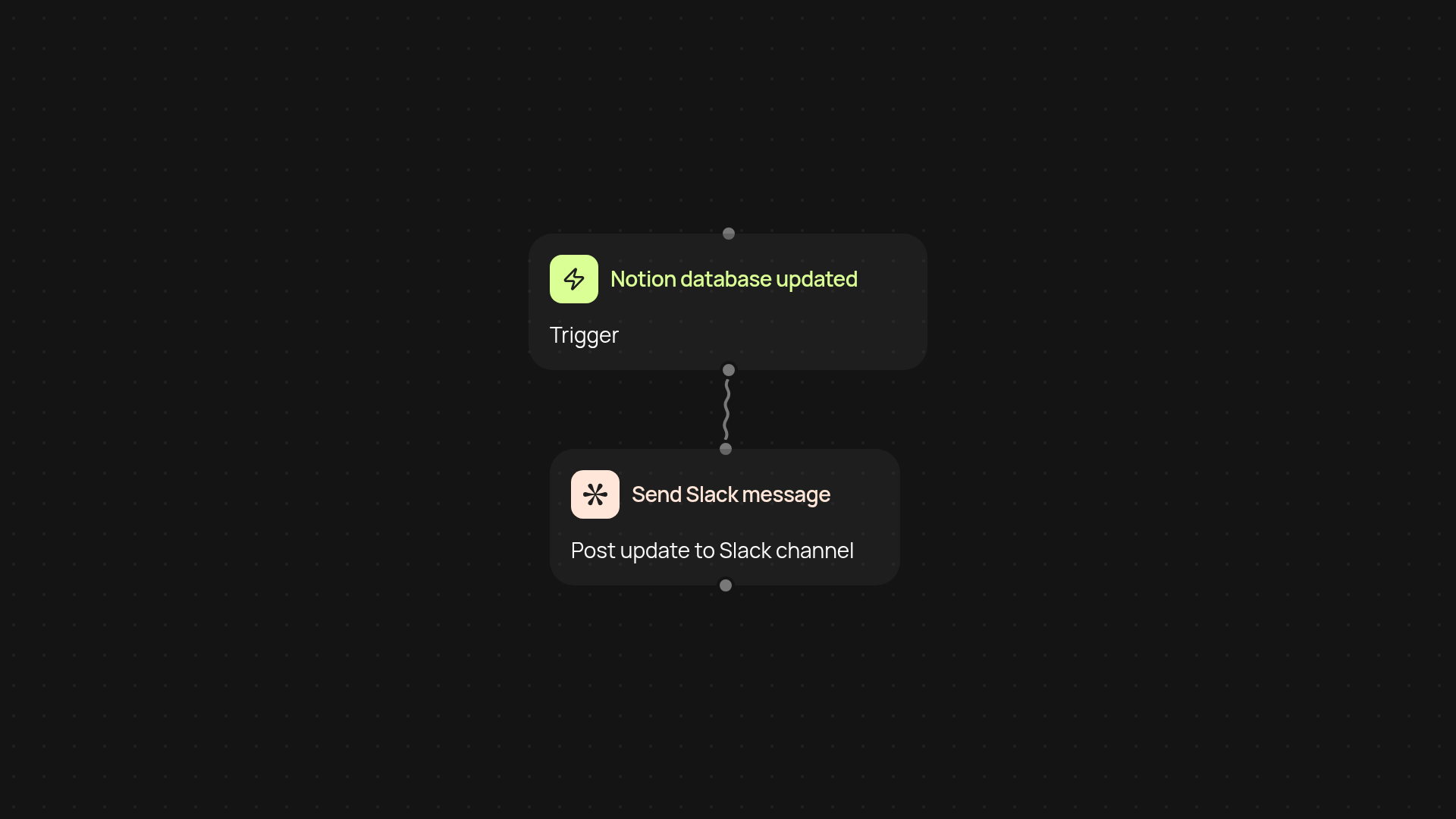
How does this template keep your team informed without manual effort?
With Notion to Slack sync, you stay in the loop instantly. Every update in your selected Notion database is shared as a message in your chosen Slack channel — no need to copy and paste or send reminders. Whether you're managing projects or tracking progress, your team is less likely to miss an important change.
Can this work for any Notion database and Slack channel?
Yes, you choose which Notion database to watch and the Slack channel to notify. The setup makes it easy for any workspace to start getting real-time updates — perfect for project teams, company wikis, or marketing calendars. Tailor it to your workflow without changing how your team uses Notion or Slack.
How do the notifications work and how fast are they?
Whenever there's an update in your selected Notion database, this automation sends details directly to Slack in the background. The sync happens quickly, so everyone gets notified almost immediately. No more digging for updates or sending “did you see this?” messages — it just happens.
What do you need to get started with Notion to Slack sync?
All you need is access to your Notion workspace and a Slack account. Connect both during setup, choose the database and Slack channel you want to sync, and you’re ready. The automation runs automatically from there — keeping your team connected while you focus on your real work.
More templates
Get started today
Your first workflow is free to build.
Describe what you need. Cody handles the build, the connections, and the deployment.