Notion property change monitor — automatic Slack alerts for property updates
Get instant Slack notifications when any Notion database property changes. Stay updated without constant checking. Save hours tracking updates.
Example starting point only. Verify every connection and any sending, booking, inventory, approval, or handoff action before deployment.
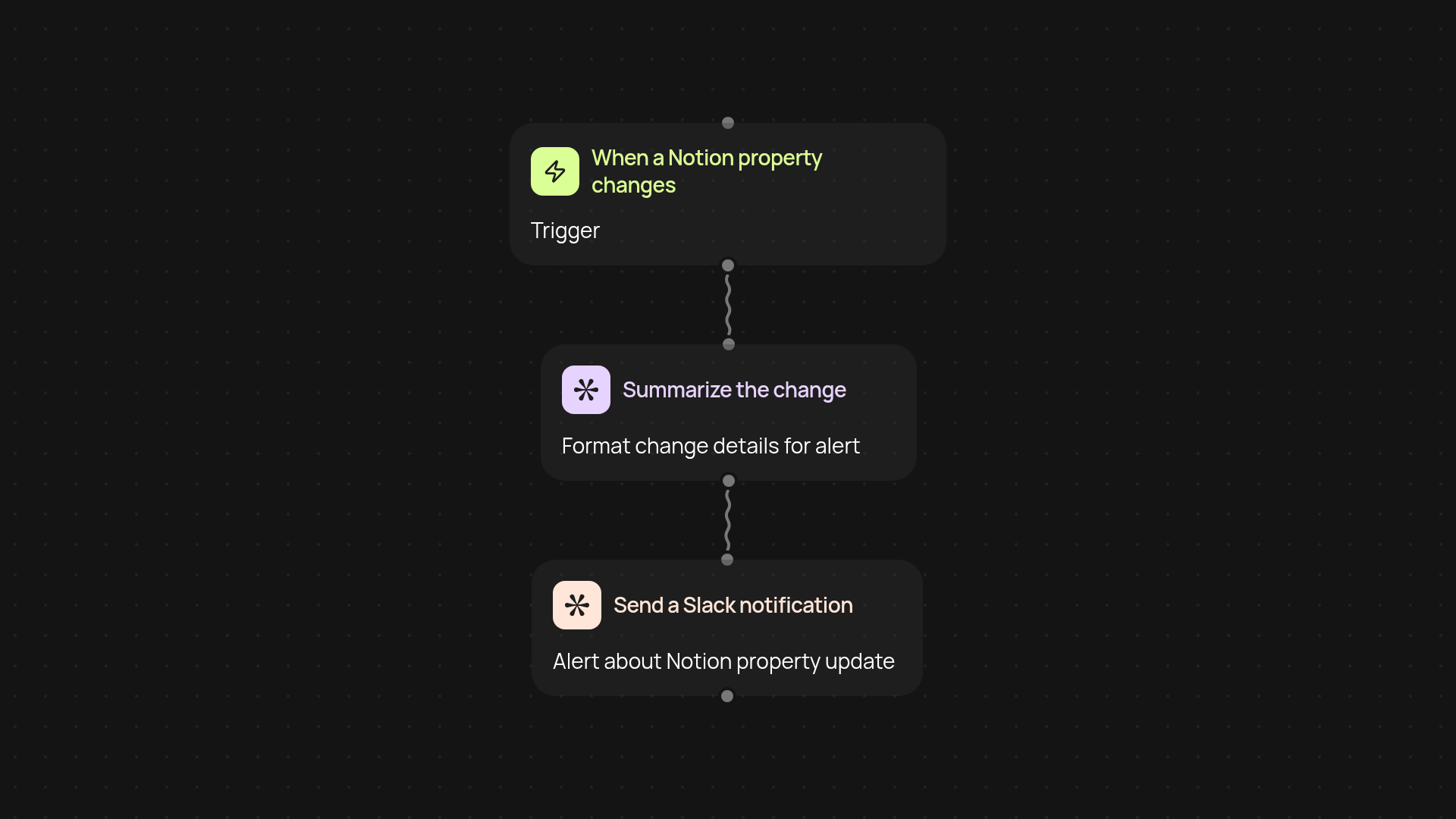
How does this Notion property change monitor keep you informed?
This tool keeps an eye on any property in your Notion database, so you are less likely to miss an important update. As soon as a property changes—like a status update or new comment—you get a Slack notification. No more constant checking or chasing updates by hand. Your team's changes reach you the moment they happen, letting you stay focused on your actual work.
What kinds of Notion property changes can I track?
Track anything that matters: deal stages, project statuses, comments, assigned owners, or due dates. This monitor works across all pages in your chosen Notion database. Just pick the property, and every change is caught instantly in the background. Whether you want to keep tabs on project momentum, new feedback, or shifting priorities, you’ll always be in the loop.
How do Slack notifications help my workflow?
Slack updates make it effortless to loop in the right people. Get alerts in a dedicated channel or direct message, so you can act or follow up without delay. No manual updates to send. You can customize the information in your notification, too—making it clear what changed, who did it, and when.
How do I set up and start monitoring Notion changes?
First, connect your Notion database and your Slack workspace. Choose which property to monitor, then pick your preferred Slack destination. That’s it—you’re ready to receive notifications automatically. You’ll need access to the database you want to monitor and permission to send messages to your chosen Slack channel. No coding or technical setup needed.
More templates
Get started today
Your first workflow is free to build.
Describe what you need. Cody handles the build, the connections, and the deployment.