Meeting Minutes Generator — create summary minutes instantly
avoid missing a key point again. Use CodeWords Meeting Minutes Generator to capture, summarize, and share meeting minutes instantly.
Example starting point only. Verify every connection and any sending, booking, inventory, approval, or handoff action before deployment.
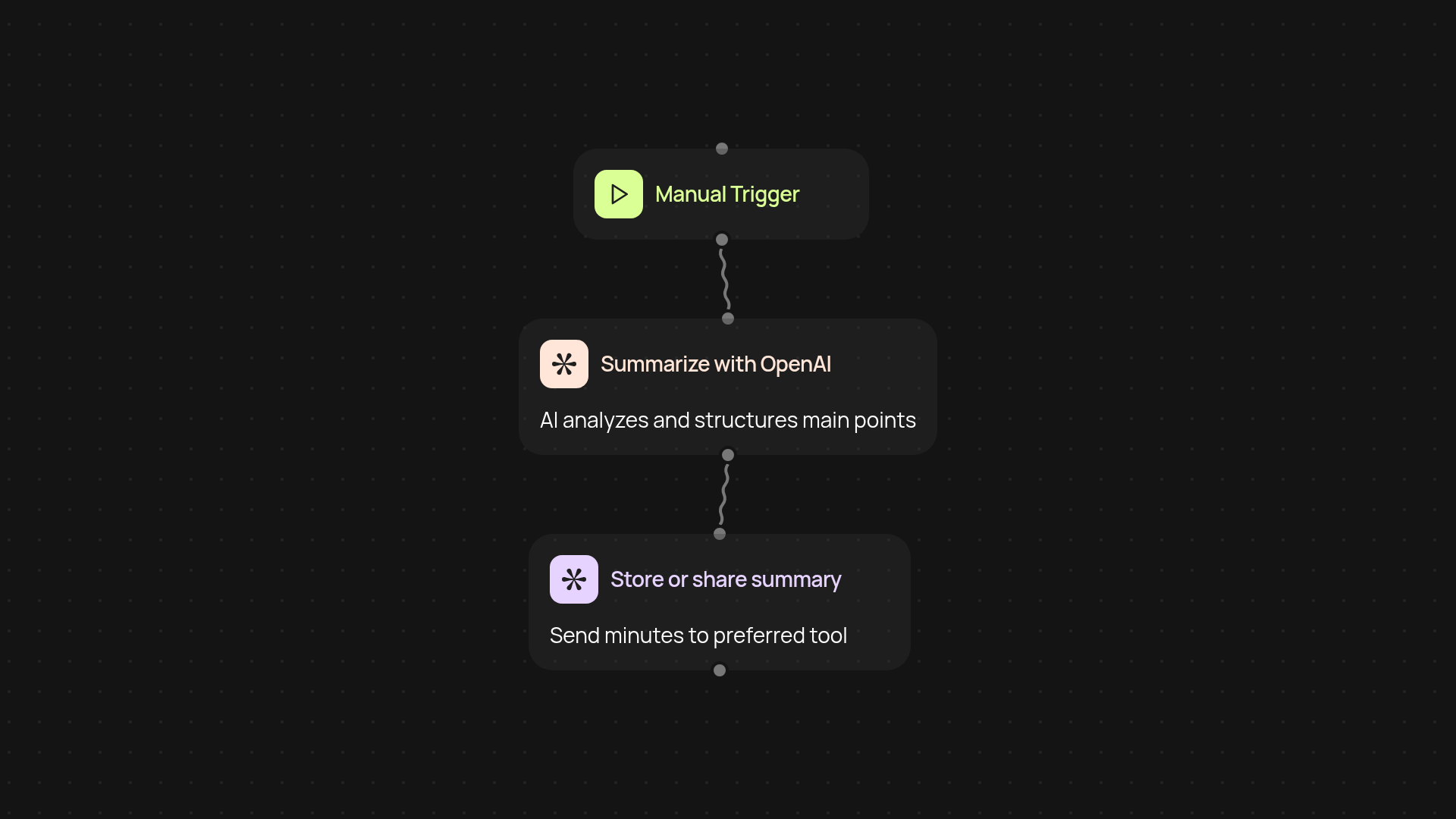
How does the meeting minutes generator capture every detail?
The meeting minutes generator takes your meeting notes, transcripts, or recordings and turns them into clear, structured minutes — without you lifting a finger. Once your meeting wraps, just trigger the workflow and let CodeWords handle the rest. You'll get an easy-to-read summary with all the essential decisions, action items, and follow-ups, ready for sharing or storing where your team needs it.
Can I share or store minutes instantly after a meeting?
Absolutely. The process finishes with organized minutes that you can copy, email, or attach to your tools right away. No more hunting through long transcripts or messy notes. The step-by-step workflow ensures everything is captured and summarized perfectly, so handoff is simple and errors are minimized.
What does the generator include in my meeting summary?
The workflow recognizes key points like attendees, important topics, decisions made, and tasks assigned. You can expect consistent formatting for every meeting, so tracking progress and accountability is a breeze. It's built for busy schedules and teams that need reliable documentation, fast.
How do I set up the meeting minutes generator on CodeWords?
Getting started is easy. You'll just select your trigger — such as uploading a meeting transcript or recording — then connect your storage or communication tool. No technical skills are needed to automate your meeting summaries automatically, saving you hours of manual note-taking each week.
More templates
Get started today
Your first workflow is free to build.
Describe what you need. Cody handles the build, the connections, and the deployment.